Skip to content
Typography Journal:

Type production at MacKellar, Smiths and Jordon

  • How type was made at the “Oldest American Type Foundry” at the end of the 19th century.
· 29,402 views

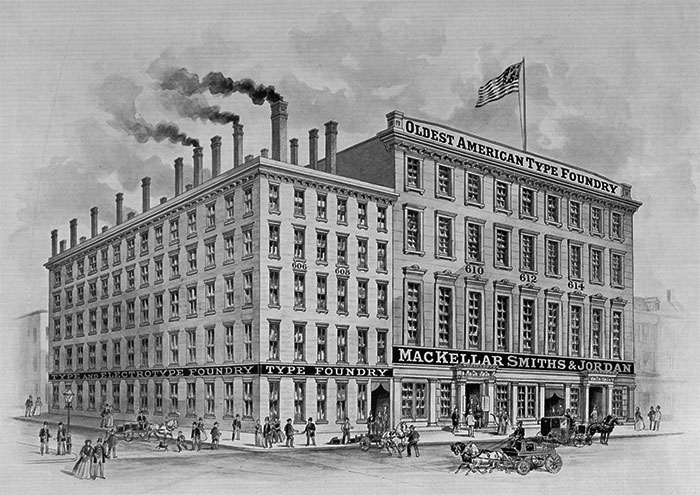
In 1796 Binny & Ronaldson established the first permanent type foundry in the United States. The foundry was also known as The Philadelphia Type Foundry. In 1812 the foundry is supposed to have issued the first type specimen book ever produced in the United States. In 1833—after Binny and Ronaldson had retired—the foundry was purchased by Lawrence Johnson and George F. Smith. It was combined with Lawrence Johnson’s existing stereotype foundry and greatly expanded. In 1845 Johnson brought in three junior partners: Thomas MacKellar, John F. Smith and Richard Smith and in 1897 the foundry took on the name MacKellar, Smiths and Jordon, upon the addition of Peter A. Jordon as a partner.
ccs-1-0-79635400-1416213674.thumb.jpg.f9

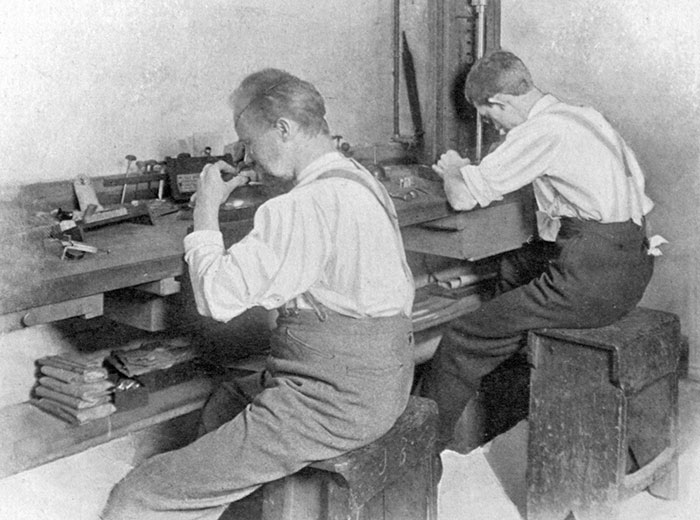
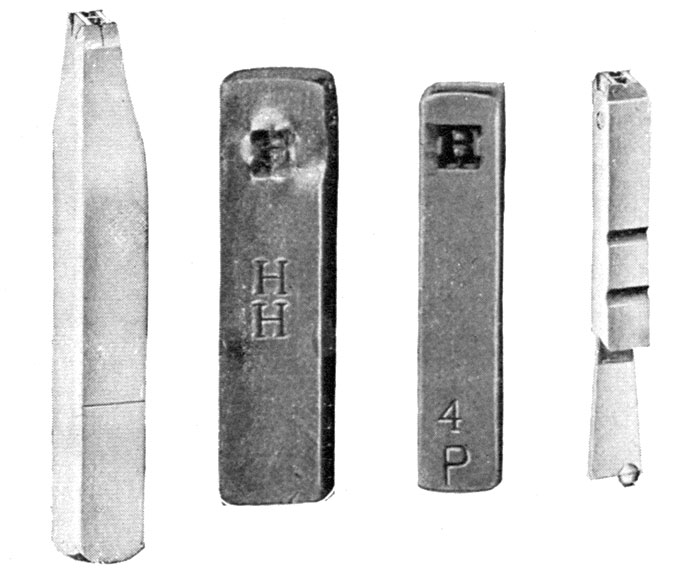
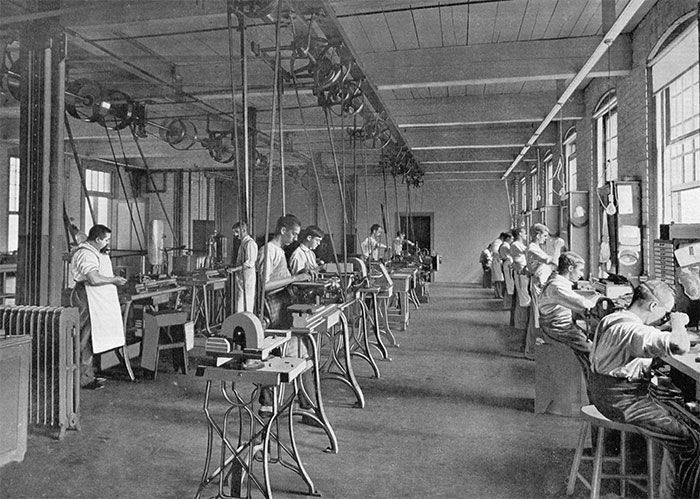
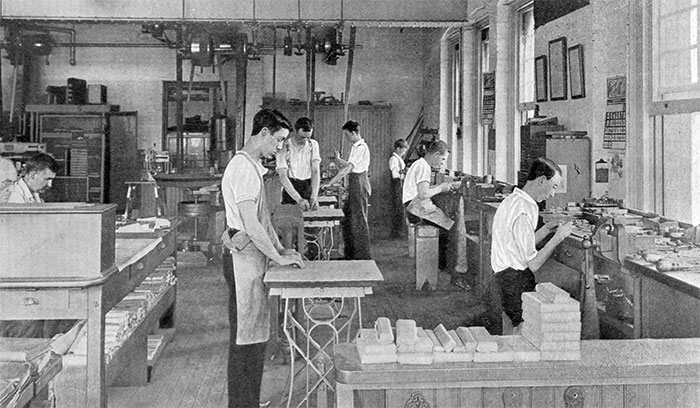
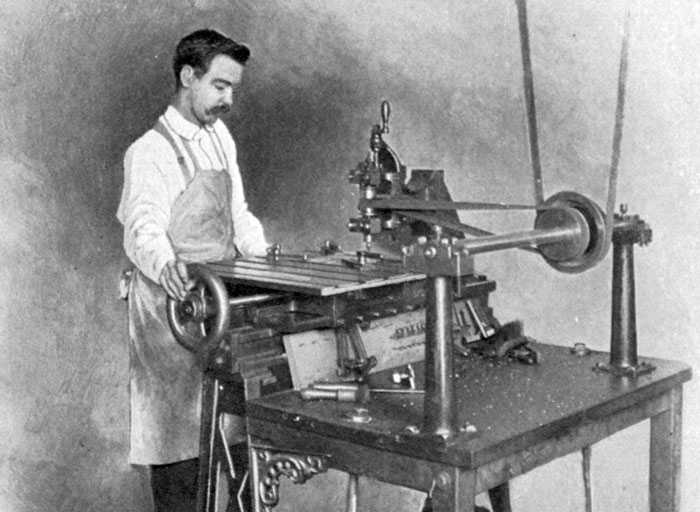
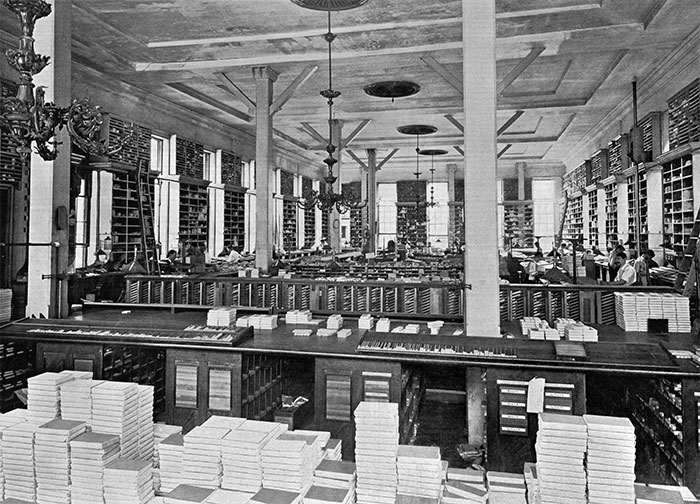
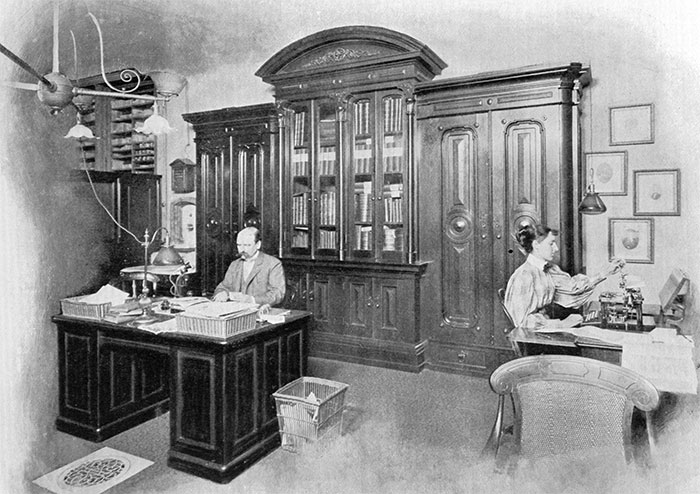
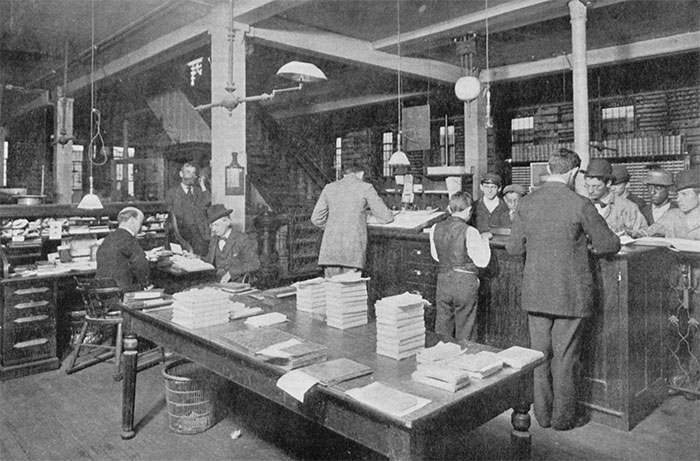
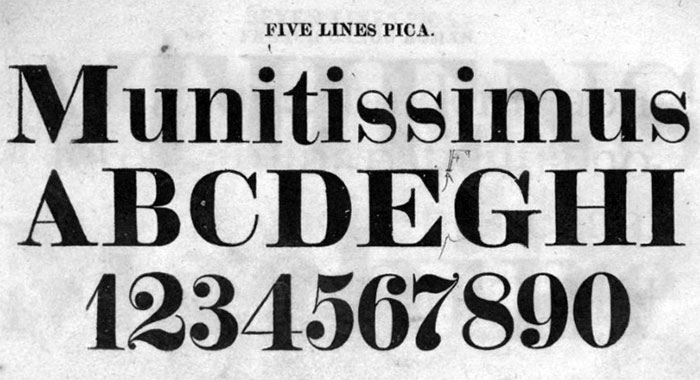
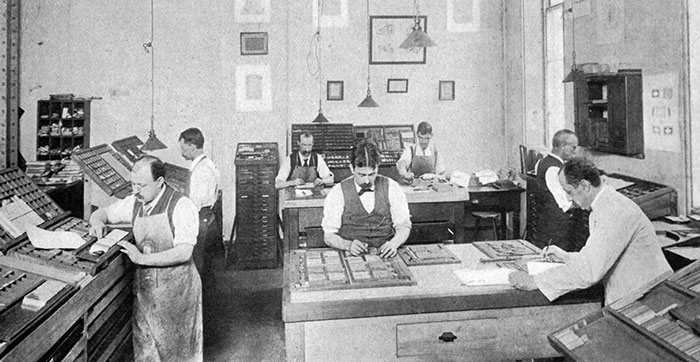
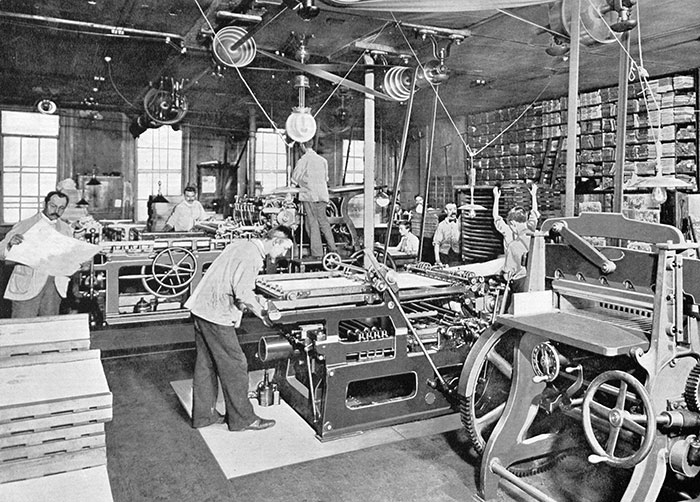
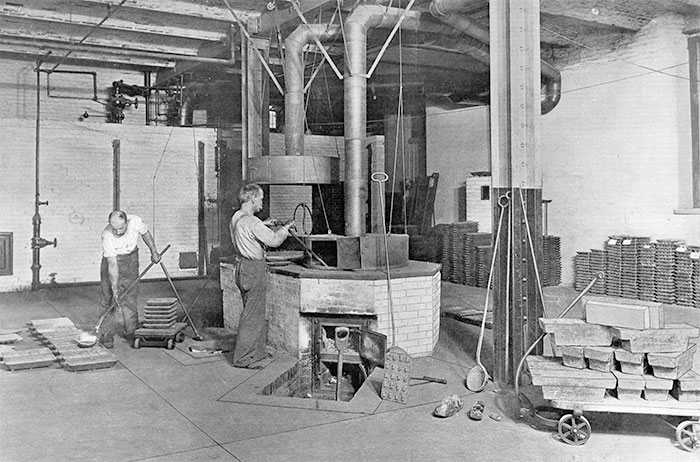
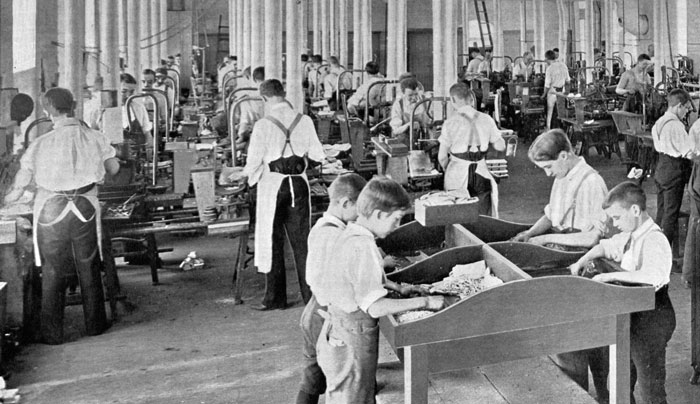
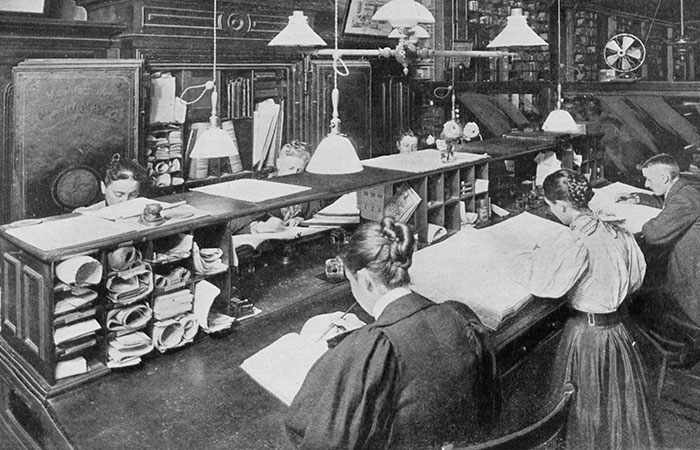
In 1896—100 years after Binny & Ronaldson had founded the company—MacKellar, Smiths and Jordon published a book which celebrated the history of the company. The following images are taken from that book and show how type was made at the end of the 19th century.
 ccs-1-0-62194000-1416225886.thumb.jpg.9a

Metal-mixing Department

ccs-1-0-79050900-1416226148.thumb.jpg.46

Making the Matrix

ccs-1-0-29081700-1416224615.thumb.jpg.4e
ccs-1-0-61949300-1416214323.thumb.jpg.02
ccs-1-0-77654500-1416224922.thumb.jpg.e4

Making Type-Moulds

ccs-1-0-93697200-1416214326.thumb.jpg.3a

Fire-proof Vault for storing Matrices and Moulds
ccs-1-0-16090600-1416214799.thumb.jpg.f9

Hand Type-casting Department

ccs-1-0-27059700-1416214807.thumb.jpg.49

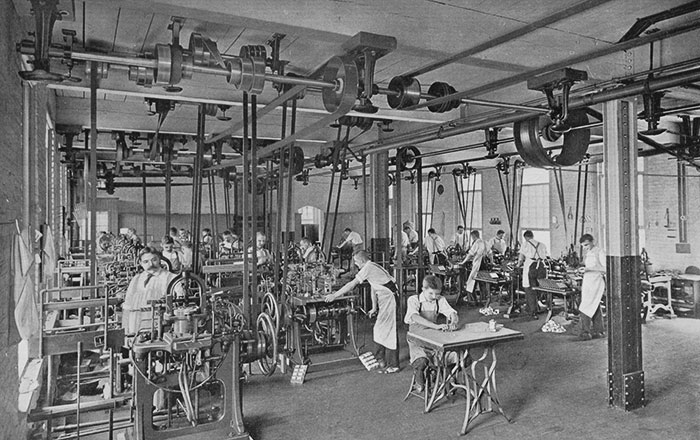
Automatic Type-casting Department

ccs-1-0-08933300-1416215721.thumb.jpg.32

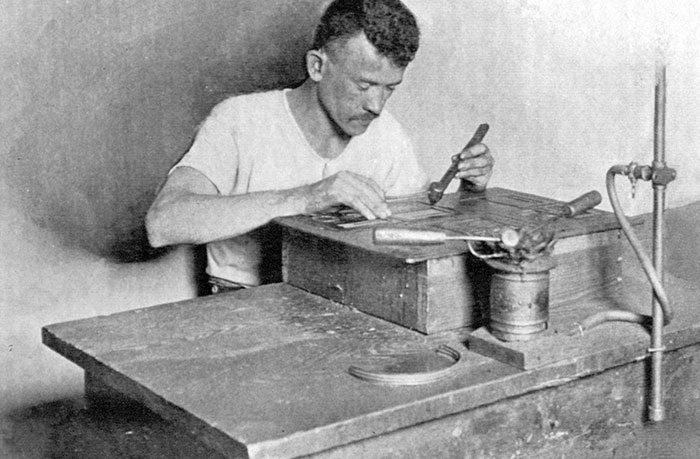
Electrotyping

ccs-1-0-44940100-1416215723.thumb.jpg.e6
ccs-1-0-76742000-1416215725.thumb.jpg.ee
ccs-1-0-11211500-1416215729.thumb.jpg.7a

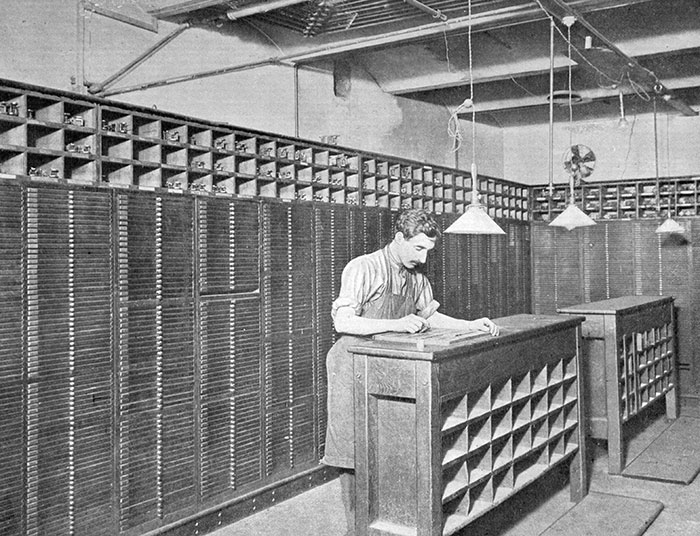
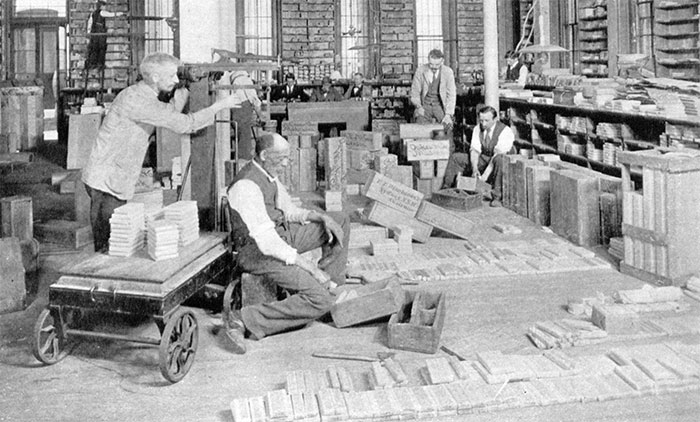
The Foundry Stock Room

ccs-1-0-51509400-1416215731.thumb.jpg.87

Financial and Commercial Departments

ccs-1-0-93375600-1416215733.thumb.jpg.1e

Sales and Shipping

ccs-1-0-44402400-1416215736.thumb.jpg.f4
ccs-1-0-39944700-1416215739.thumb.jpg.a8

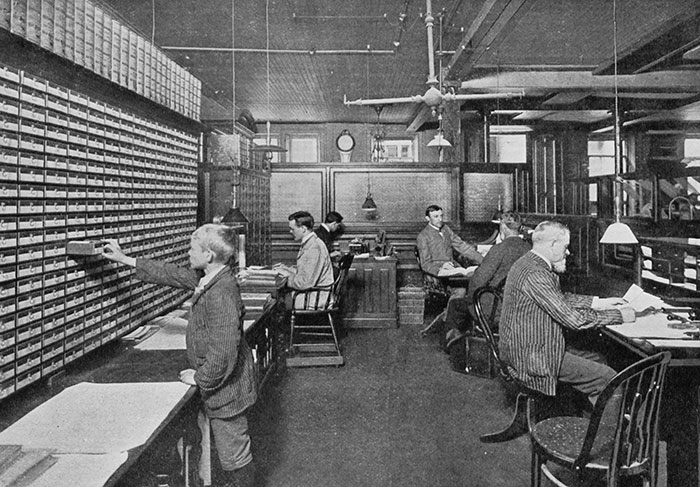
Bookkeeping and Correspondence Department
ccs-1-0-16490400-1416215742.thumb.jpg.e5
ccs-1-0-29645000-1416216195.thumb.jpg.0b

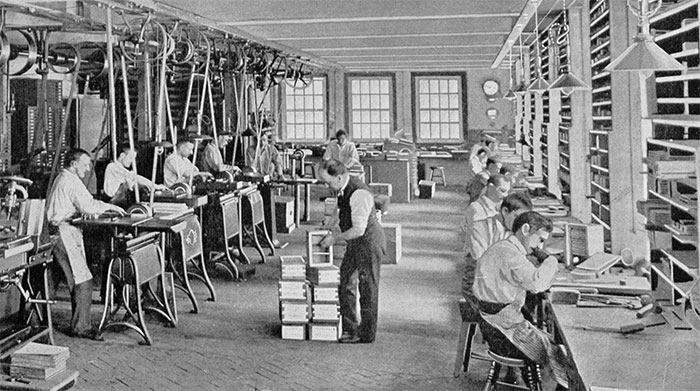
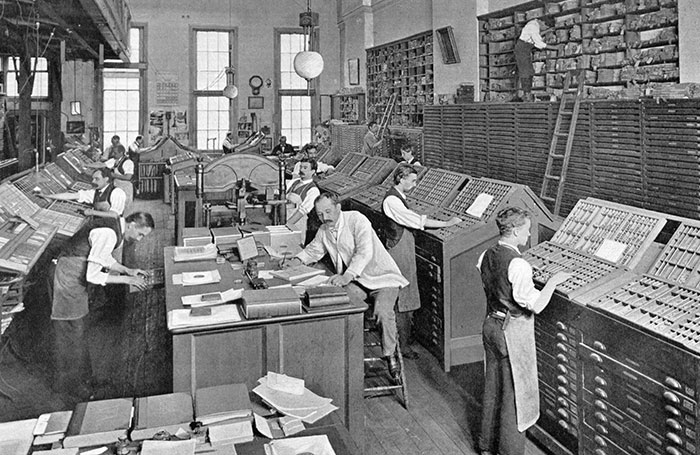
Printing Department

ccs-1-0-82351500-1416217695.thumb.jpg.92
ccs-1-0-72338600-1416217698.thumb.jpg.af
ccs-1-0-56511500-1416217700.thumb.jpg.5c
ccs-1-0-24207800-1416216197.thumb.jpg.85
ccs-1-0-08262800-1416216200.thumb.jpg.5c

(Original scans by Villanova University published under Creative Commons, BY-SA 3.0)

User Feedback

Recommended Comments

There are no comments to display.

Create an account or sign in to comment

Important Information

We are placing functional cookies on your device to help make this website better.

Account

Navigation

Search

Search

Configure browser push notifications

Chrome (Android)
  1. Tap the lock icon next to the address bar.
  2. Tap Permissions → Notifications.
  3. Adjust your preference.
Chrome (Desktop)
  1. Click the padlock icon in the address bar.
  2. Select Site settings.
  3. Find Notifications and adjust your preference.