Typography Weekly #14
7 typography news links in this category
-
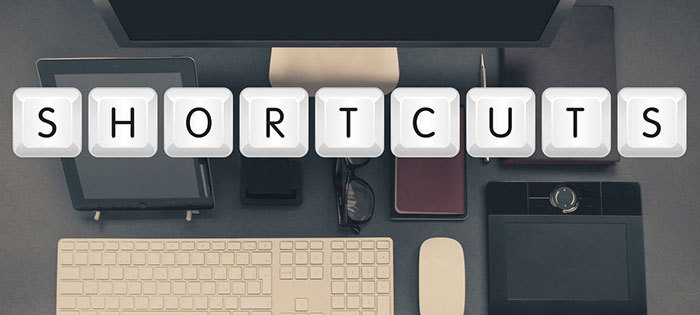
This visual guide makes it easy to understand and learn the Mac shortcuts for text navigation and selection.
-
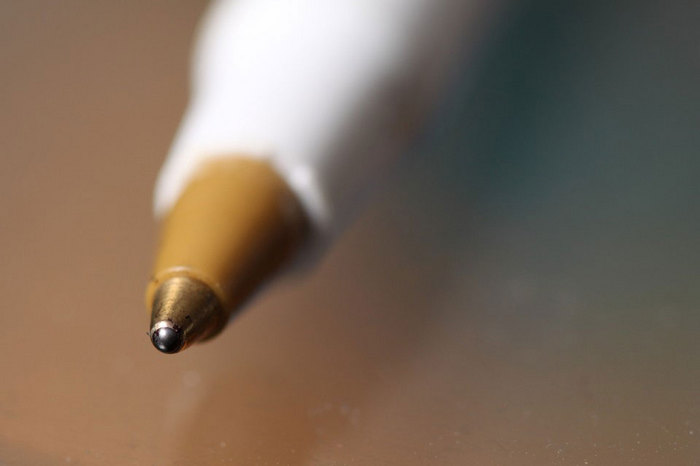
“Thicker ink, fewer smudges, and more strained hands: an Object Lesson.” The Atlantic
-
-
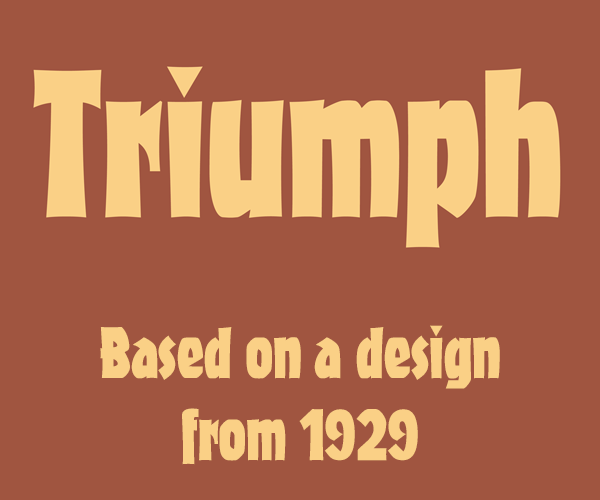
“At some point in the near past, sometime after InDesign CC was released, Adobe quietly stopped installing almost all the fonts that used to come with the program.”
-
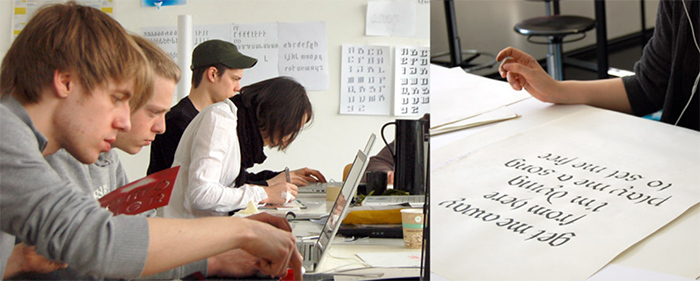
During the summer of 2016, the Berlin Type School will bring an intensive multi-week international type design program to Germany. Join us in one of the world’s most exciting design capitals to learn how to make your own font.
-
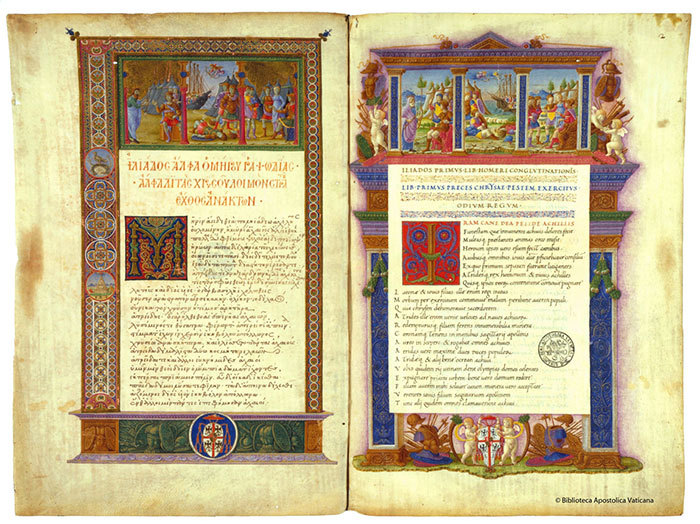
The Vatican Apostolic Library is now digitising its valuable ancient religious manuscripts and putting them online via its website, available for the public to view for free, as well as turning to crowdfunding to help it complete its work.
-
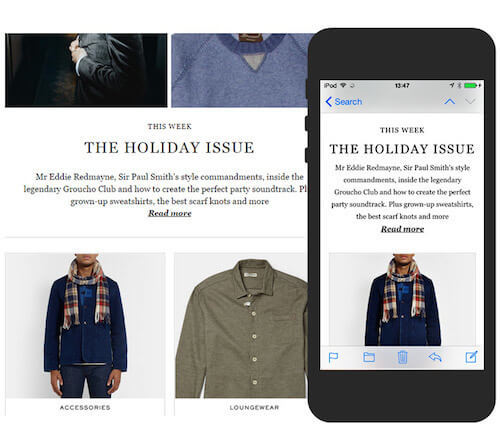
A typographic pre-processor for your html which uses zero client-side JavaScript and gives you: Real hanging punctuation, Soft hyphen insertion, Optical margin outdents, Small-caps conversion, Punctuation substitution, and Space substitution.


Don’t miss the latest typography news!
Typography Weekly via email: Subscribe here
Typography Weekly via RSS feed: Subscribe here