


Typography Weekly #40
9 typography news links in this category
-
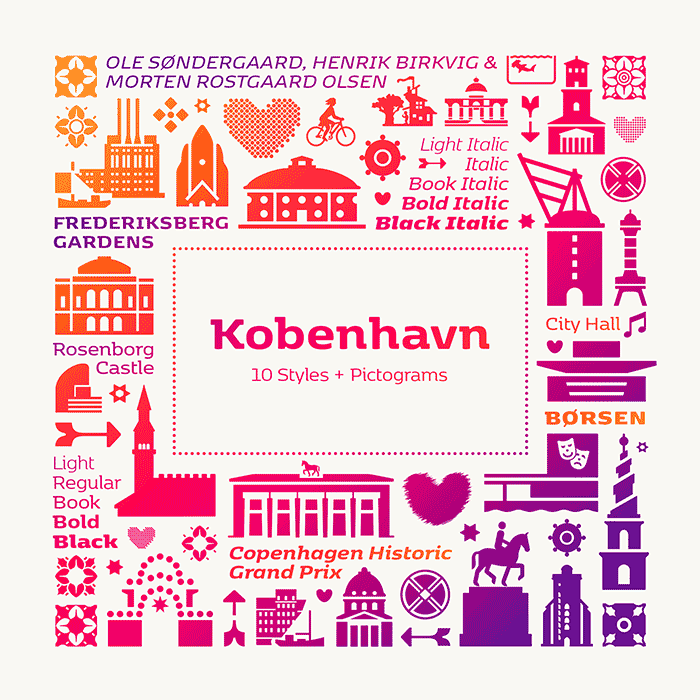
“A wide-set, occasionally-seriffed design made to offer a sense of Denmark’s sprawling capital city and visual culture.”
-
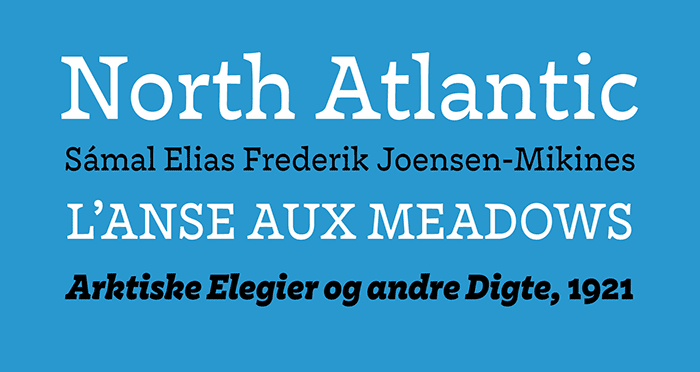
“A versatile type family in four weights and eight styles, it takes on a friendly, approachable appearance in the heavier weights, while the lighter text styles embody all the marks of a workhorse text face.”
-
A conversation with Christian Schwartz, in which he rejects celebrity status, notes several important tendencies in contemporary type design …
-
Did Gutenberg really invent moveable type? Keith Houston explains.
-
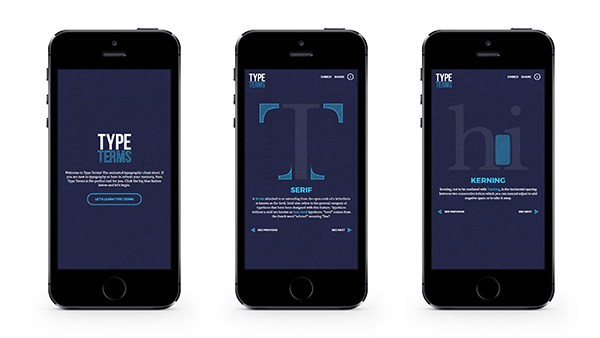
Type Terms is the perfect tool for designers to learn the basics of typographic terminology. If you are new to typography or here to refresh your memory, then Type Terms is perfect for you.
-
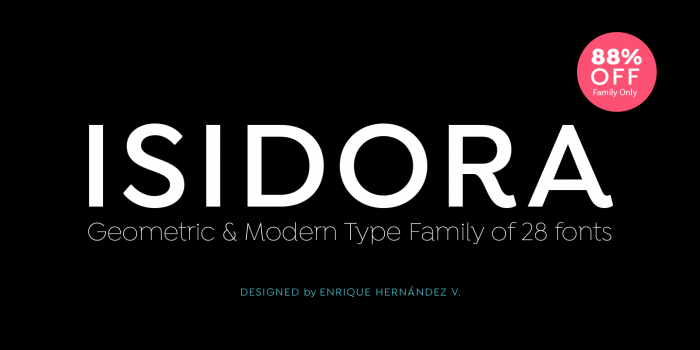
“Isidora is a modern geometric font based on the classic typefaces of the early 21st Century yet with a contemporary and functional touch.”
-
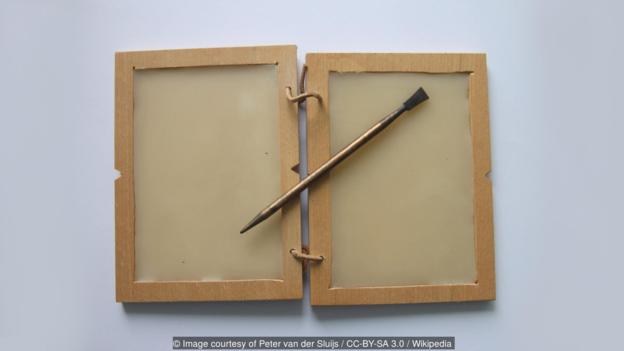
The debate about ebooks v paper books is nothing new. Keith Houston explains how a very similar debate raged as the first books came to be in ancient Rome.
-
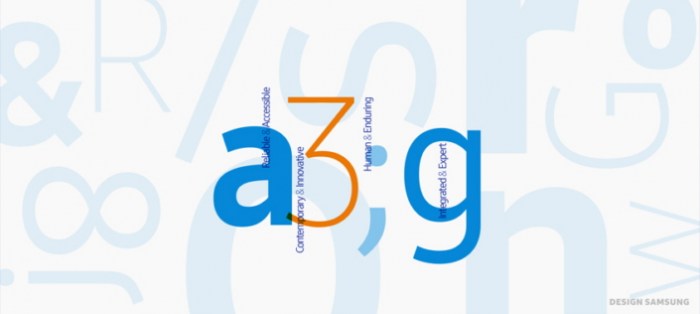
“It is a family of scripts covering 26 writing systems, more than 400 languages, and over 25,000 glyphs, creating a truly global typeface.”
-
All font families (desktop licenses only) 70% off.





Don’t miss the latest typography news!
Typography Weekly via email: Subscribe here
Typography Weekly via RSS feed: Subscribe here

