Typography Weekly #53
8 typography news links in this category
-
MergeGlyphs (Compare and merge two Glyphs files), CommitGlyphs (Commit your Glyphs files to a git repository), FontTableViewer (Take a Peek in Your OpenType Fonts), TextPreview (Preview Your Fonts on the Mac)
-
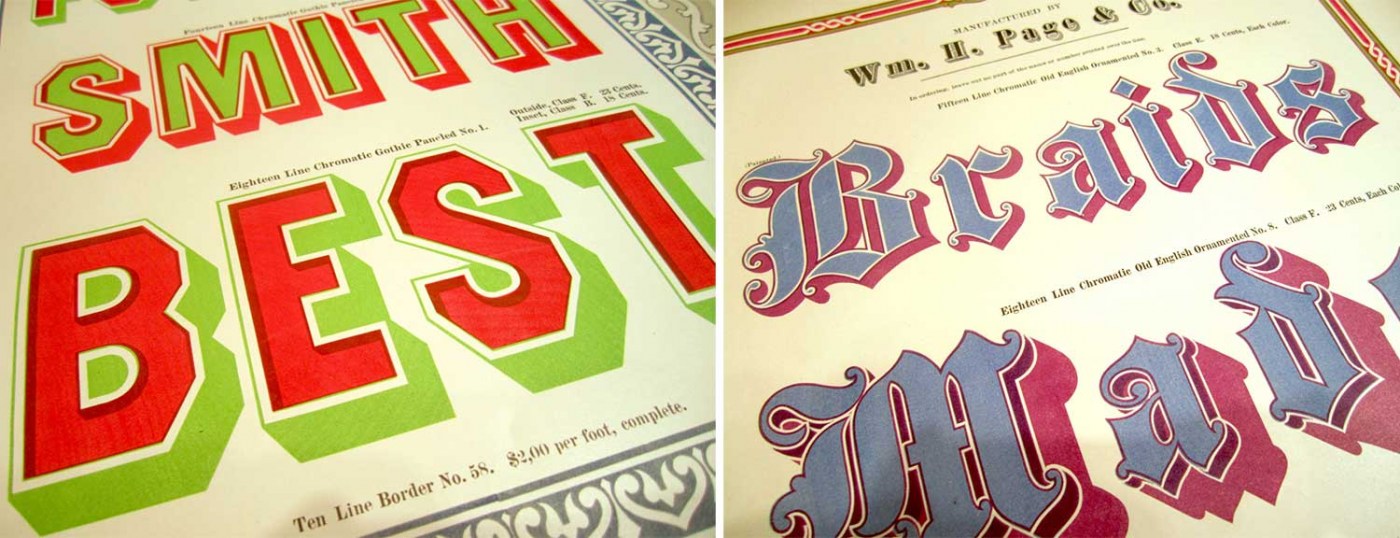
An exhibition by House Industries at The Henry Ford Museum
-
David Sudweeks interviews Marina Chaccur on the impossible task of separating lettering from its related disciplines, and how her work has changed since the lettering boom.
-
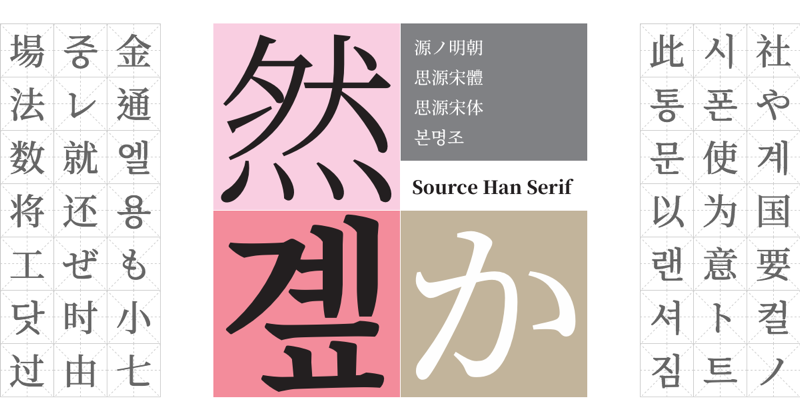
“When we released Source Han Sans in 2014, the news made a huge impact among the millions of people who rely on Pan-CJK typefaces for their day-to-day work. Today we’re delighted to announce the release of its serif counterpart, Source Han Serif.”
-
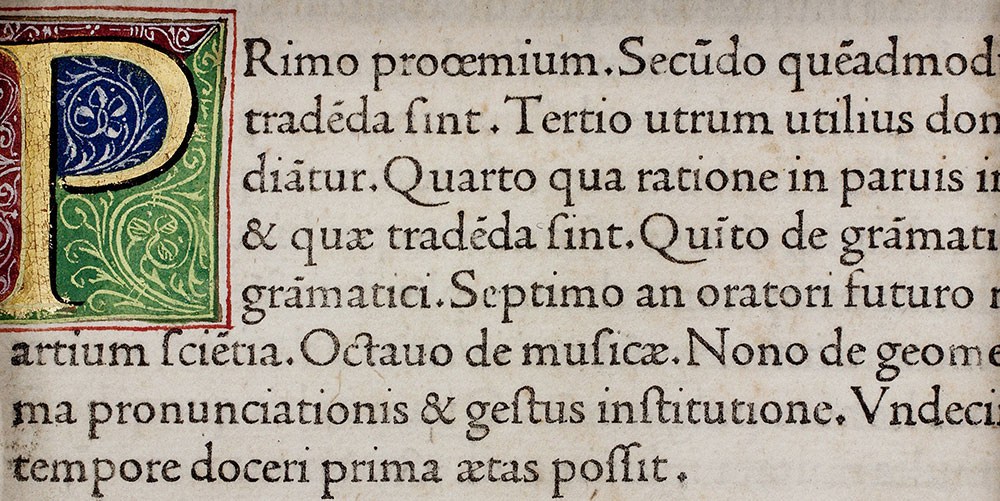
A close look at the earliest types cut in Venice shows that Jenson is one of the most important characters in the history of typography.
-
-
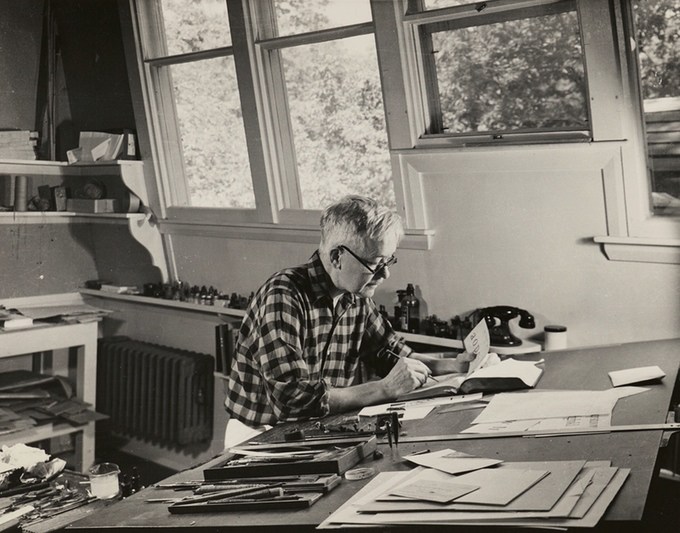
Written & designed by Bruce Kennett. The first comprehensive biography of one of the most innovative designers of the 20th century.
-
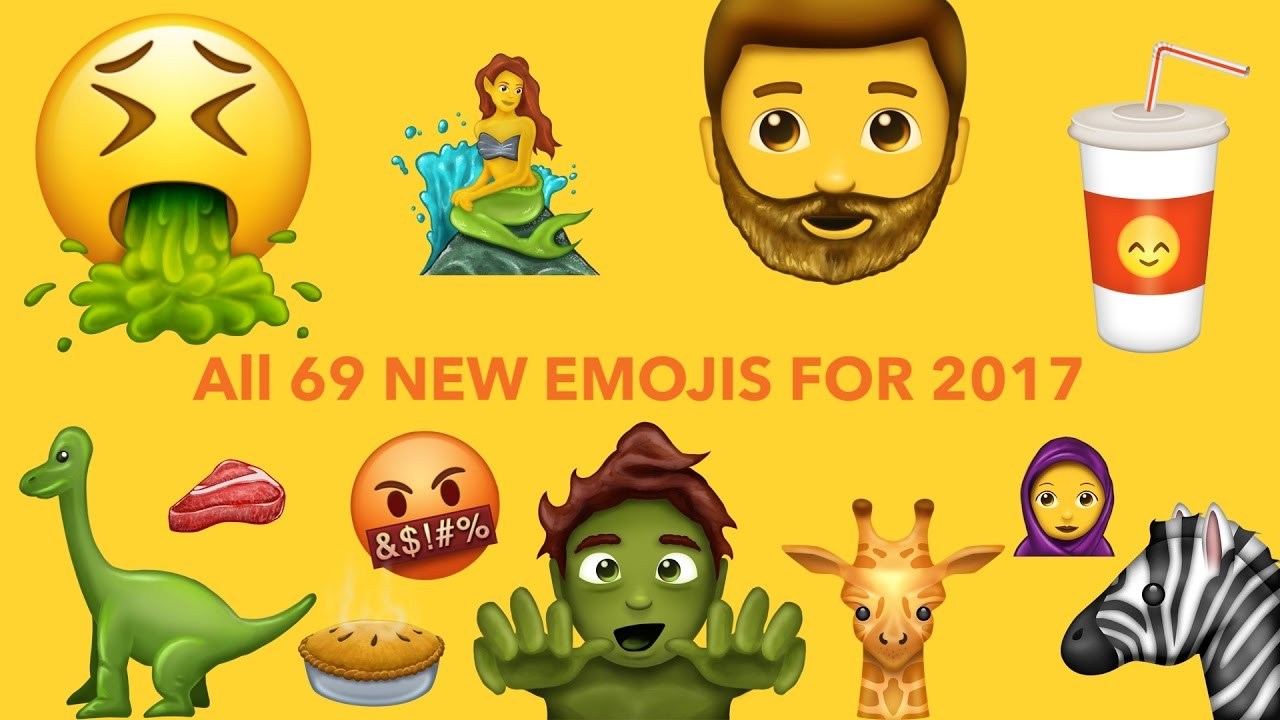
These are the confirmed final emojis for 2017. These are from the Emojipedia Sample Image collection, demonstrating how these emojis might look when released on major phones later in 2017.


Don’t miss the latest typography news!
Typography Weekly via email: Subscribe here
Typography Weekly via RSS feed: Subscribe here