Typography Weekly #86
8 typography news links in this category
-
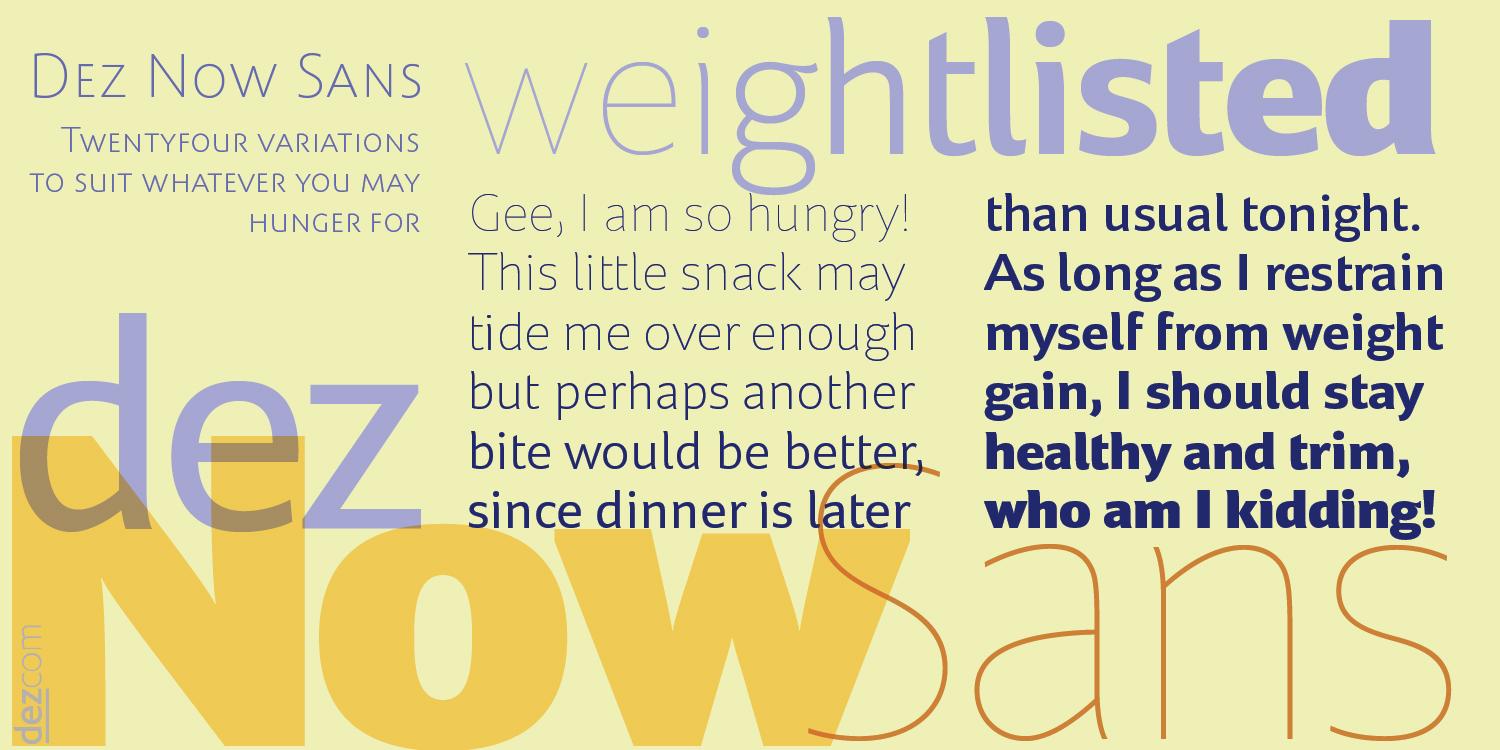
“Dez Now Sans is a humanistic typeface family that was begun in 2005 by Chris Lozos of Dezcom. Since then, it has been nurtured, revised, and expanded to include 12 weights in both upright roman and true italics totaling 24 variations.”
-
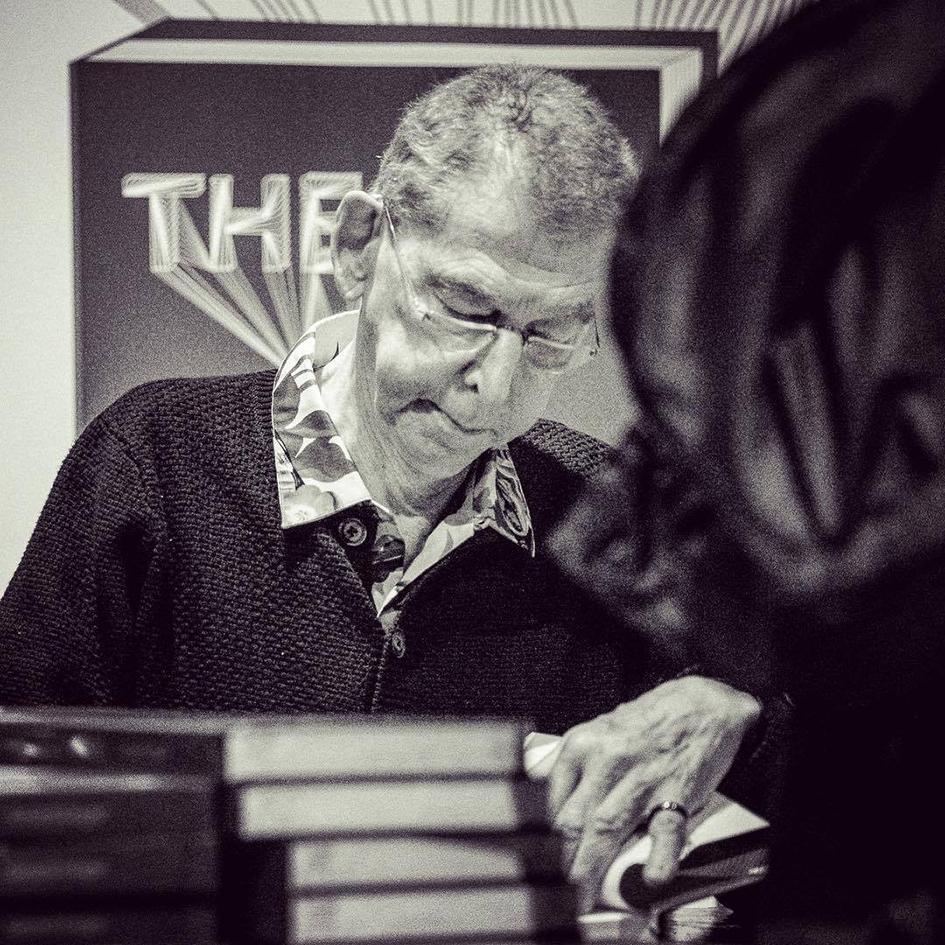
“In addition to his work in type design, Unger was active in the field of education. Unger taught at the Gerrit Rietveld Academie for over 30 years, and from 1994, he was a visiting professor at the University of Reading at the Department of Typography and Graphic Communication.”
-
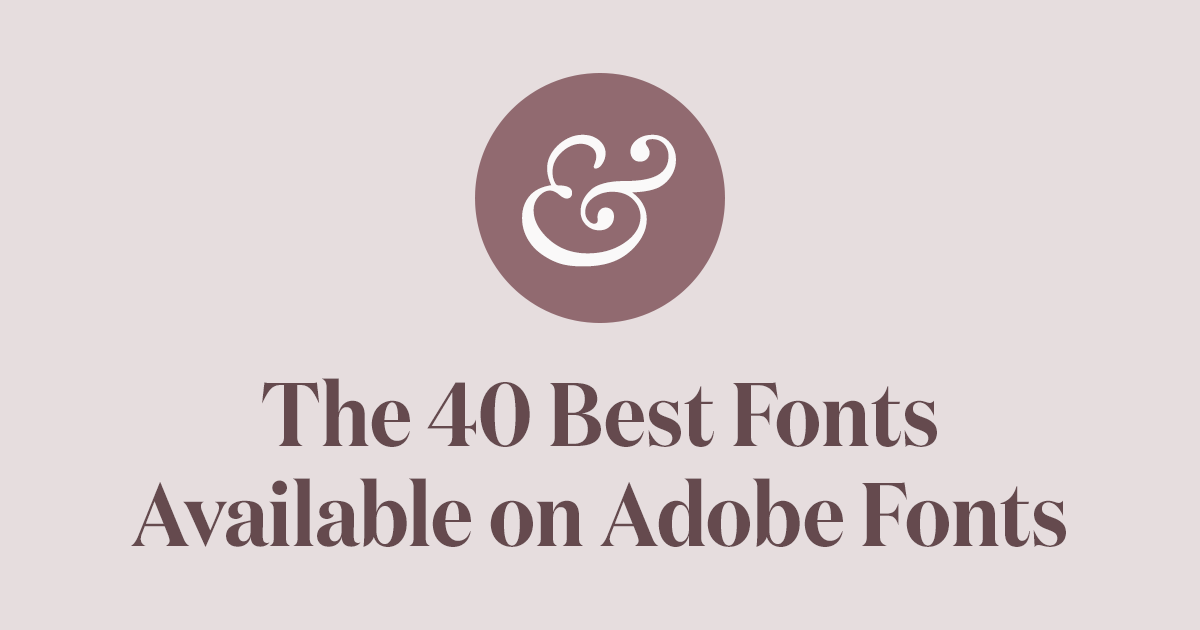
A curated collection of the absolute best fonts available on Adobe Fonts (Typekit).
-
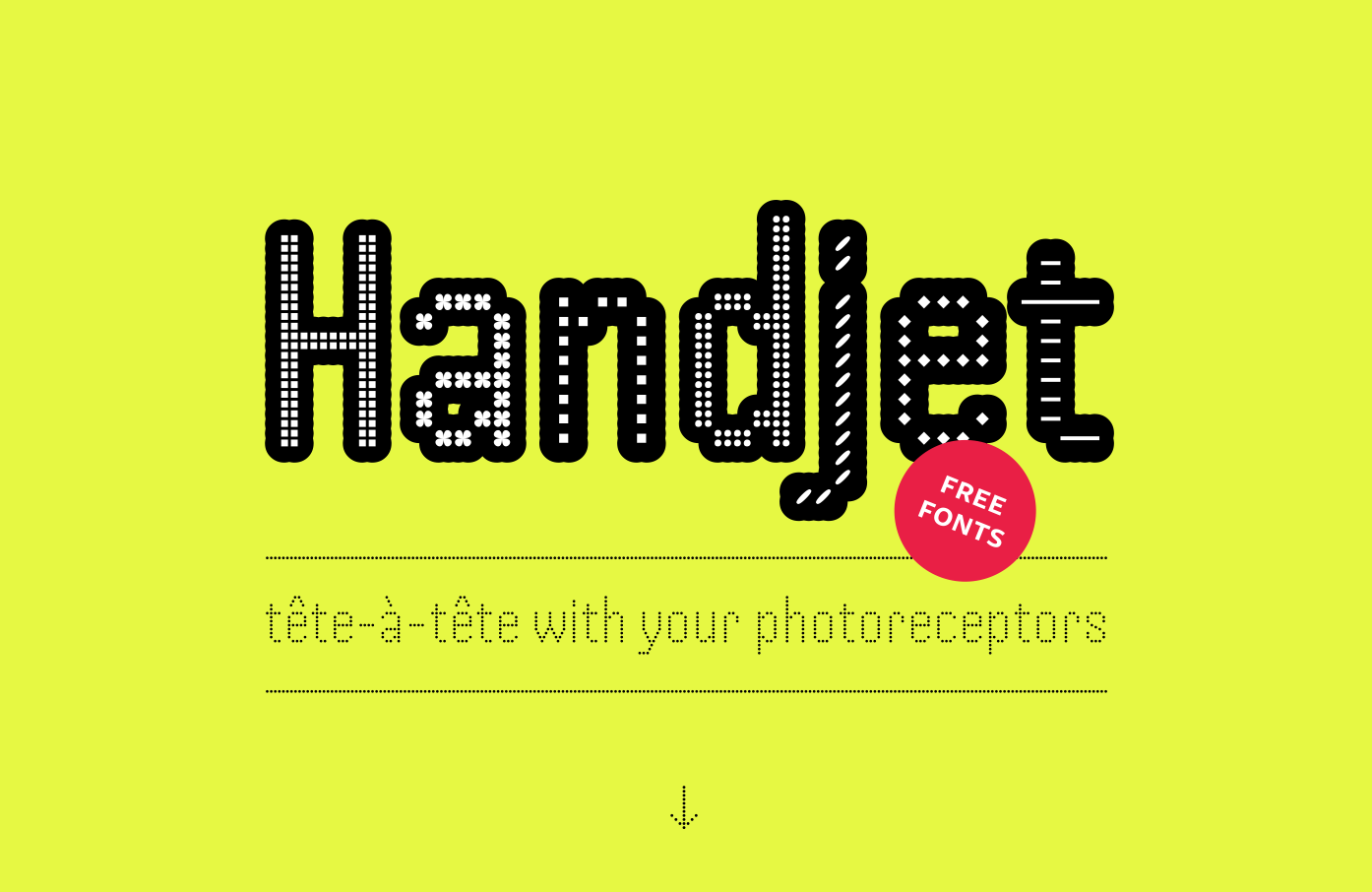
“The fonts (one variable font or 194 single-style fonts) are provided for free, for a limited time, without any artistic aspirations, assumptions of originality, or kerning. I hope you will have as much fun using them as I had designing them. — David”
-
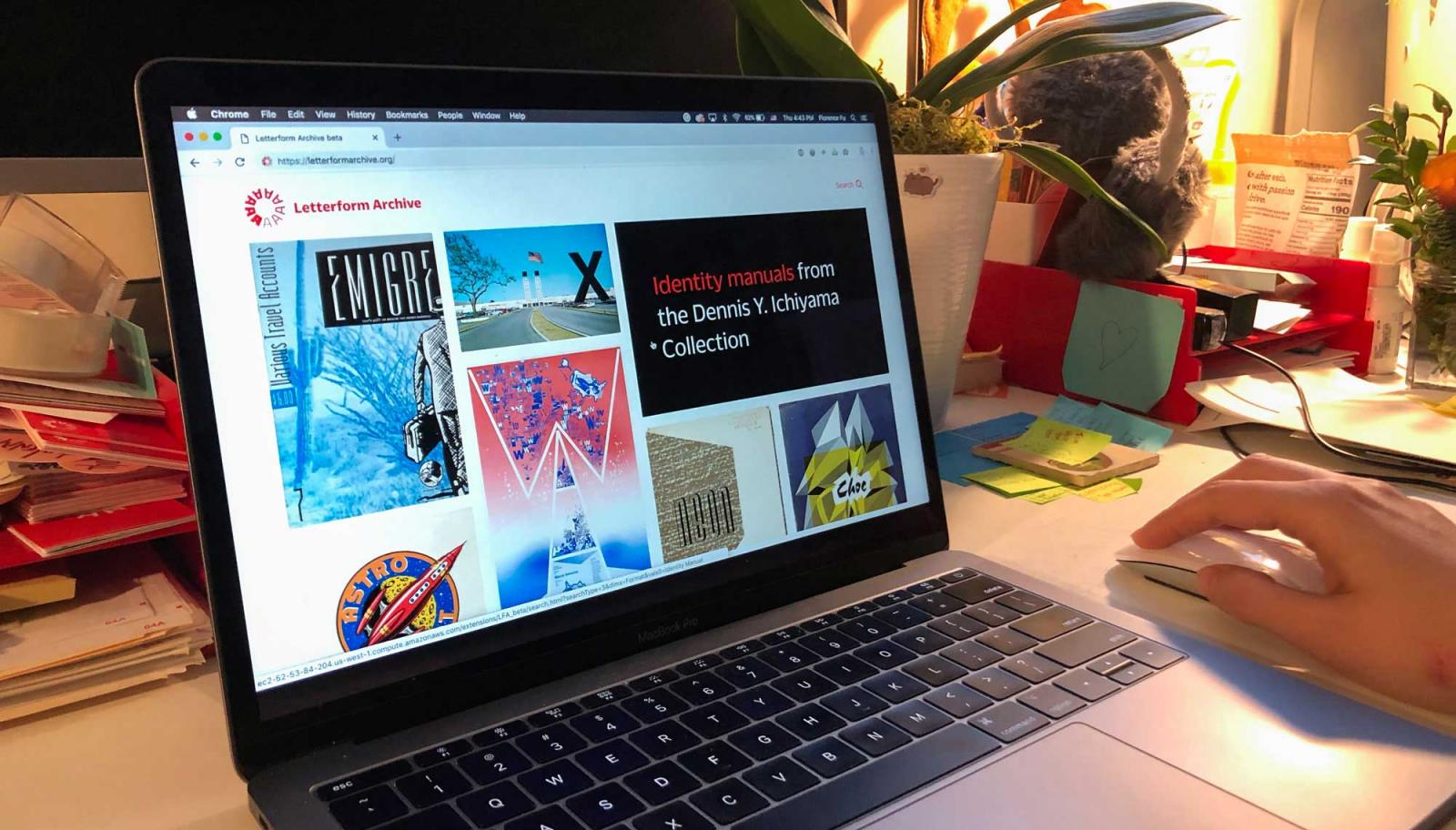
“Experience Letterform Archive from anywhere in the world.”
-
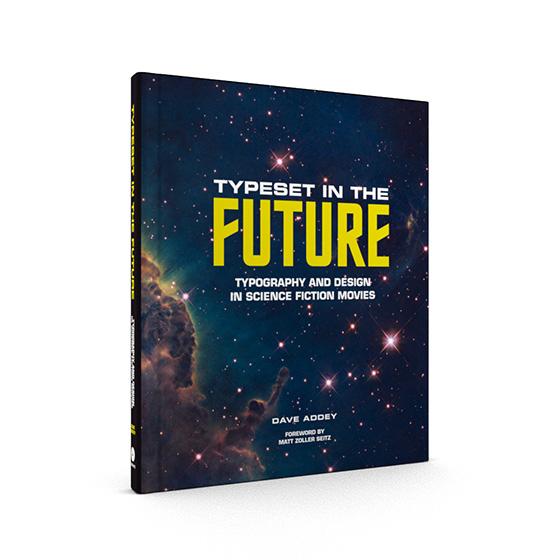
The book contains new and expanded Typeset in the Future studies for seven all-time classic science fiction movies, hand-picked focusing on those that create a detailed vision of the future through design and typography.
-
-
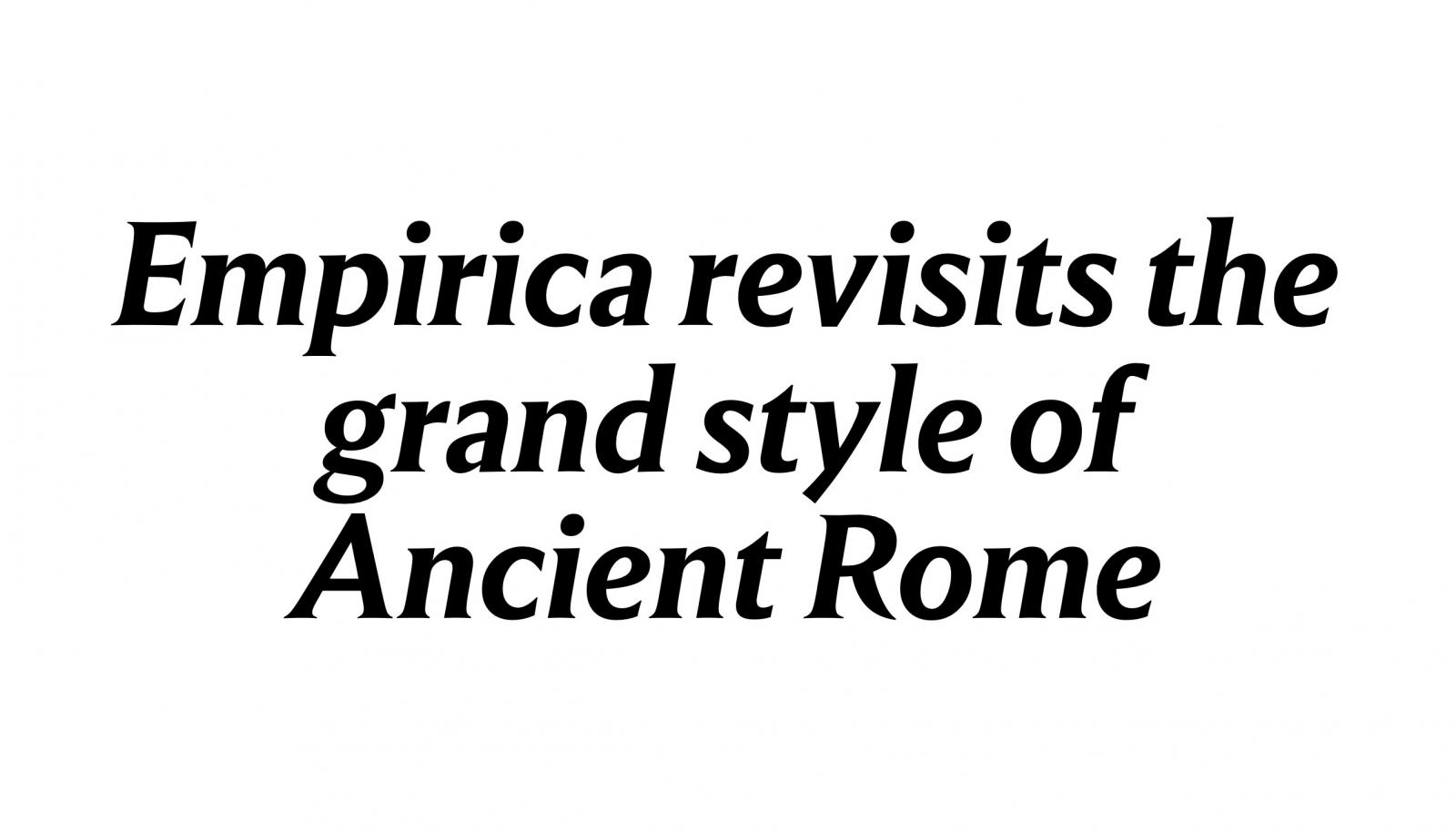
“Empirica revisits the grand style of Ancient Rome (and adds a touch of French influence as well) to build a modern family, projecting grace and authority.”



Don’t miss the latest typography news!
Typography Weekly via email: Subscribe here
Typography Weekly via RSS feed: Subscribe here