


Typography Weekly #107
8 typography news links in this category
-
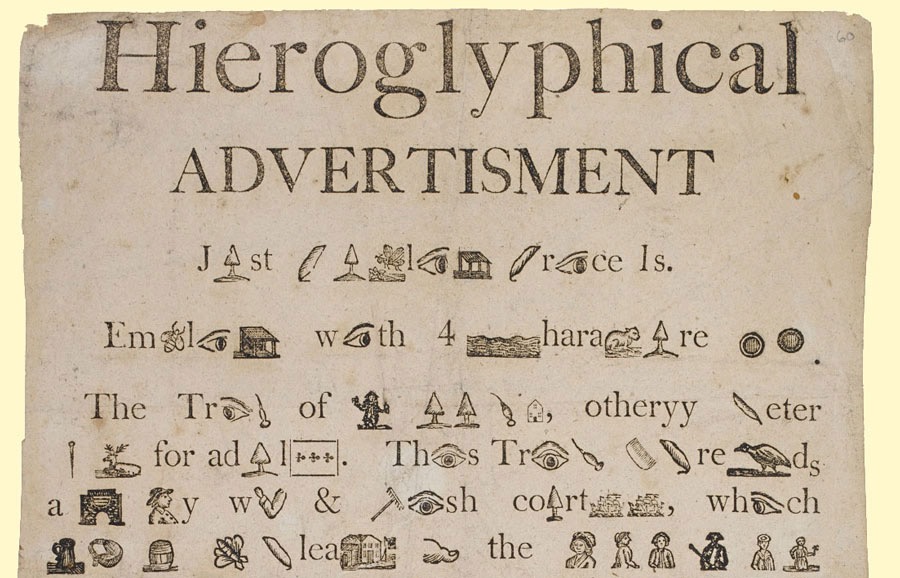
The ancient Sumerians, Egyptians, and Chinese, to name just a few, used rebuses thousands of years before emoji appeared on our screens.
-
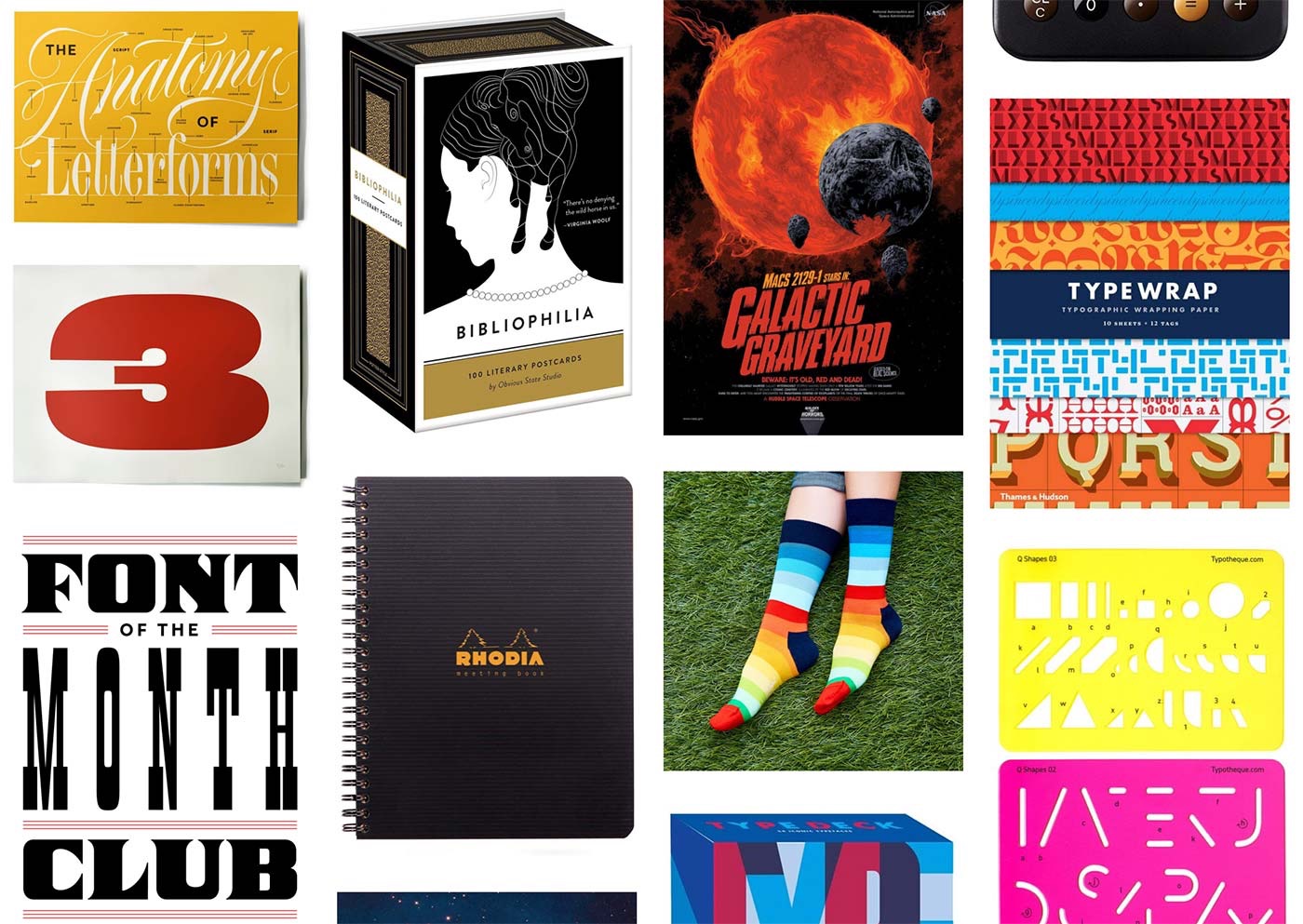
“Gift Ideas for Designers & Font People is my annual list of presents you might want to buy in December or any other month, for that matter.”
-
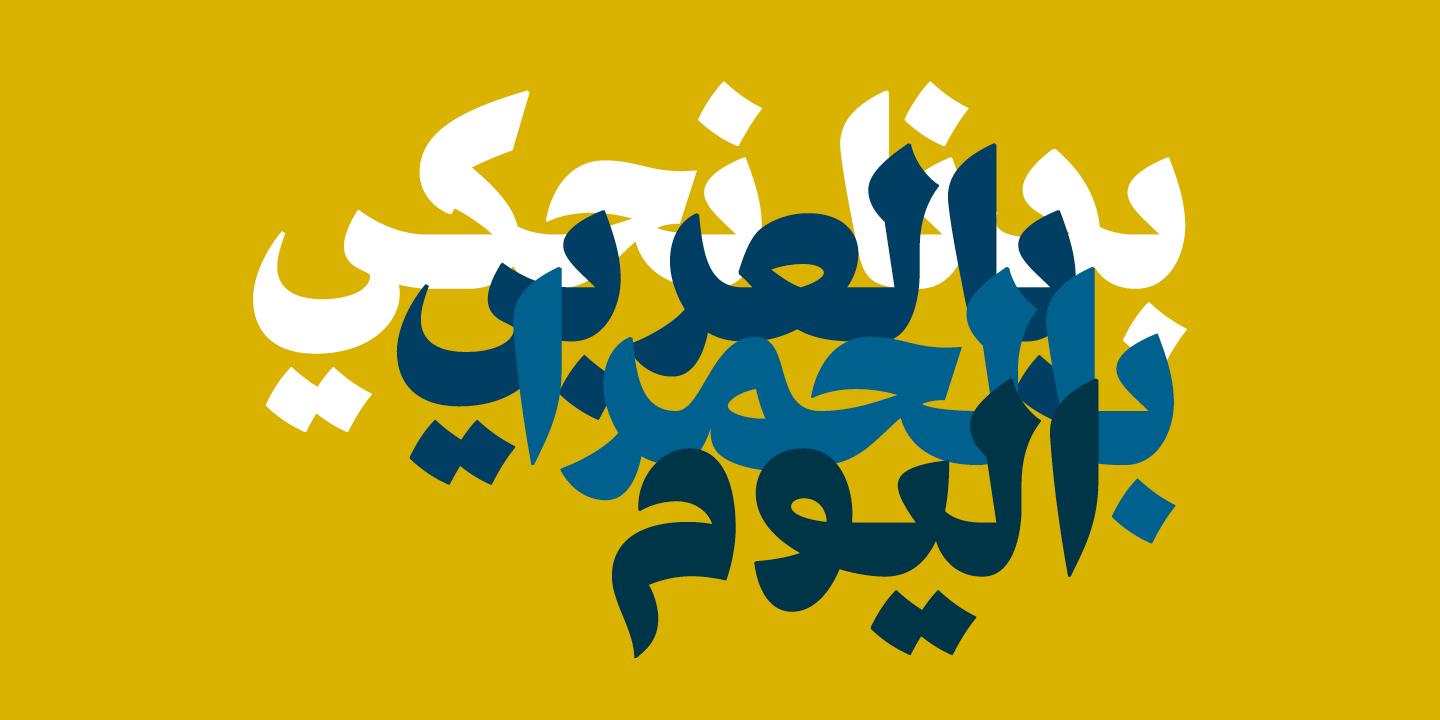
A new collection of 7 Arabic typefaces from Nadine Chahine’s ArabicType, accompanied by a virtual exhibition.
-
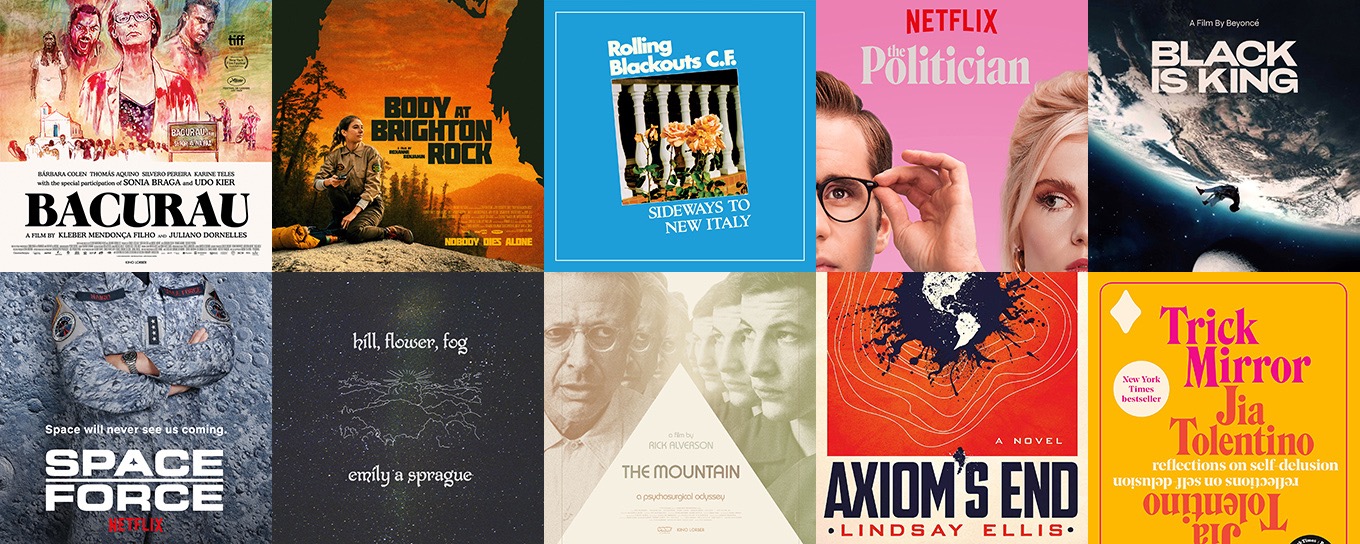
See the fonts used in popular culture—featuring Bacurau, The Politician, Body at Brighton Rock, Trick Mirror and more.
-
Refine your craft with Practica, a 14-week online type design program starting in January 2021.
-
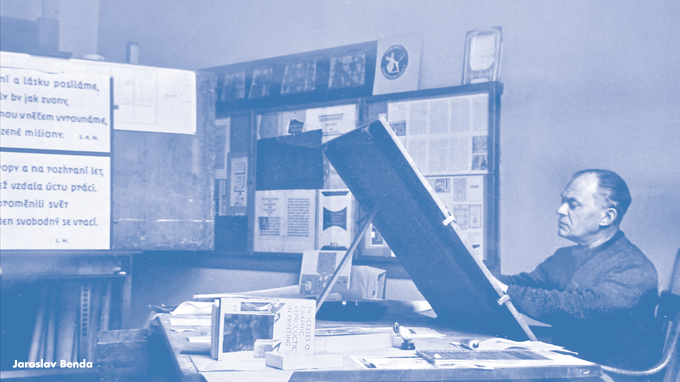
A book about one of the important figures in the history of Czech Republic – English edition 2021.
-
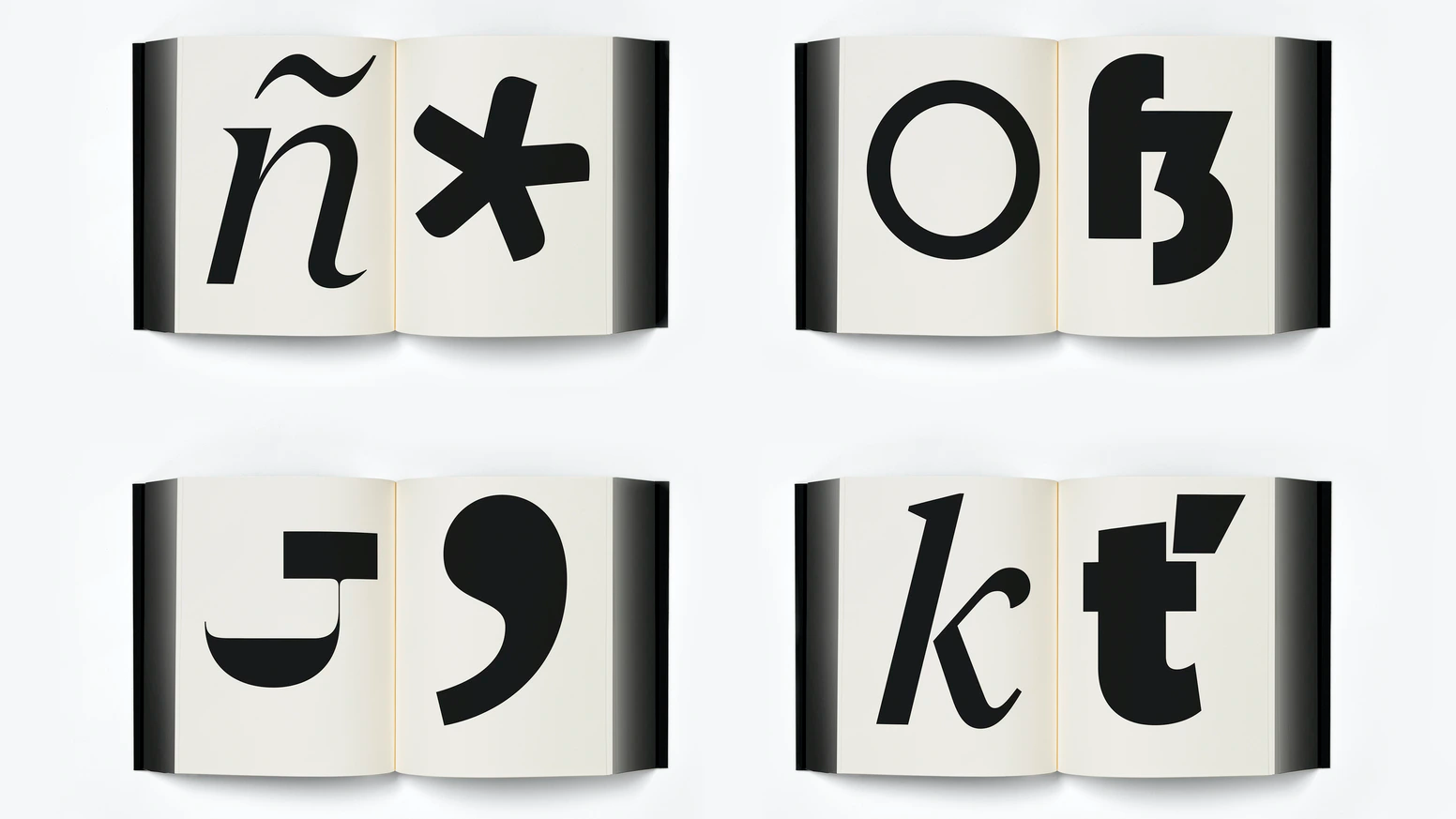
“There is no definitive form of the alphabet. The alphabet is a concept made concrete through countless written and designed letterforms; the alphabet is not defined by a single typeface but expressed through all of them. There’s sets of rules, largely unwritten rules, of how a typeface is put together, about relationships between letterforms and between styles. It’s a balance between a hard system and flexibility.”
-
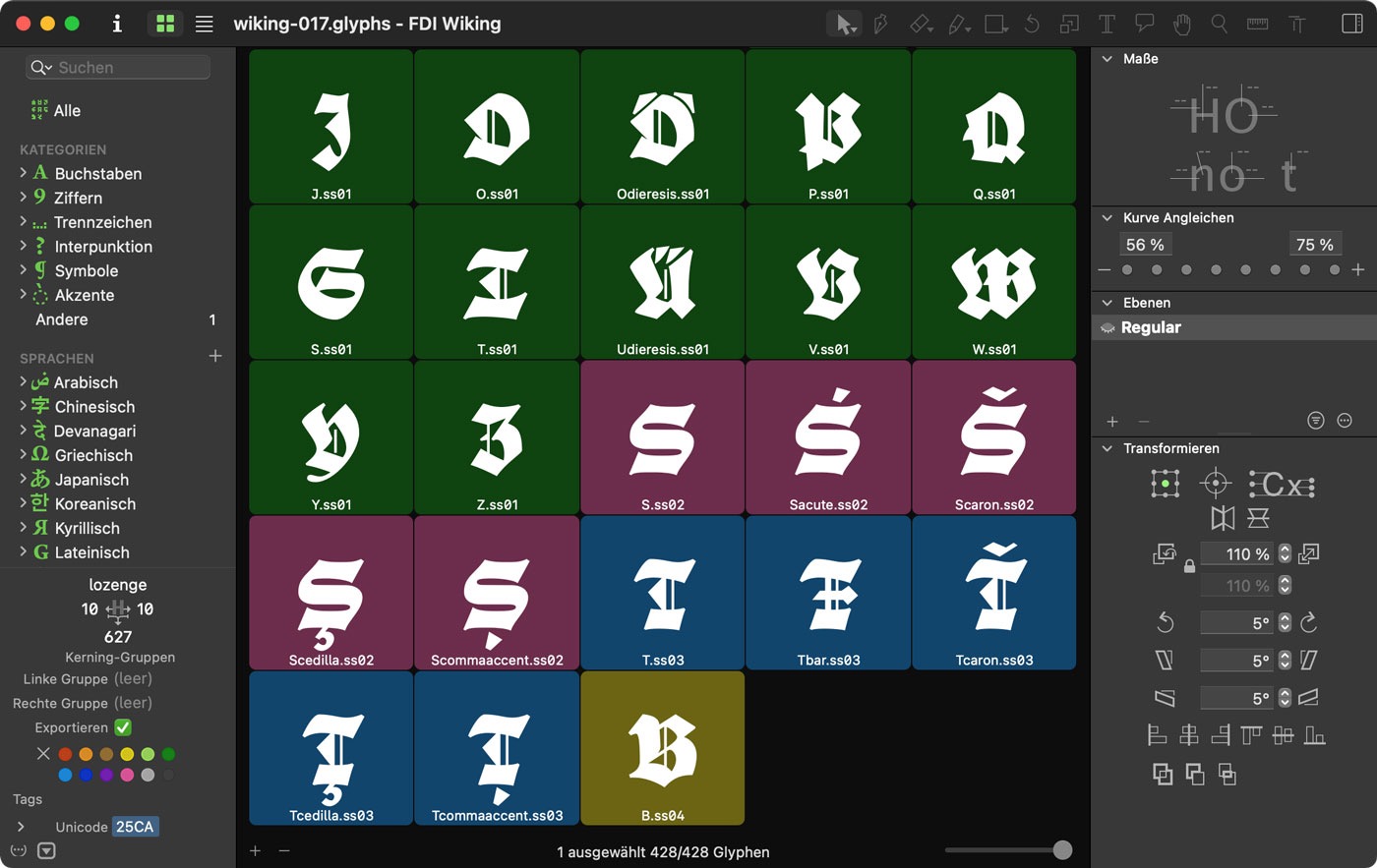
Go beyond and upgrade your Glyphs experience. Enjoy new ways of selecting, editing, reusing, managing and sorting your shapes.


Don’t miss the latest typography news!
Typography Weekly via email: Subscribe here
Typography Weekly via RSS feed: Subscribe here

