Typography Weekly #111
8 typography news links in this category
-
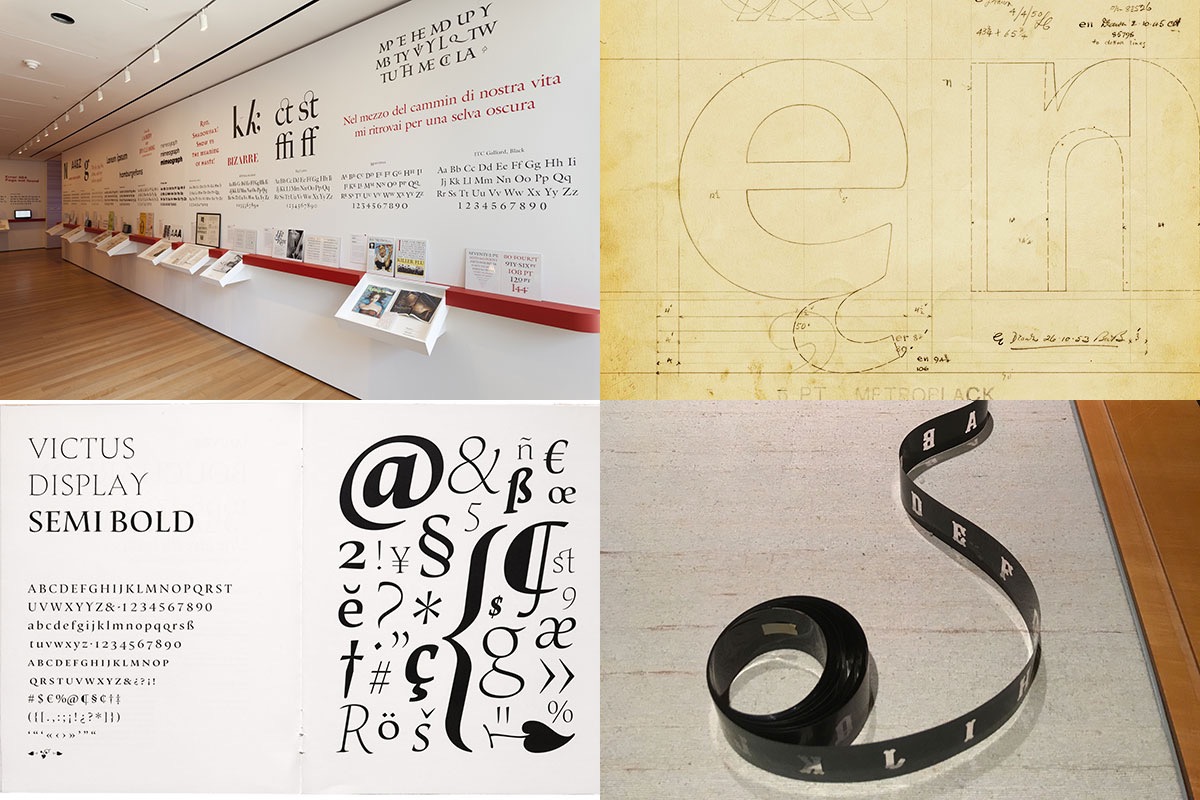
Craig Eliason, professor in the art history department at the University of St. Thomas in St. Paul (Minnesota) explores how digital typefaces can be ‘acquired’ by museums.
-
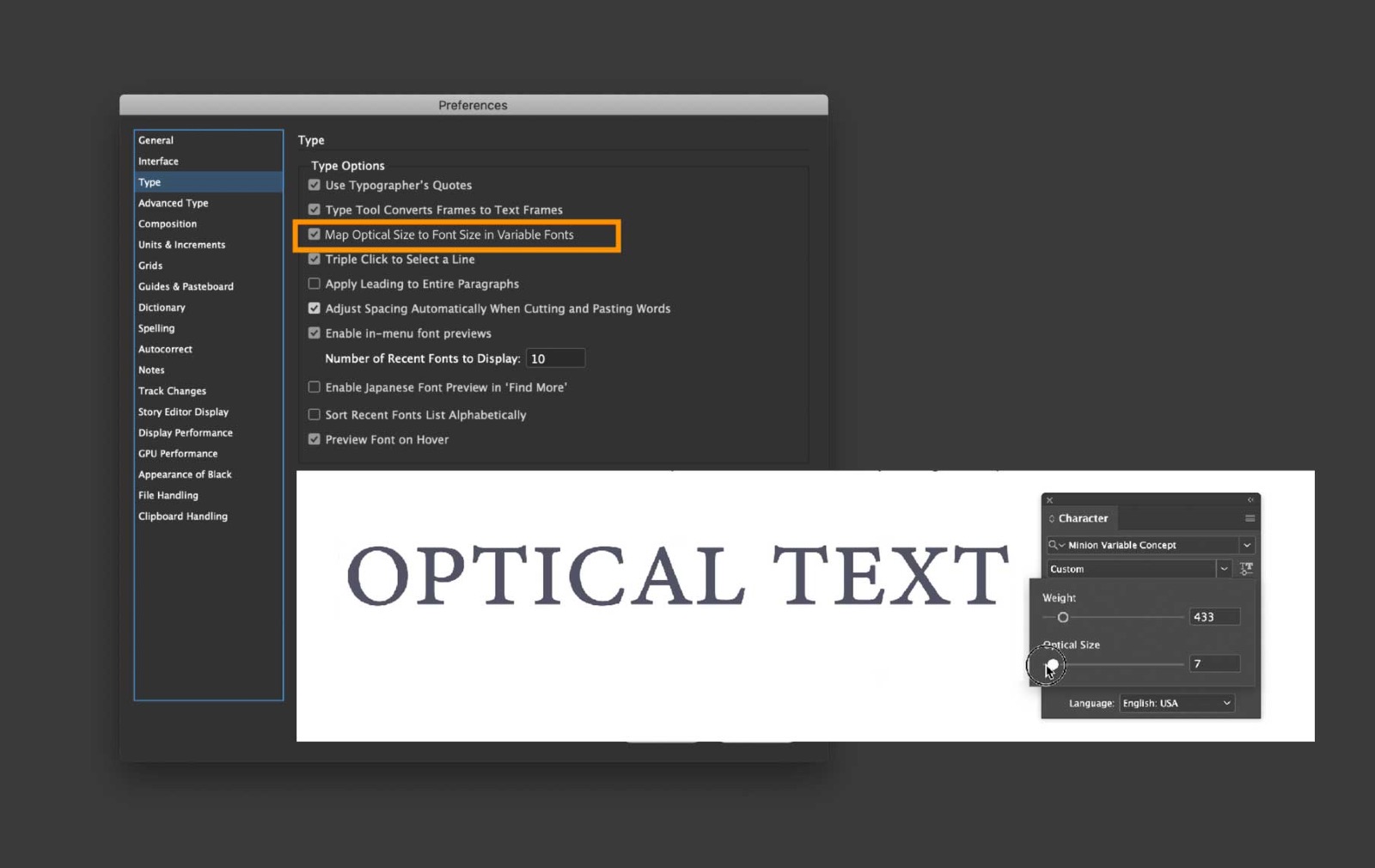
InDesign (16.2) can now automatically map the optical size value in variable fonts to the font size you set, for the text in your document.
-
A weekly shot of typography news and notes, chock full of friendly conversation on a range of topics that go far beyond type. P
-
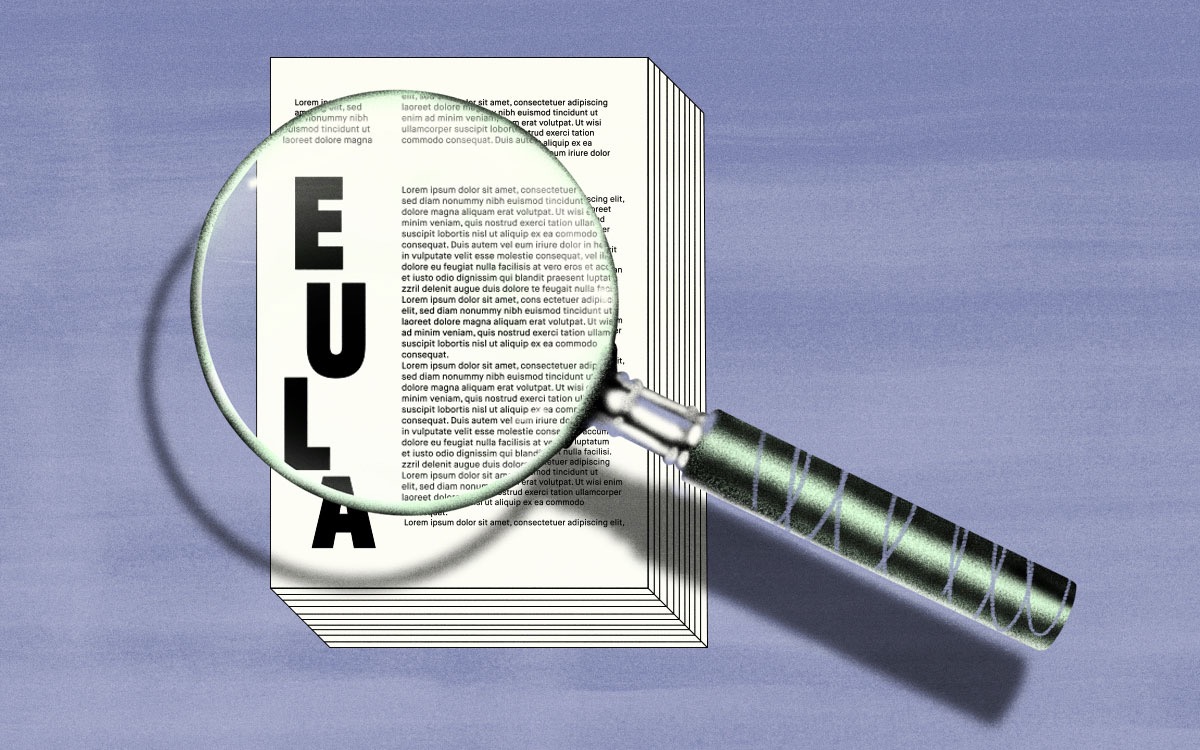
Clauses written into licensing agreements could help designers have more control over their work
-
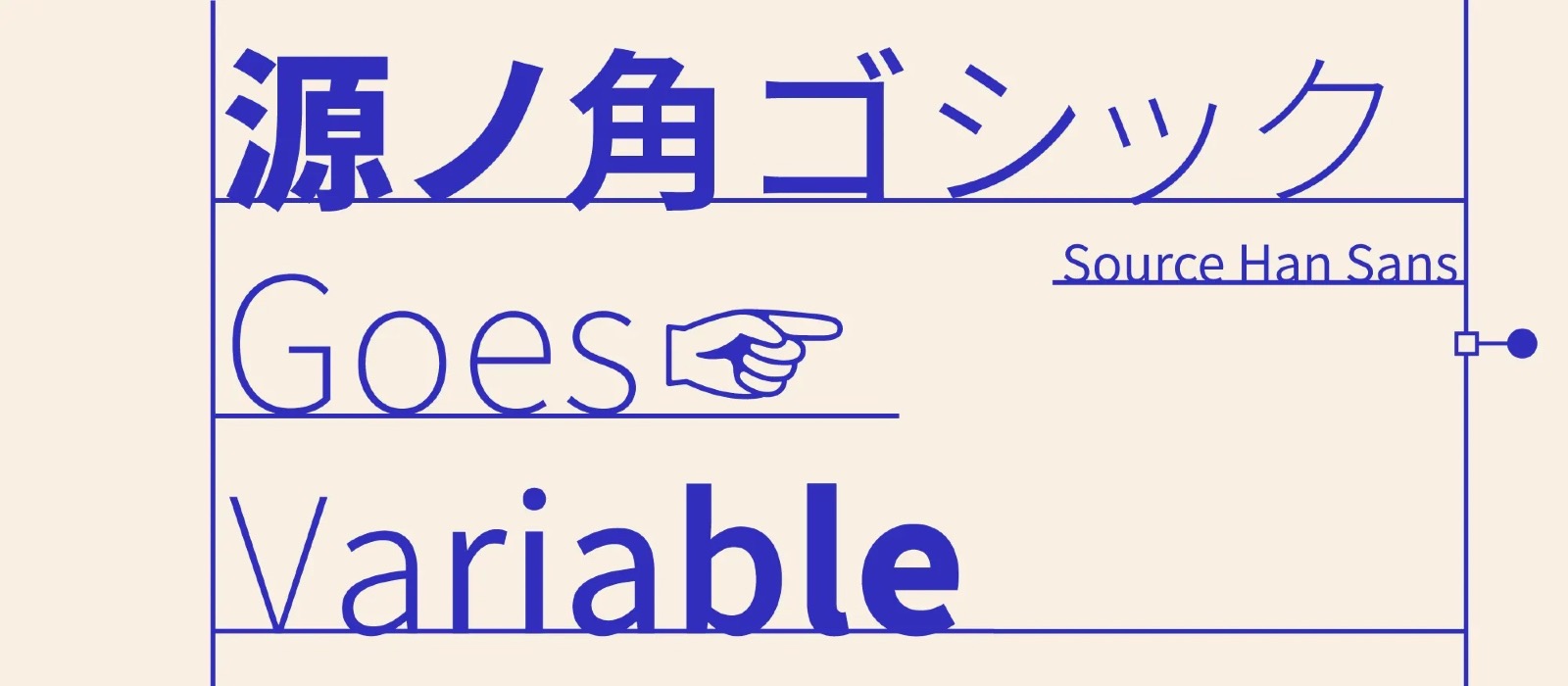
Google and Adobe joined forces to design and develop the world’s first open-source Pan-CJK typeface: Source Han Sans (released as Noto Sans CJK by Google). Today, Adobe is delighted to publish the family’s latest iteration, Source Han Sans Variable.
-
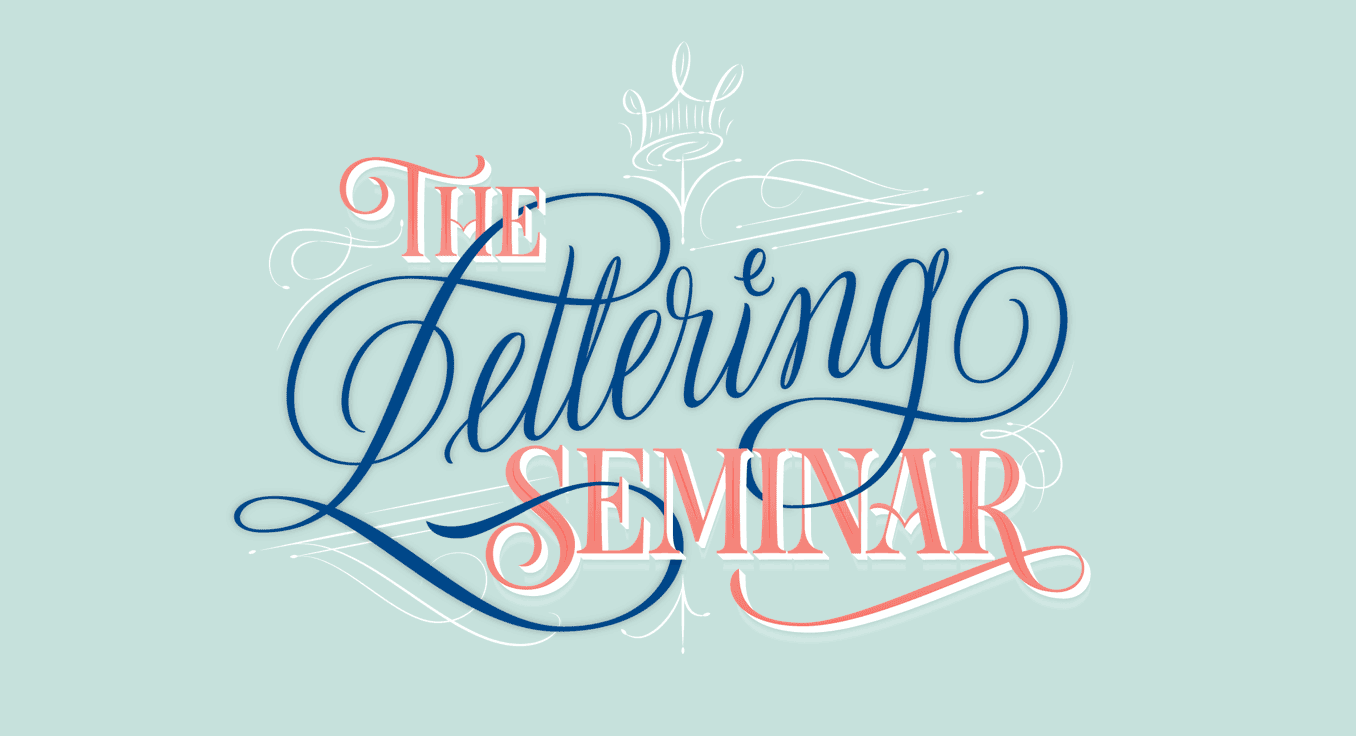
“This 8-Week seminar is the closest thing to full-blown university education on hand lettering.”
-
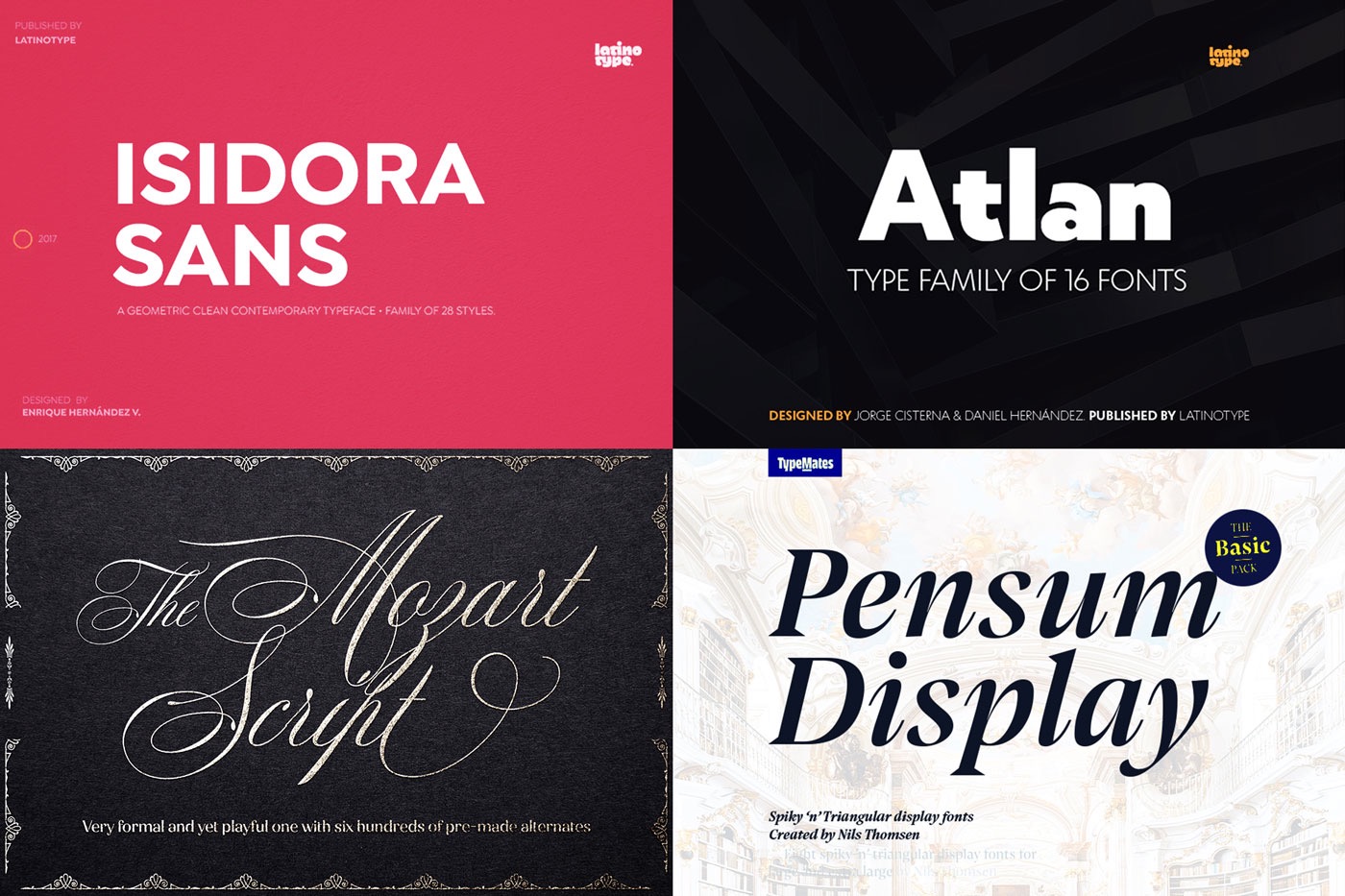
Included in this bundle is an assortment of our best-selling font re-runs, which includes clean, geometric fonts made for all of your contemporary design needs. With packs from W Type Foundry, Callie Hegstrom, and Latinotype, integrating typography into your work will have never been easier.
-
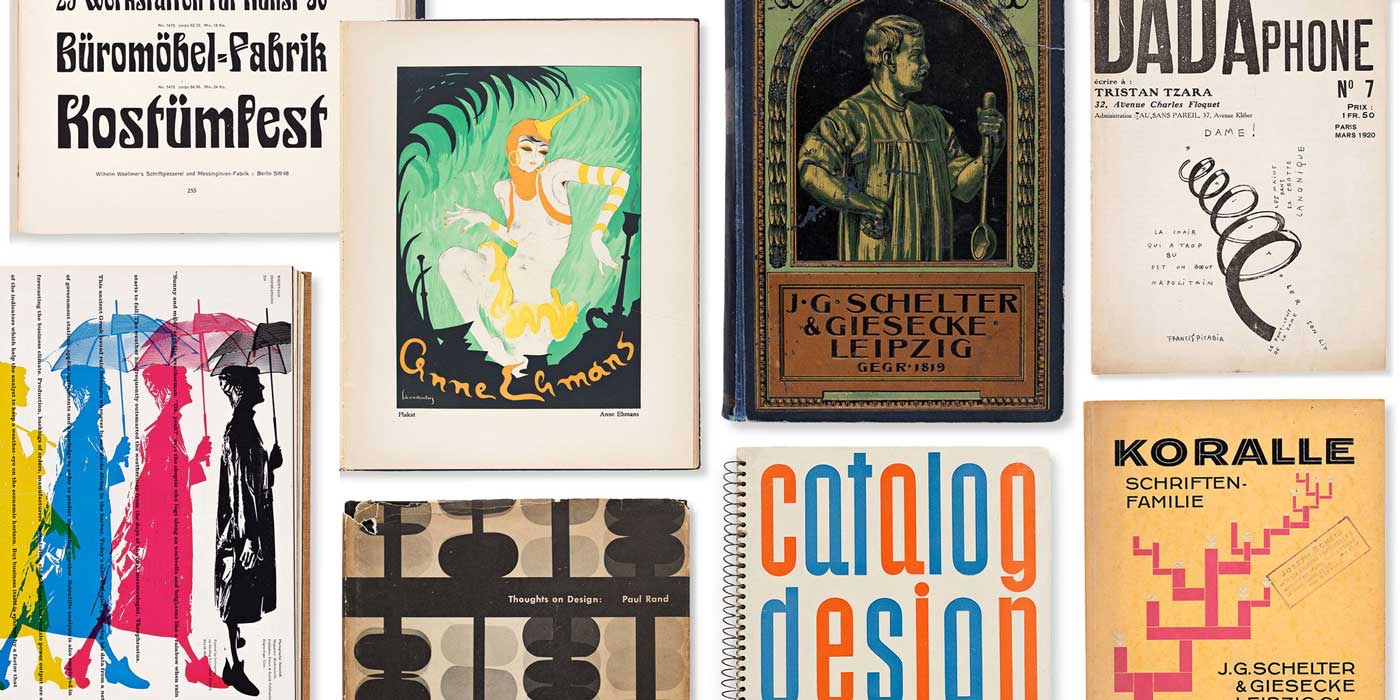
Bring a rare piece of the Archive into your own home or office while supporting our mission: join our first-ever auction on May 12, 2021.


Don’t miss the latest typography news!
Typography Weekly via email: Subscribe here
Typography Weekly via RSS feed: Subscribe here