


Typography Weekly #112
8 typography news links in this category
-
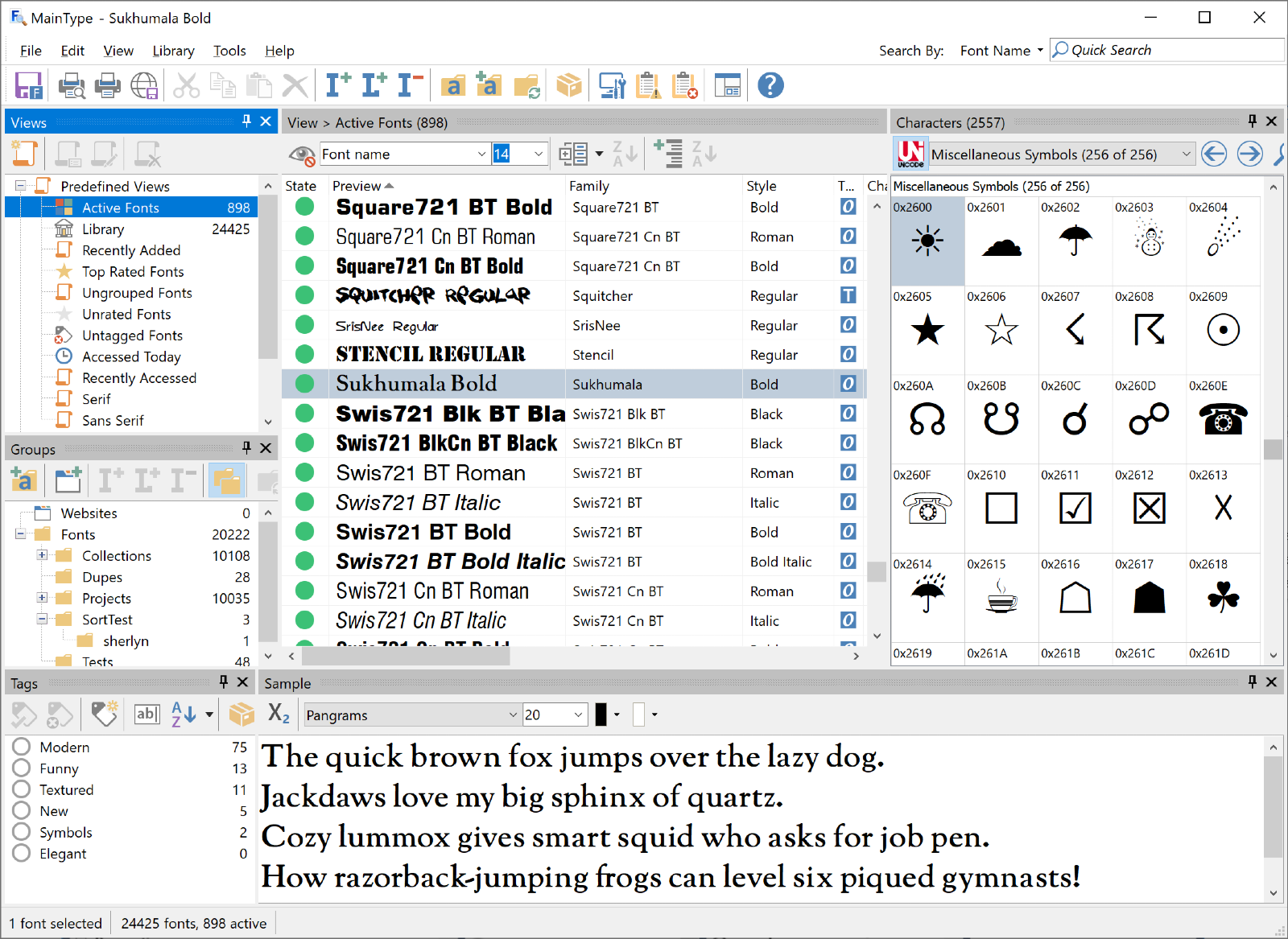
MainType 11 now comes with axis sliders for your variable fonts.
-
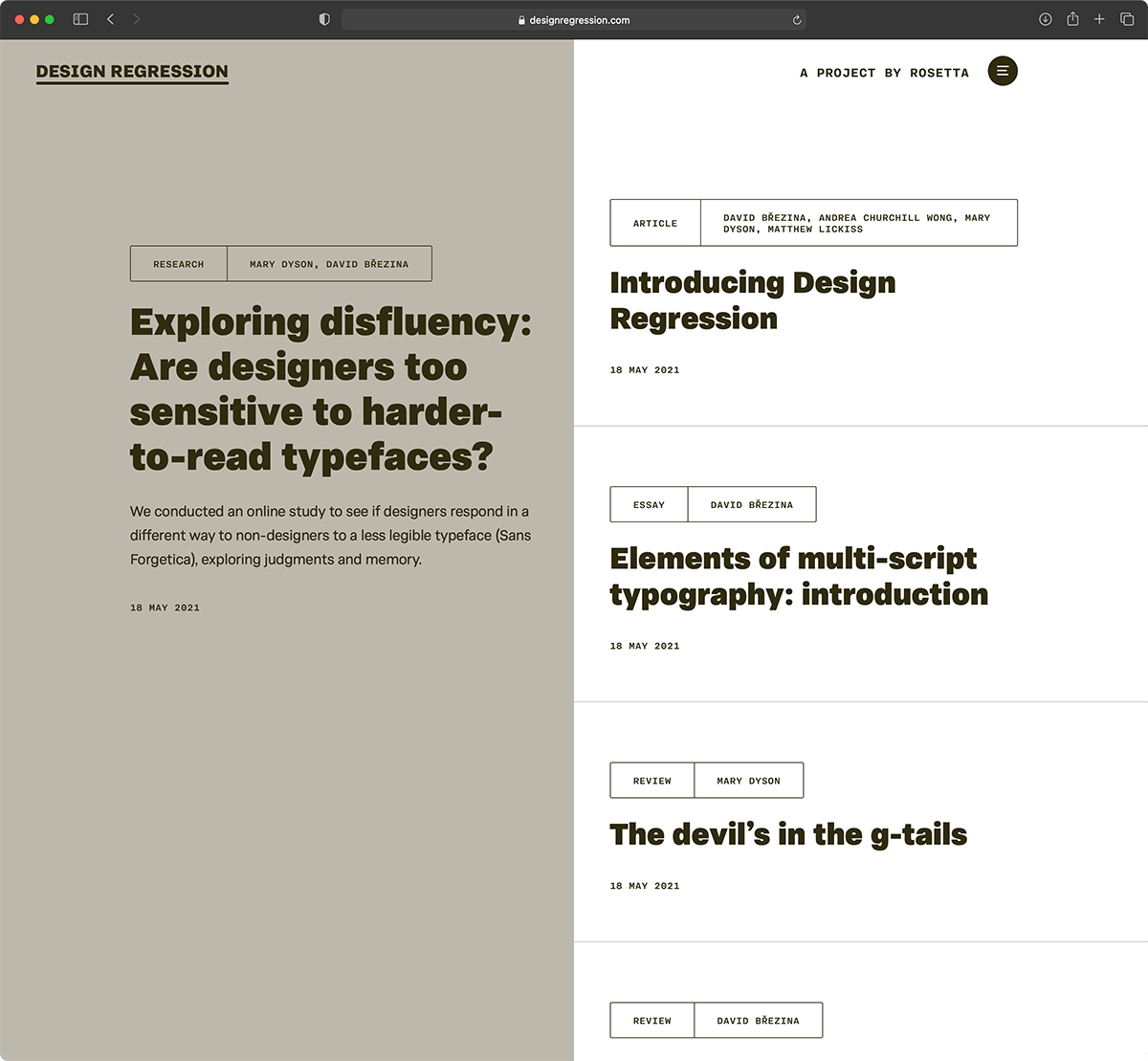
“Design Regression is a journalette (mini journal) publishing texts that are about design for reading and reading-related research. It aims for the hard-to-get blend of approachability with seriousness and relevance to practice.”
-
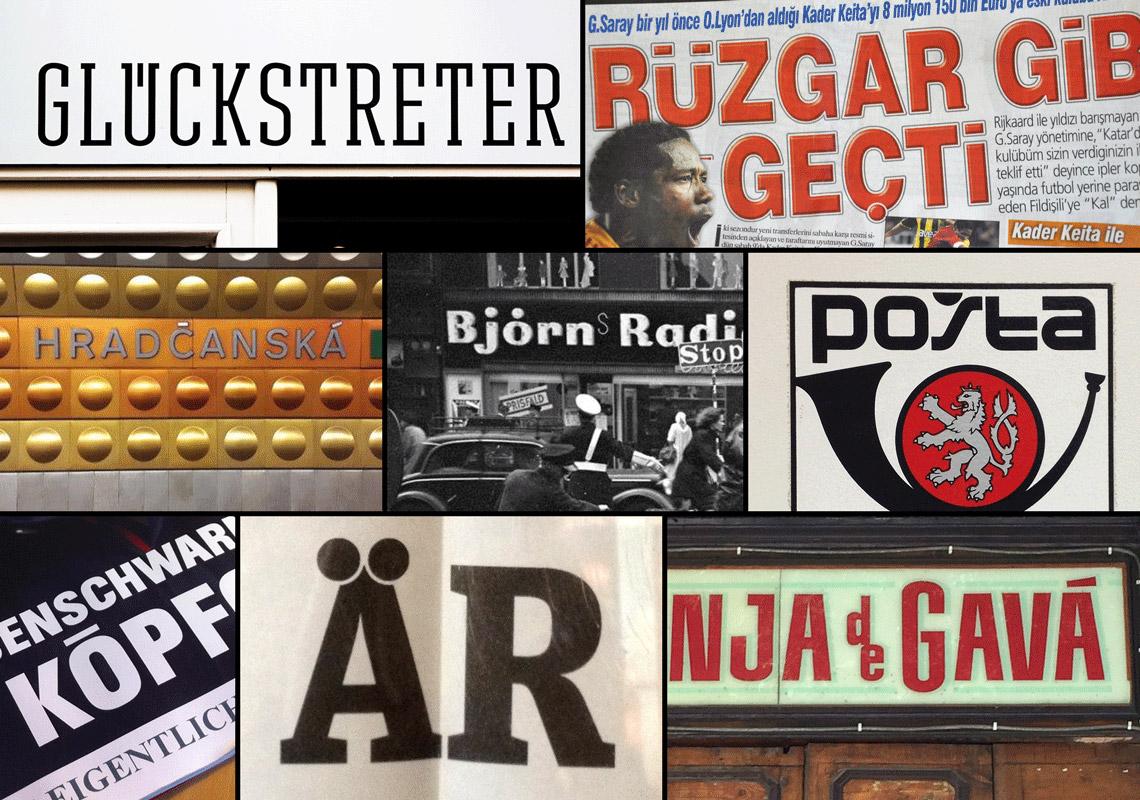
“TypeTogether cofounder Veronika Burian discusses the major Latin-based information you should know about diacritics: those accented characters we include in all our font families.”
-
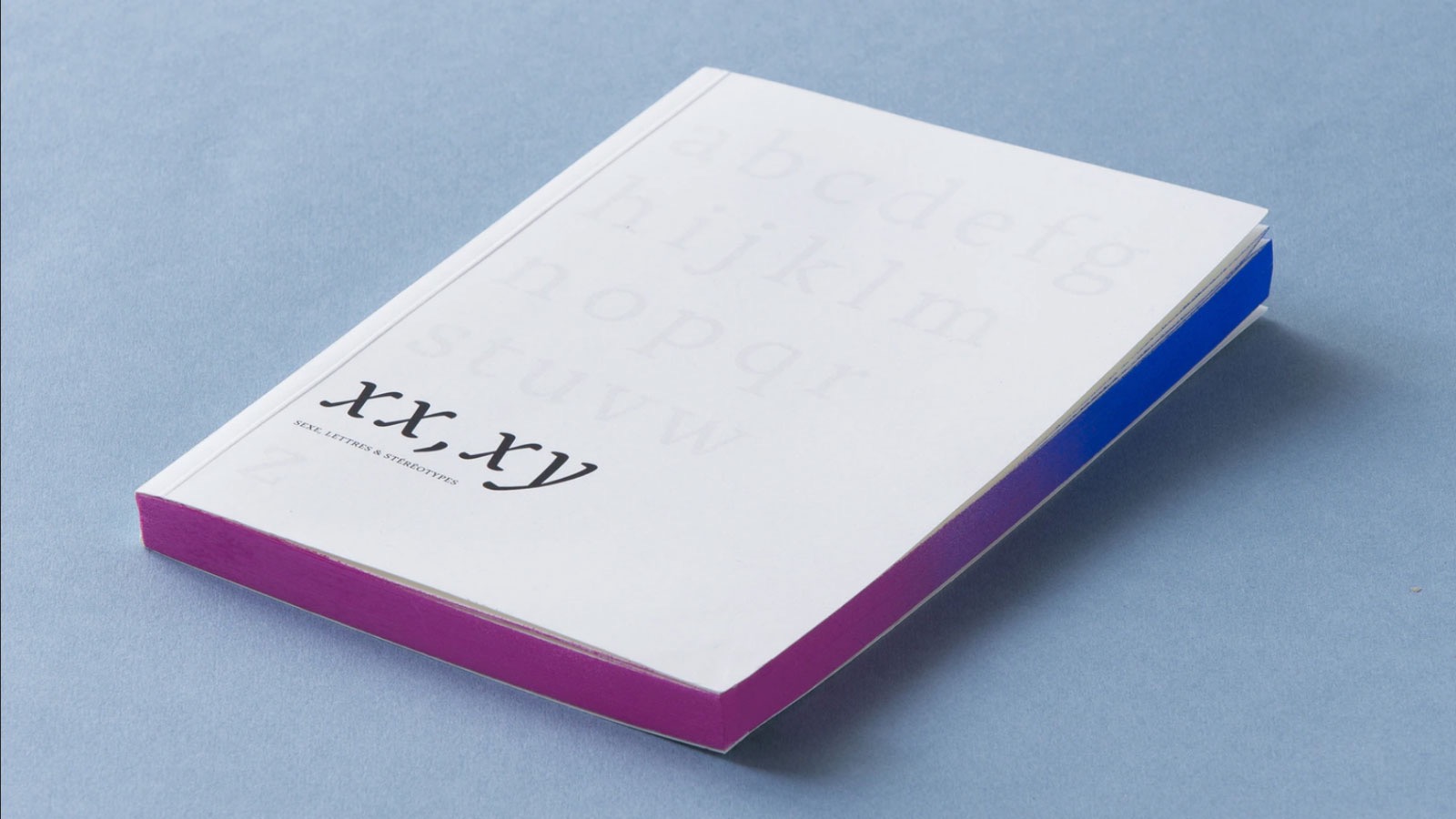
A book that investigates the relationship between gender stereotypes and letterforms, and what the design community can do about it.
-
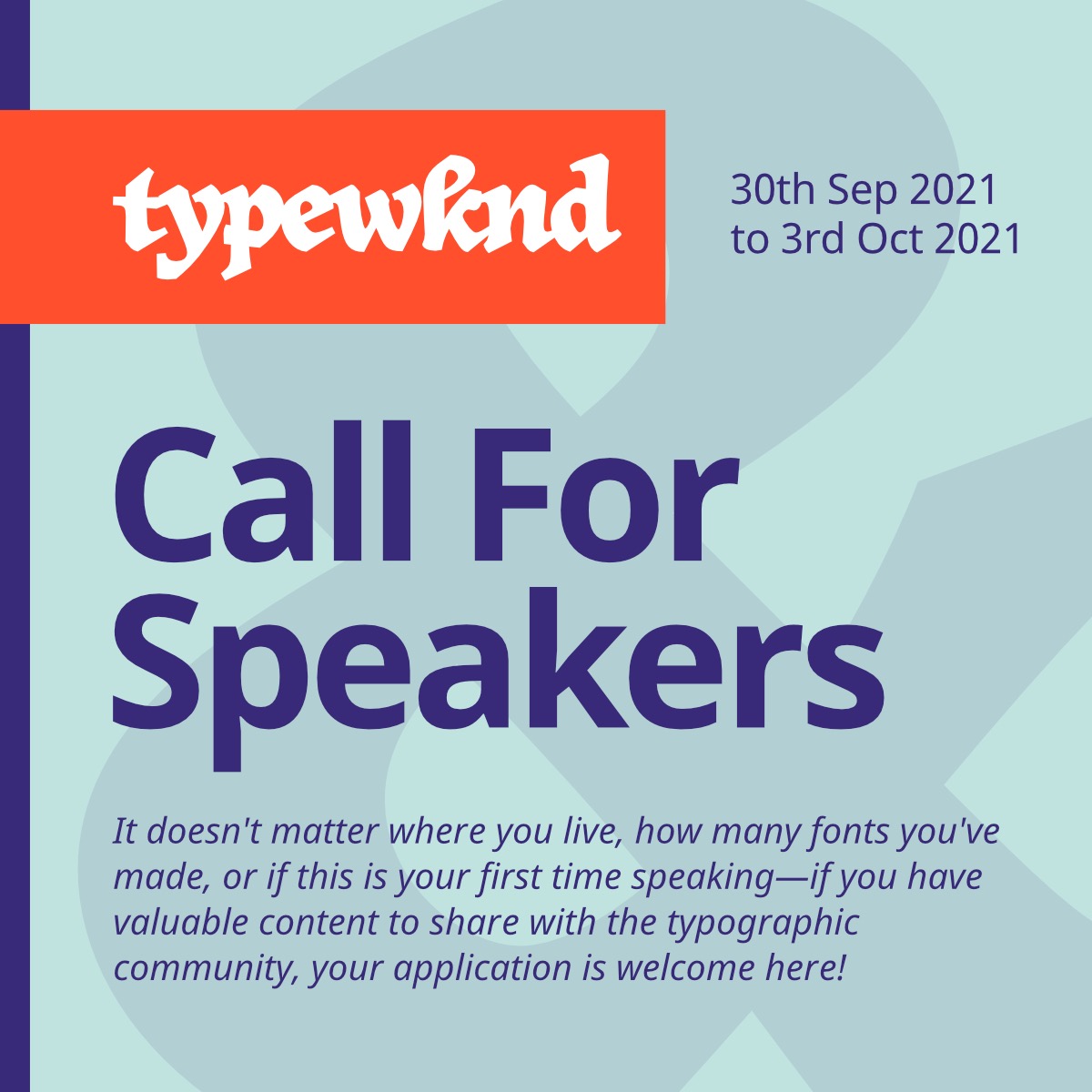
We're looking to amplify fresh voices, start productive conversations, and share engaging content with a global audience. Are you ready to join us?
-
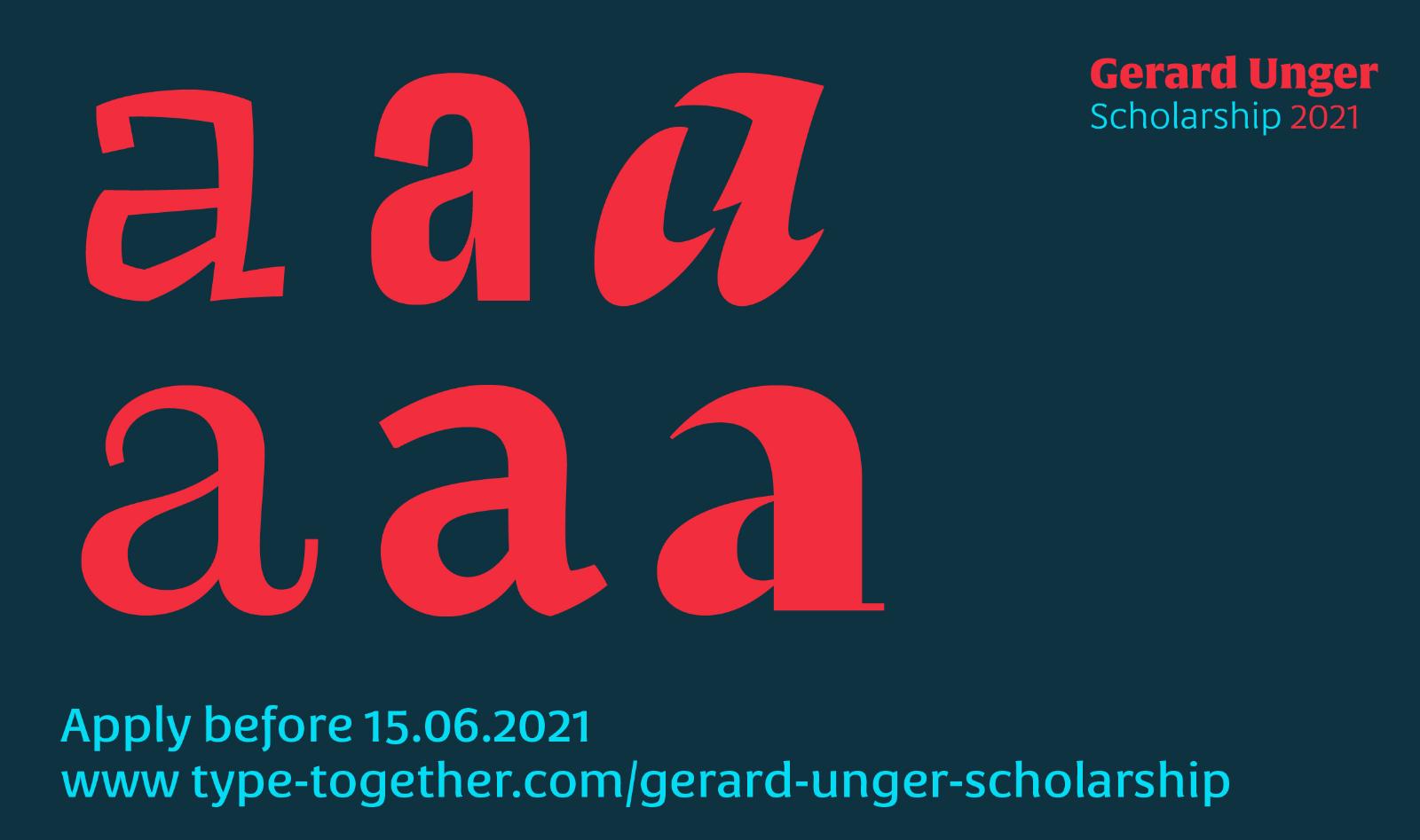
The seventh edition of the Gerard Unger Scholarship is open to all individuals either enrolled in or graduating from a typography course in 2019–2021. Interested participants are invited to submit their designs for consideration before 15th June 2021.
-
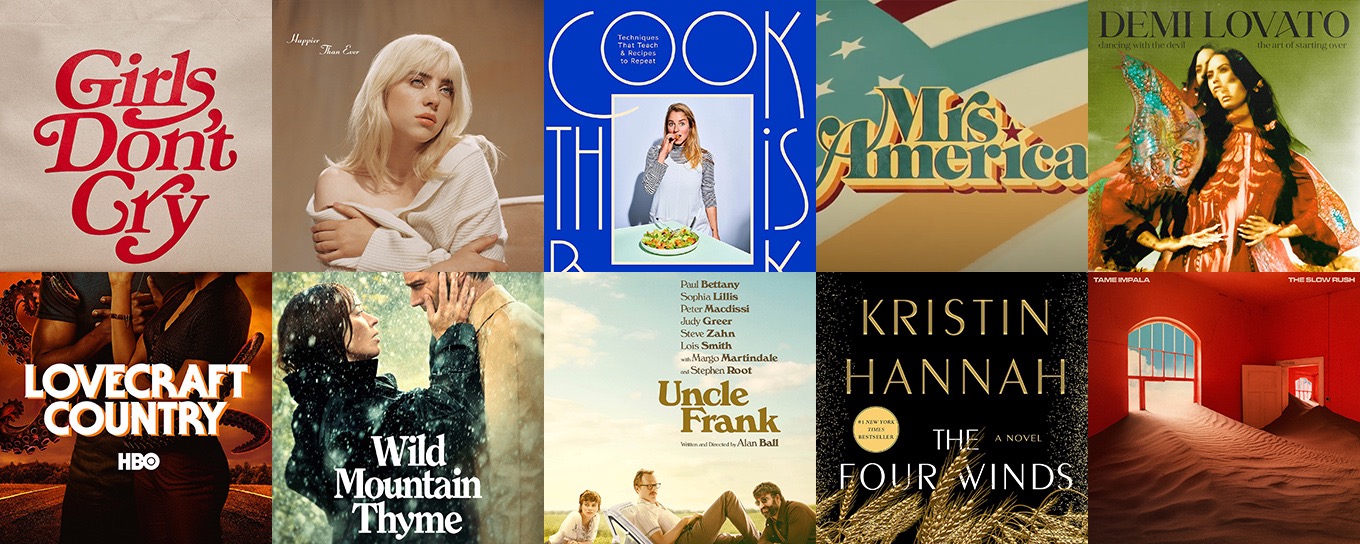
See the fonts used in popular culture—featuring Girls Don’t Cry, Cook This Book, Lovecraft Country, Mrs America and more.
-
Microsoft commissioned five new custom fonts and asks its user to decide which will be the new default.




Don’t miss the latest typography news!
Typography Weekly via email: Subscribe here
Typography Weekly via RSS feed: Subscribe here

