Typography Weekly #115
7 typography news links in this category
-
A book about Swiss graphic designer Rosemarie Tissi. “In our view, she brought funk into modernism. With typographic solutions, color and rythm she has created powerful and playful design since the 1950’s.” “Somehow I saw the movement of the music in images, patterns and design. There was no right or wrong, there was only movement that I could clearly visualise.”
-
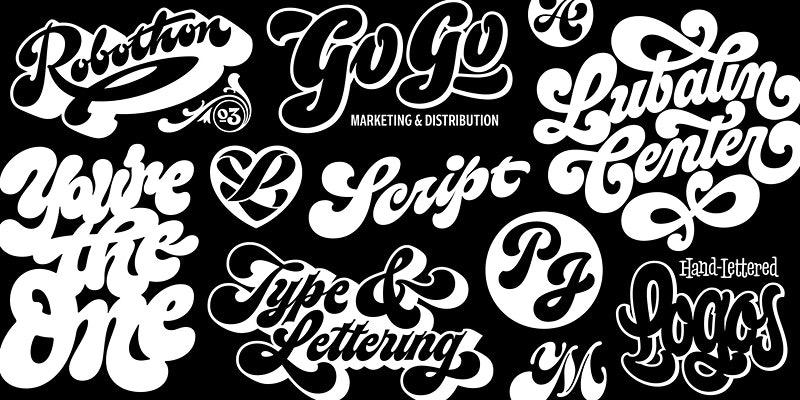
Expand your lettering skill set by adding thick and juicy scripts to your range of styles. Perfect for beginners and experienced artists.
-
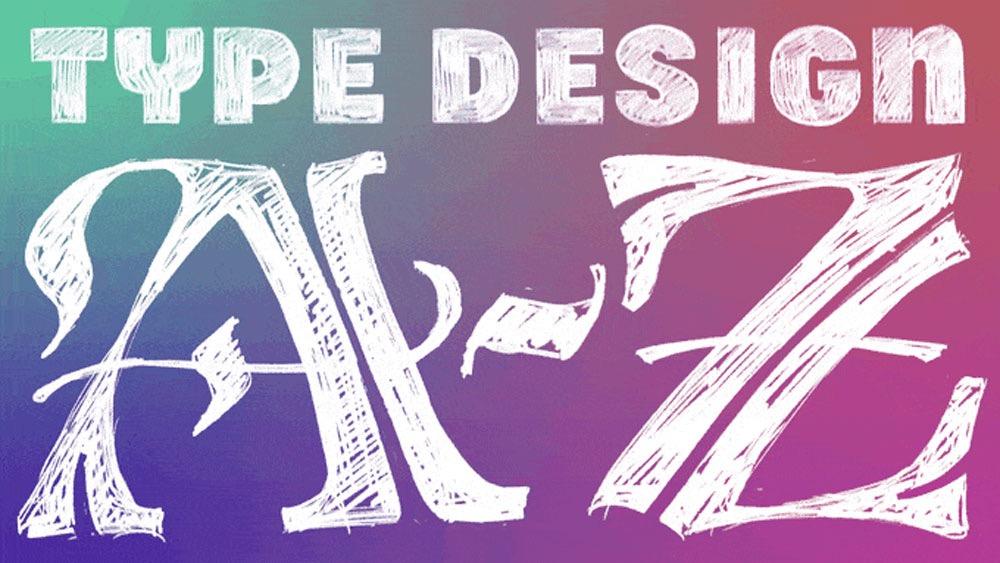
In this all-comprehensive course, students will learn about the foundations of type design, how to get started on designing their first typeface, and how to plan out a series of styles.
-
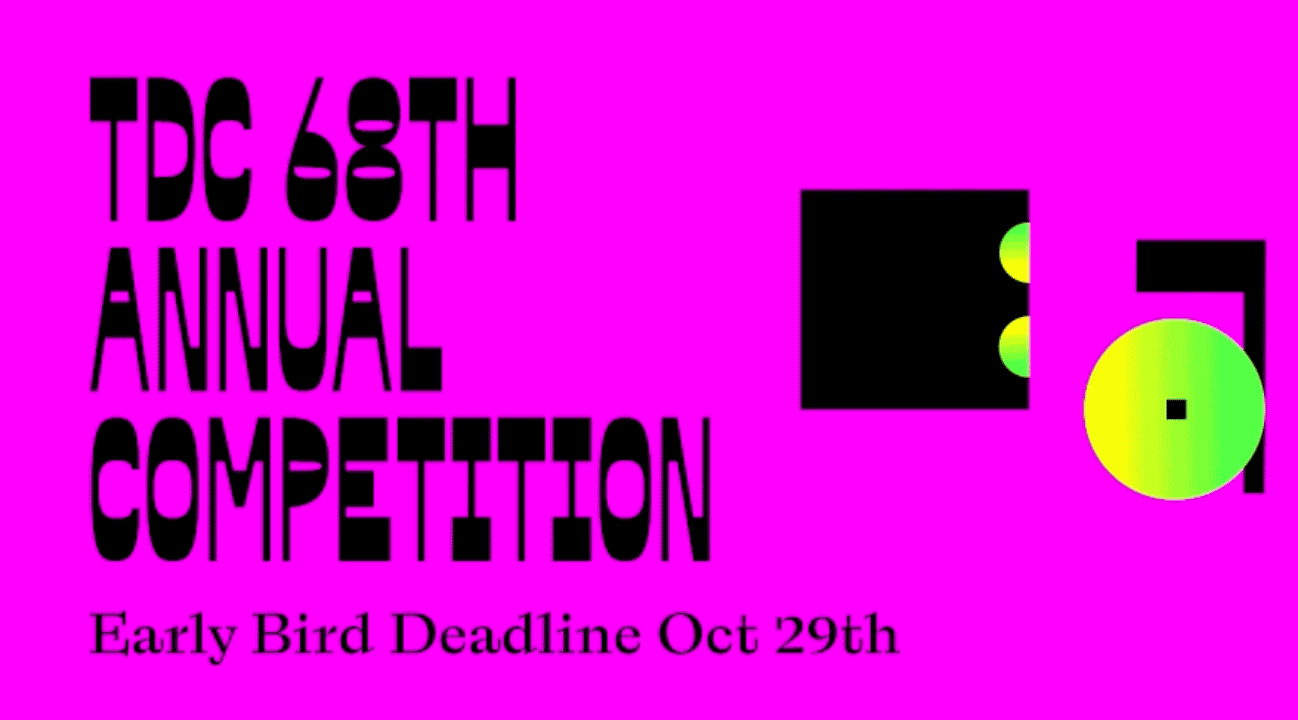
TDC68, the Type Directors Club 68th annual international competition, recognizes typographic excellence and innovation, while maintaining its ongoing commitment to the art and craft of typography and design.
-
“The acquisition of H&Co by an industry giant with private-equity owners is lighting up the industry, and raising existential concerns for others in the field.”
-
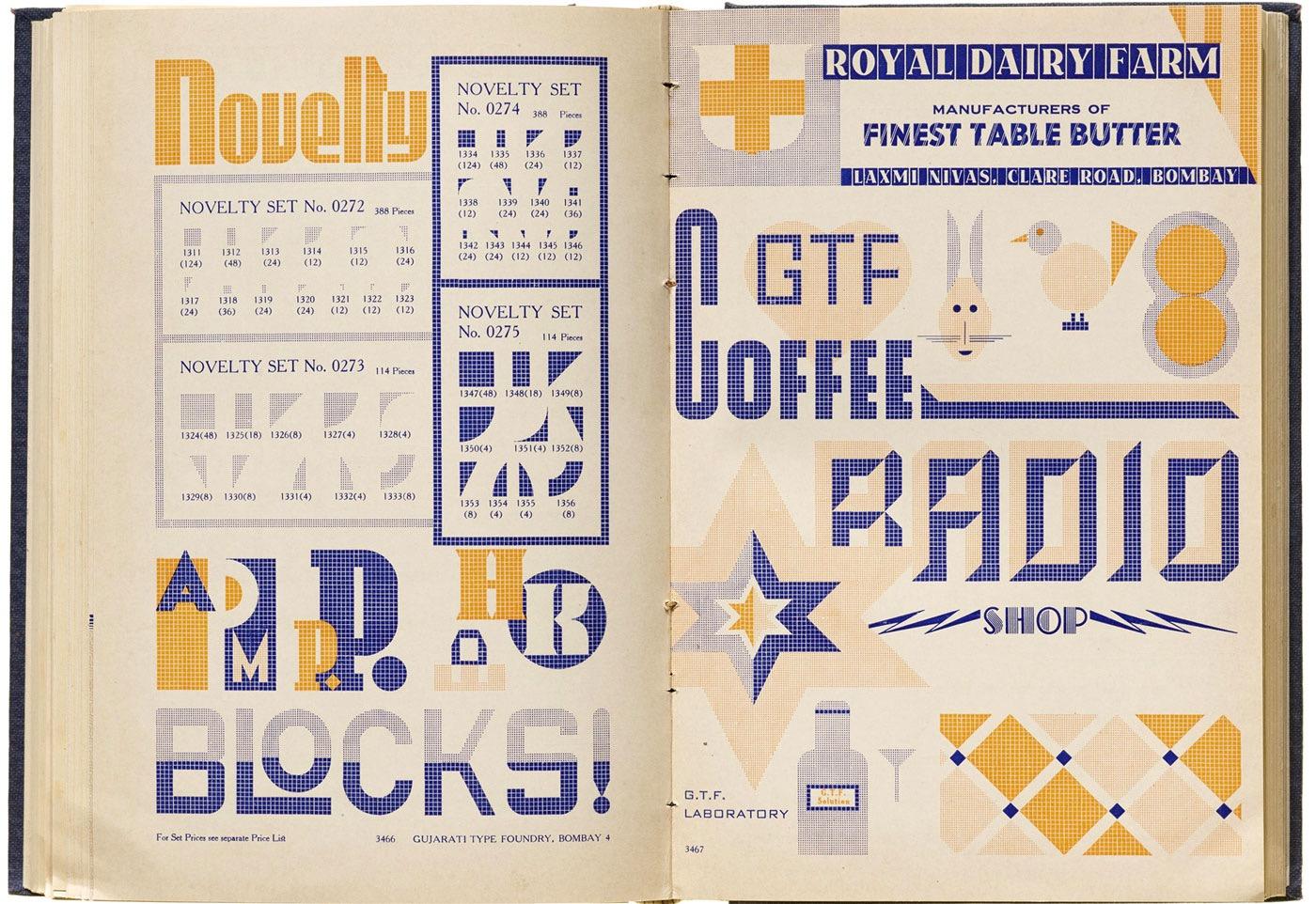
Reporting from India, Tanya George offers a glimpse into one of the country’s most extensive catalogs of locally produced metal type.
-
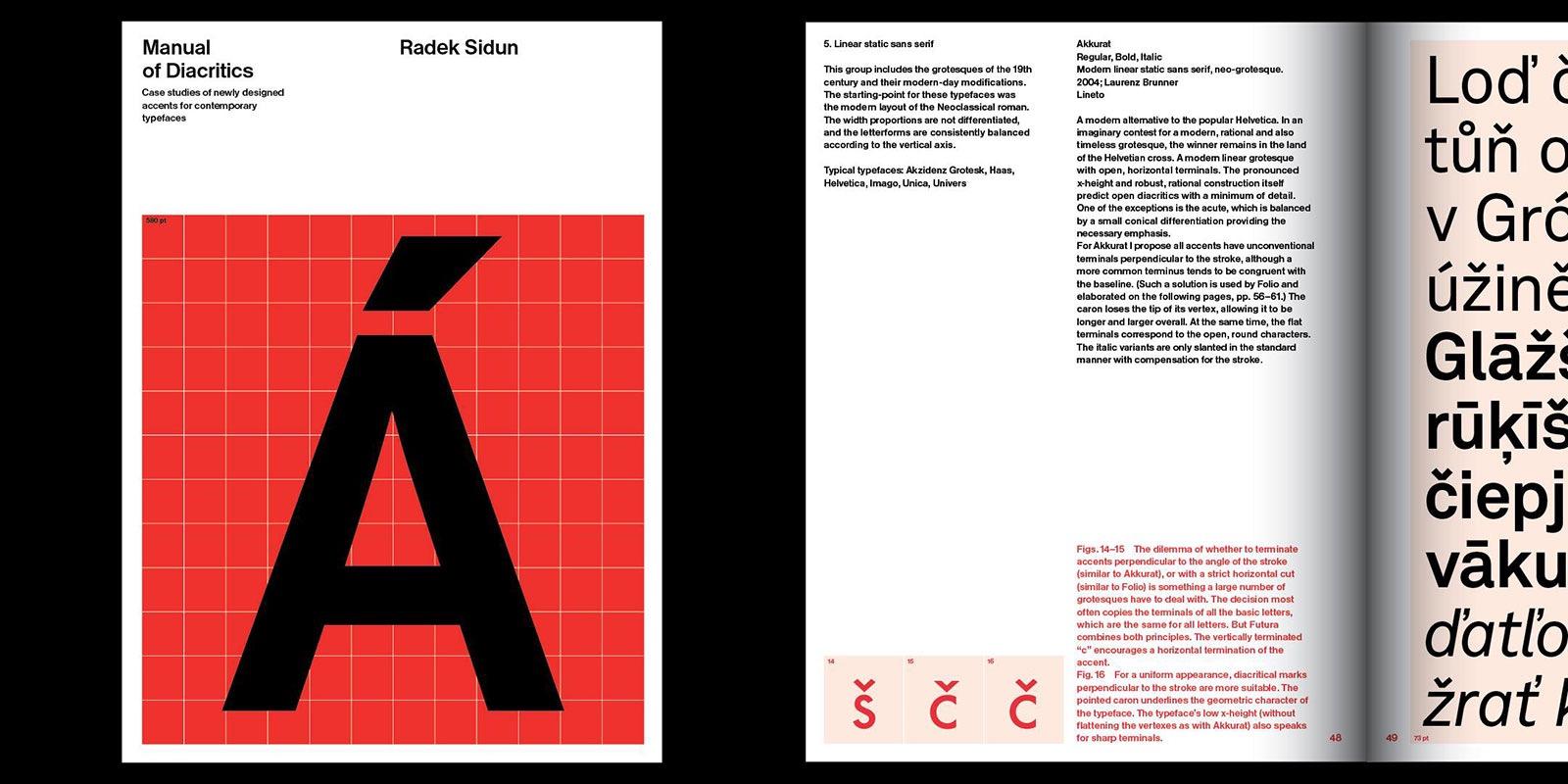
Case studies of newly designed accents for contemporary typefaces


Don’t miss the latest typography news!
Typography Weekly via email: Subscribe here
Typography Weekly via RSS feed: Subscribe here