


Typography Weekly #125
8 typography news links in this category
-
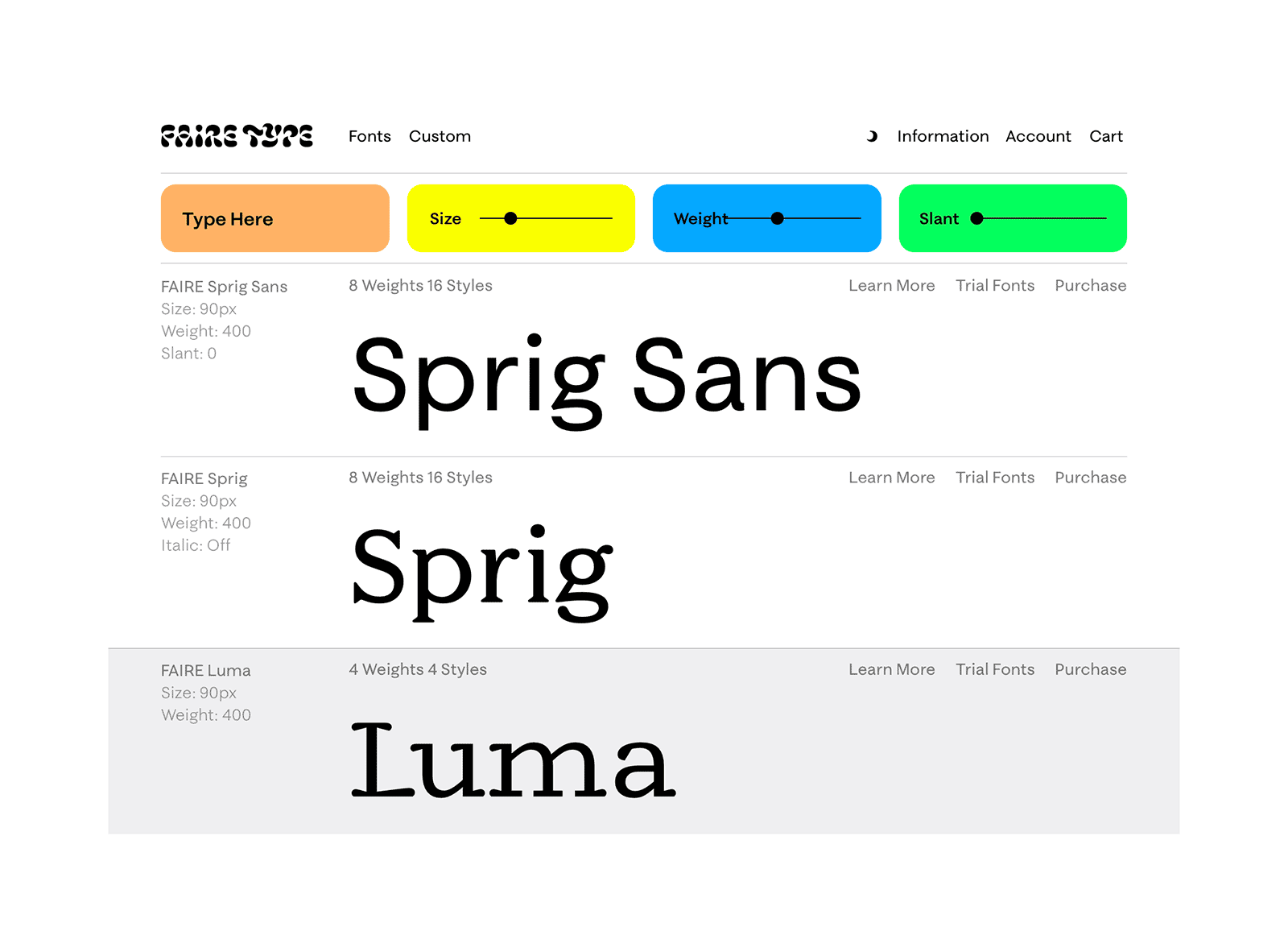
Based in Brooklyn, Faire Type is an independent type foundry run by French-American designers Sabrina Nacmias and Maxime Gau.
-
Over 100 fonts were made available including a new website interface to see the design space of the variable fonts.
-
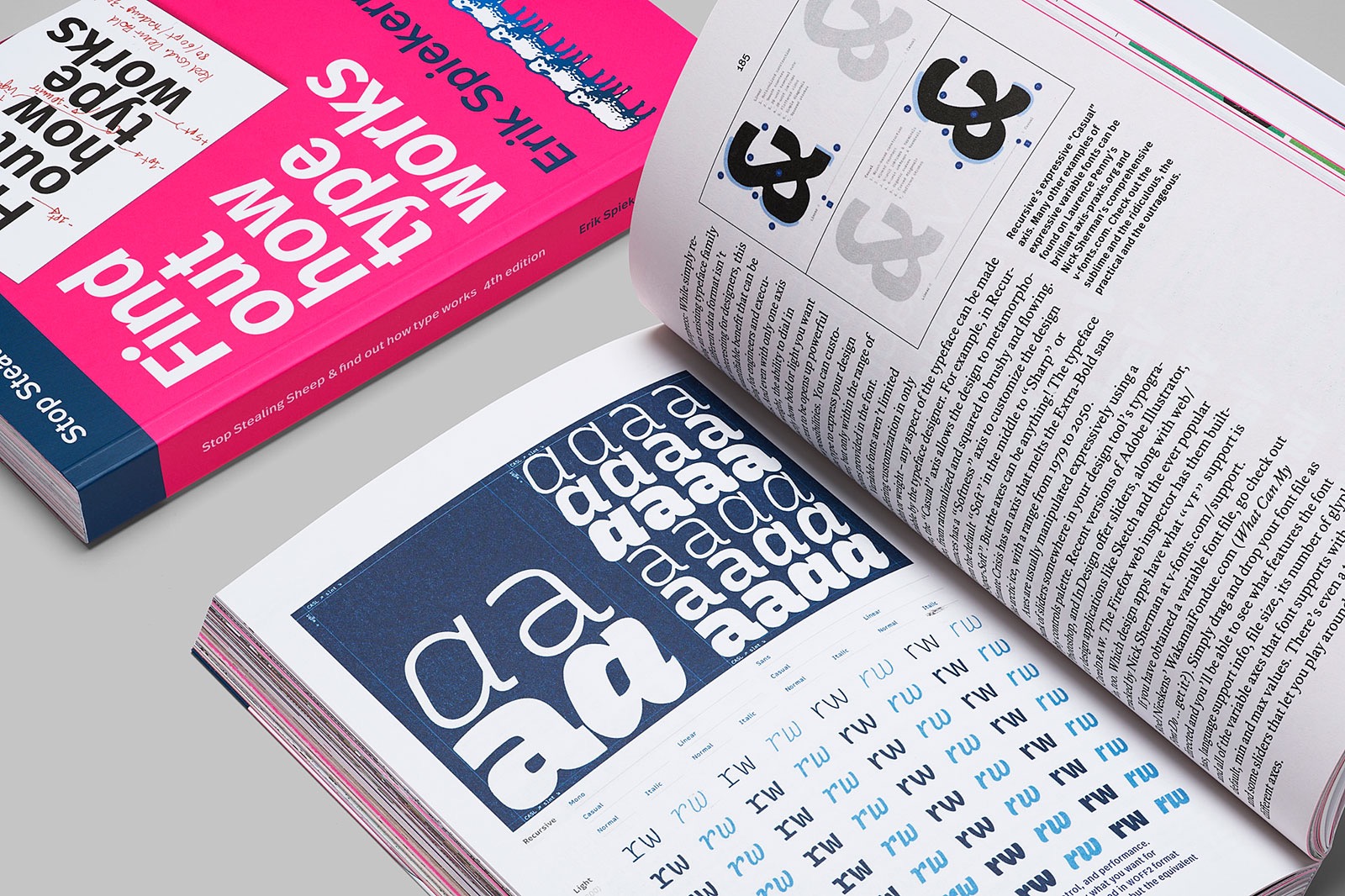
“Stop Stealing Sheep and find out how type works, 4th edition” (PDF, 23 Mb) is published and open to all under a Creative Commons license on Google Fonts.
-
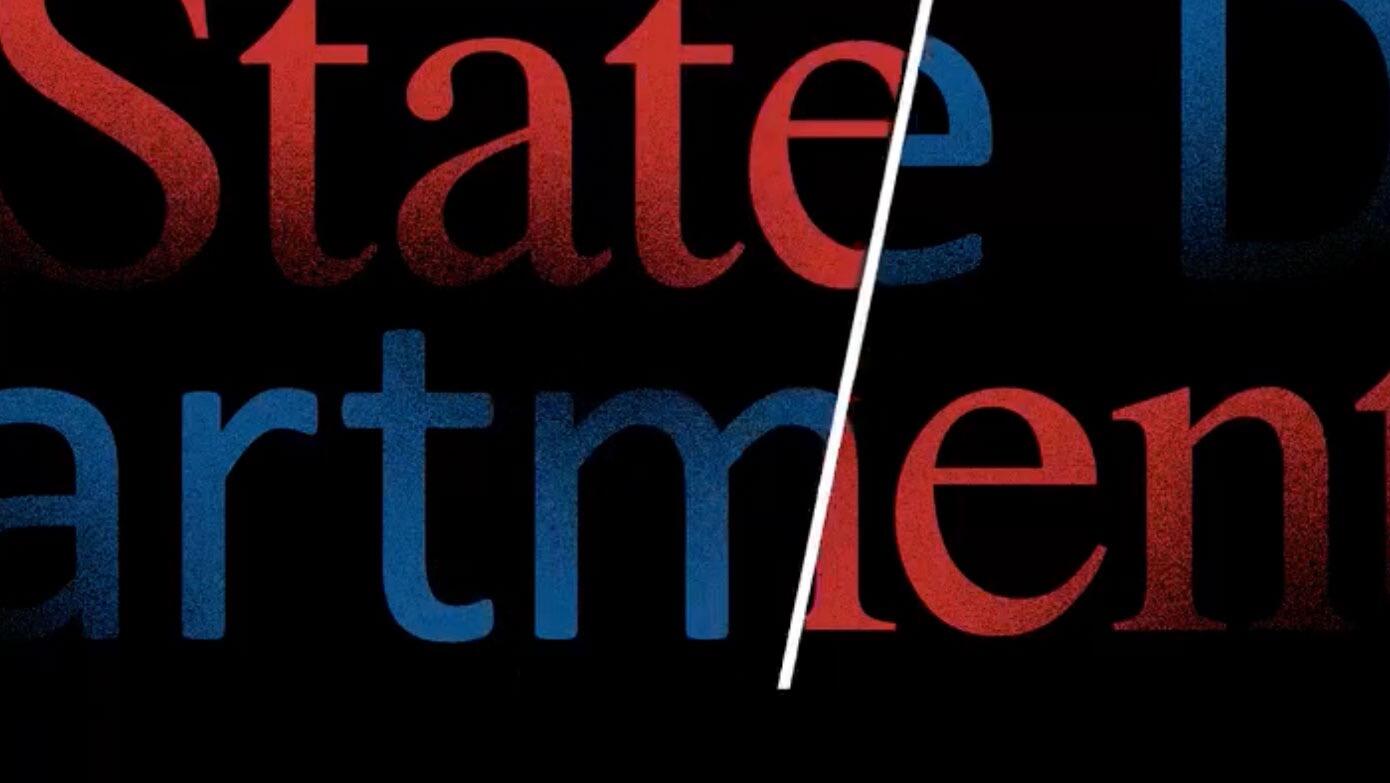
‘The Times (New Roman) are a-Changin,’ read the subject line of a cable from Secretary of State Antony Blinken to U.S. embassies as part of an accessibility push.
-
Jon Young (Tiotype) is the new owner of GarageFonts. Going forward, the new GarageFonts aims to be a steward of the library and to build on its legacy by releasing new typefaces that are relevant, significant, purposive, and beautiful.
-
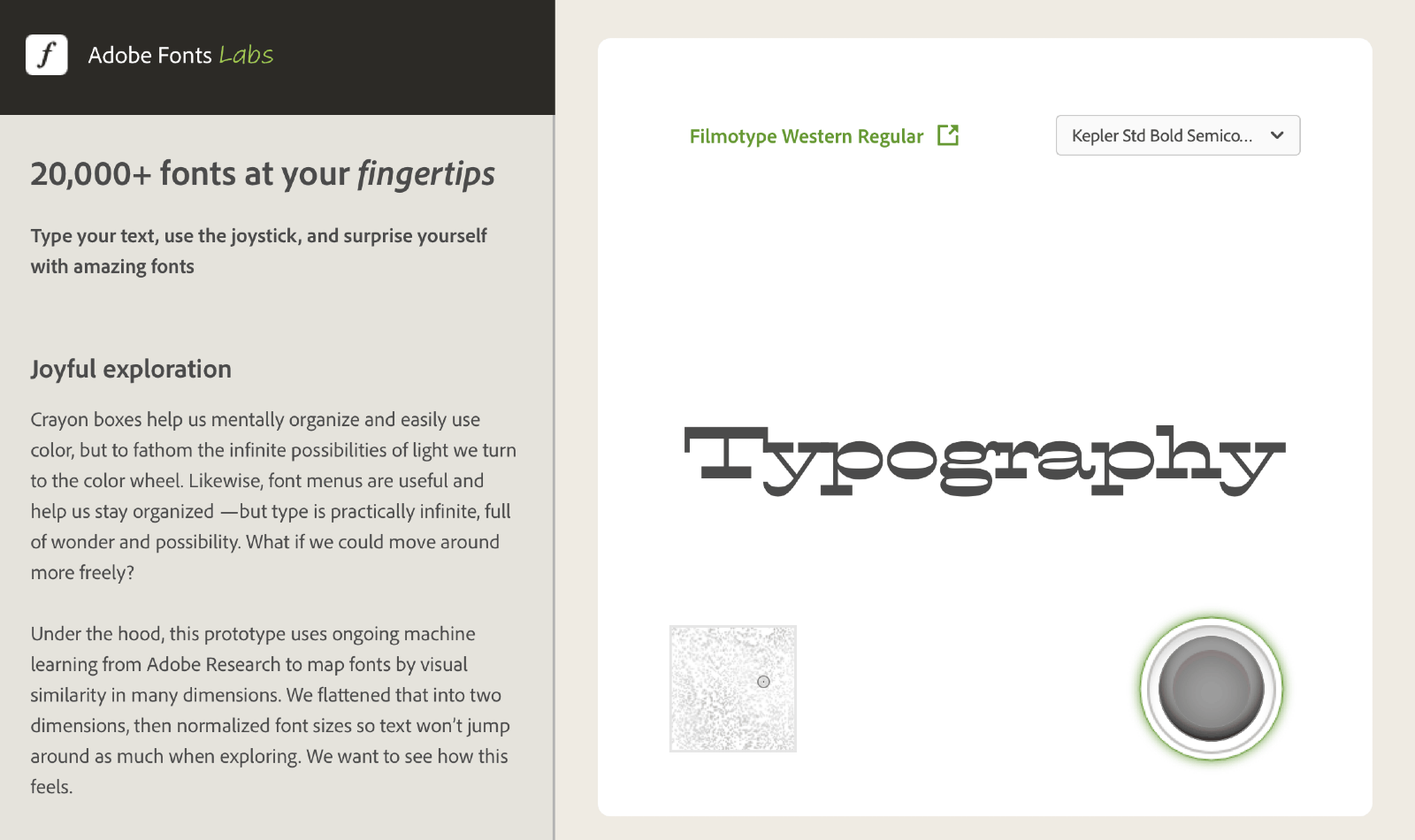
Explore 20,000 fonts which are grouped by visual similarity using machine learning.
-
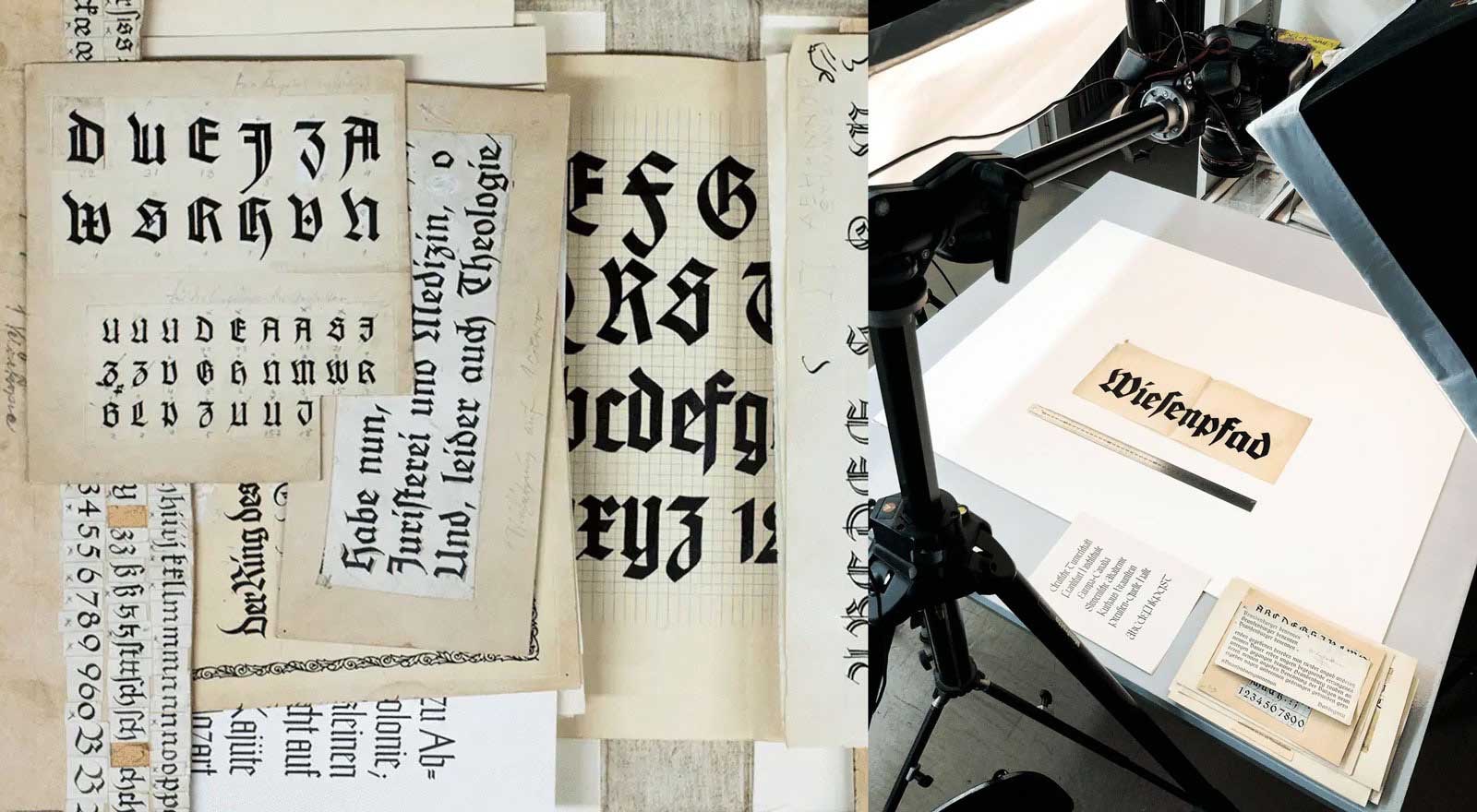
The Klingspor type archive is based on the collection of the Klingspor Museum Offenbach, which preserves the historical materials that from the former type foundry Gebr. Klingspor.
-
“Typography papers is now online! We are pleased to make available PDF files of articles from volumes 5, 6, and 7. Articles from other volumes will be forthcoming.”

Don’t miss the latest typography news!
Typography Weekly via email: Subscribe here
Typography Weekly via RSS feed: Subscribe here

