Typography Weekly #125
8 typography news links in this category
-
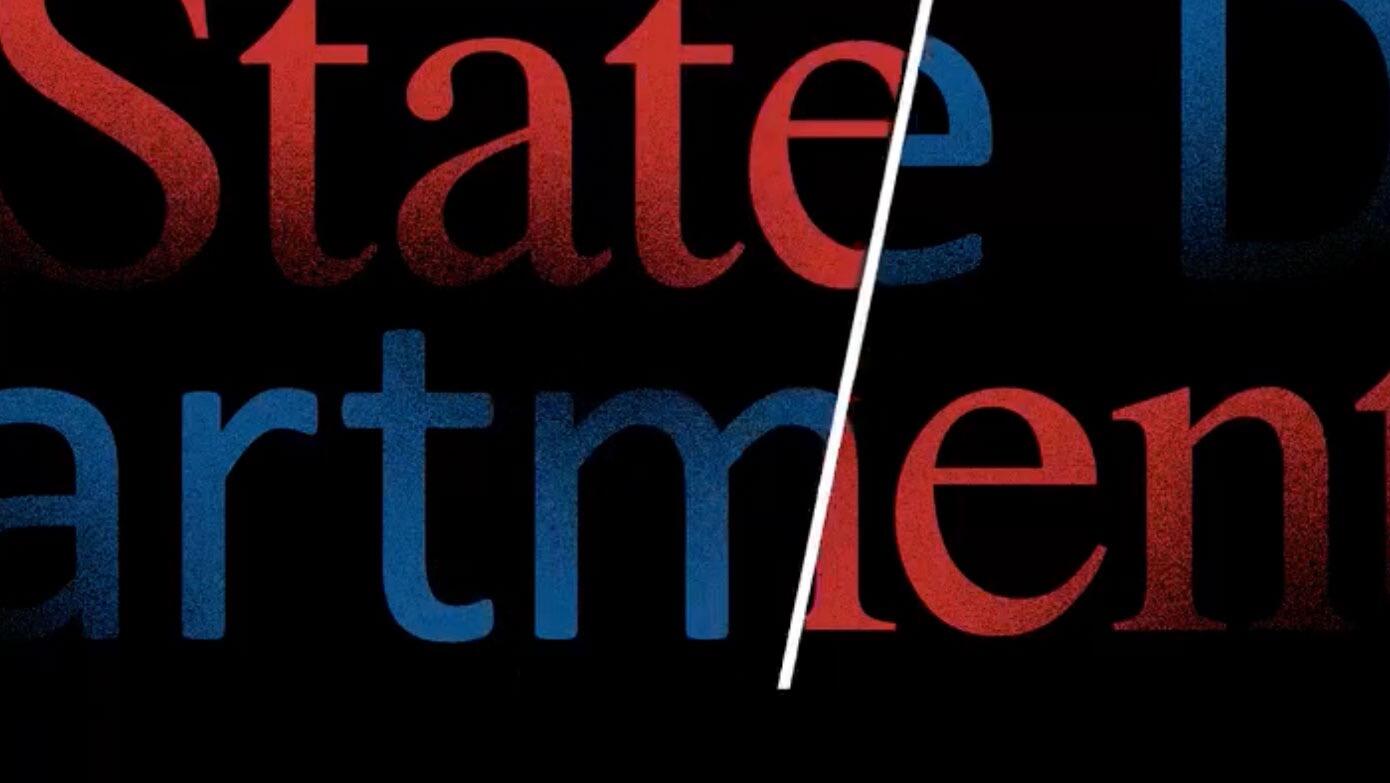
‘The Times (New Roman) are a-Changin,’ read the subject line of a cable from Secretary of State Antony Blinken to U.S. embassies as part of an accessibility push.
-
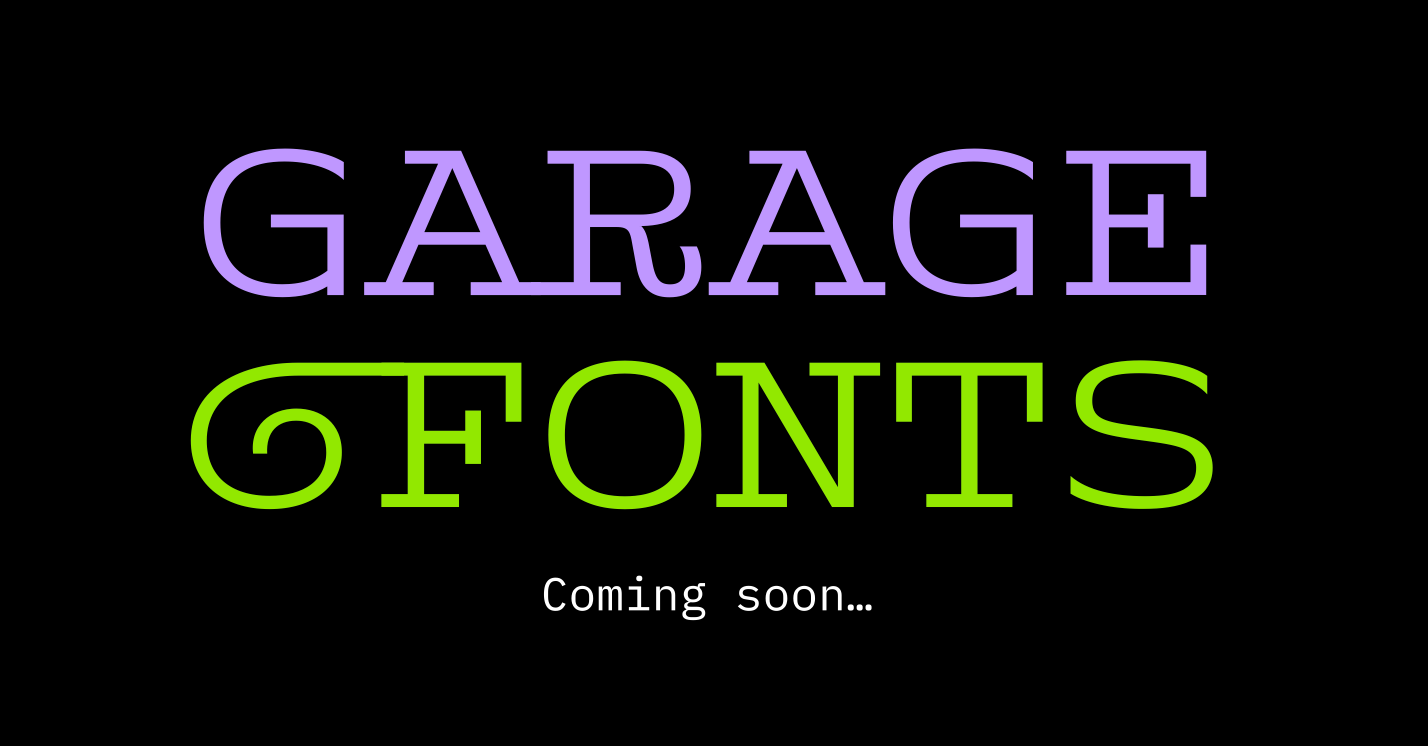
Jon Young (Tiotype) is the new owner of GarageFonts. Going forward, the new GarageFonts aims to be a steward of the library and to build on its legacy by releasing new typefaces that are relevant, significant, purposive, and beautiful.
-
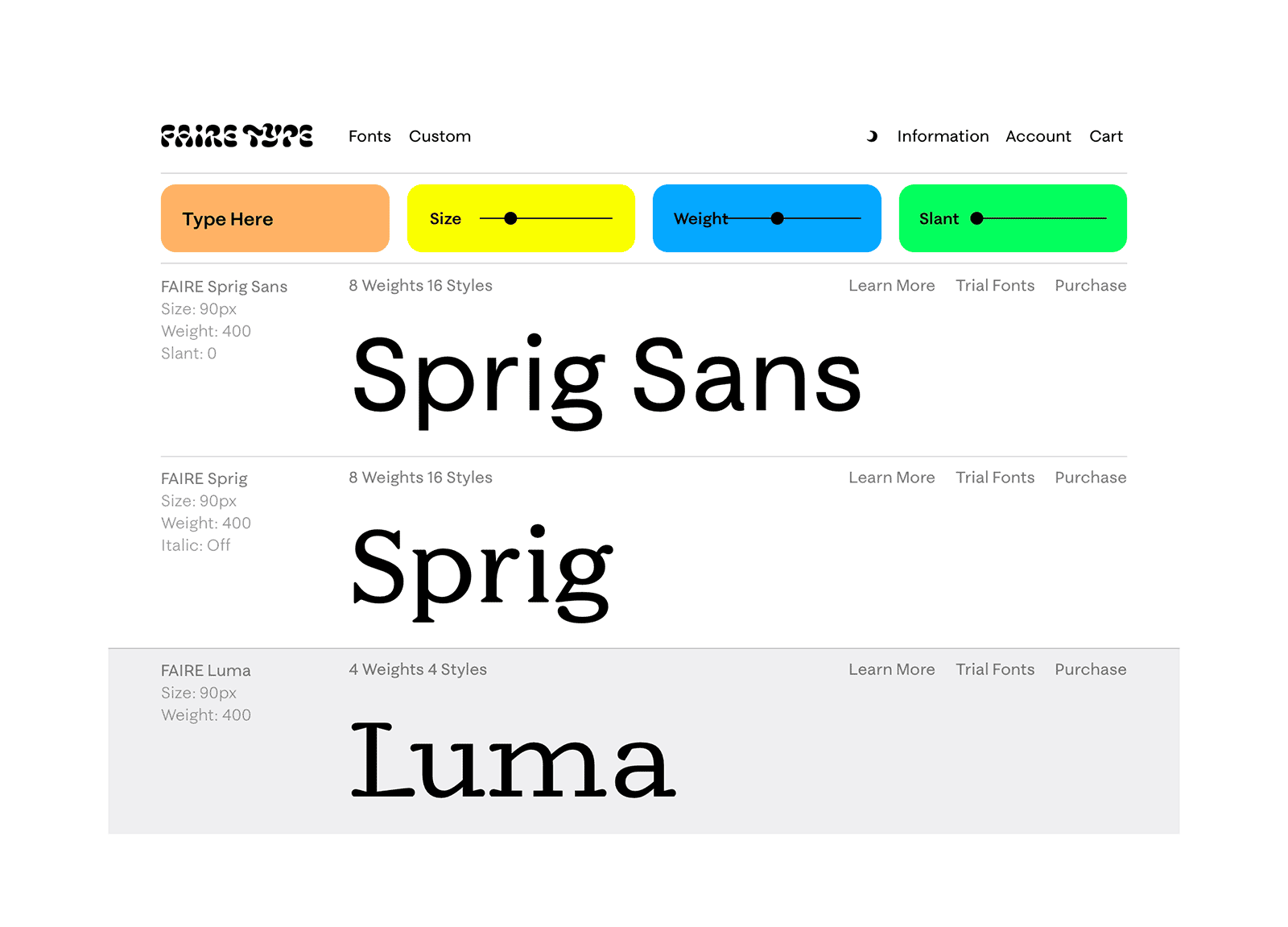
Based in Brooklyn, Faire Type is an independent type foundry run by French-American designers Sabrina Nacmias and Maxime Gau.
-
“Typography papers is now online! We are pleased to make available PDF files of articles from volumes 5, 6, and 7. Articles from other volumes will be forthcoming.”
-
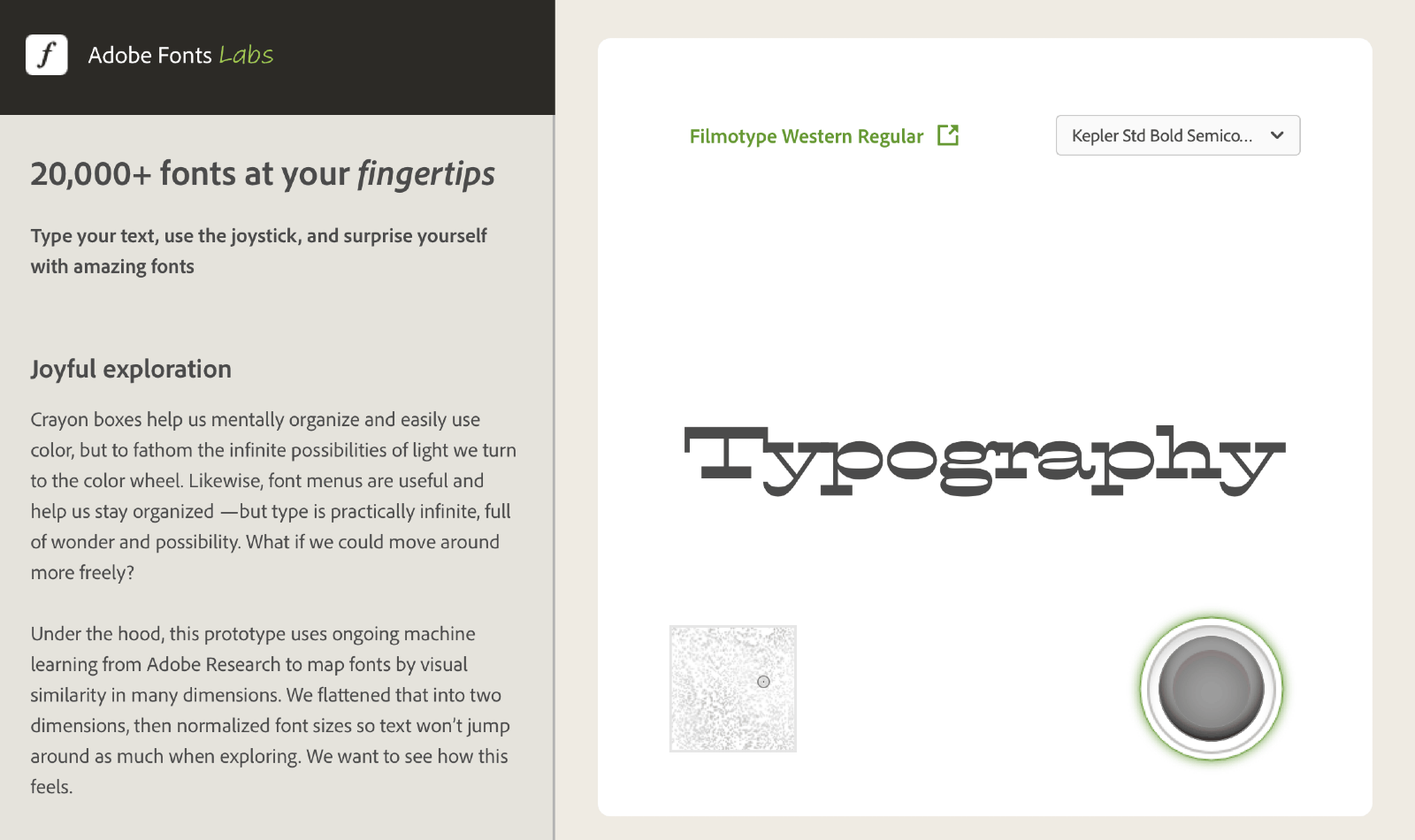
Explore 20,000 fonts which are grouped by visual similarity using machine learning.
-
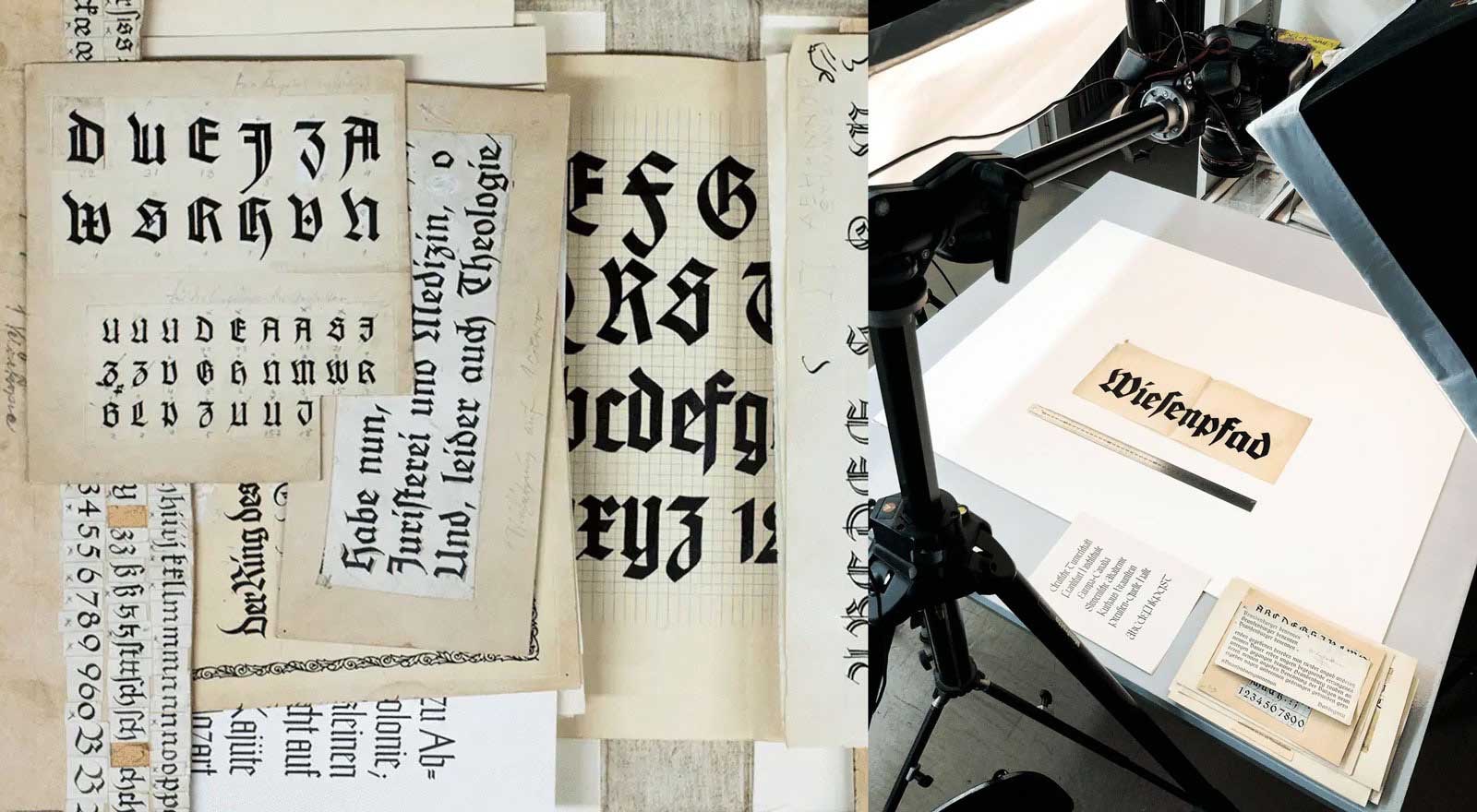
The Klingspor type archive is based on the collection of the Klingspor Museum Offenbach, which preserves the historical materials that from the former type foundry Gebr. Klingspor.
-
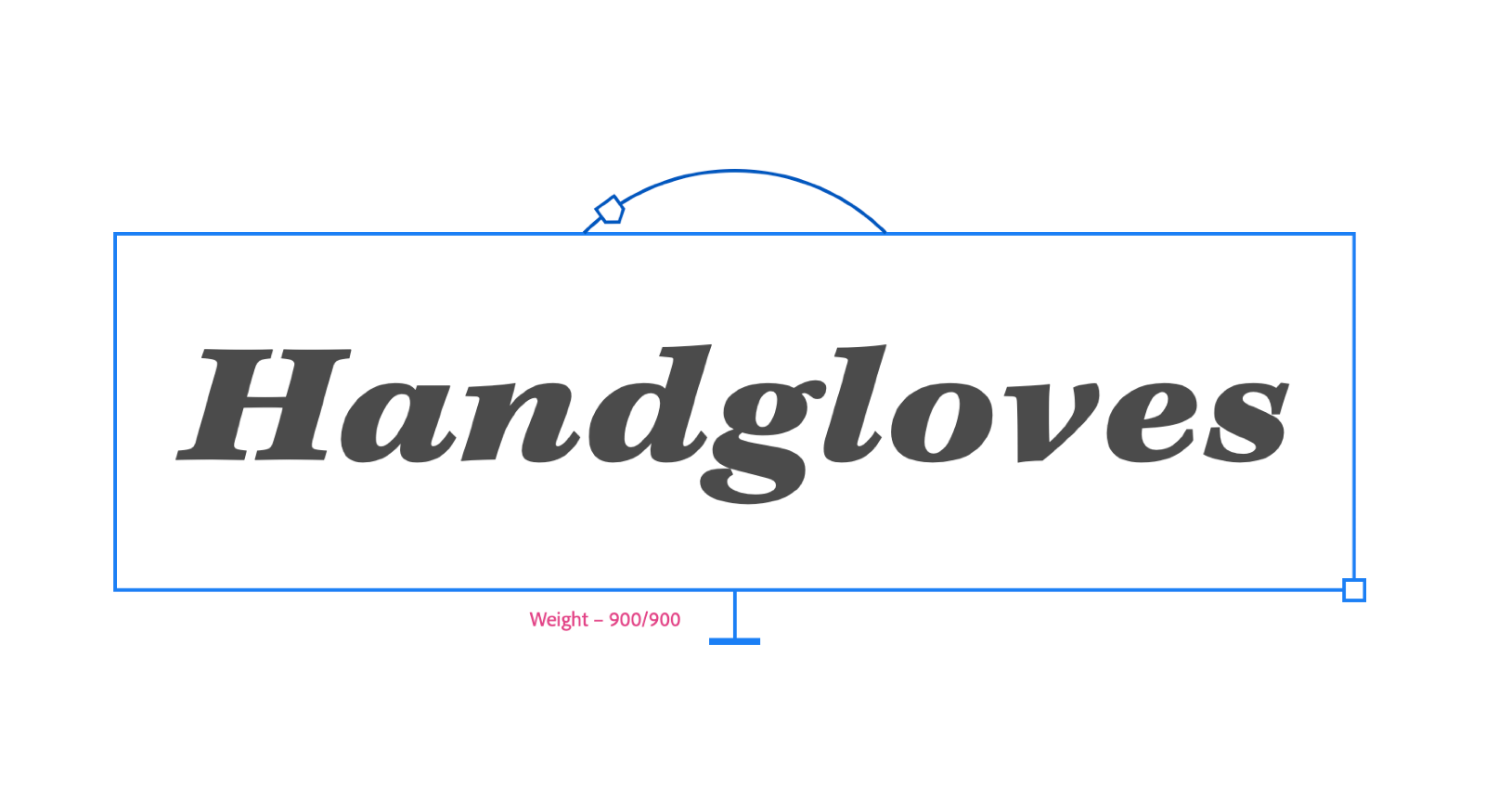
Over 100 fonts were made available including a new website interface to see the design space of the variable fonts.
-
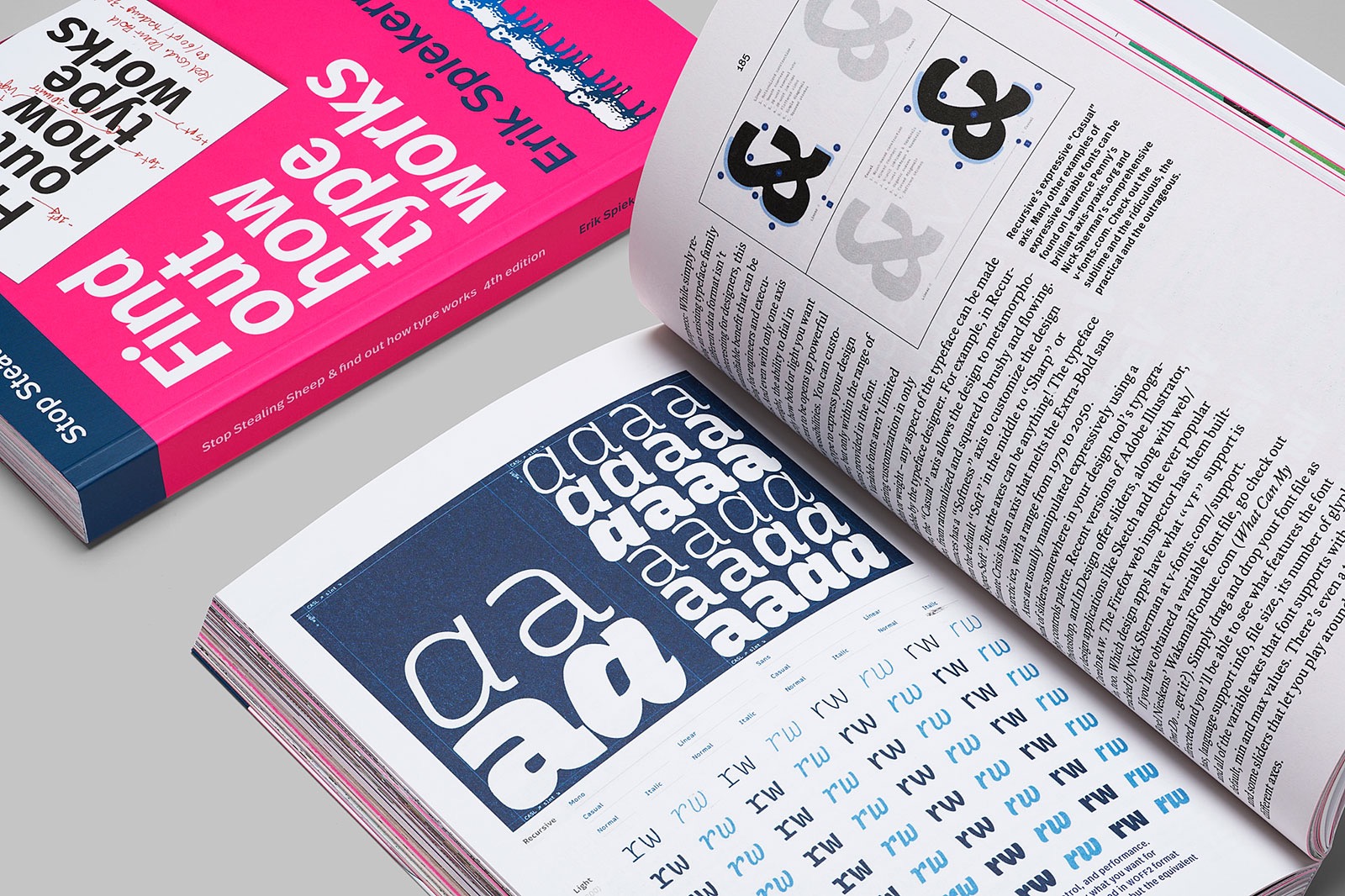
“Stop Stealing Sheep and find out how type works, 4th edition” (PDF, 23 Mb) is published and open to all under a Creative Commons license on Google Fonts.

Don’t miss the latest typography news!
Typography Weekly via email: Subscribe here
Typography Weekly via RSS feed: Subscribe here