Typography Weekly #127
7 typography news links in this category
-
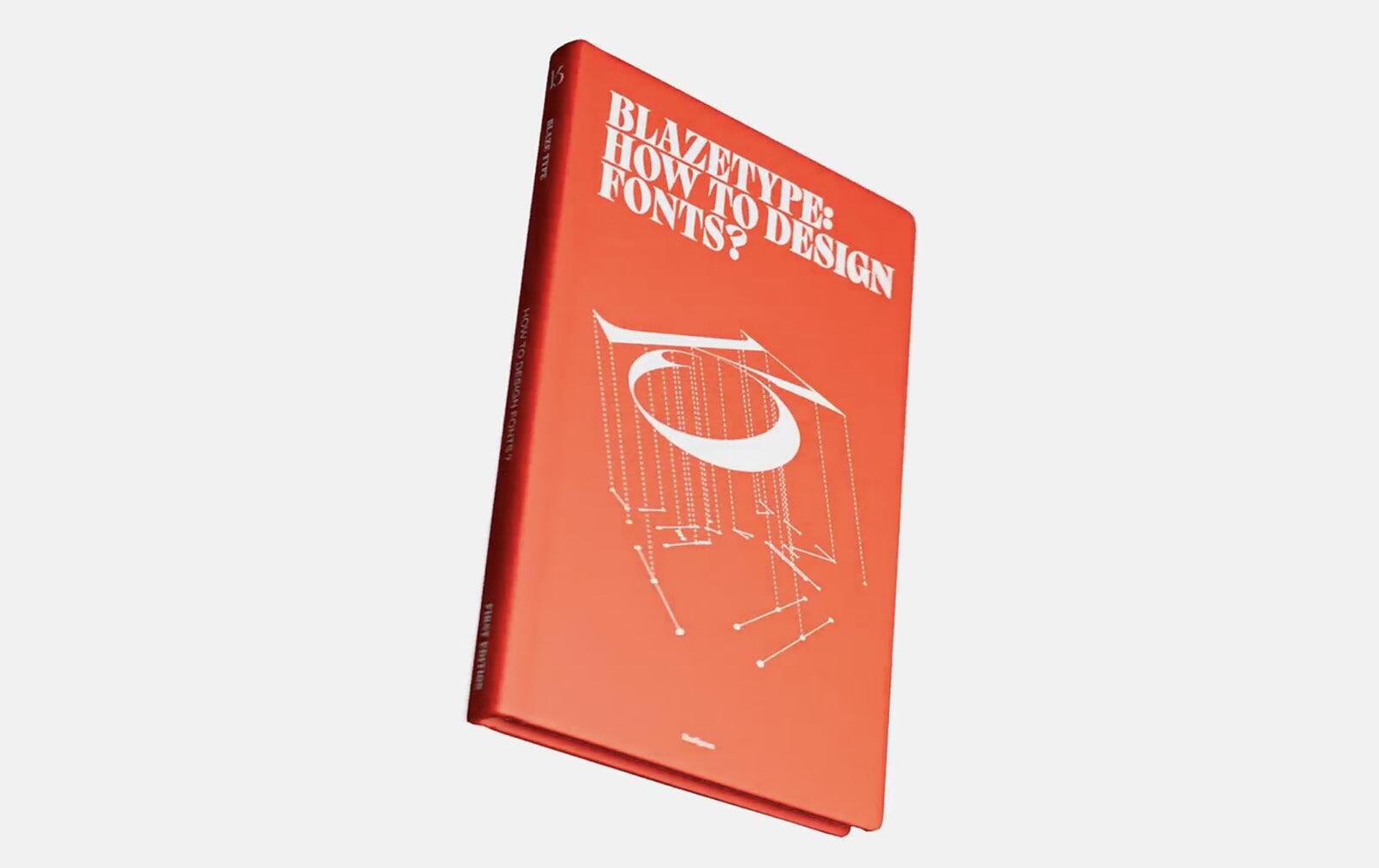
A 140 page PDF (or print-on-demand book) containing all our knowledge to kickstart you into font design and become a typeface designer
-
Thirty-nine typefaces from The Font Bureau, including David Berlow classics Belizio, and Bureau-Grot, join the Monotype Library.
-
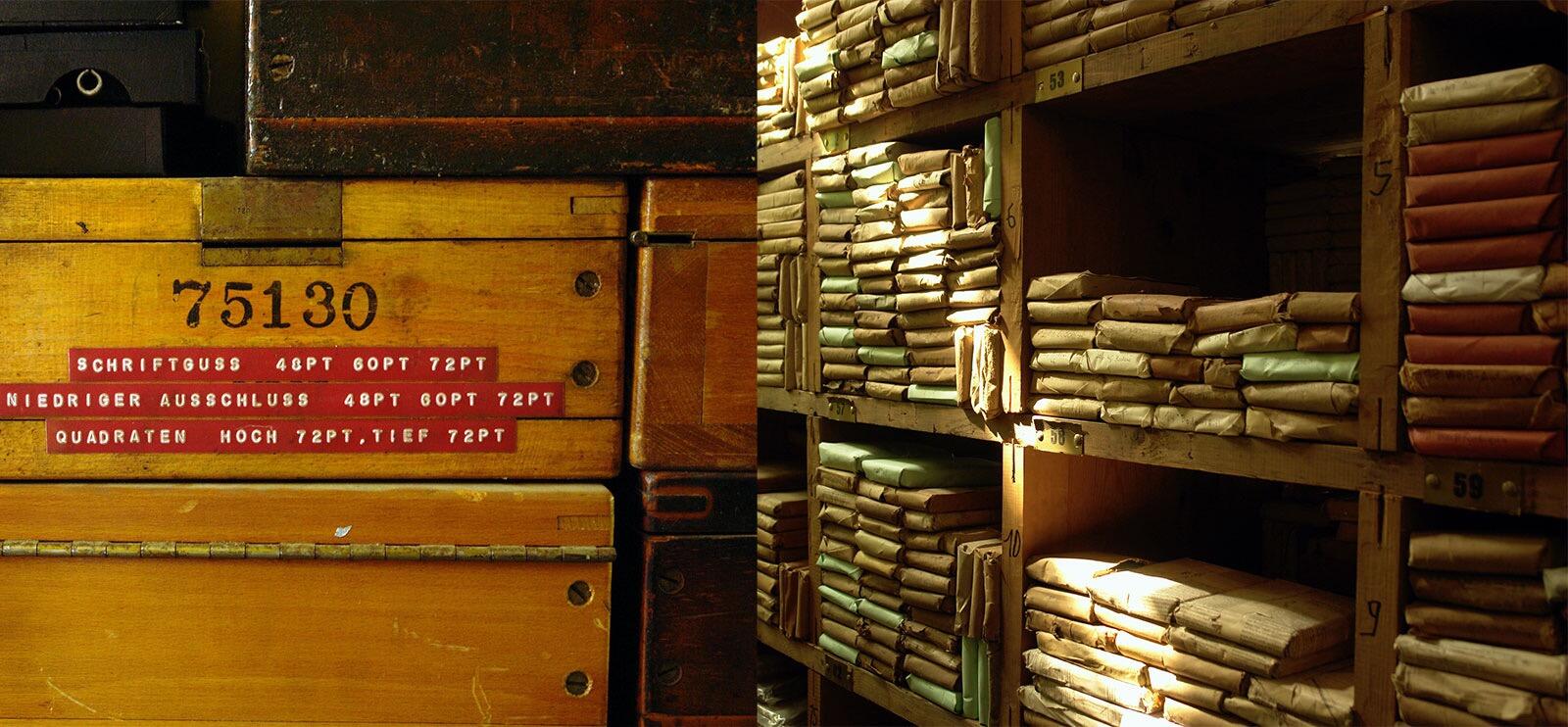
The Leipzig Museum für Druckkunst is taking over the unique collection of historical printed matter, type matrices and machines of the Offizin Haag-Drugulin printing workshop which closed down at the beginning of the year, following the death of its owner, Professor Eckehart SchumacherGebler.
-
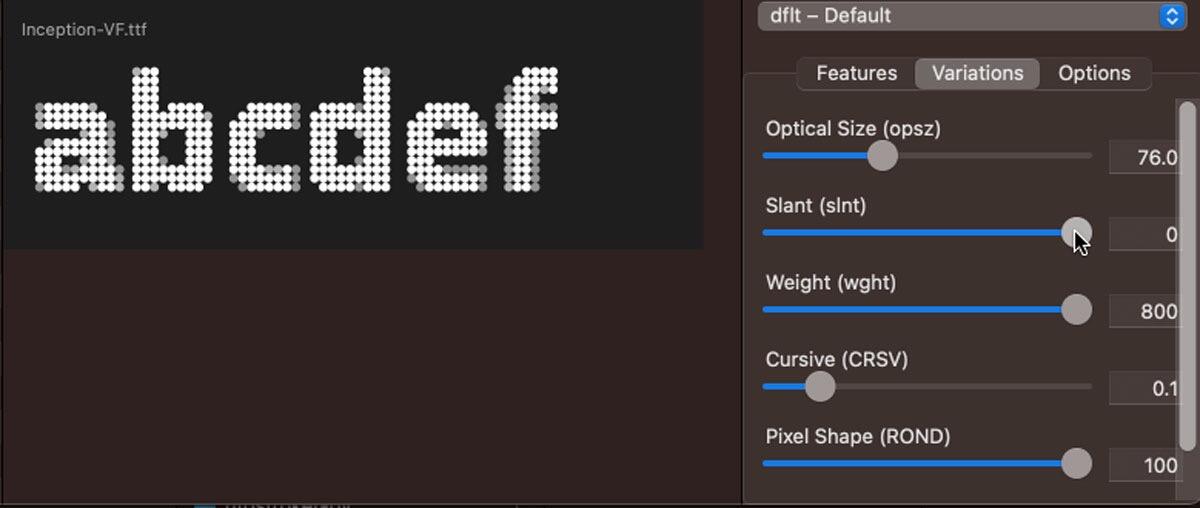
Improvements of OpenType currently being discussed as ATypI Paris. An article by Marianna Paszkowska.
-
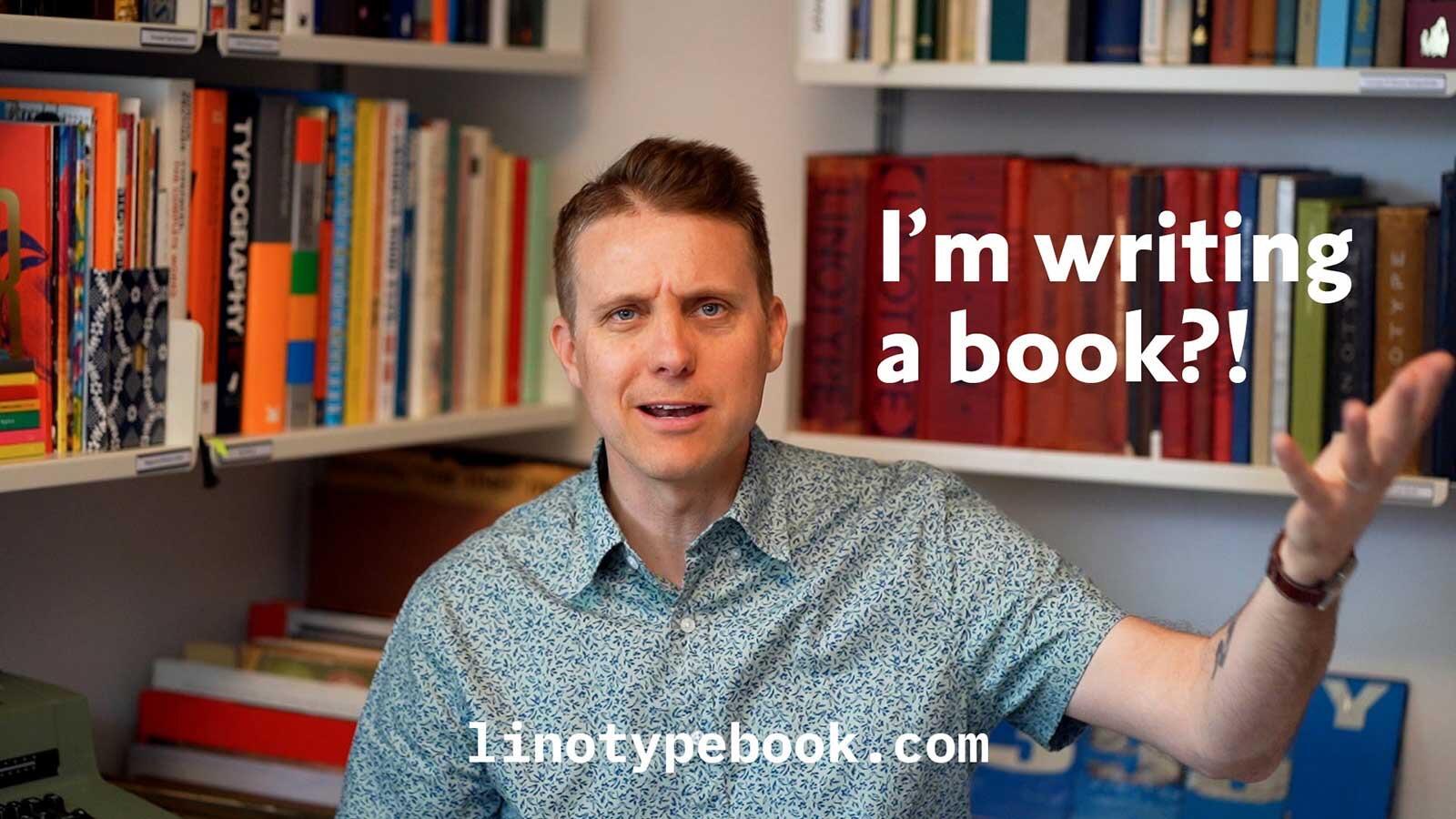
“This book will be both a historical study of untold Linotype stories and a beautiful coffee-table book filled with amazing images from the world’s best collections of Linotype ephemera.”
-
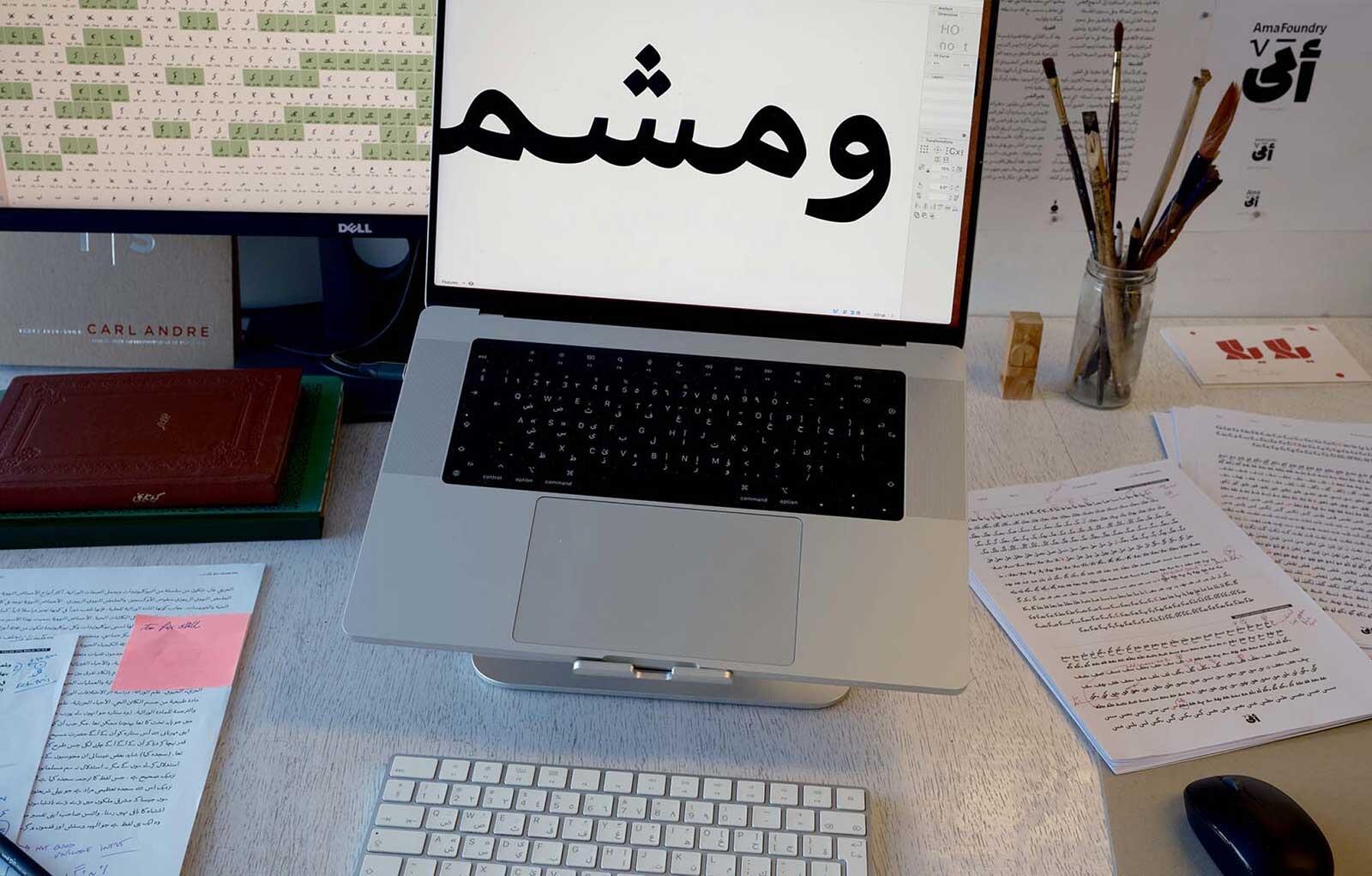
Ama Foundry is a manifestation of Arabic type designer Lara Captan’s life project. She dreams of creating a more experimental, more thoroughly-researched, and more precisely crafted Arabic type landscape together with you.
-
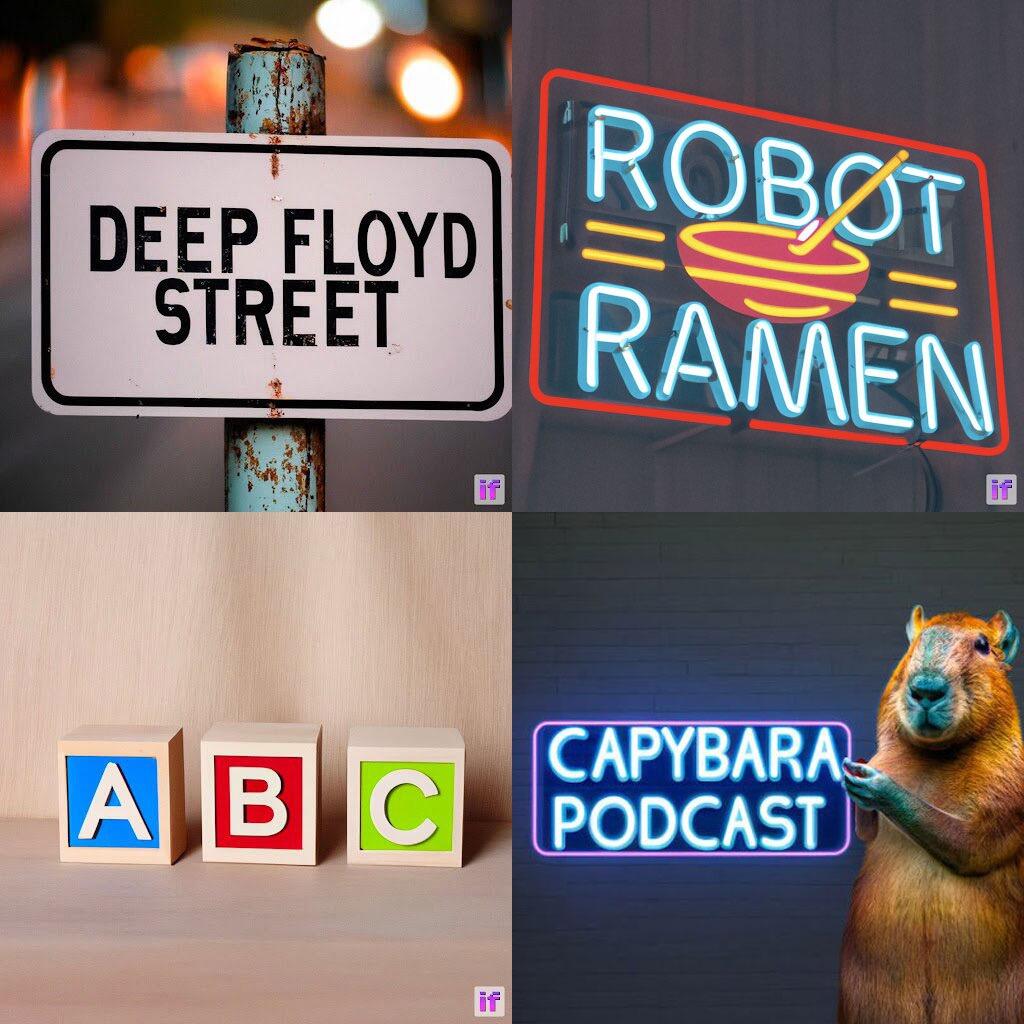
Stability.ai announced Deep Floyd, a generative AI capable of setting perfect typography in any setting made of any material under any conditions imaginable.

_171.png.8c860e610463803e9e9eeed151114333.png)
Don’t miss the latest typography news!
Typography Weekly via email: Subscribe here
Typography Weekly via RSS feed: Subscribe here