Typography Weekly #128
7 typography news links in this category
-
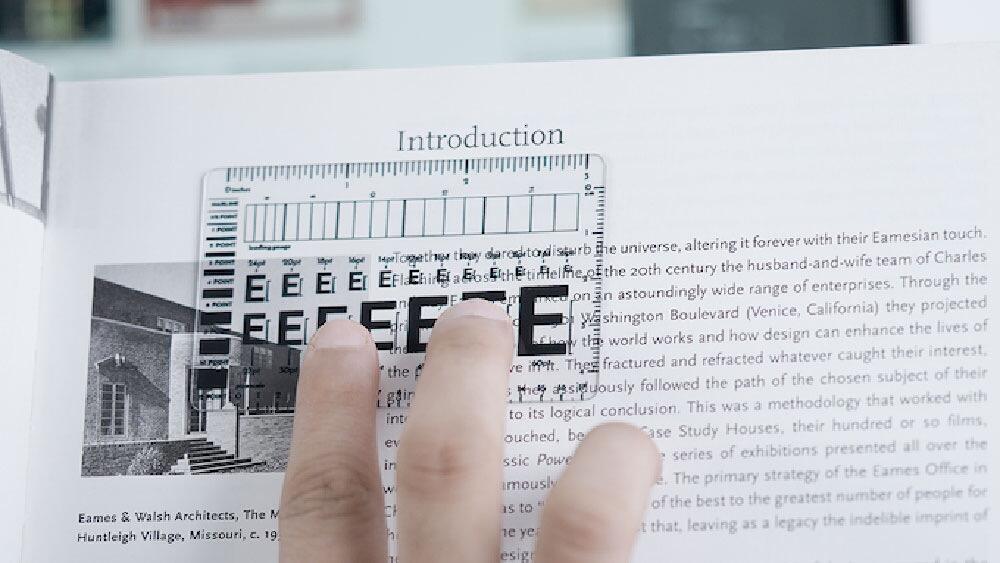
Introducing our one and only pocket size type ruler, also known as a typographic ruler, type guage or a type scale.
-
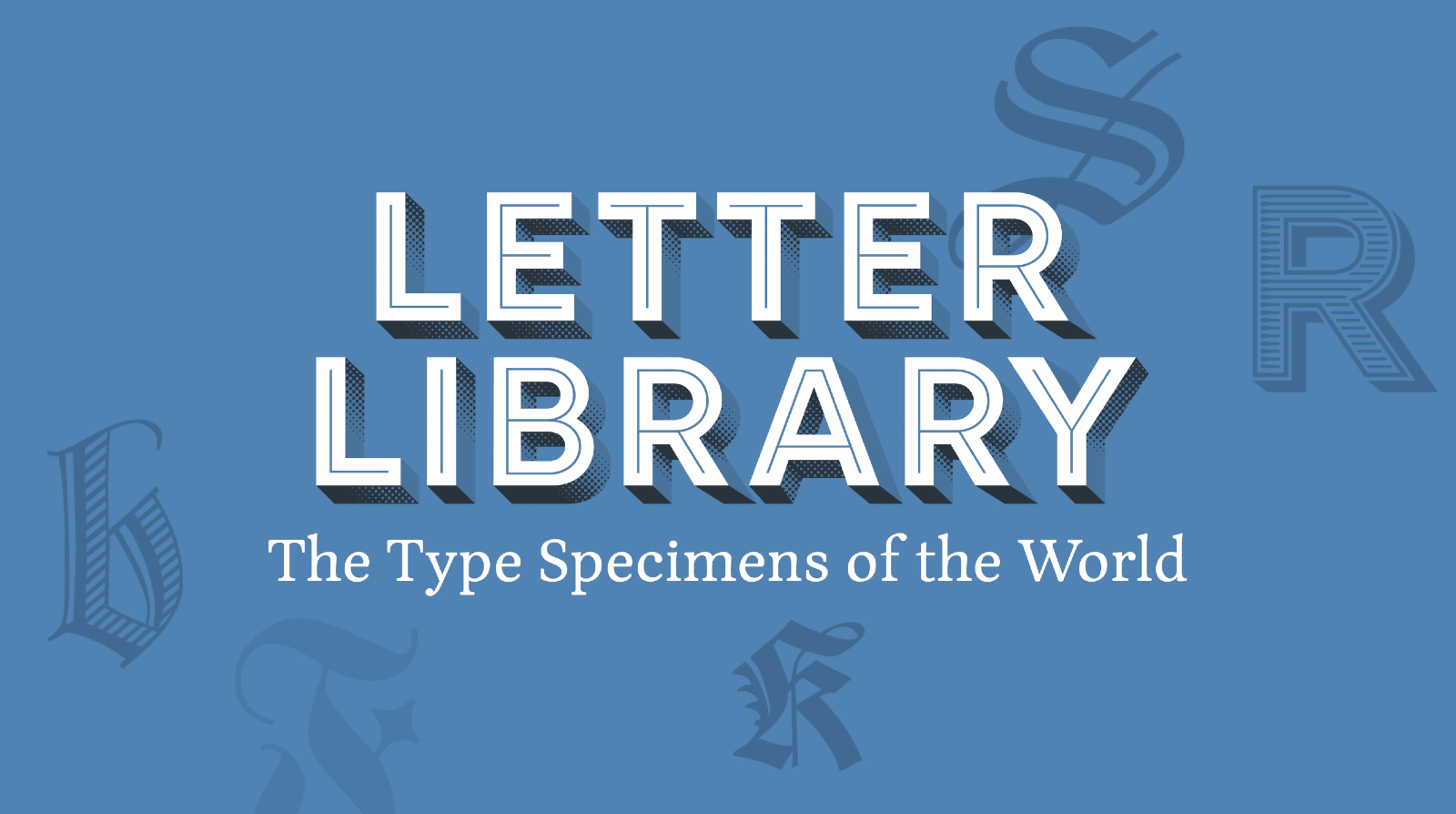
The Letter Library is a community website with the goal to create a catalog of all type specimens published by type foundries—printed or digital, past or present. After a successful Kickstarter campaign and a closed beta phase, the platform is now open to everyone.
-
Type and technology specialist Monotype® has announced its planned acquisition of Tokyo-based Fontworks™, one of the most respected and best-known providers of Japanese type design, from SB Technology.
-
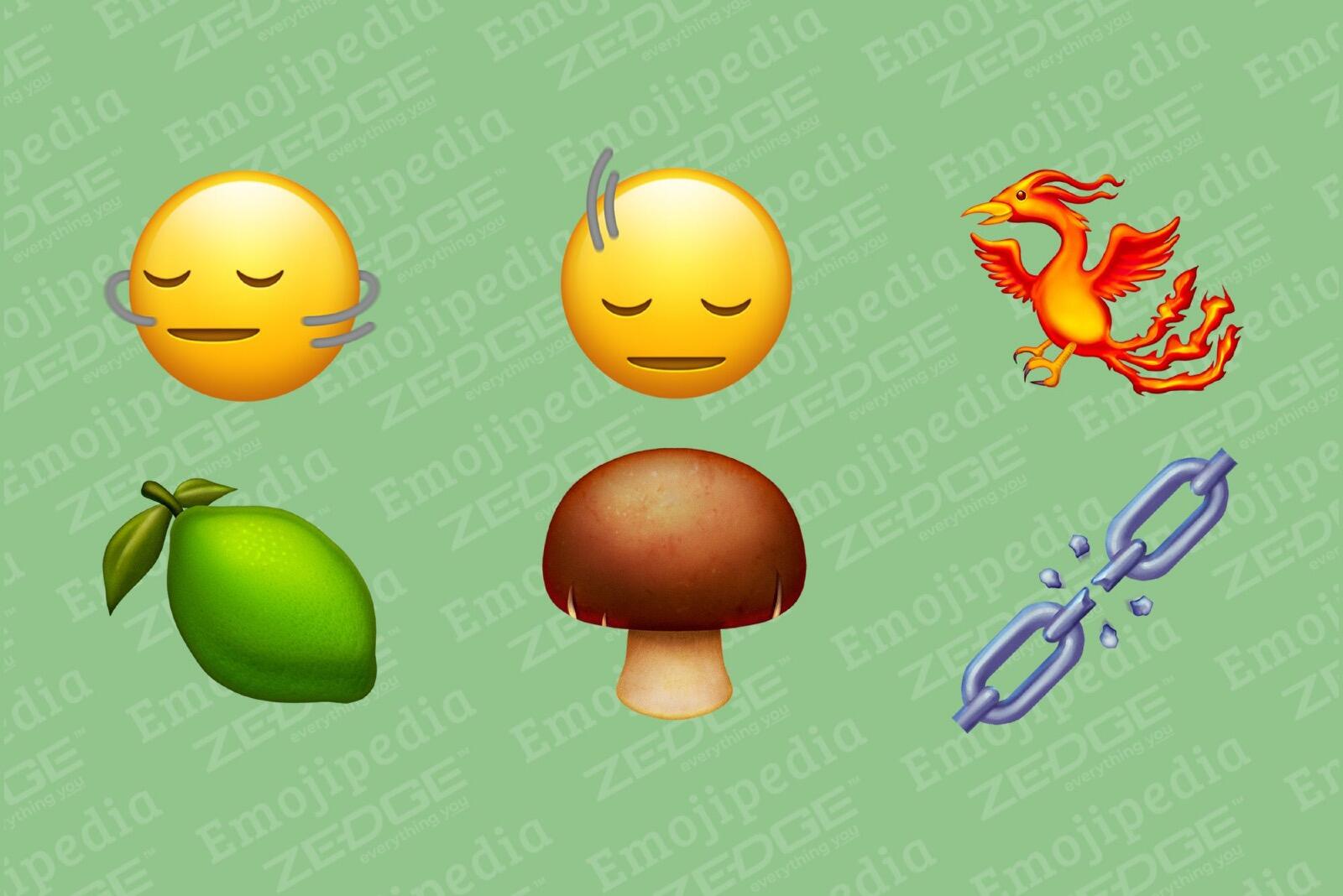
A Lime, a Head Shaking Vertically, and a Phoenix Bird emoji are amongst the draft emoji candidates up for approval by Unicode this September, as well as a selection of new direction-based people emojis.
-
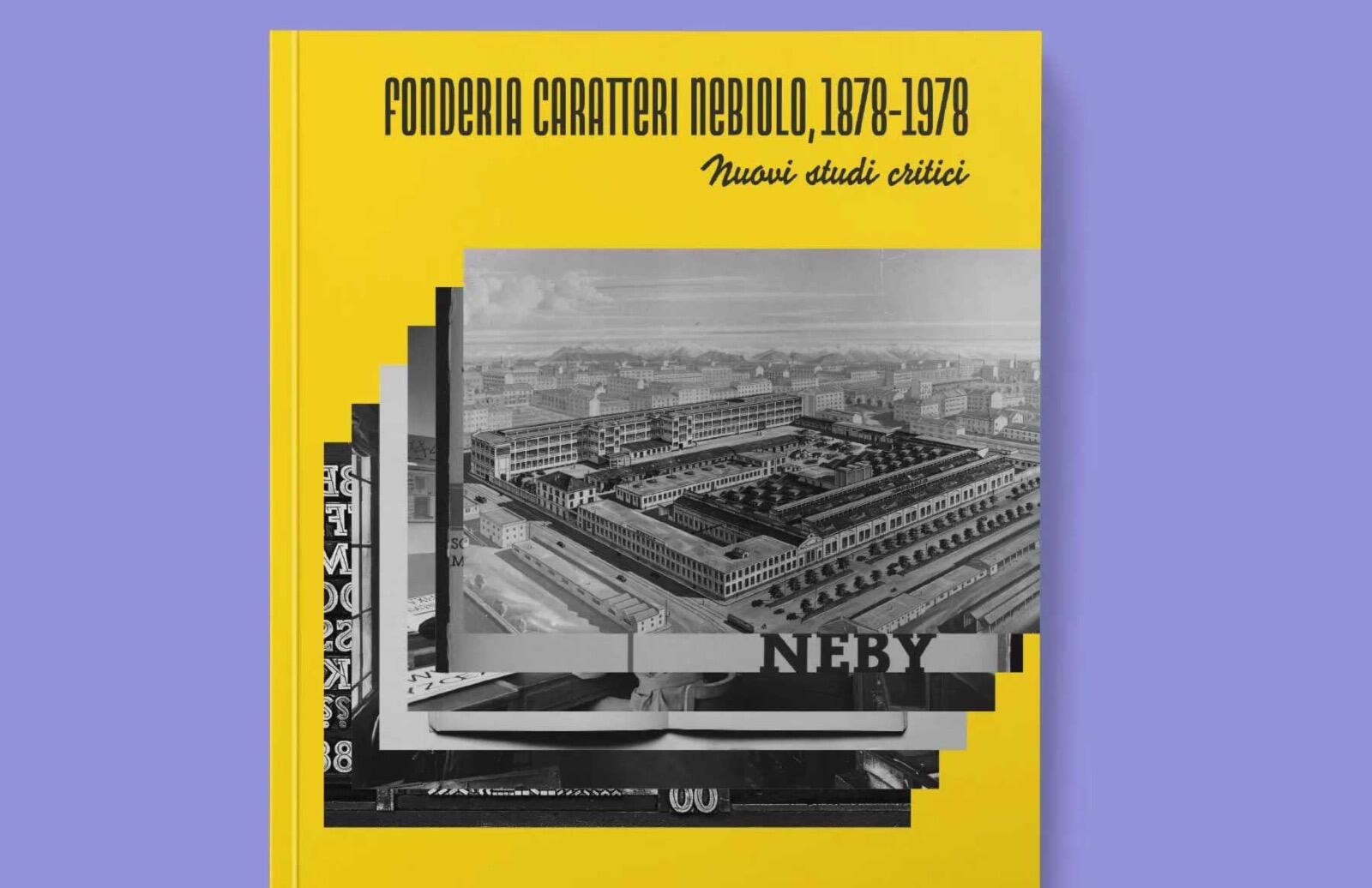
With this publication, the Nebiolo History Project offers an overview of the latest research on underinvestigated aspects concerning Nebiolo and its role in the history of industry and the graphic arts in Italy.
-
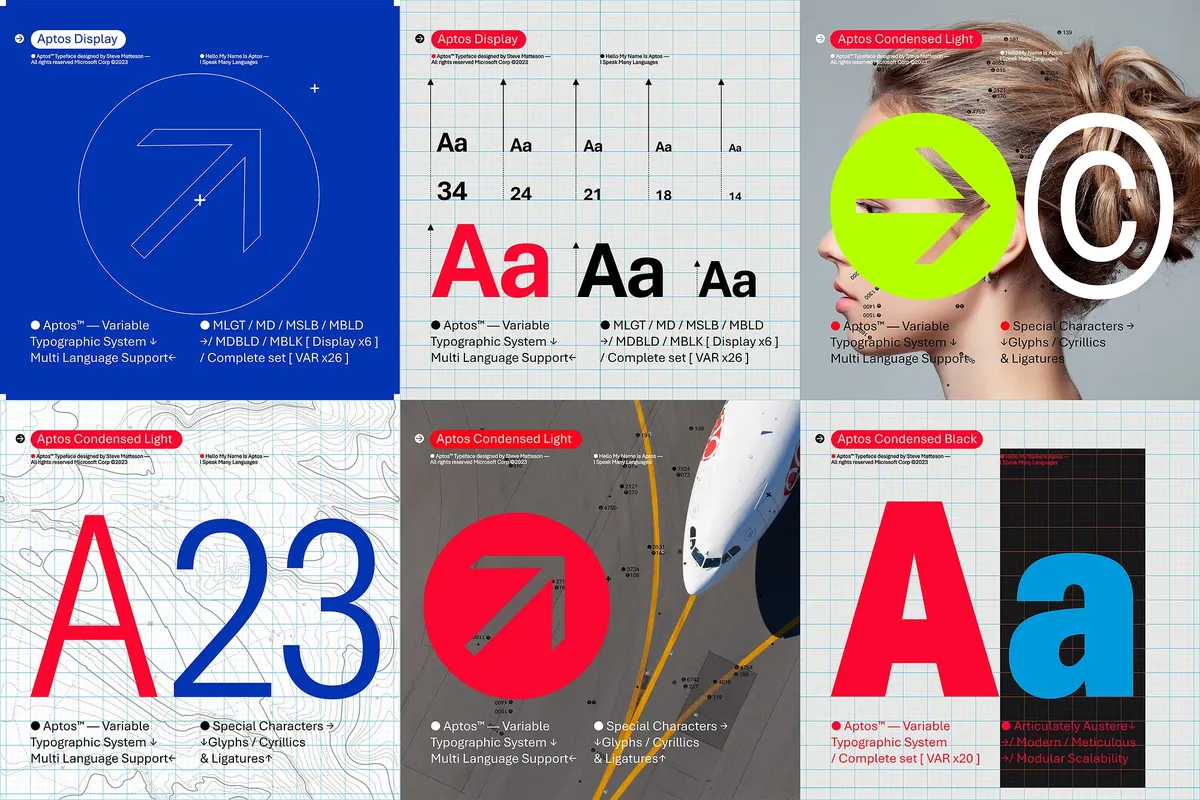
Word, Outlook, PowerPoint, and Excel all get a new default font today.
-
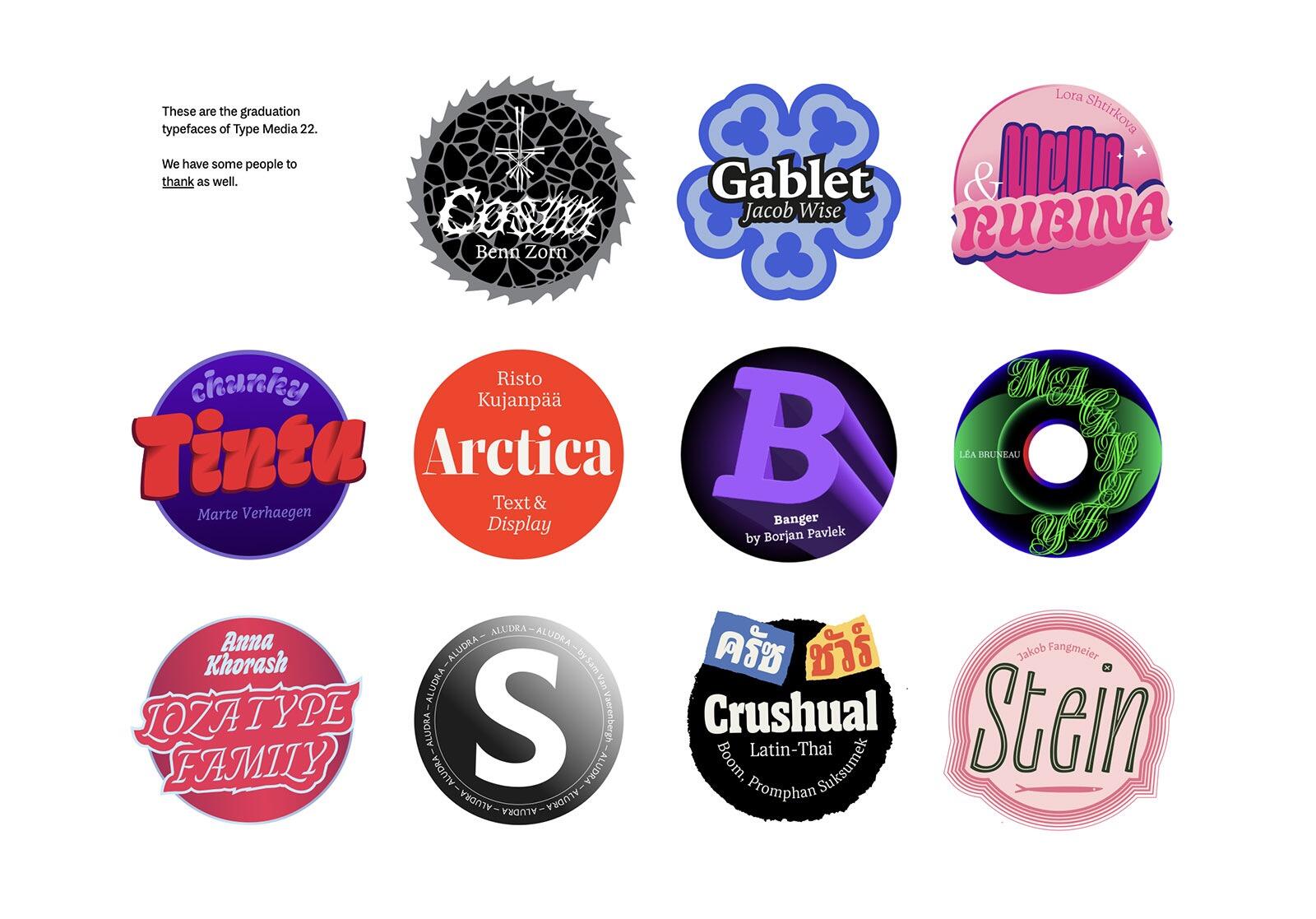
Type and Media is a master’s course in typeface design at the Royal Academy of Art in The Hague (KABK). This website presents the work of last year’s graduates.

Don’t miss the latest typography news!
Typography Weekly via email: Subscribe here
Typography Weekly via RSS feed: Subscribe here