Typography Weekly #131
9 typography news links in this category
-
It’s in almost every font, but hardly any font user knows what it is used for. Explaining the ¤ symbol.
-
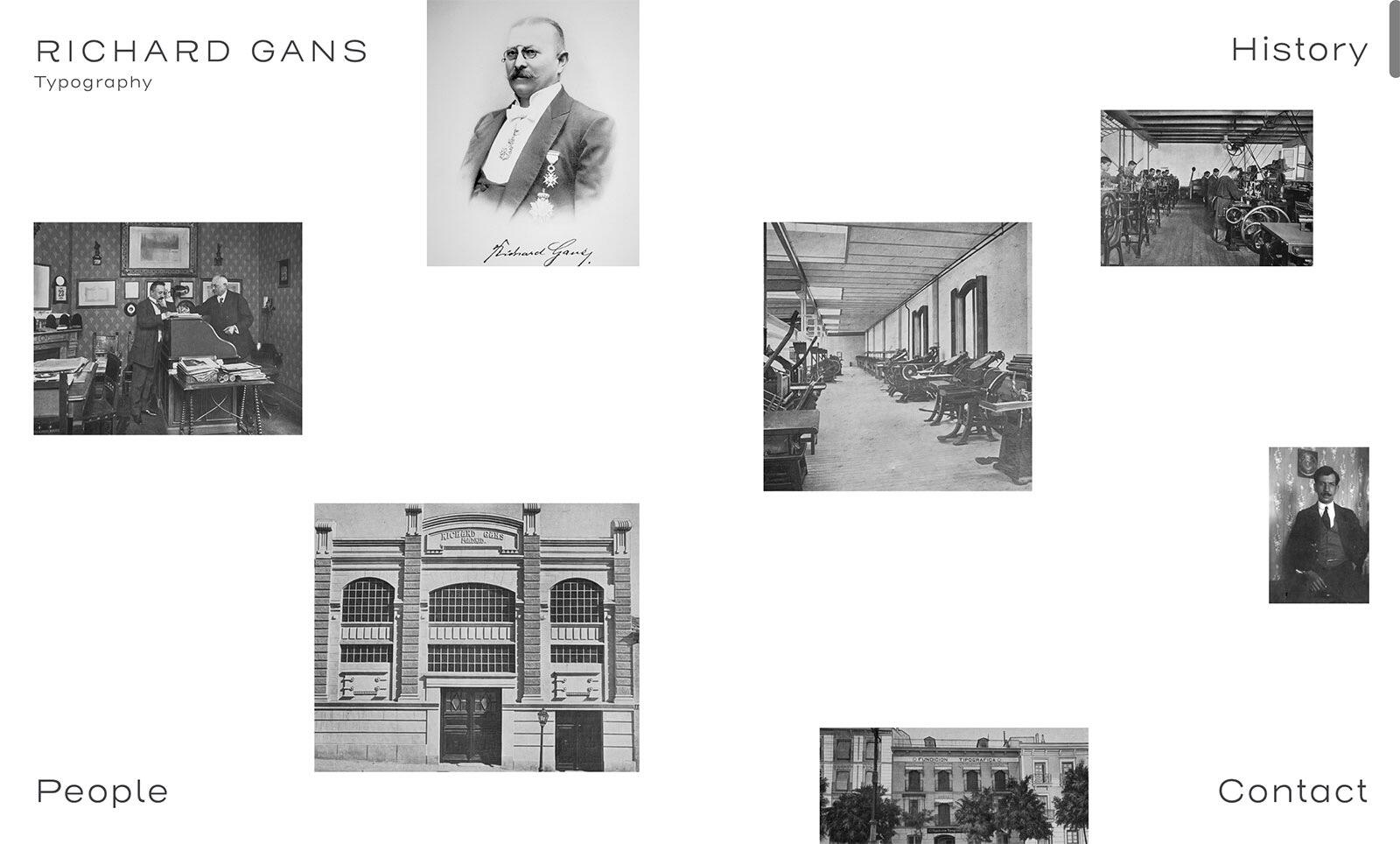
Discover the legacy of the Richard Gans Type Foundry, established in 1888, a cornerstone in Spanish printing history until the late 20th century.
-
Monotype to acquire an award-winning type collection from Sharp Type foundry. The US-based foundry will join the Monotype Creative Partner Program, working alongside other independent foundries and Monotype on creative custom design work.
-
“Award-winning and innovative Colophon Foundry brings its talented team, custom design expertise, type technology and tools, and its library of 85 font families to Monotype.”
-
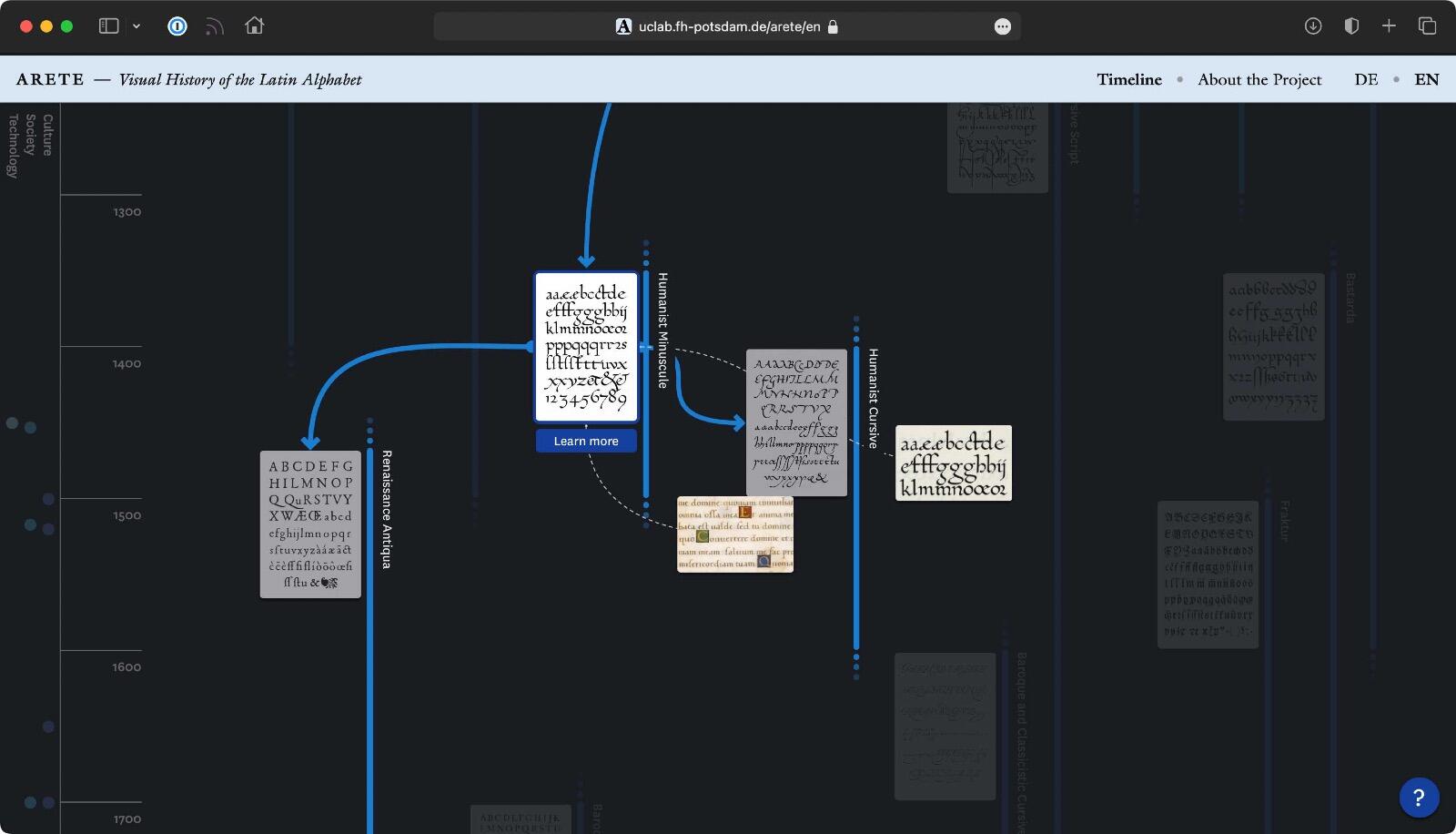
ARETE is a project of the UCLAB at the University of Applied Sciences Potsdam. The central result of the project is the interactive visualization of the history of the Latin alphabet.
-
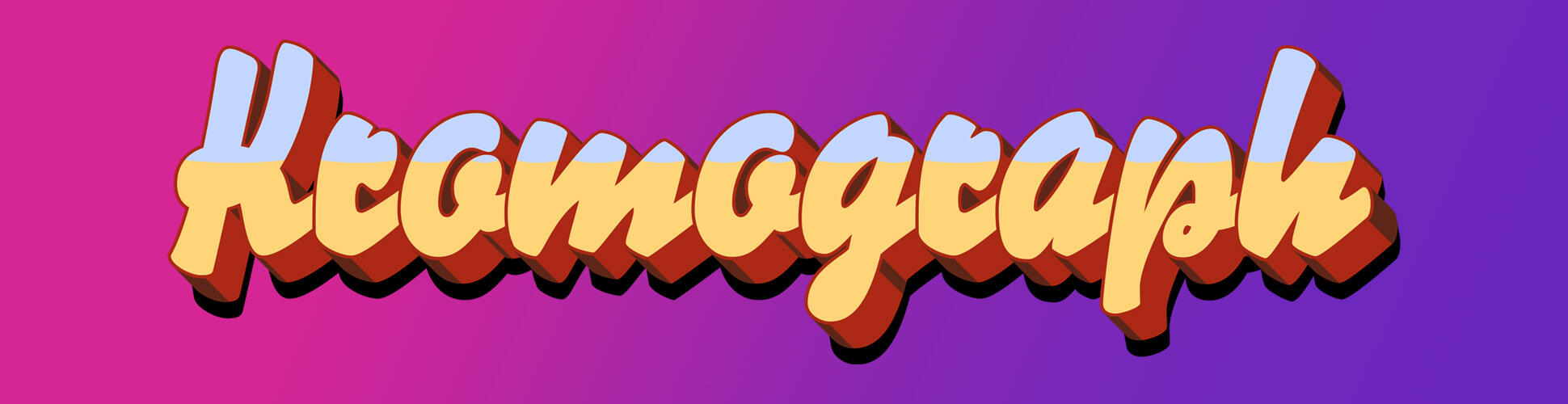
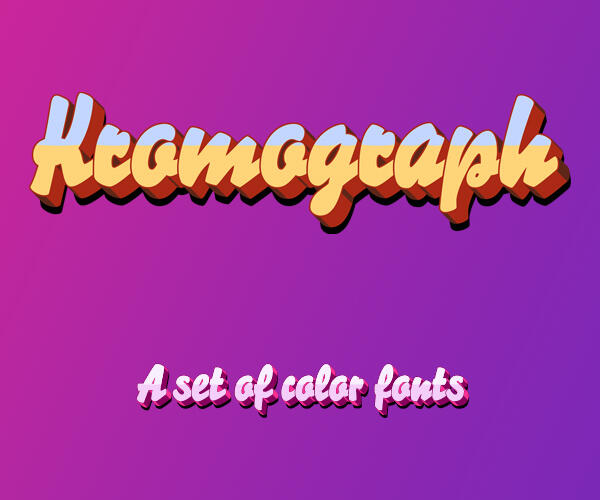
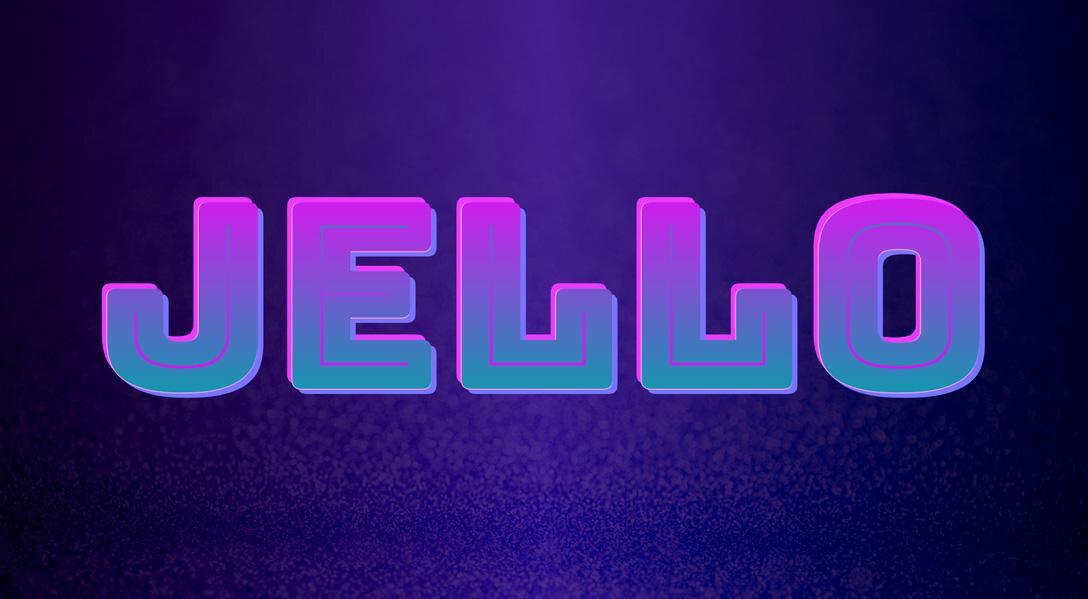
With the release of Chrome 121 we can now animate a smooth transition between font-palettes in Color Fonts using only CSS.
-
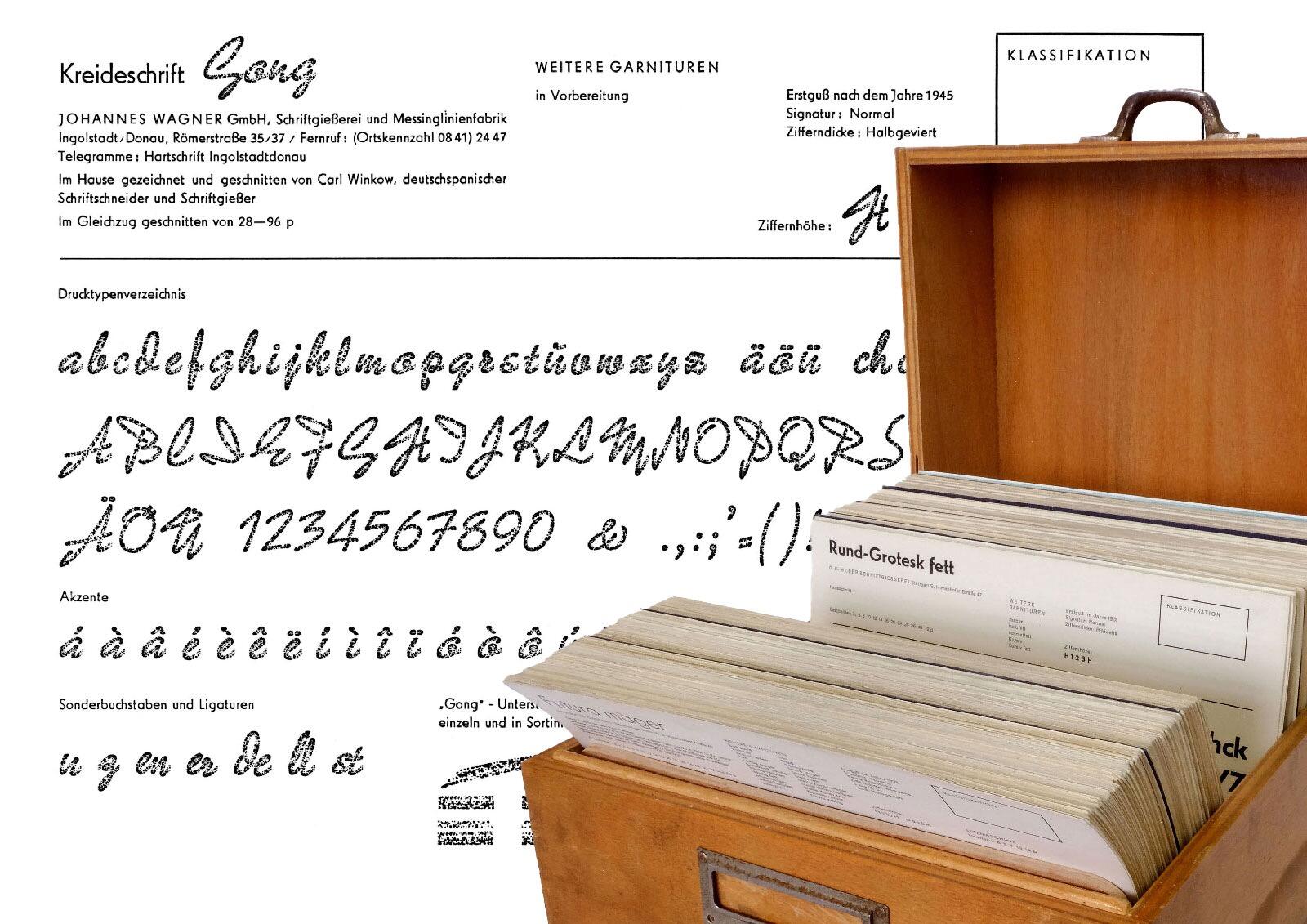
This treasure chest of 600+ specimen cards holds a complete snapshot of the last metal type foundries in West Germany.
-
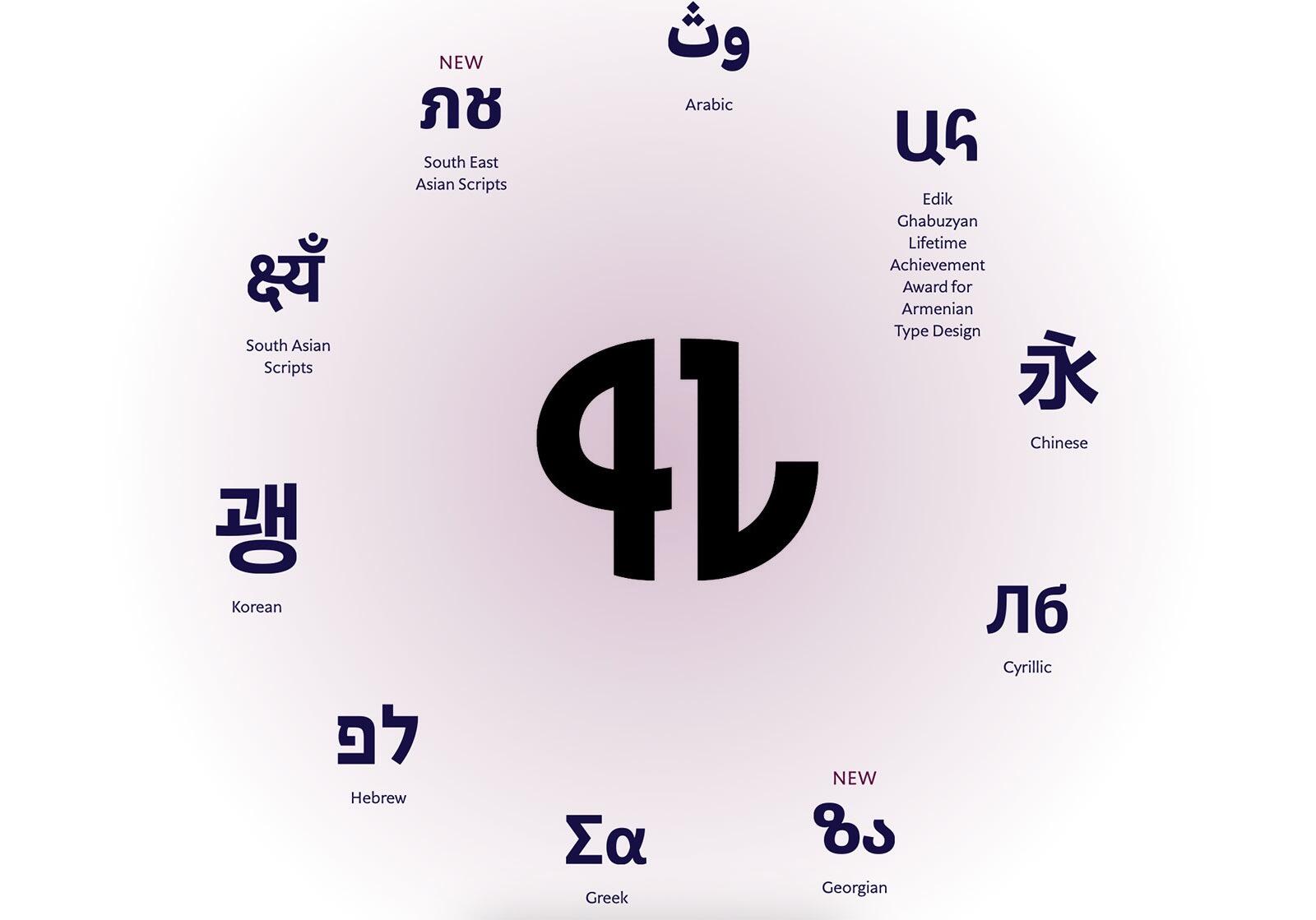
The world’s only professional competition focused exclusively on typefaces covering scripts beyond Latin. Typeface designers from all parts of the world are invited to take part.
-
The repertoire for Unicode Version 16.0 is now open for early review and comment until April 2. As a reminder, during alpha review the repertoire is reasonably mature and stable, but is not yet completely locked down.



Don’t miss the latest typography news!
Typography Weekly via email: Subscribe here
Typography Weekly via RSS feed: Subscribe here