Typography Weekly #132
8 typography news links in this category
-
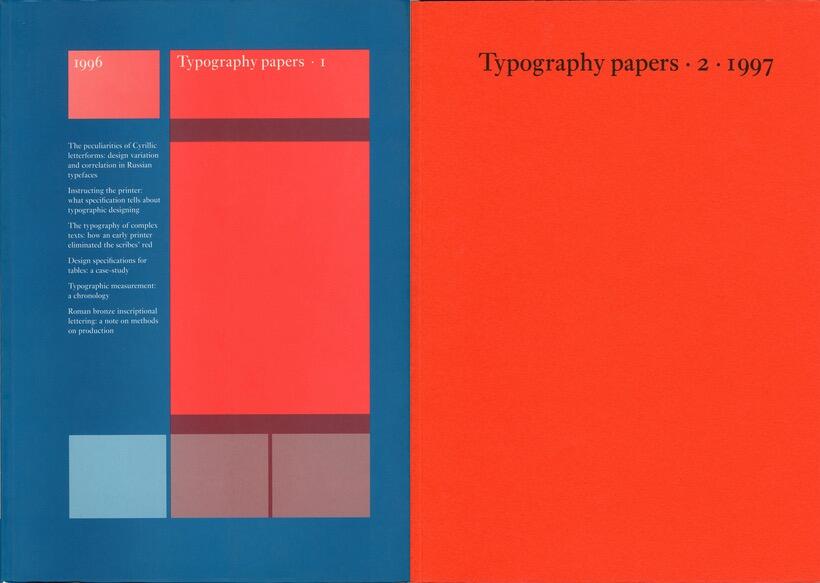
“We are pleased to make available PDF files of articles from volumes 1, 2, 3, and 4 of Typography papers.”
-
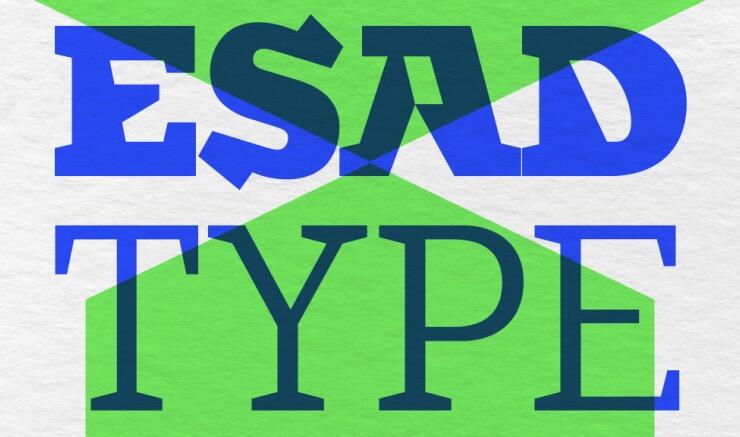
EsadType is a post-graduate course in typeface design. Each selected student receives professional instruction and explores a variety of methods and experimentations.
-
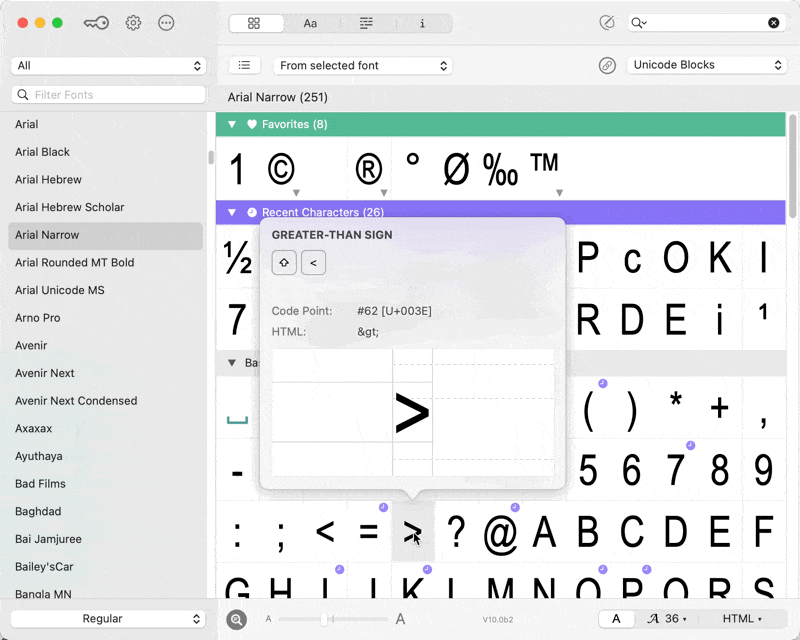
Instantly access thousands of characters beyond your keyboard. PopChar enables you to effortlessly find and insert special characters with just a single click directly into your document.
-
The science behind how design choices influence perception and behavior
-
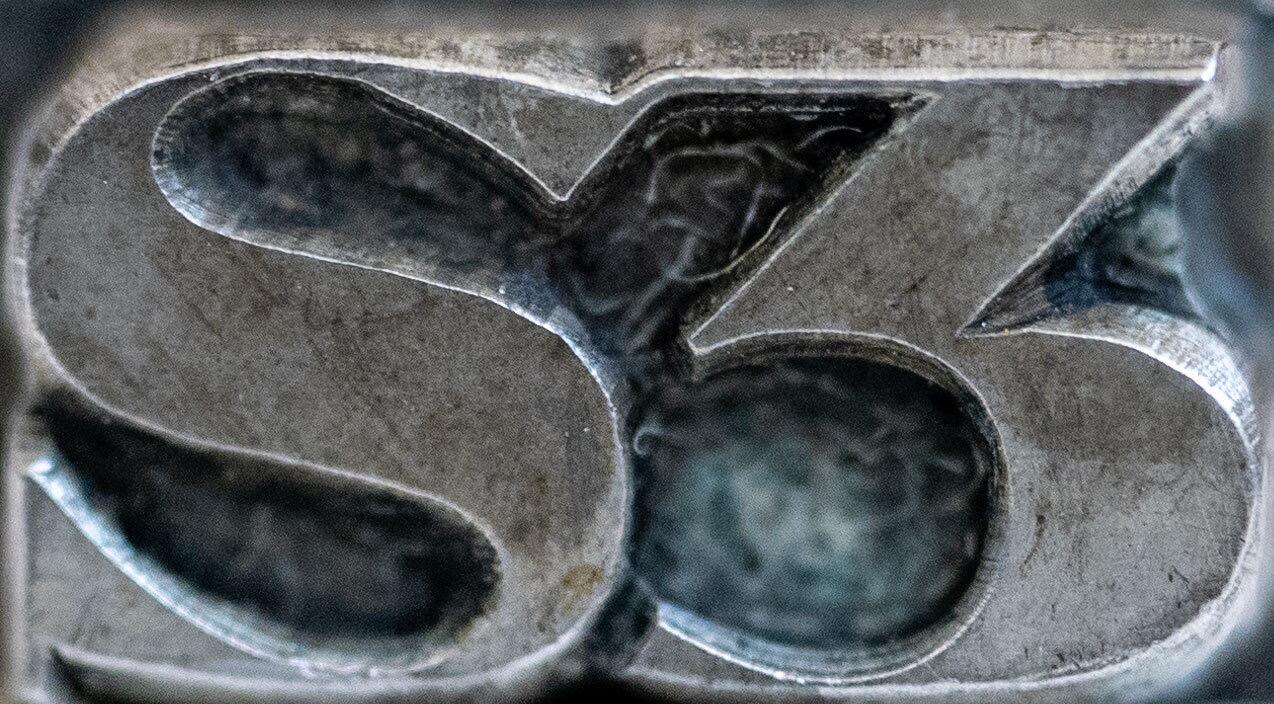
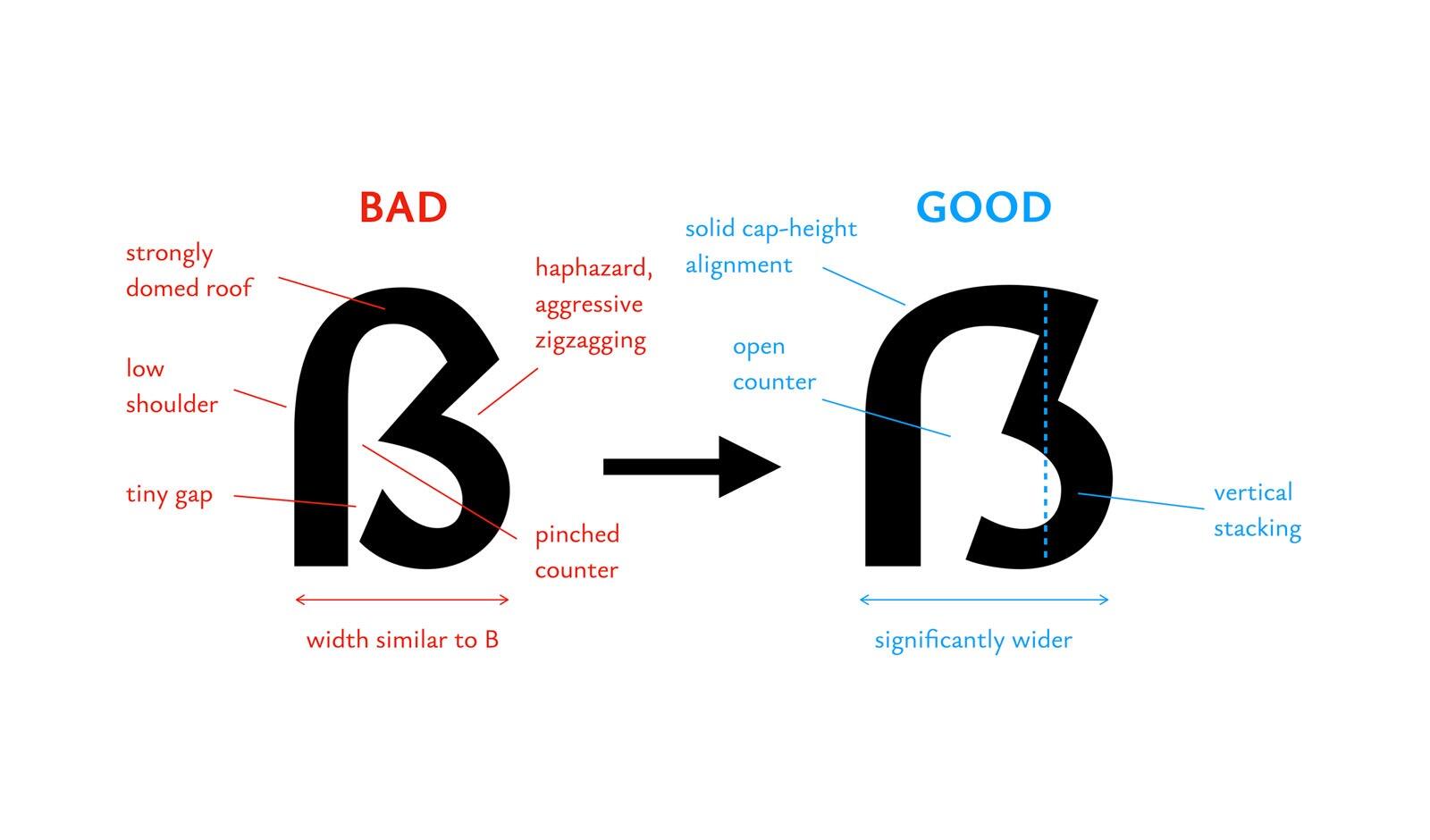
Typefaces published between 1905 and 1930 already came with a Capital Sharp S. This gallery shows their design and the type specimens they were used in.
-
“ATypI is pleased to announce that, during the March 8 Board meeting, Nada Abdallah (UAE) was elected by the board as the new Vice President of ATypI, unopposed.”
-
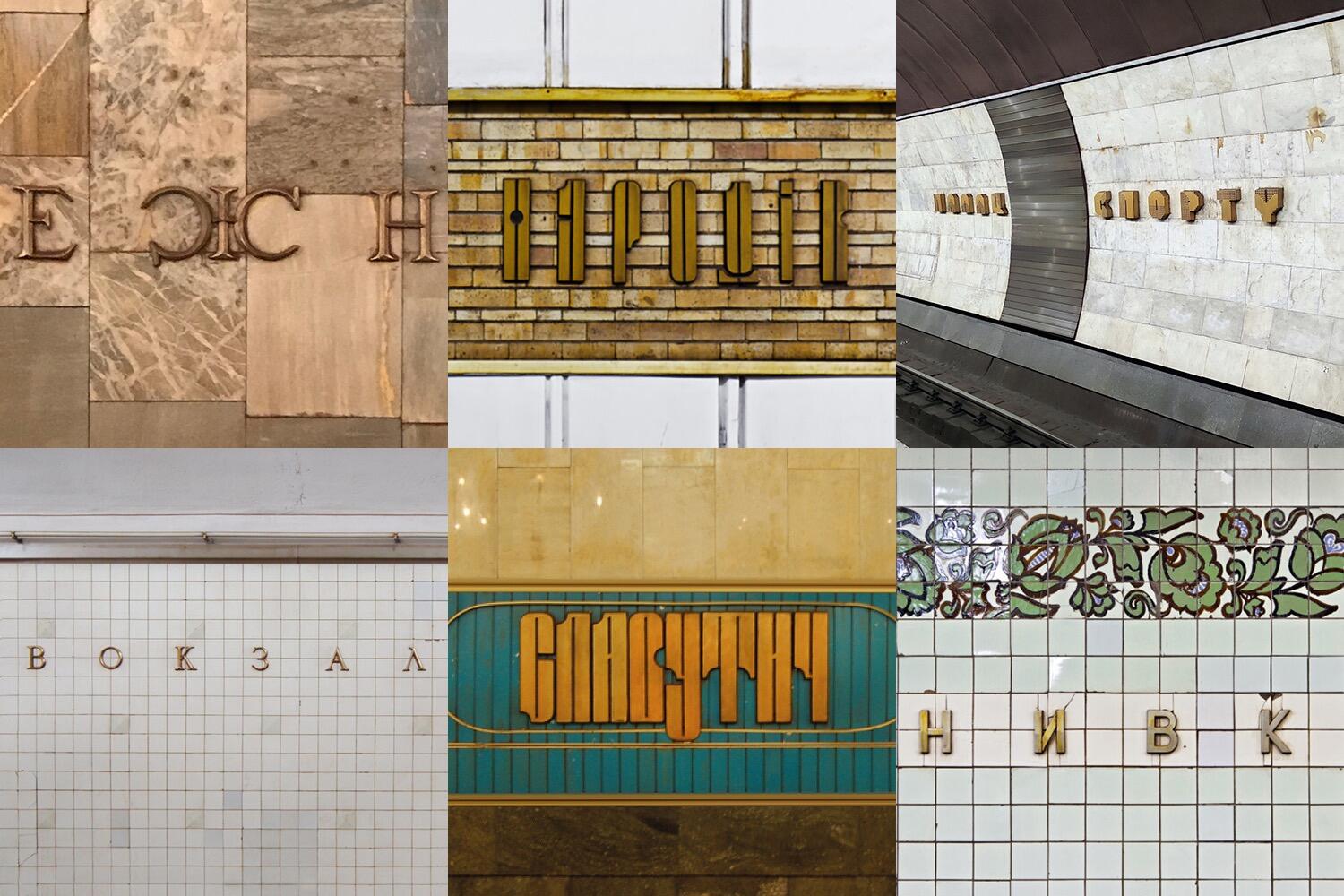
A collection of fonts based on the lettering found in the Kyiv subway stations. Free download. Users outside of Ukraine are asked to donate to use the fonts.
-



Don’t miss the latest typography news!
Typography Weekly via email: Subscribe here
Typography Weekly via RSS feed: Subscribe here