Typography Weekly #134
8 typography news links in this category
-
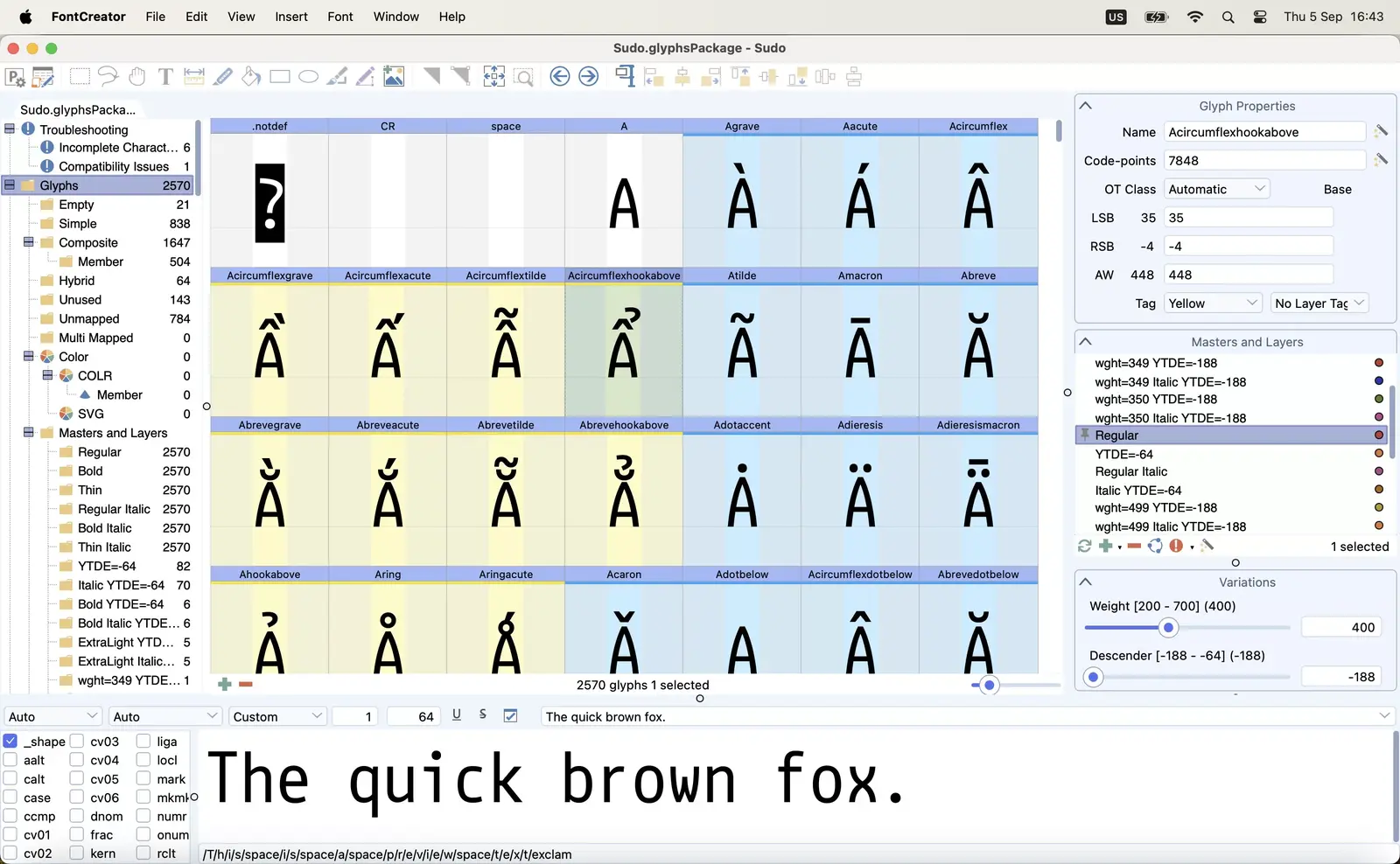
“FontCreator for Windows has been downloaded over 5 million times since 1997. After years of requests from Mac users, we are excited to announce that this popular font editor is now finally available for macOS.“
-
The latest issue of Footnotes was released this summer. La Police — the publisher — launched a new website where you can purchase back issues as well as a subscription for 3 issues (highly recommended to support this independent publication). Under Stories, you’ll find a selection of online articles from out-of-print issues, free access.
-
Enter 8TTF24MM as Coupon Code at the bottom of the page. Then click Apply to see the discounted prices!
-
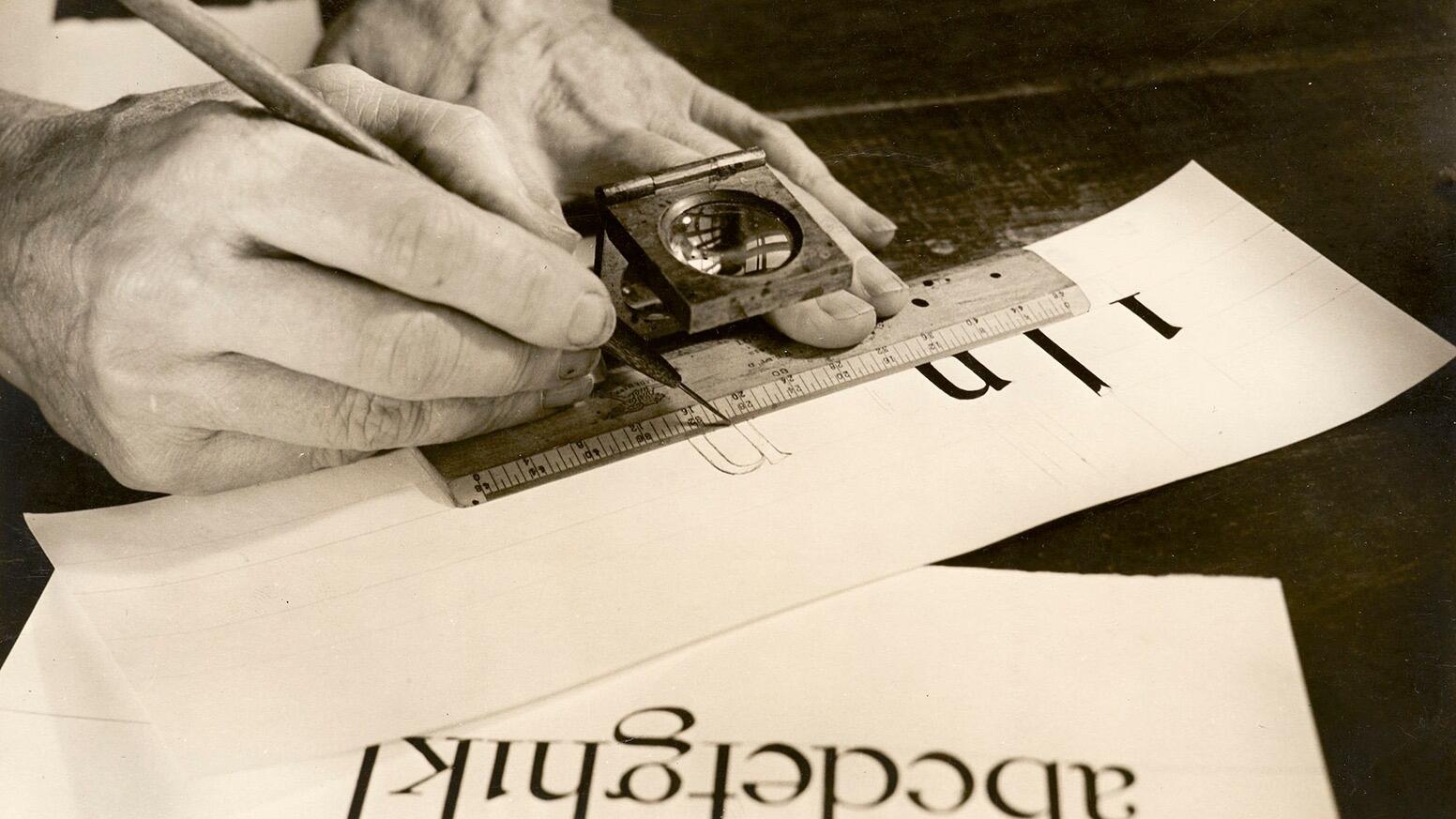
The first comprehensive biography of one of the most important designers of the 20th century.
-
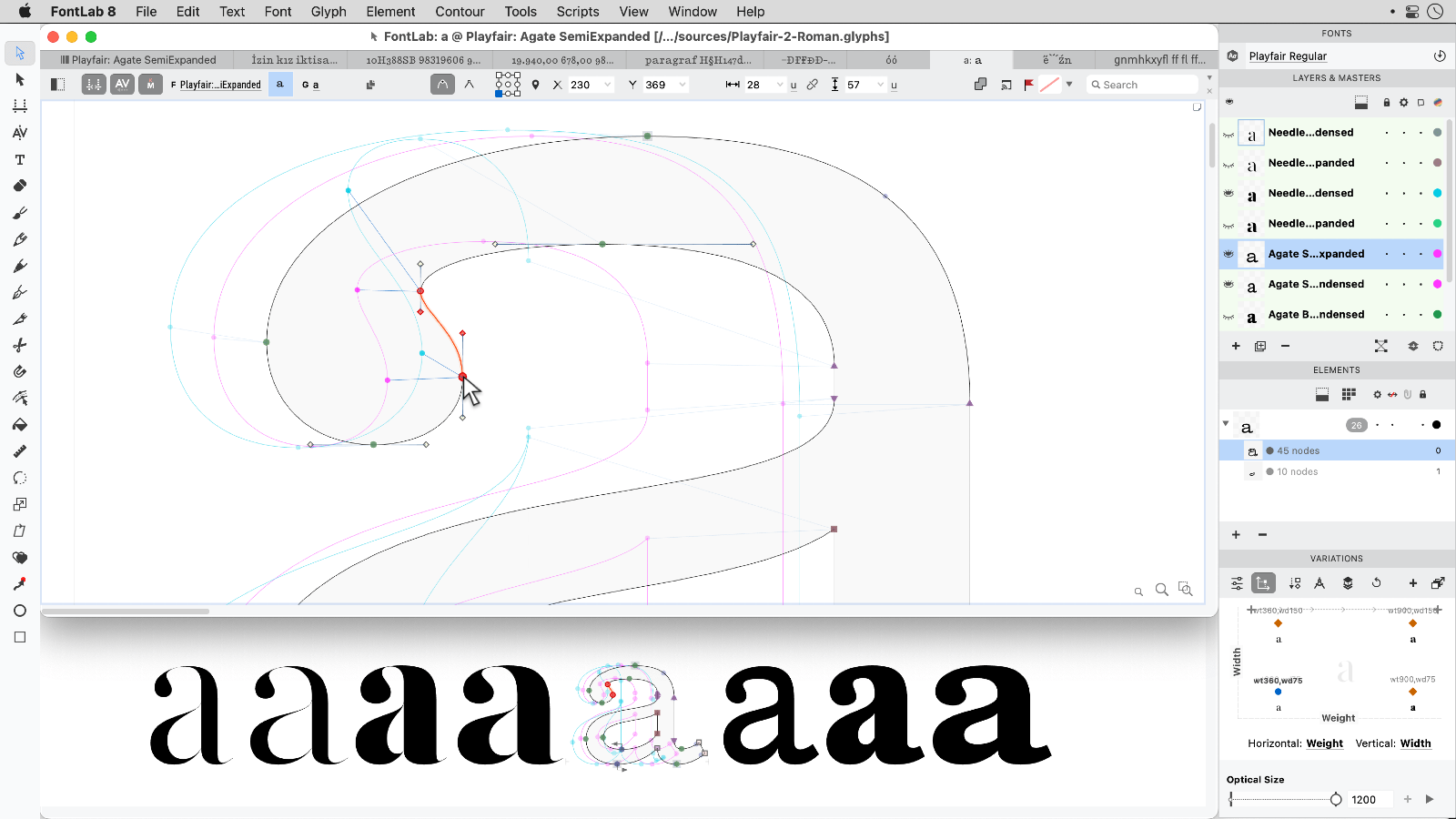
Incremental transfer allows web clients to load only the portions of the font they actually need which speeds up font loads and reduces data transfer needed to load the fonts.
-
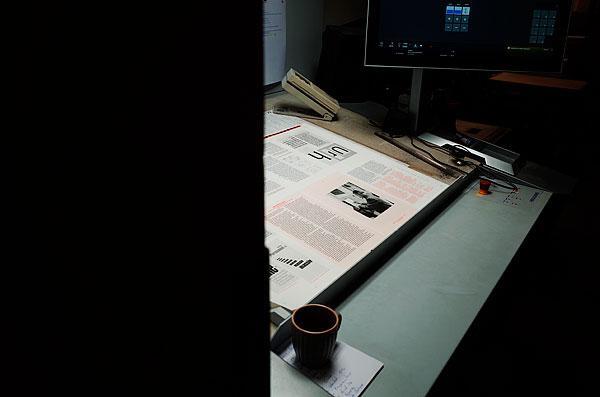
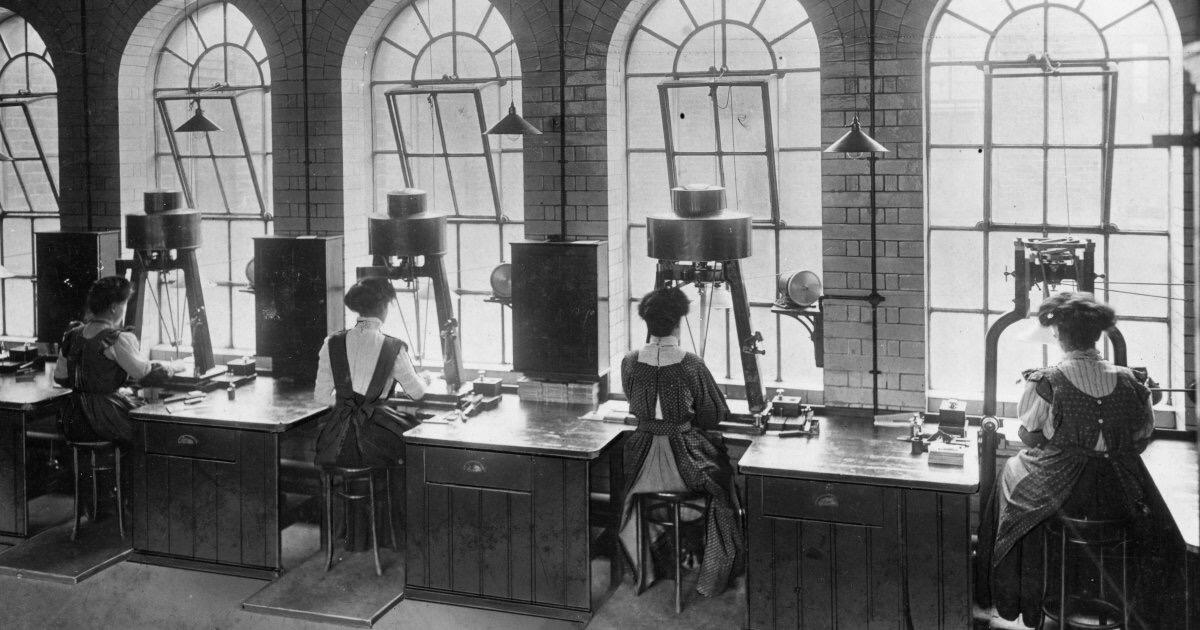
Discover how a pioneering company called The Monotype Corporation made the printed word far easier to produce by mechanising the process of casting and preparing metal type for printing.
-
A collection of artifacts and publications relating to Letraset and other brands of dry transfer type.
-
Explore the latest updates to SF Symbols, Apple’s library of iconography designed to integrate seamlessly with San Francisco, the system font for all Apple platforms






Don’t miss the latest typography news!
Typography Weekly via email: Subscribe here
Typography Weekly via RSS feed: Subscribe here