Typography Weekly #136
9 typography news links in this category
-
In the world of cameras, one company has been using something quite distinct to the others, a font that is now core to their identity.
-
Thomas Phinney explains the notdef symbol on his blog.
-
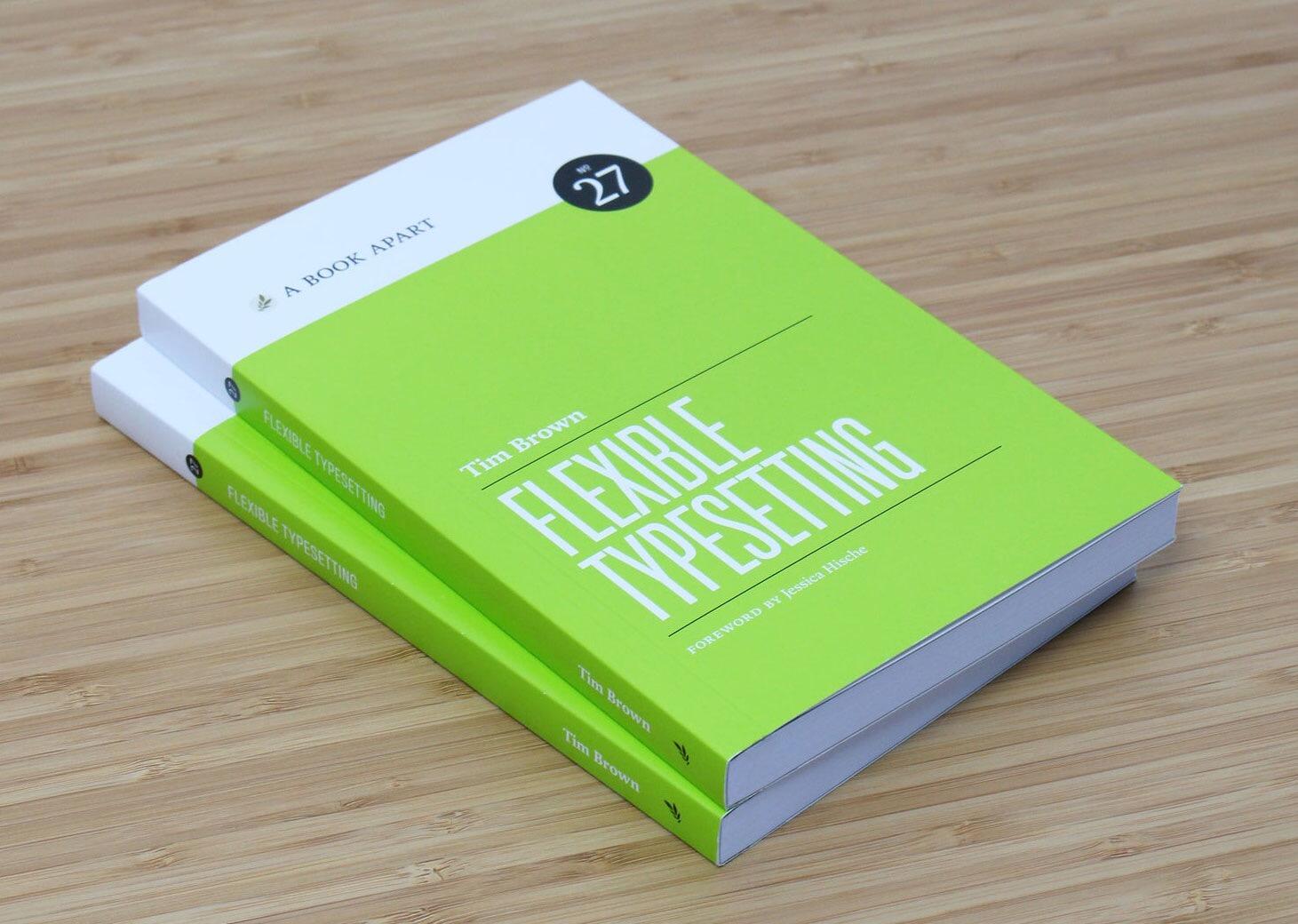
Explore the complex, beautiful world of typesetting with Tim Brown. (Registration/newsletter subscription required)
-
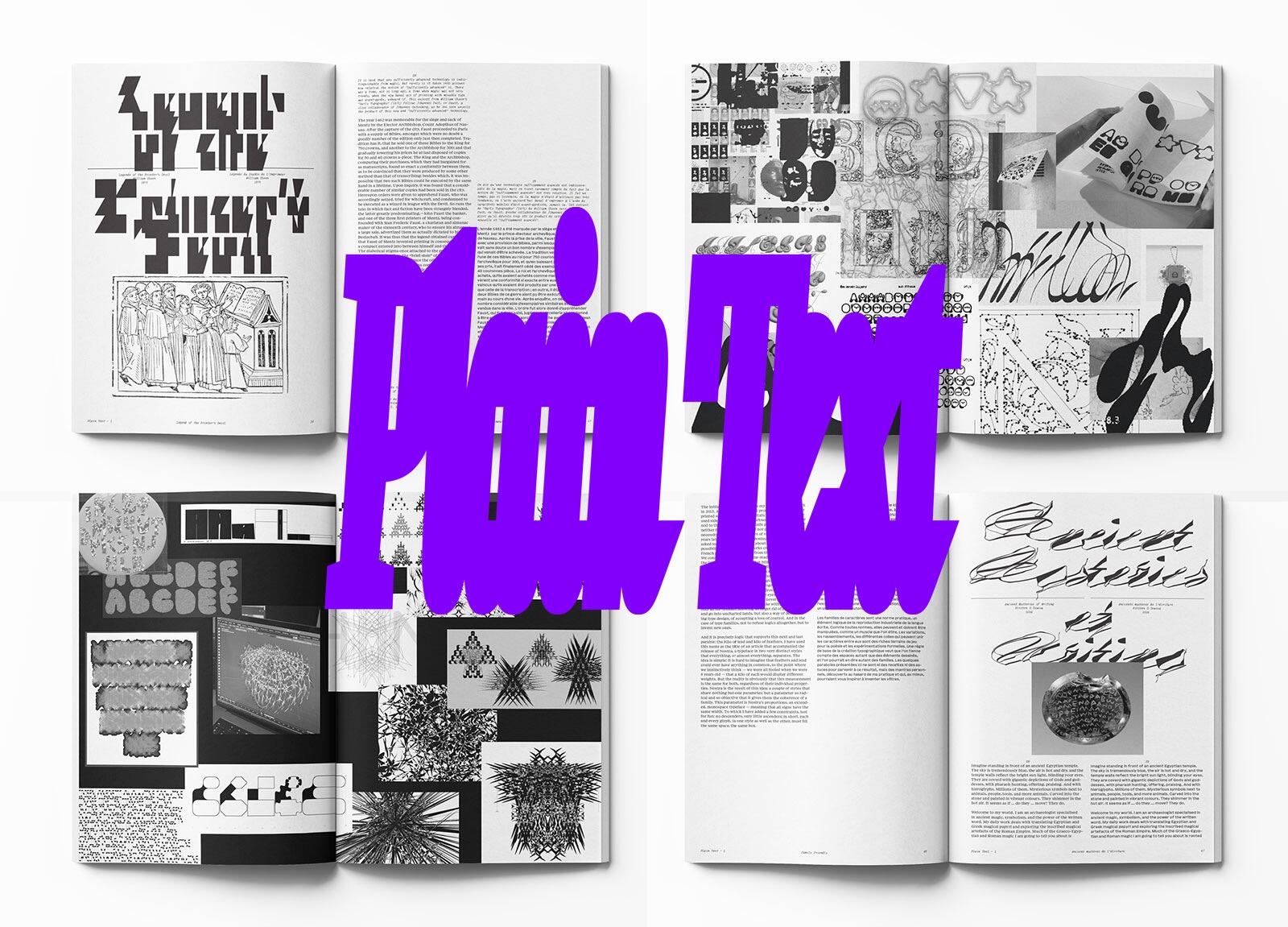
Plain Text, by Plain Form, aims at exploring typographic imaginaries, moving beyond a strictly historical and technical framework, with a taste for the dormant potential of writing.
-
“Through the acquisition, Monotype wants to create an all-in-one inventory and font software enterprise solution, combining the expertise of both Monotype and Extensis.”
-
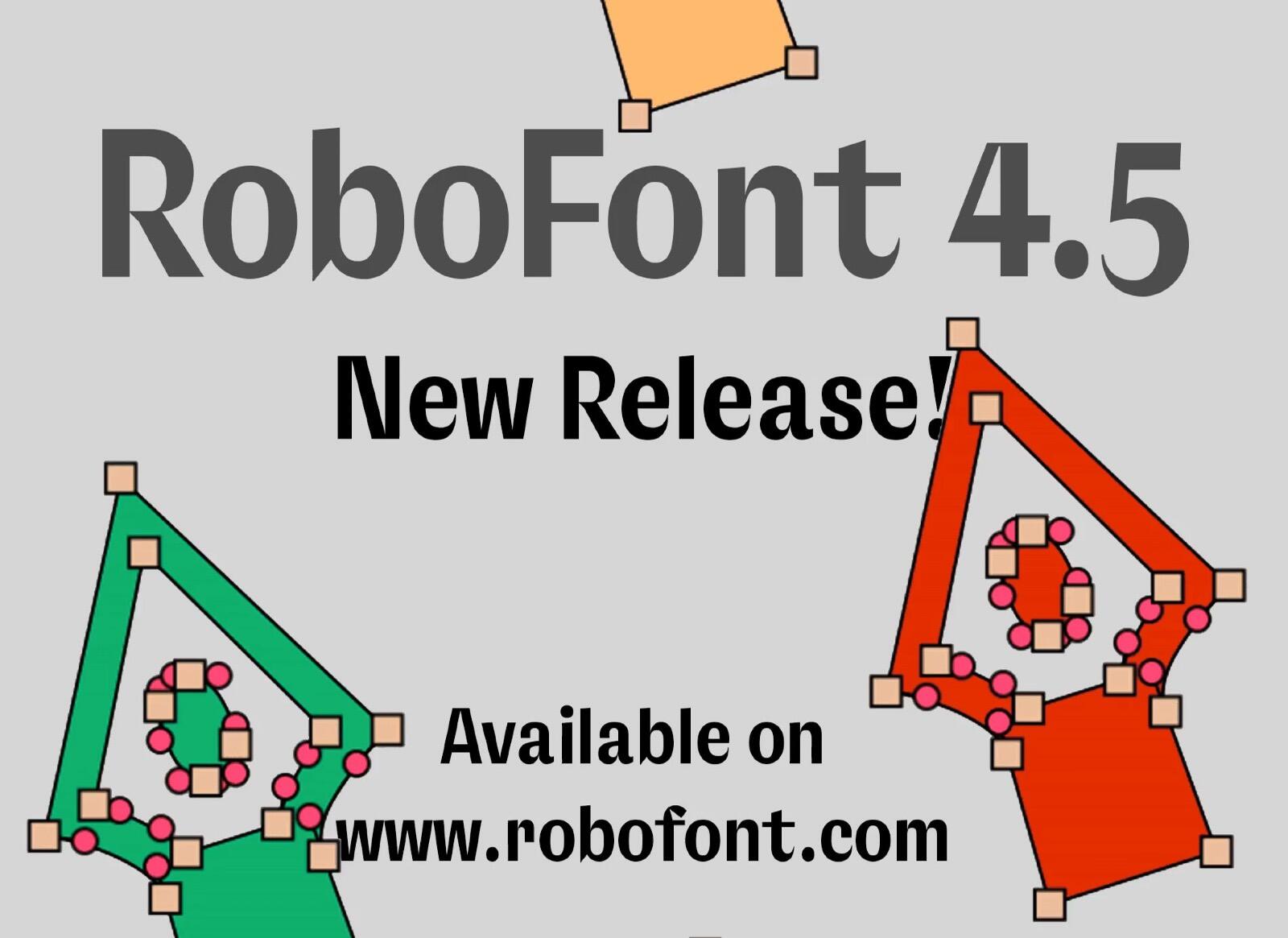
Universal Build for Apple Silicon and Intel. Python Upgrade. Animated Zoom. New Extension Bundle API. Compile filters (precise fine-tuning during the export process) …
-
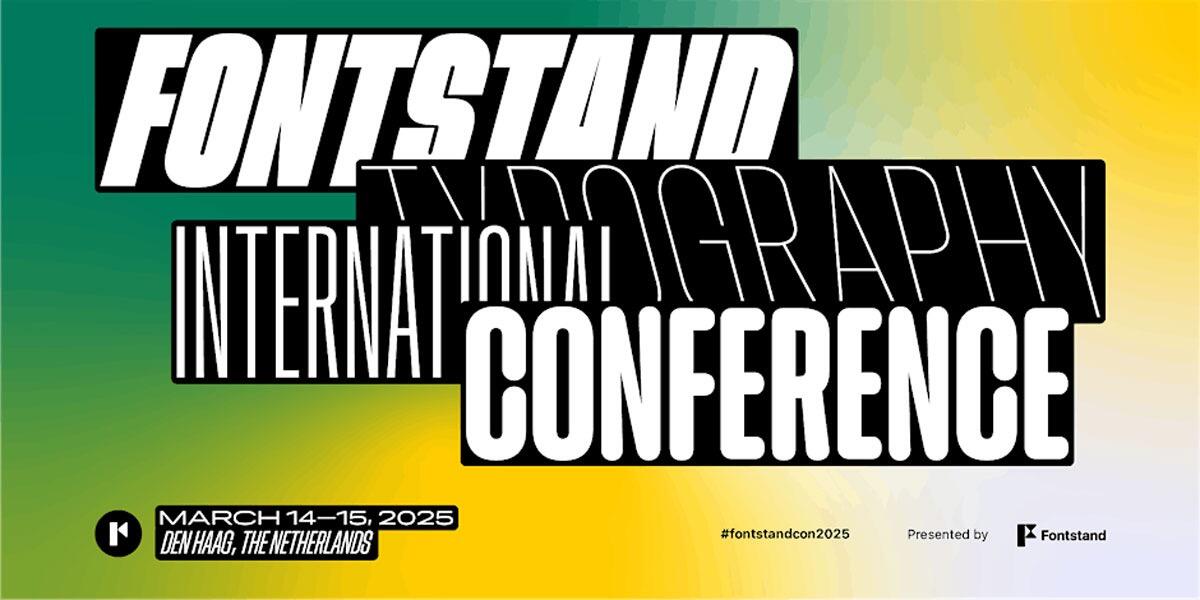
Registration is now open for Fontstand’s fifth typography conference in the Hague! 🇳🇱 Join the world-class type designers and typographers from around the world for a packed two-day program of presentations and discussions. Register now!
-
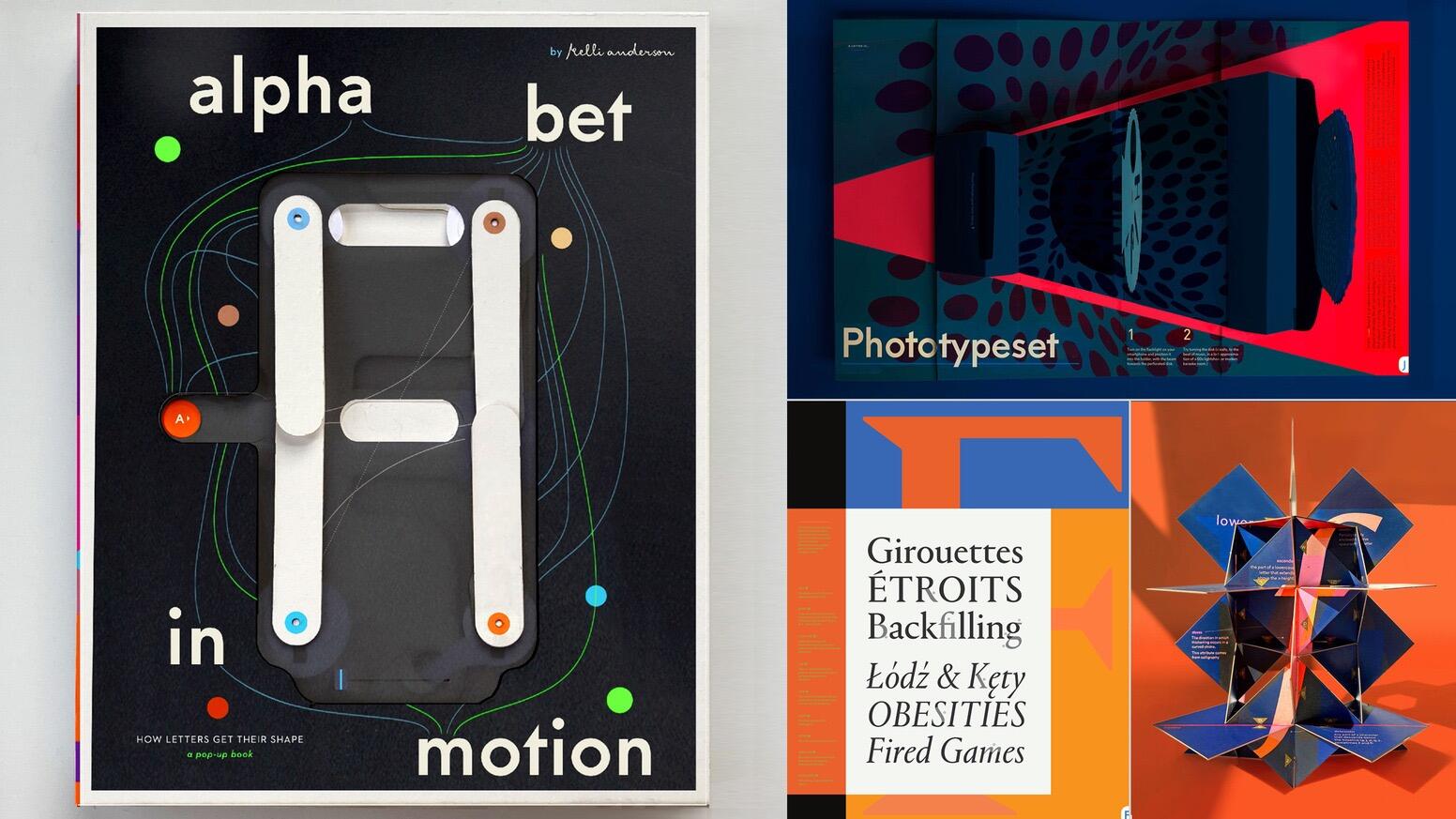
This is a pop-up book of the alphabet, from A to Z, that I researched, wrote, designed, and paper-engineered. It explains how typography works.
-
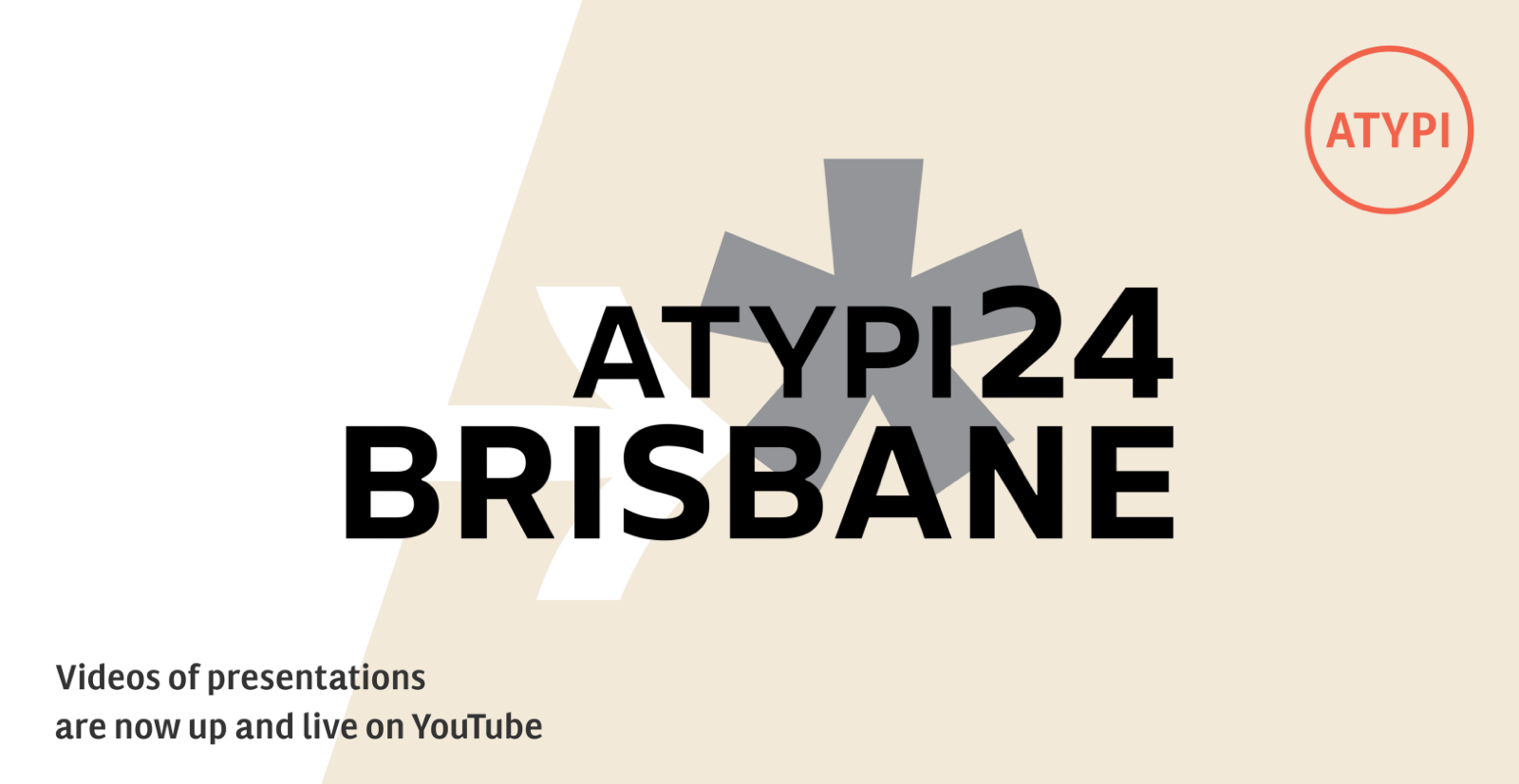
“Check out the many inspirational presentations created by our international team of speakers. Prepare yourself to be entertained and enlightened.”




Don’t miss the latest typography news!
Typography Weekly via email: Subscribe here
Typography Weekly via RSS feed: Subscribe here