


Typography Weekly #137
8 typography news links in this category
-
Automatic Type Design is an international symposium focused on digital font technologies, from design to production. The videos of the talks have now been published on the conference website.
-
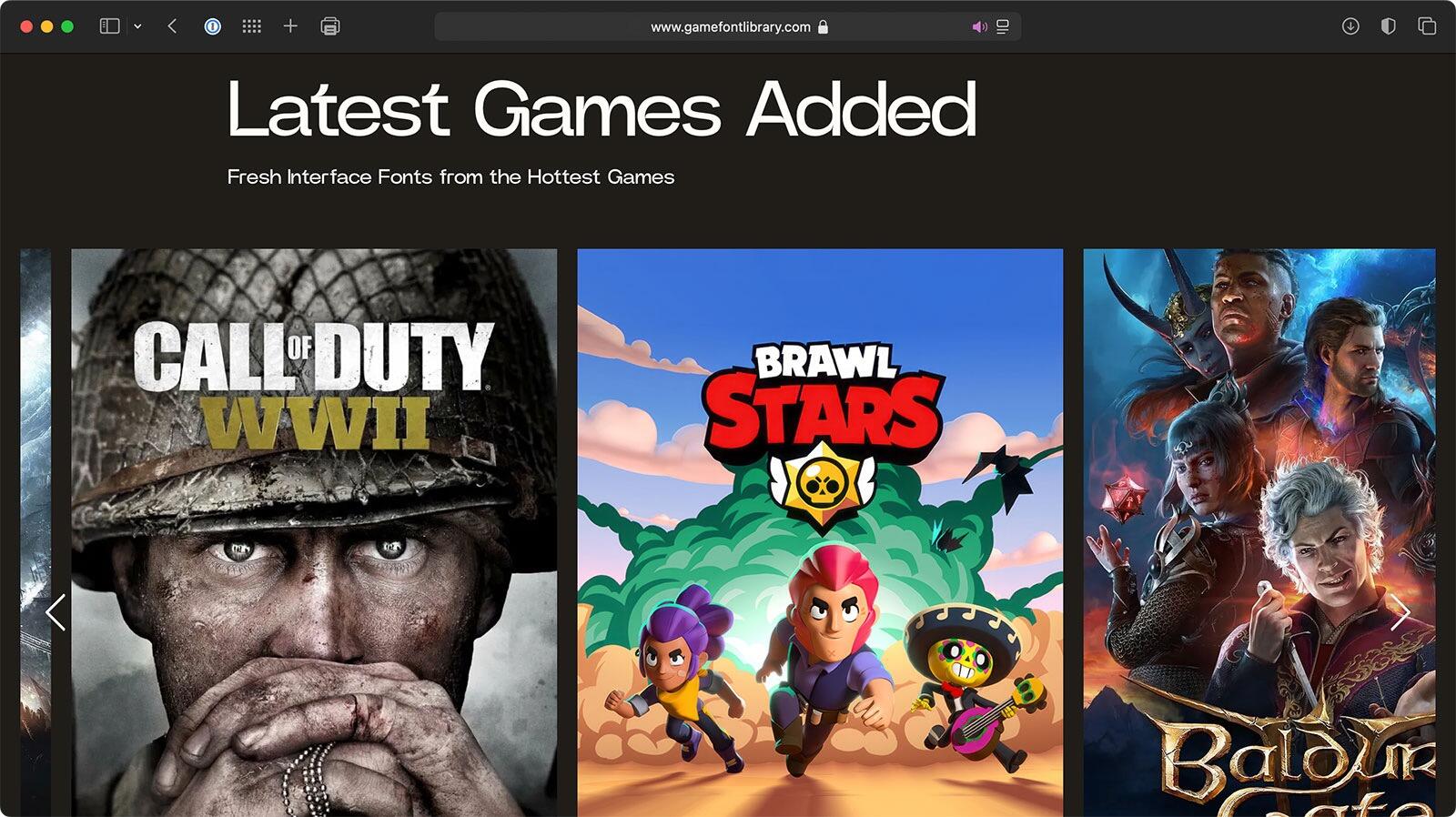
Game Font Library by Charlotte Couderc is a platform created to showcase and share the official interface fonts used in video games. As a Lead UI Artist for AAA games and a typography enthusiast, her goal is to collect and highlight the original typefaces that define the visual identity of games.
-
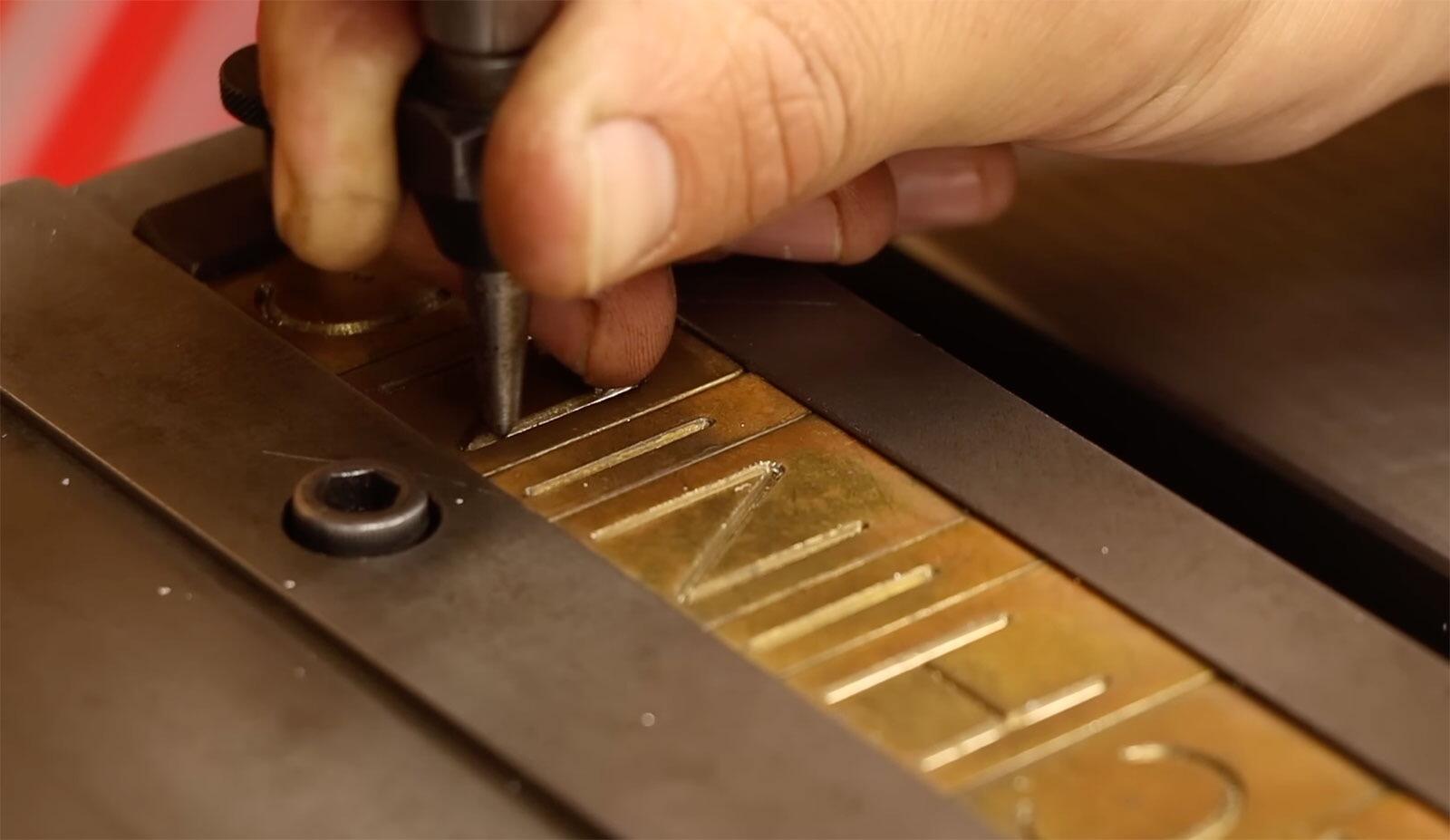
“Last year in New York, I walked over 100 miles and took thousands of photos of one and one font only. The font’s name is Gorton.”
-
This volume, with its detailed portraits of Caractères SA, Setag and Novatype, explores the history behind the Swiss typewriter typefaces and the historical context in which they were produced.
-
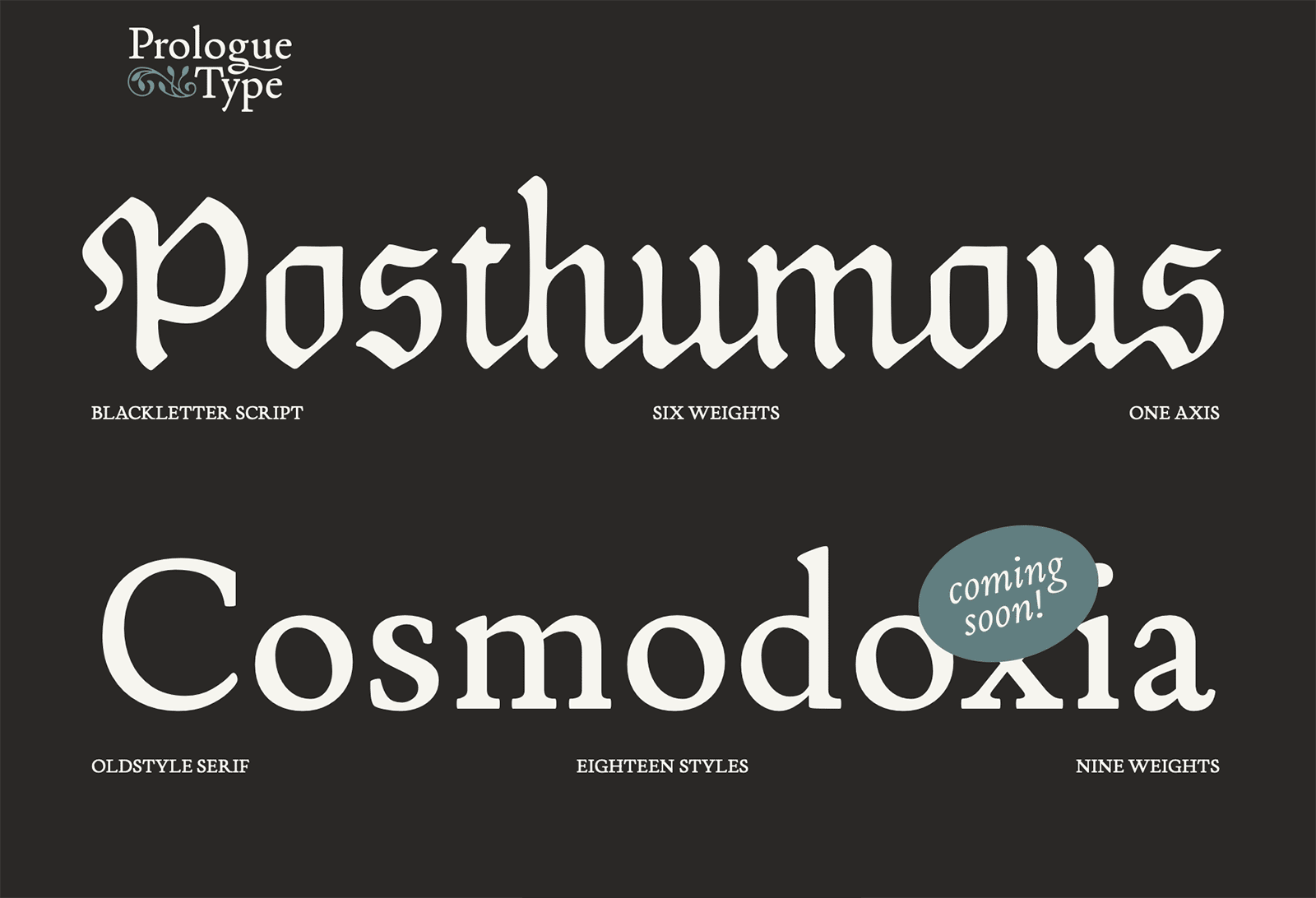
Prologue Type is a Bay Area-based independent type foundry.
-
-
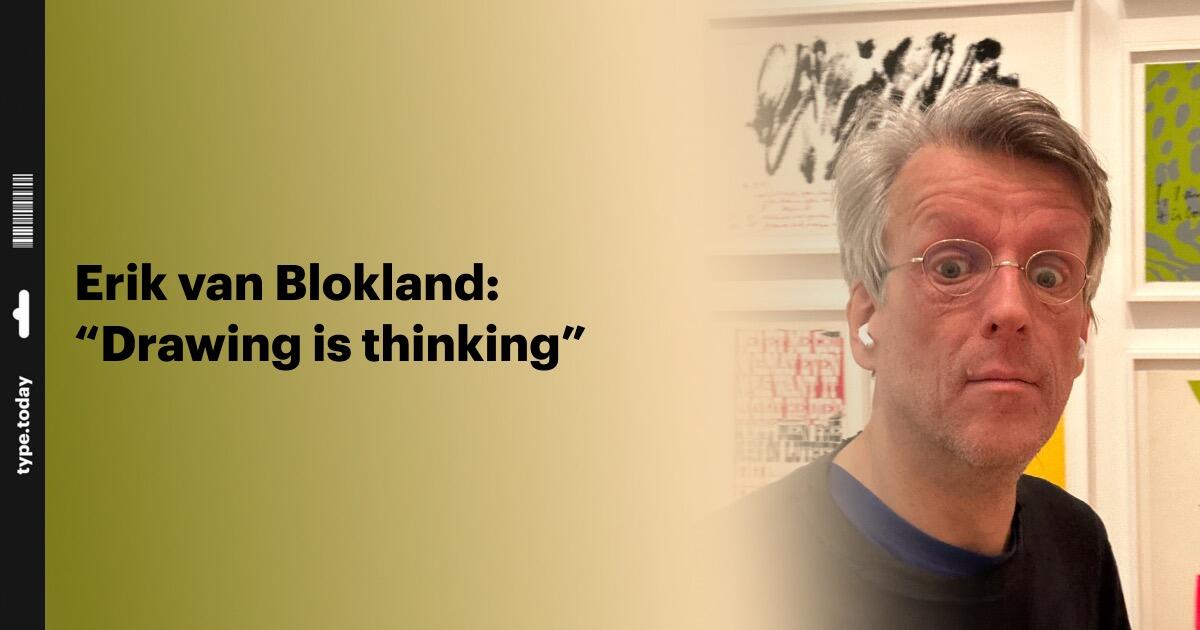
Ilya Ruderman spoke with the type designer and TypeMedia head about moving beyond Bézier curves, capitalism, and the many ways type designers can support one another
-
“Our program, co-curated with type designer Petra Dočekalová, shows how smart typography drives business success.”






Don’t miss the latest typography news!
Typography Weekly via email: Subscribe here
Typography Weekly via RSS feed: Subscribe here

