


Typography Weekly #138
7 typography news links in this category
-
A conference at ANRT Nancy offered the opportunity to reflect on the parameters defining the history and practice of digital type design.
-
“Hundreds of the most popular fonts from the Monotype library (and select foundry partners) are now available in Adobe Creative Cloud for subscribers worldwide.”
-
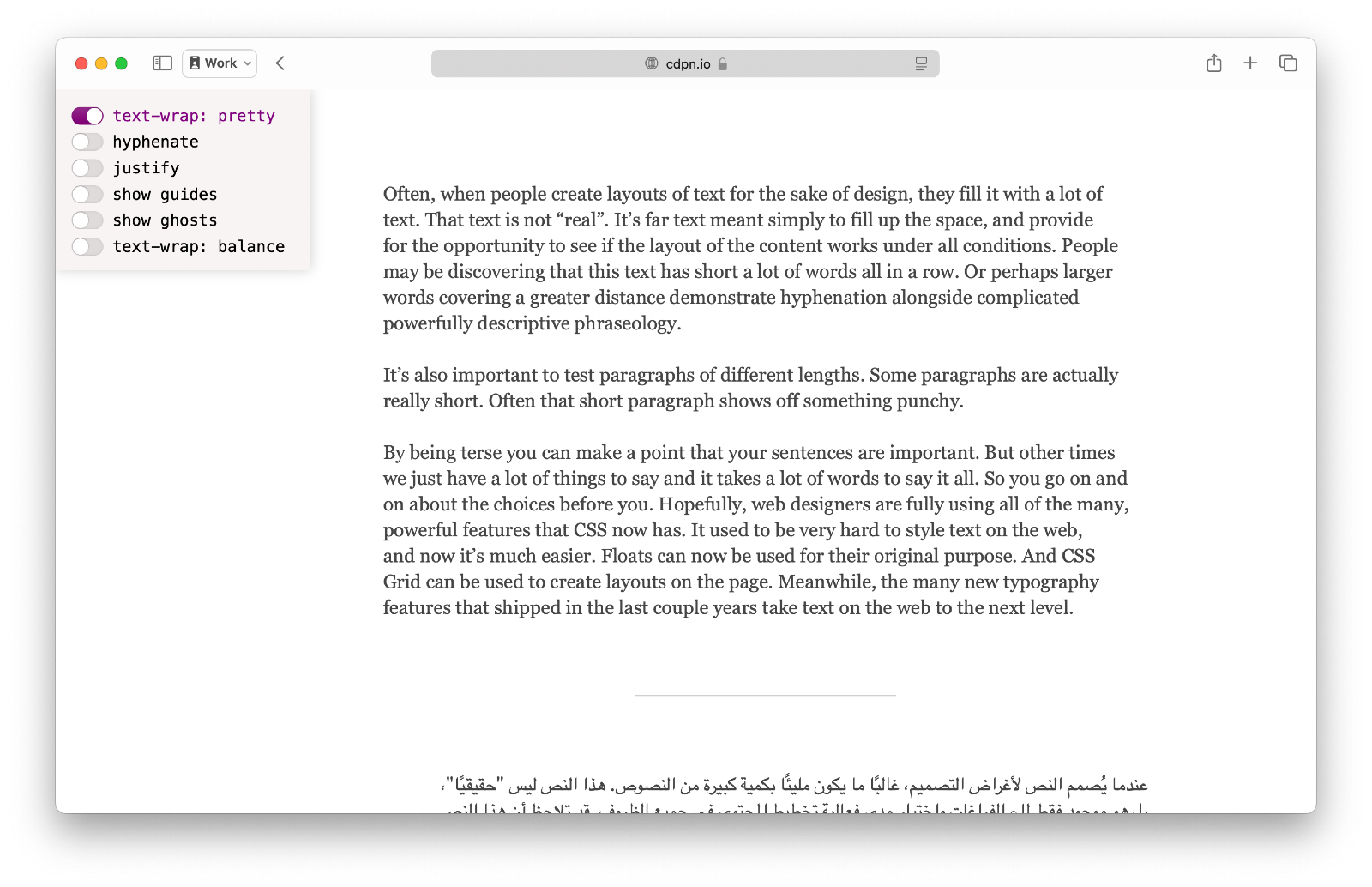
“Support for text-wrap: pretty just shipped in Safari Technology Preview, bringing an unprecedented level of polish to typography on the web.”
-
With 40 complete type specimens packed into 5 pounds, this compendium documents the output of one of the earliest (and most prolific) digital type foundries.
-
Grid-type.com is an experimental type tool. It’s inspired by historical grid-based type design with stencils, such as the Plaque Découpée Universelle from the 1870s – a single stencil that allows you to draw all the letters of the alphabet.
-
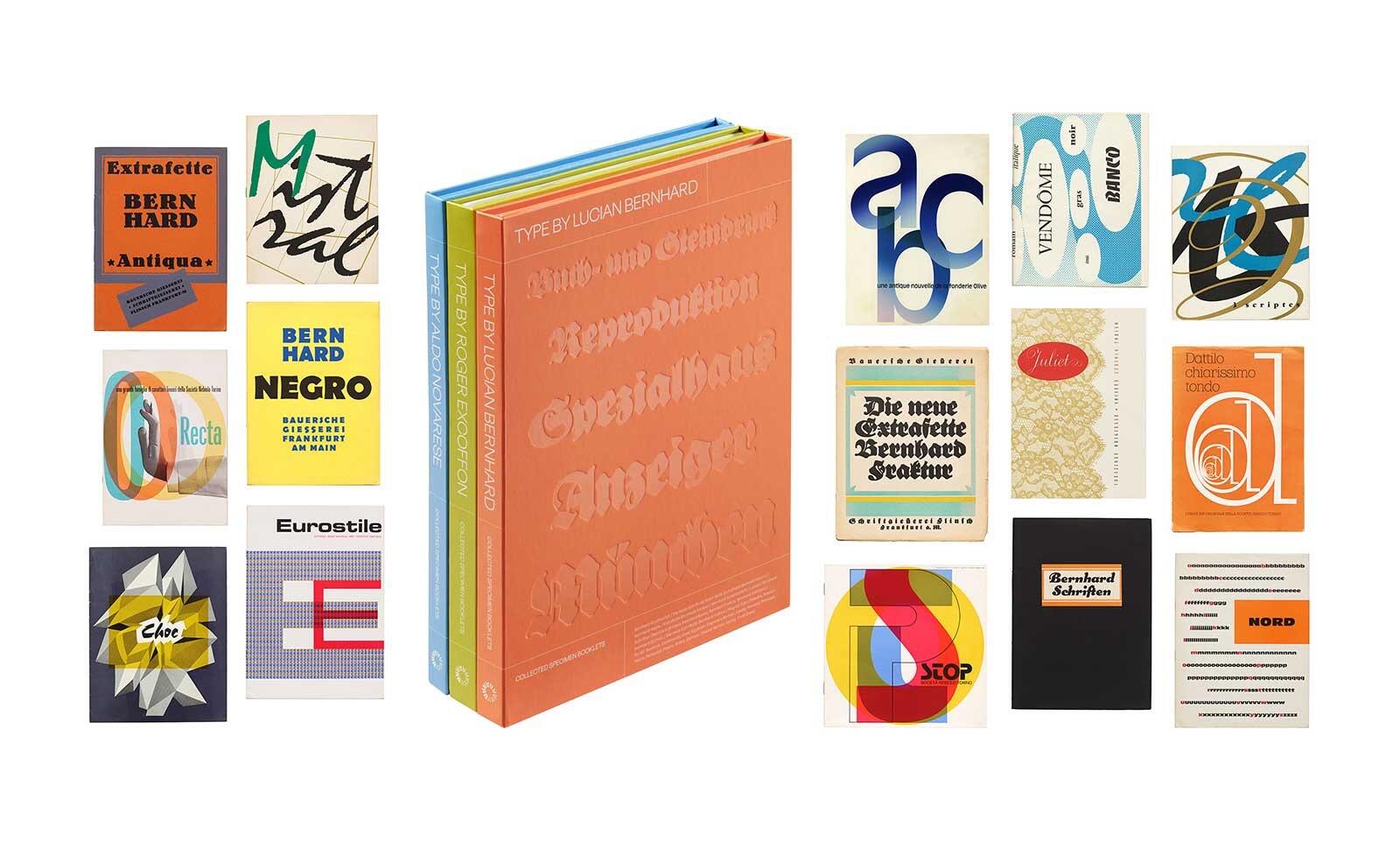
Three volumes of rare specimen facsimiles lift the curtain on twentieth-century type, gathering essential documents of trendsetting faces as they were first meant to be seen.
-
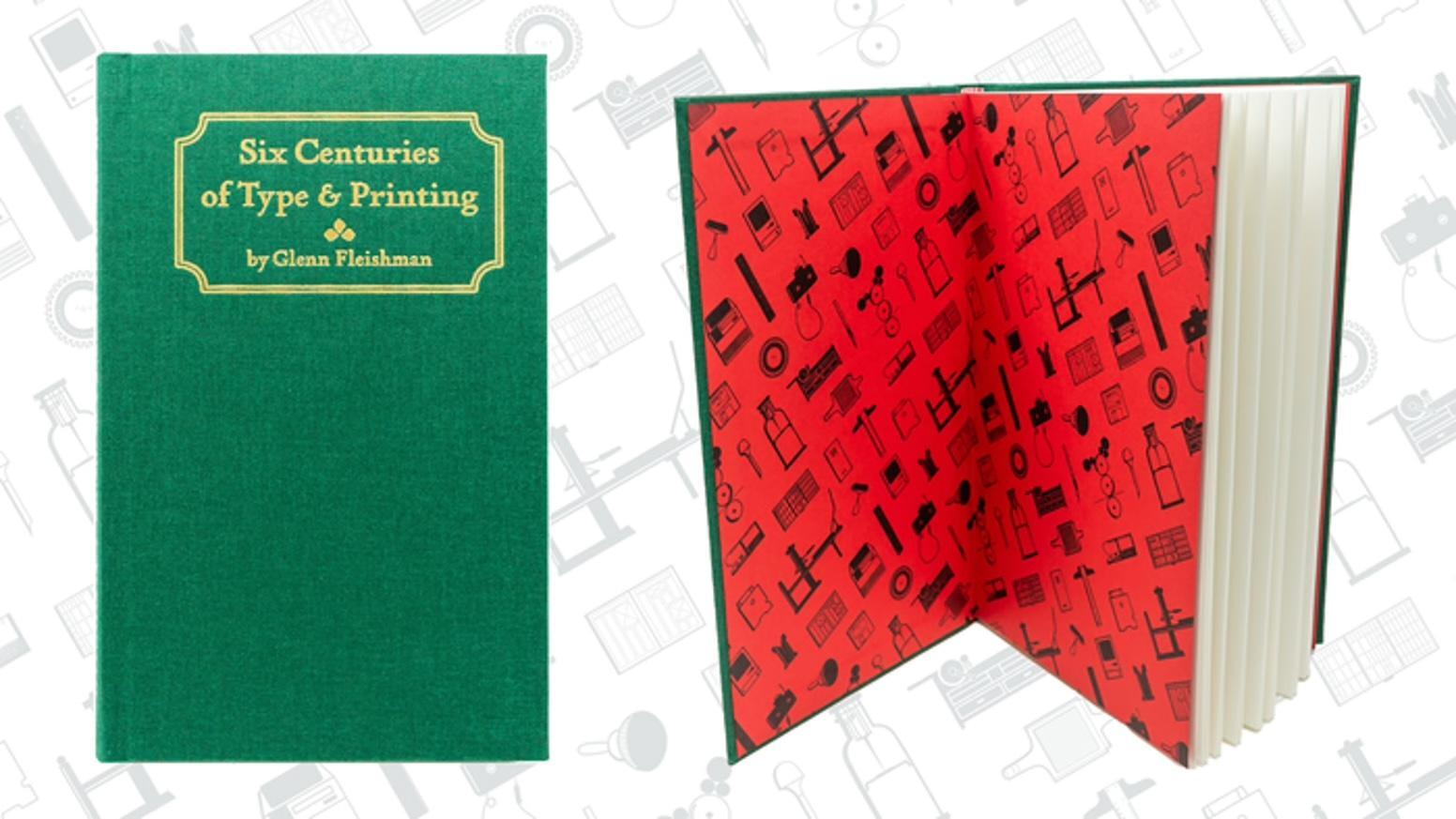
A new edition of the book by Glenn Fleishman. “The book […] briskly tells the story of the evolution of type and printing, starting with early documented efforts and surviving artifacts from China and Korea, and introducing Gutenberg and his innovations. It then takes you through each generation of increasing sophistication in metal and relief printing until the abrupt 20th century shift into flat offset printing.”





Don’t miss the latest typography news!
Typography Weekly via email: Subscribe here
Typography Weekly via RSS feed: Subscribe here

