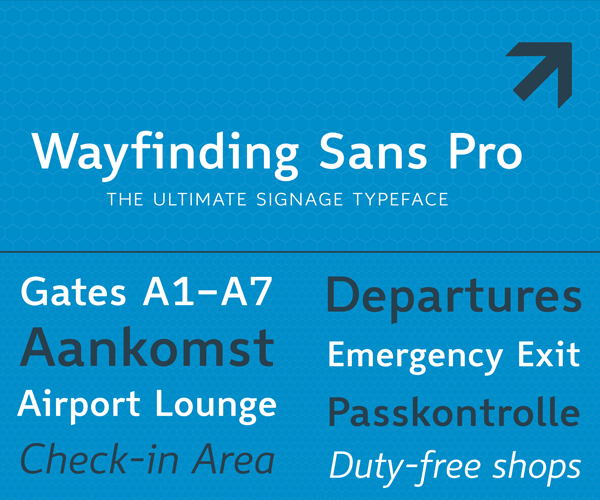
Typography Weekly #139
8 typography news links in this category
-
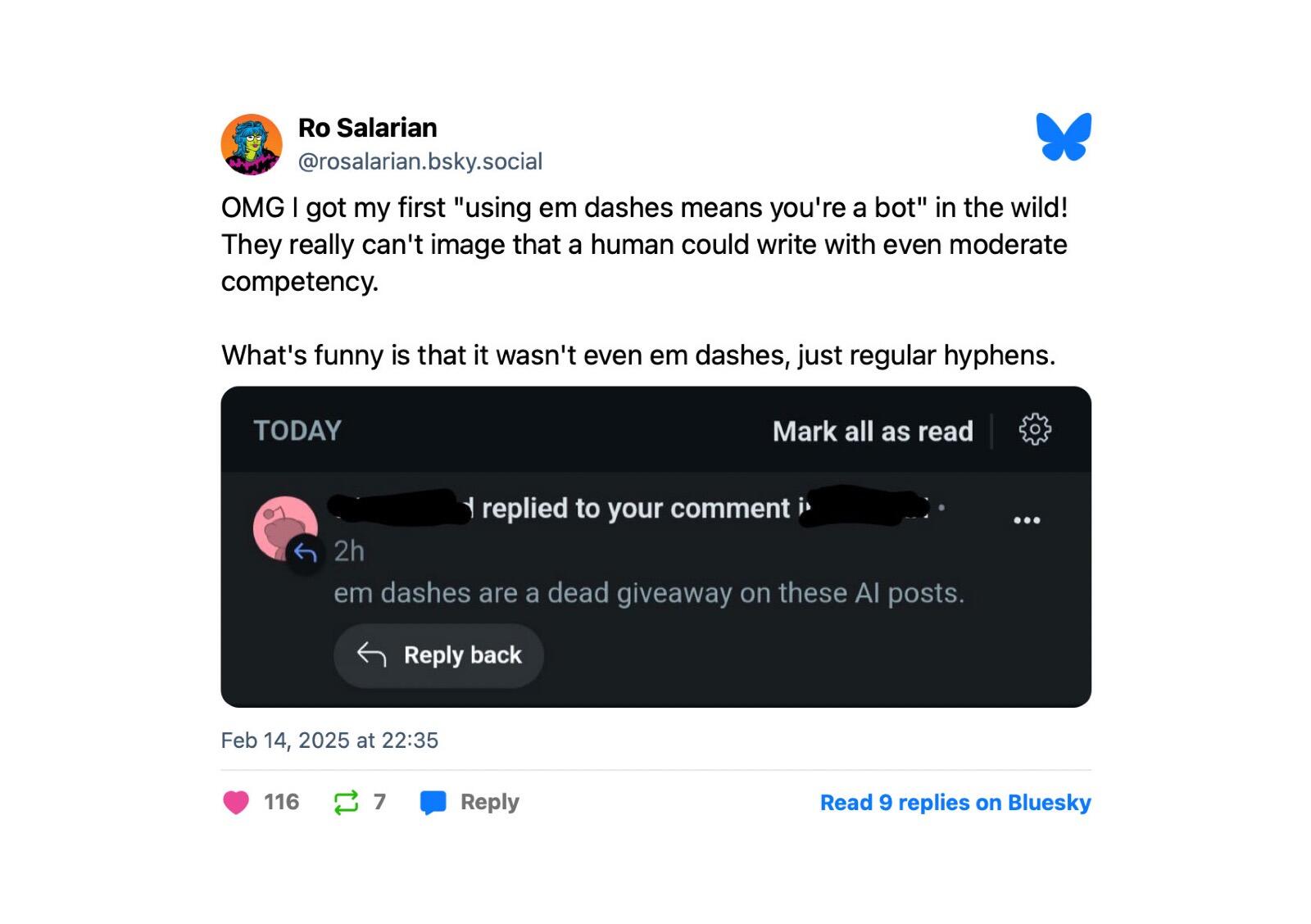
Are em dashes really a telltale sign of AI writing?
-
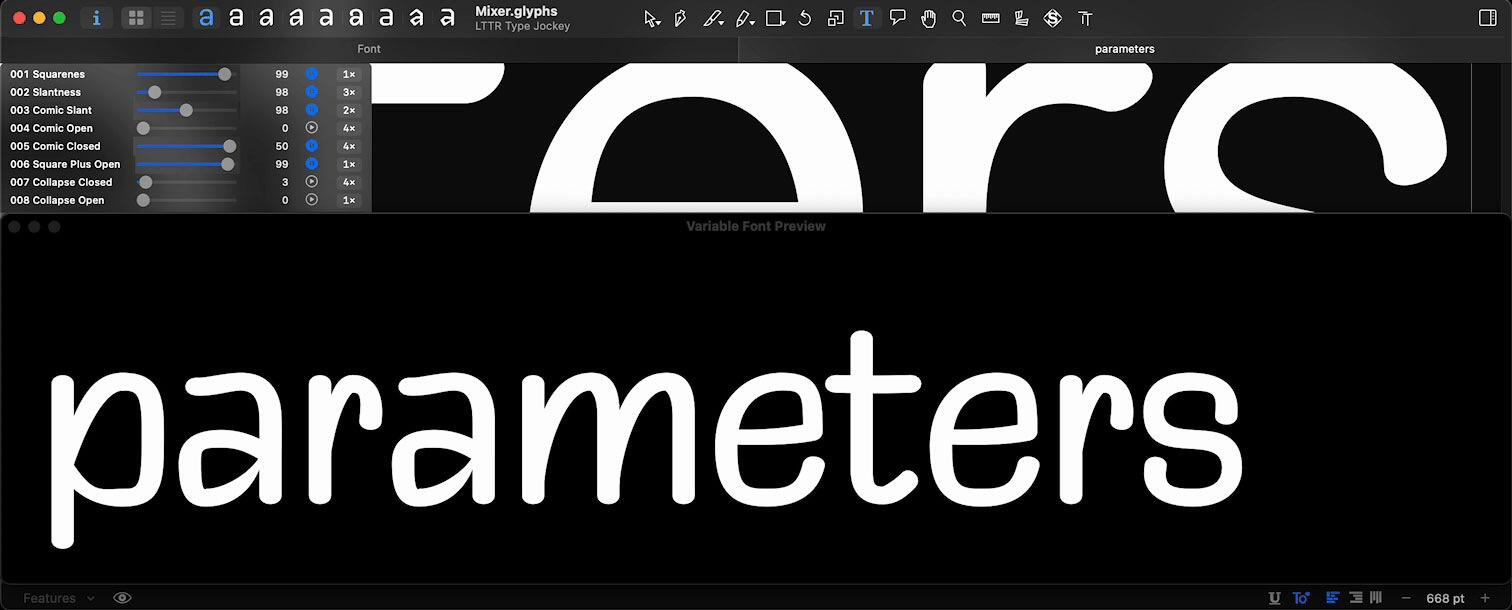
After years of experimenting with different approaches to font creation, I've developed a parametric type design workflow that has transformed how I prototype new ideas. I'm organising a small workshop to share these techniques with fellow type enthusiasts. 📆 May 4 + 18, 16:00 – 20:00 CEST In 2 days, you'll learn to: - Build your own parametric design system in Glyphs - Mix letterforms like a DJ crafting beats - Rapid-prototype font styles
-
Support a complete, high-quality digitization of a type family by Rudolf Koch — to be made available for free under the Open Font License (OFL).
-
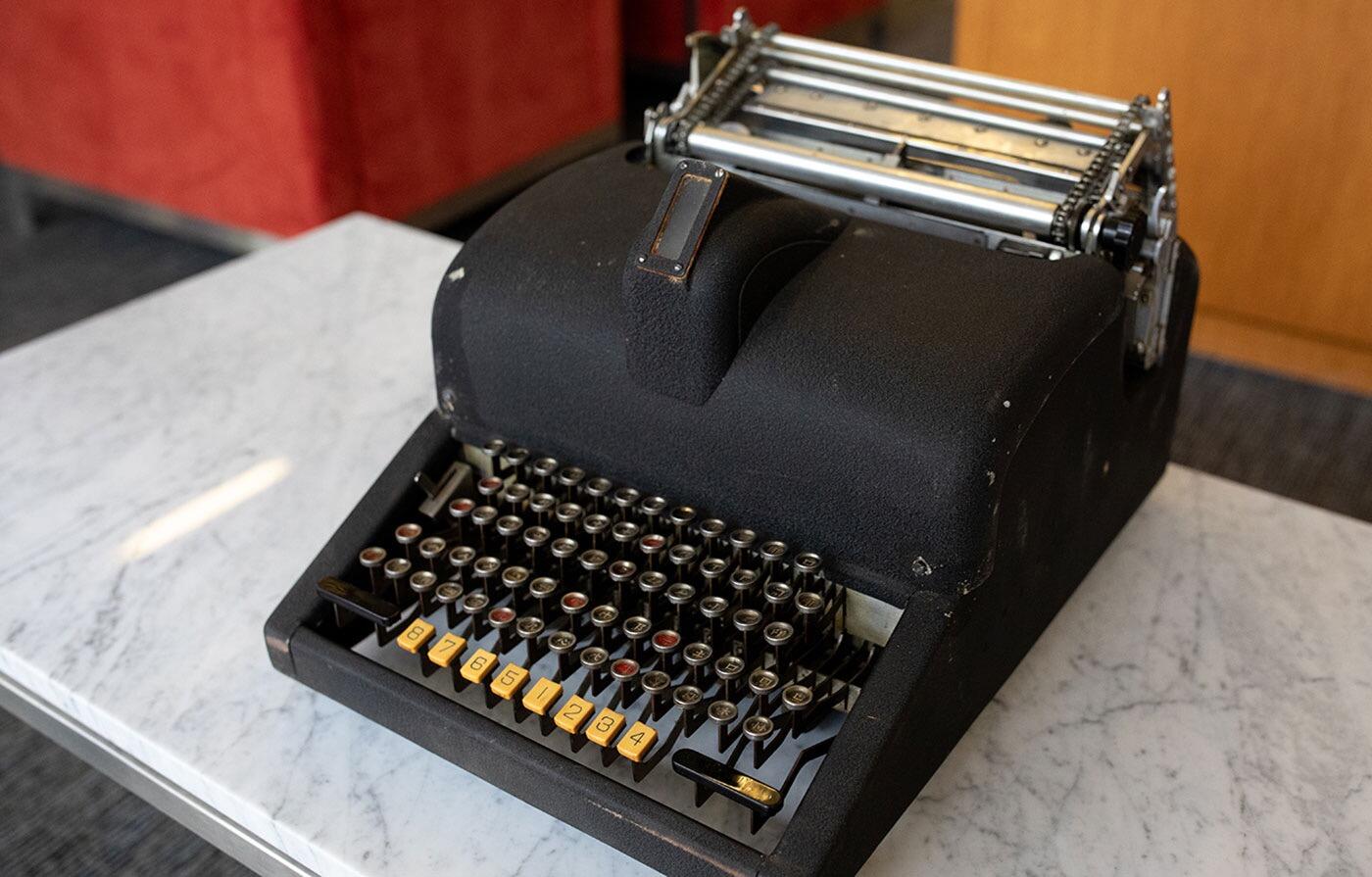
Lost for more than half a century, the rare Chinese typewriter whose name means “clear and fast” was discovered in a New York basement and entrusted to Stanford Libraries.
-
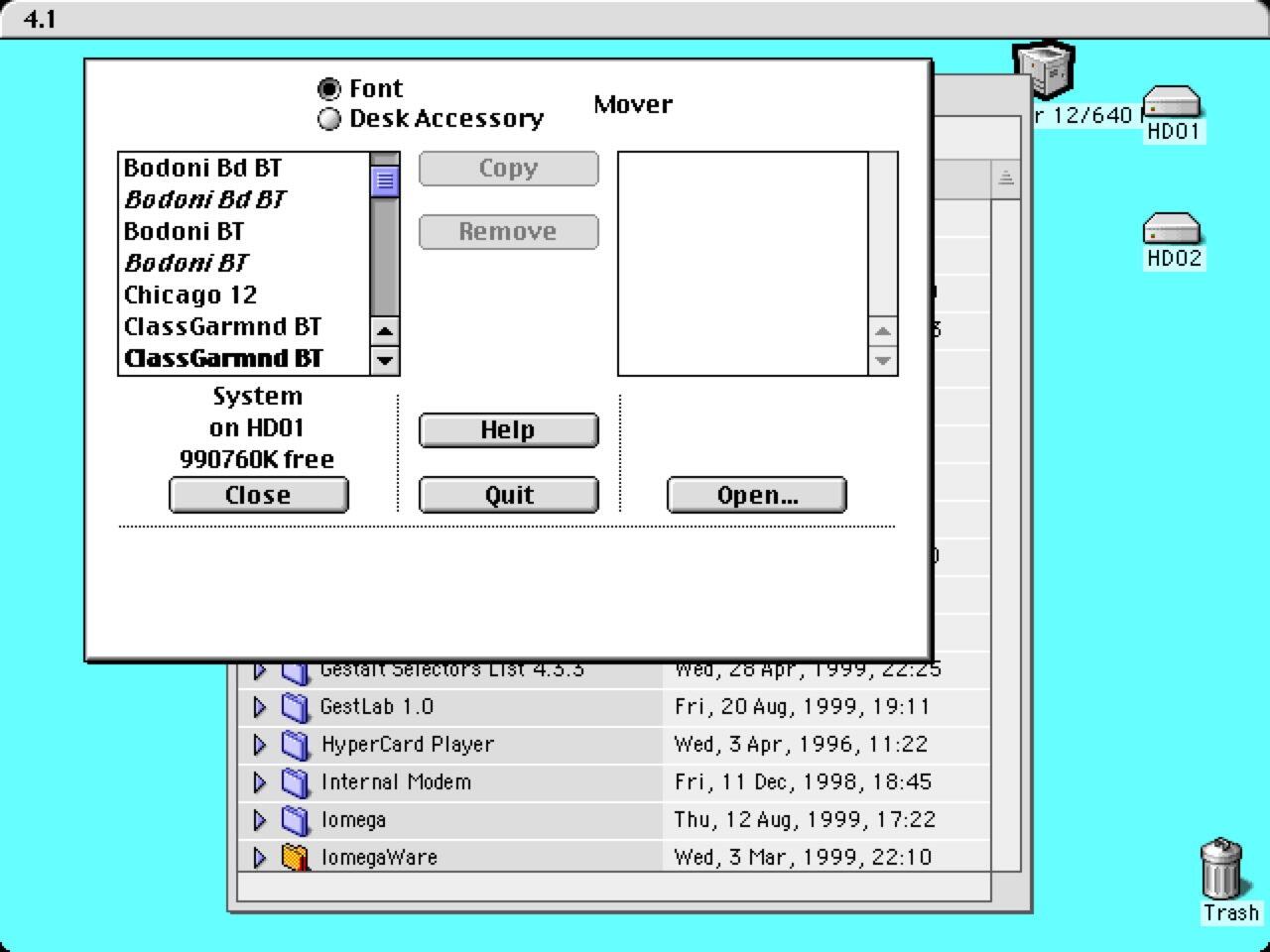
A look at the technical development of fonts across the Mac operating systems.
-
Preserve Hackney signwriter Brian Walker's story of a life on the brush via a short film in the 'When Better Letters Met' series.
-
A fully commercial online collection of typographic resources like type specimen books.
-
New Grid View, Export Groups with Folder Structure, Enhanced OpenType layout handling, Refreshed foundry list, Unicode database updated to Version 17 and more.





Don’t miss the latest typography news!
Typography Weekly via email: Subscribe here
Typography Weekly via RSS feed: Subscribe here