Typography Weekly #140
8 typography news links in this category
-
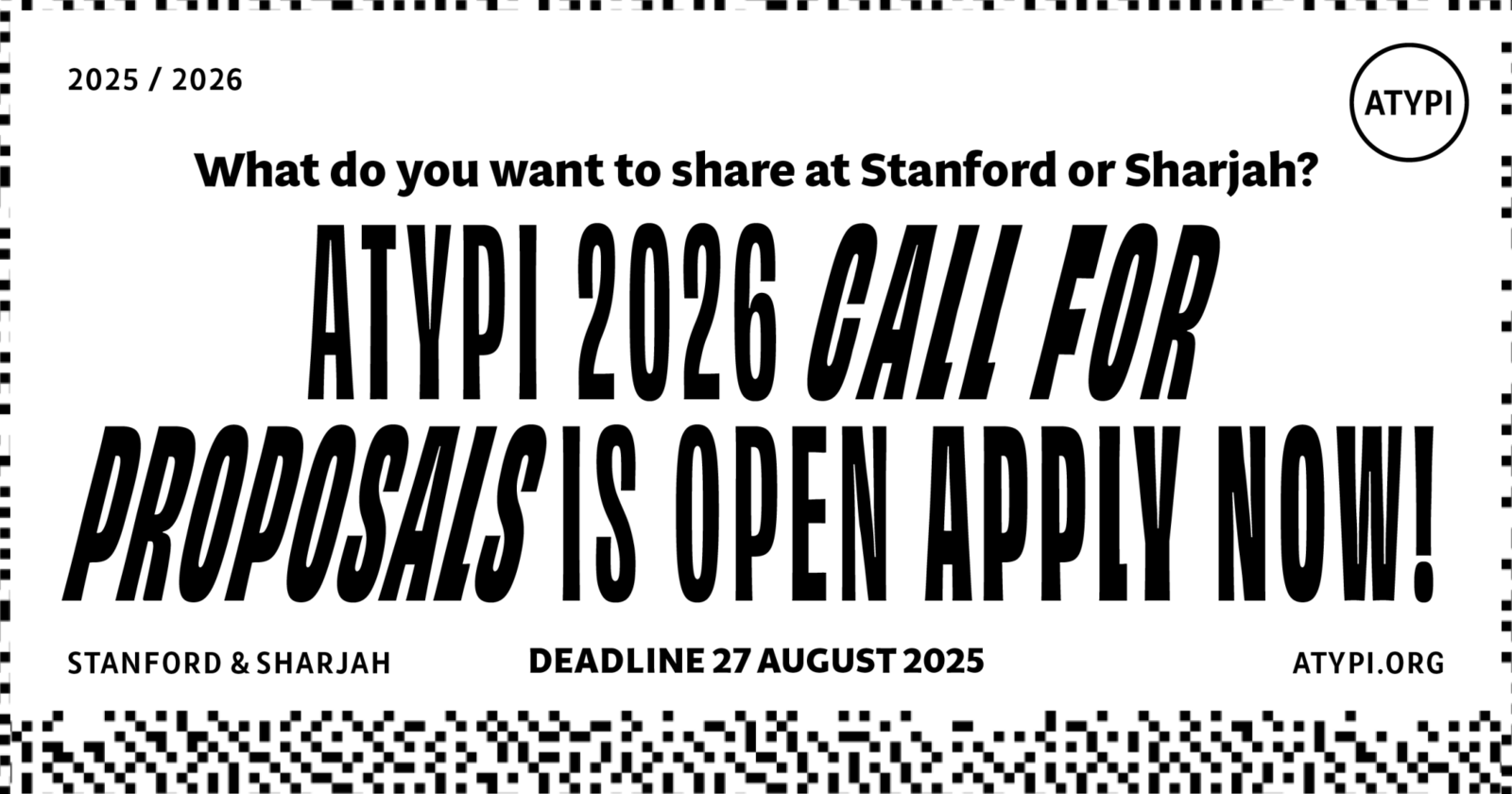
ATypI invites proposals for talks, workshops, panels, and experimental presentations for its two 2026 conferences: 1) Stanford, California — Homescreen, 2) Sharjah, UAE — Between
-
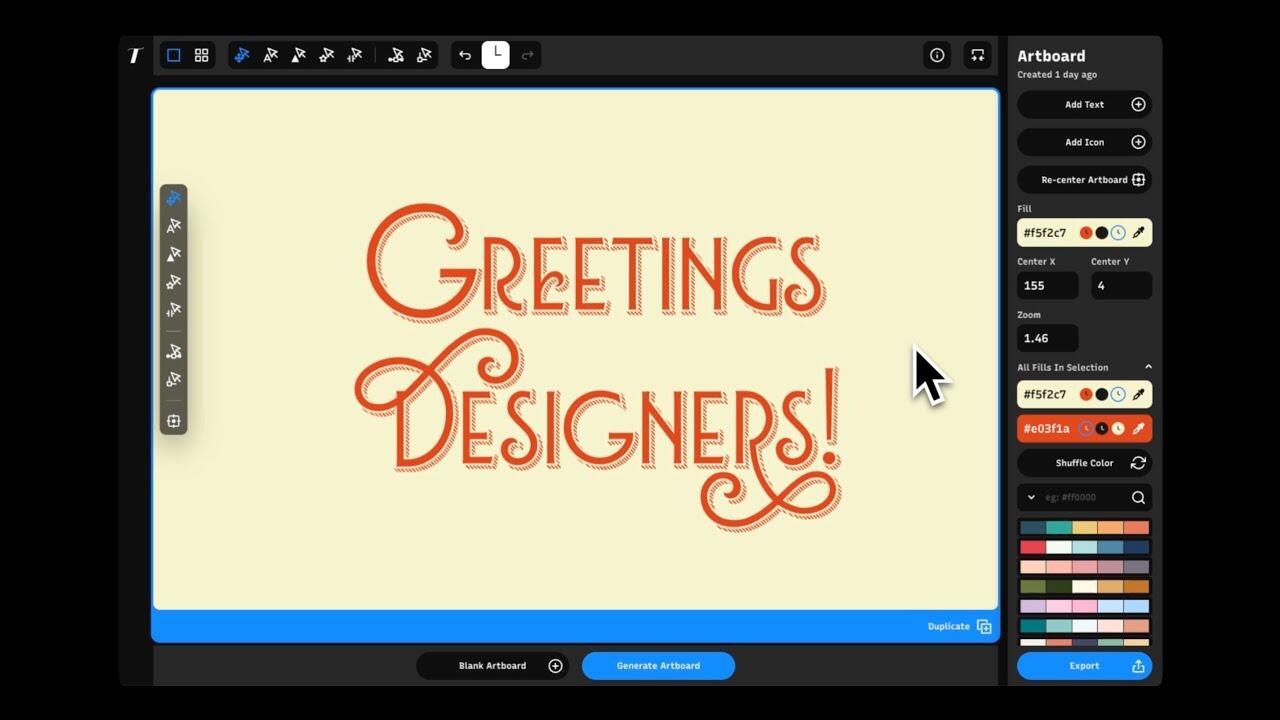
“A brand new design tool made for creating beautiful, custom typography designs. Typogram Studio gives you the power to make polished, typographic visuals without needing complex software.”
-
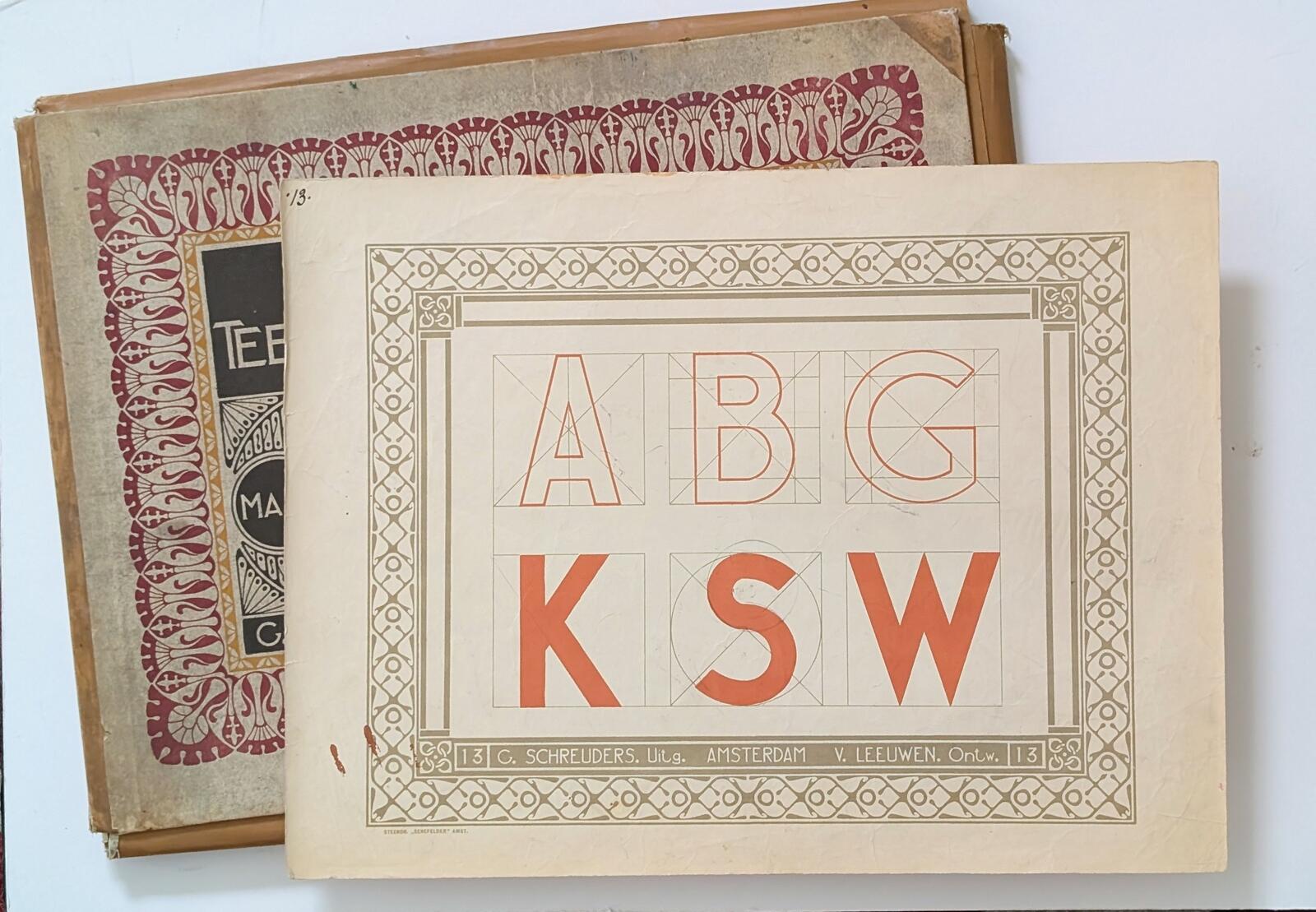
Amsterdam had its own, rational Art Nouveau variant. Mathieu Lauweriks was a leading representative. Klaas van Leeuwen also moved in these circles and Mathieu Lommen wrote an article about one of his books.
-
“A 200-page hardcover full-colour book by Pooja Saxena showcasing striking public lettering from the country — in paint, in relief, in mosaic, in neon, in wood, you name it. Spanning over a dozen cities and scripts.“
-
About the life of Jim Parkinson — lettering artist, type designer, and painter.
-
The future of typography is uncertain. A Verge article by Geoffrey Bunting
-
The goal is to scan, restore and reprint this rare piece of sign painting history for future generations to enjoy!
-
Plomb Type is an independent type foundry created by Max Esnée and Emma Marichal, based in Lyon, France.





Don’t miss the latest typography news!
Typography Weekly via email: Subscribe here
Typography Weekly via RSS feed: Subscribe here