


Typography Weekly #141
7 typography news links in this category
-
“Typeface 4.1 is all about characters! 🦊 Find the character you need using the new character categories, character search and character ordering. Then drag and drop glyphs to export them as editable vector in your design or as SVG.”
-
This version adds 4,803 new characters, including four new scripts, eight new emoji characters, as well as many other characters and symbols, bringing the total of encoded characters to 159,801.
-
Catherine Dixon pays tribute to printing librarian, teacher and scholar James Mosley
-
“Discover, sync, and try thousands of fonts from your favorite foundries. Design purposefully. Stay in sync.”
-
Based on Updike’s Printing Types books. All text for this project was manually retyped and formatted and tens of thousands of pages of antique books were consulted to find as many original source materials as possible.
-
This update brings macOS 26 compatibility, a new crash reporter, additions to Font Info and improvements for variable fonts and smart components.
-
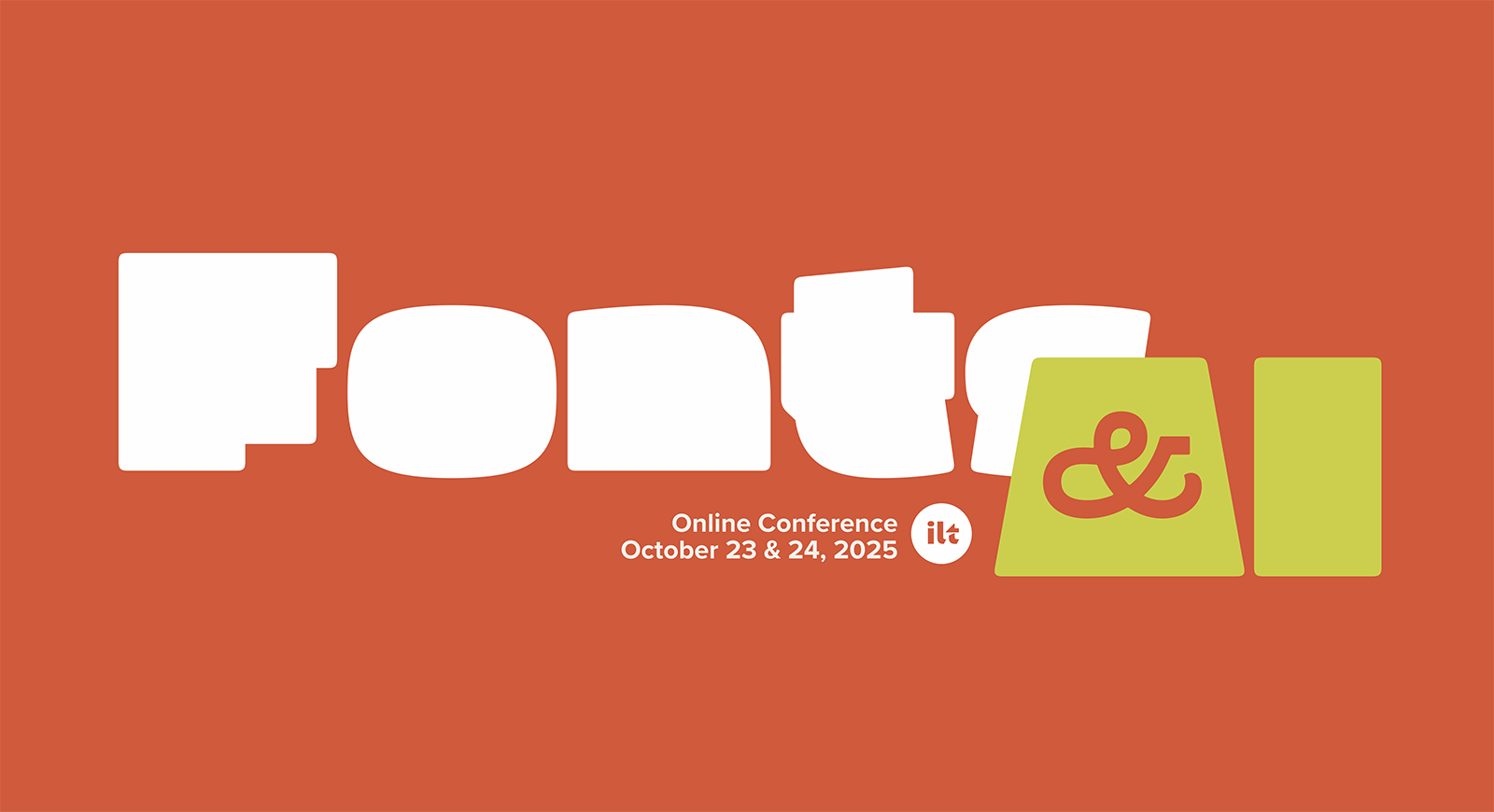
We will spend 2 days looking at how AI can impact the world of type, from theory to AI models to practical implementations. We will hear about community concerns, discuss the legality and ethics of AI training models, and examine the threats and opportunities that AI represents.




Don’t miss the latest typography news!
Typography Weekly via email: Subscribe here
Typography Weekly via RSS feed: Subscribe here

