Font alternatives
4 font lists in this category
-
Recommendable typefaces as alternatives to Franklin Gothic—designed by Morris Fuller Benton. The typefaces presented here can be seen as belonging to the same classification category as Franklin Gothic (“grotesque sans serif”), but each have their own look, aren’t overused (yet) and are chosen because of their overall quality.
-
Recommendable typefaces as alternatives to Gill Sans—designed by Eric Gill. The typefaces presented here can be seen as belonging to the same classification category as Gill Sans (“humanist sans serif”), but each have their own look, aren’t overused (yet) and are chosen because of their overall quality.
-
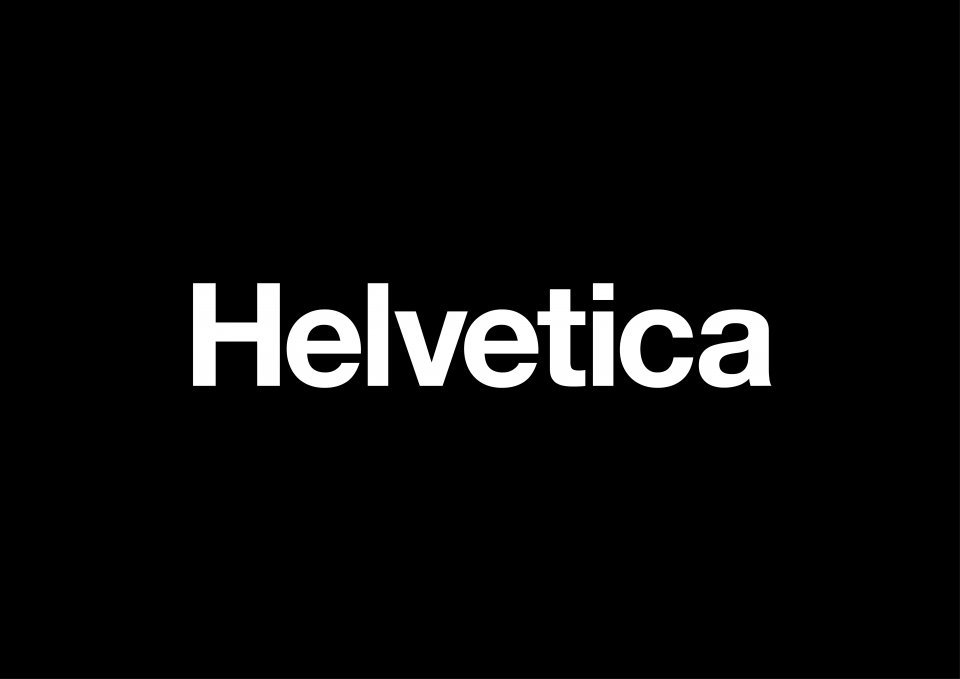
Recommendable typefaces as alternatives to the overused Helvetica. The typefaces presented here can be seen as belonging to the same classification category as Helvetica (“static sans serif”), but each have their own look and are chosen because of their overall quality (design, number of styles, glyphs and so on). Fonts which are directly related to Helvetica (e.g. Nimbus Sans, Neue Haas Grotesk) or are very similar in their design are deliberately left off the list. It’s about alternatives, not
-
Recommendable typefaces as alternatives to Futura. The typefaces presented here can be seen as belonging to the same classification category as Futua (“geometric sans serif”), but each have their own look, aren’t overused (yet) and are chosen because of their overall quality.