Skip to content

Gill Sans’ Alternatives

User Feedback

Recommended Comments

Fournier

Standard Member

¶ Thank you for your input. Mallory fits in.

¶ I wonder how do you see Antique Olive and Eras compared to Gill Sans?

Fournier

Standard Member

¶ It's obvious the proportions and the leanings of these three typefaces are far away. Thanks for the comparison.

¶ Why do you think Gill Kayo should have remained a separate typeface?

Riccardo Sartori

Standard Member
7 hours ago, Fournier said:

Why do you think Gill Kayo should have remained a separate typeface?

Because it comes from a very different design perspective from Gill Sans, and its renaming as “Gill Sans Ultra Bold” was just a commercial move.

Gill_Kayo.png

(source: Wikipedia)


Fournier

Standard Member

Your new reference is spot on! Keep Calm has the general orientation of Gill Sans but with a slightly more geometric bent attached to it. I downloaded the free version. Thanks again.

R::bert

Standard Member

And again some more if you like:

FF Yoga

Metric

Edward

Halifax

FF Basic Gothic


And perhaps these if you allow a wider range:

Komet

Today Sans

Freight Sans

FF Milo

Fournier

Standard Member

¶ I see a lot of Neo-Humanist Sans—for FF Yoga: you mean FF Yoga Sans, by the way, which is a good alternative that fits in the category. Identifont mentions part of your selection (FF Milo, Today Sans):

http://www.identifont.com/find?similar=Gill+Sans&q=Go

¶ I'm not sure about “all” the typefaces as a blatant link to Gill Sans.

R::bert

Standard Member

Yes, as I said: »wider range«.

; )

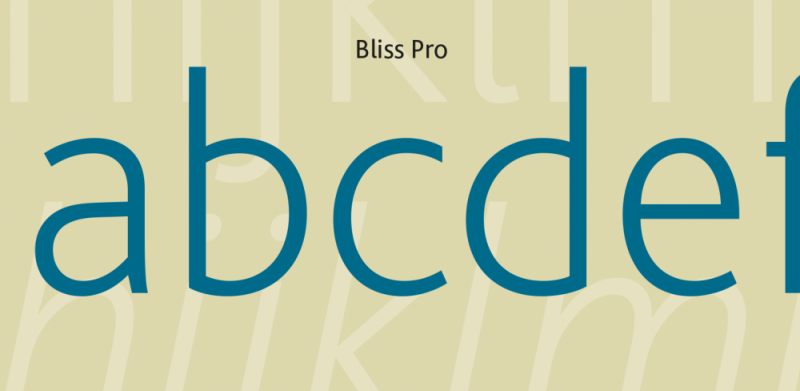
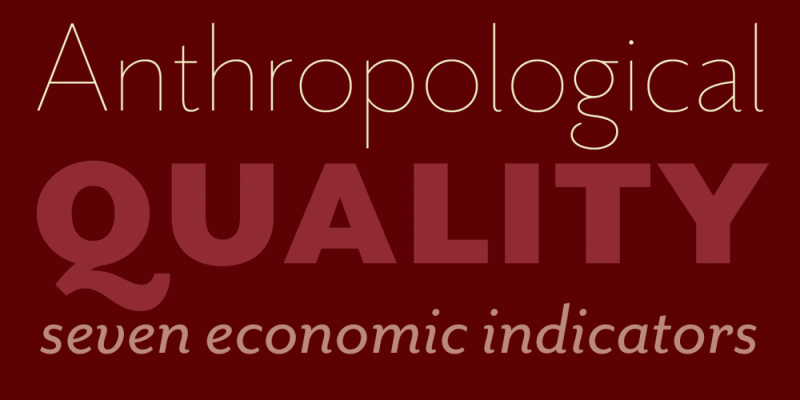
I guess the tricky part of creating these lists is to find a good balance between lookalikes and some fresh typefaces as a kind of innovation and »real« alternative. So Mrs Eaves for example has really surprised me in your list, but in a positive way – it seems to make sense – like Mallory that is not so obvious too.

: )

Create an account or sign in to comment

Important Information

We are placing functional cookies on your device to help make this website better.

Account

Navigation

Search

Search

Configure browser push notifications

Chrome (Android)
  1. Tap the lock icon next to the address bar.
  2. Tap Permissions → Notifications.
  3. Adjust your preference.
Chrome (Desktop)
  1. Click the padlock icon in the address bar.
  2. Select Site settings.
  3. Find Notifications and adjust your preference.