
Skip to content

The best free sans serif font families

User Feedback

Recommended Comments

Greg Yerbury

Standard Member

The list seems to have vanished but I would suggest.
Firago (which is an version of fira sans)

Cristóbal Alarcón

Standard Member
(edited)

Oh my, I guess it's my moment to share every single one I've found so far.

Note: I'm super picky when choosing fonts, so I can assure you these will be a good addition.

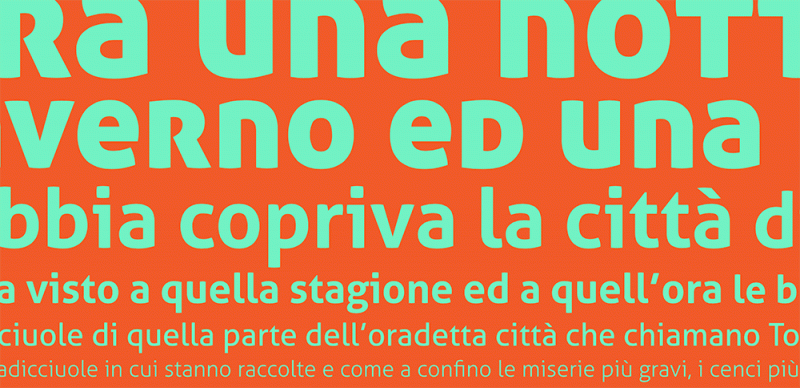
  1. Barlow (3 widths)
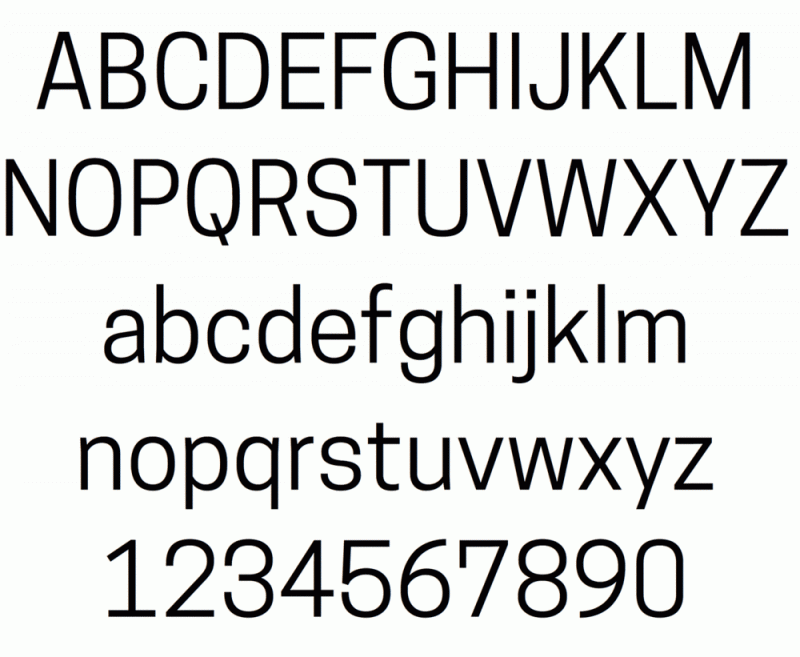
  2. Work Sans (has pretty much everything except different widths and optical sizes)
  3. Chivo
  4. Epilogue
  5. Exo2
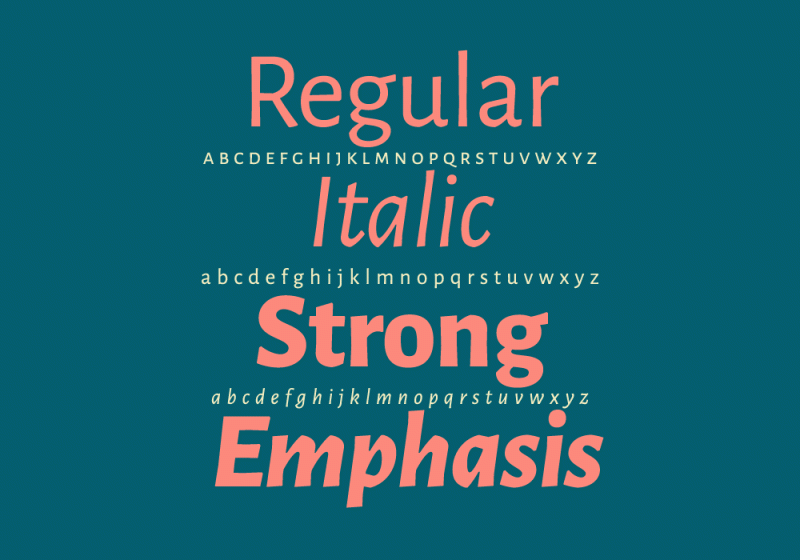
  6. Fivo Sans (oblique with stylistic alternates)

The lesser quality ones, but still pretty good.

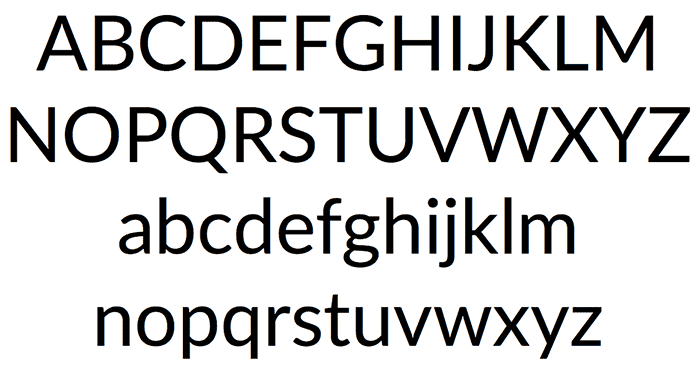
  1. Libre Franklin (without true italics, oblique)
  2. Open Sauce (without true italics, oblique)

I have a looooooooot more, but these are the ones I can recommend so far.

Edited by Cristóbal Alarcón
Removed Tanhoe Sans and Ulagadi Sans. Reason; almost identical with small tewaks to already existing fonts.

Riccardo Sartori

Standard Member
1 hour ago, Cristóbal Alarcón said:

Ulgadi Sans

I can’t find any mention of it anywhere…

1 hour ago, Cristóbal Alarcón said:

Tanohe Sans

It seems perfectly identical to the already listed Cooper Hewitt, except for |J| and italic |a|.

Cristóbal Alarcón

Standard Member

Oh yeah, my bad.

It's Ulagadi Sans. However having a second look now I remember it's a variant from Poppins with a different "a" and "&"

Yes! Tanhoe is a Cooper Hewitt variant. I replaced it because of the sole reason of the italic "a".

I guess those two are dismissable. I'm removing them from the lsit.

Riccardo Sartori

Standard Member
1 hour ago, Cristóbal Alarcón said:

it's a variant from Poppins with a different "a"

For that, I would suggest DM Sans.

Create an account or sign in to comment

Important Information

We are placing functional cookies on your device to help make this website better.

Account

Navigation

Search

Search

Configure browser push notifications

Chrome (Android)
  1. Tap the lock icon next to the address bar.
  2. Tap Permissions → Notifications.
  3. Adjust your preference.
Chrome (Desktop)
  1. Click the padlock icon in the address bar.
  2. Select Site settings.
  3. Find Notifications and adjust your preference.