


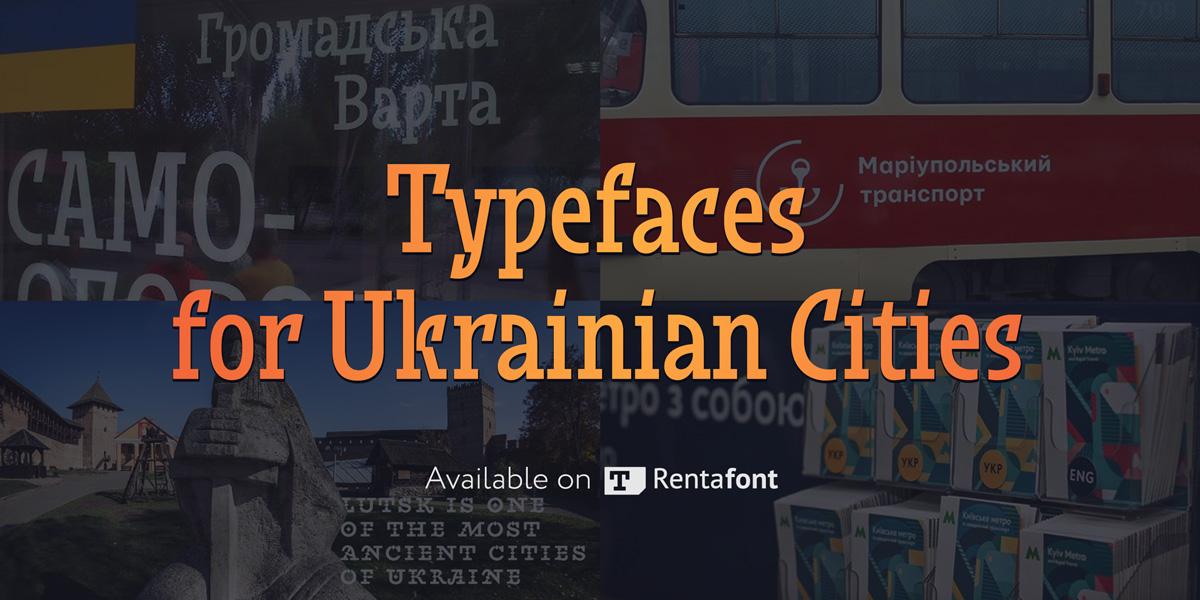

The Ukrainian font market could hardly be called large, but we have quite a few talented and original type designers. They design both commercial and free fonts, including freely available fonts for Ukrainian cities. Meanwhile, Rentafont, being a font service originating in Ukraine, supports development of the local typographic culture and promotes such fonts.
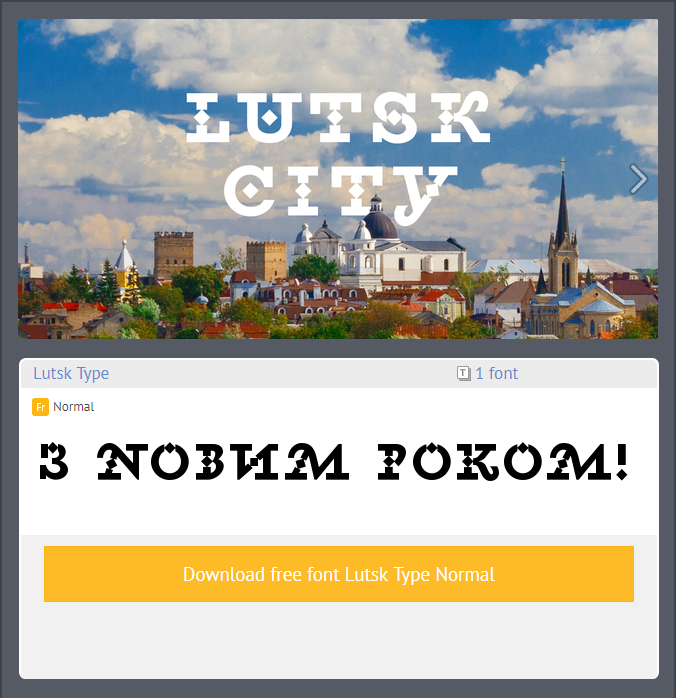
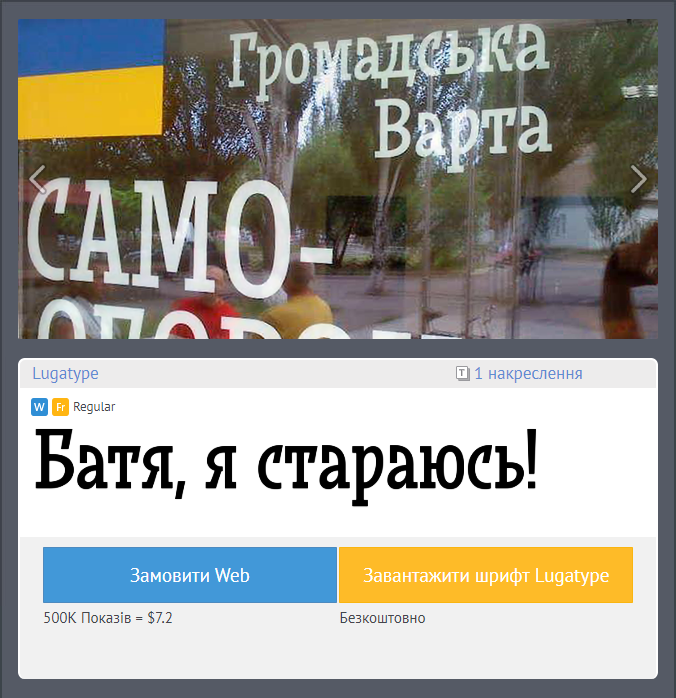
At the close of 2017, our service was the first to start disseminating a new typeface for Lutsk. It was a pleasant surprise that not only designers but also common citizens took interest in the new typeface. Therefore, to support the Ukrainians’ interest in typography, we have decided to build a full collection of Ukrainian local fonts.
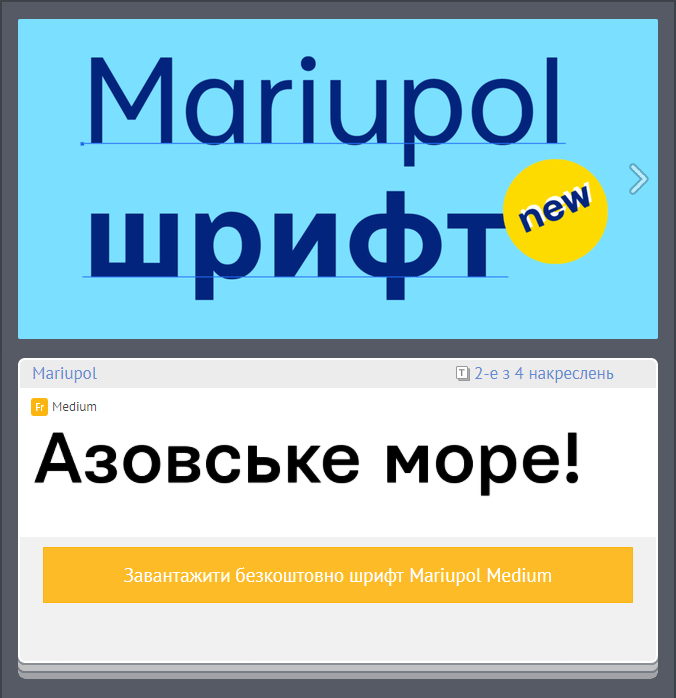
The stories behind the creation of city typefaces are quite diverse. In some cases these are works submitted for competition, in others, it is purely their authors’ initiative. These include the “workhorses” for city way-finding and display fonts for tourism brands.
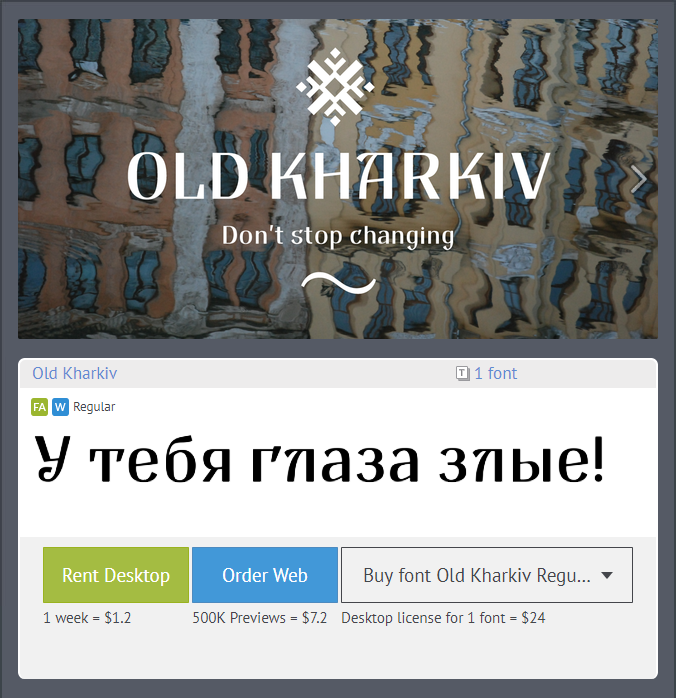
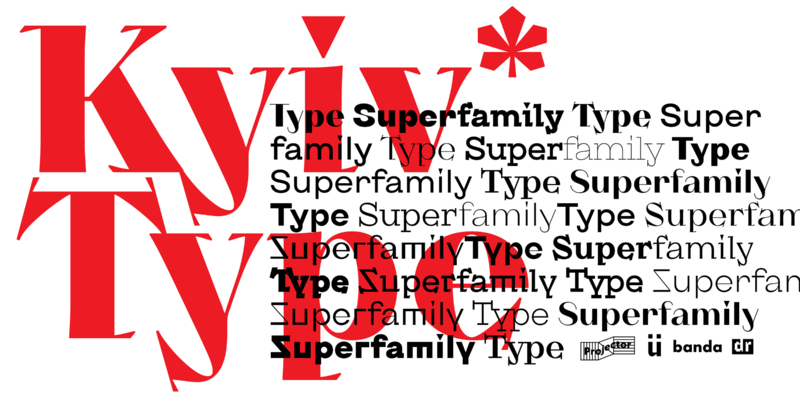
There are also way-finding font for Lviv (Petro Nahirnyi), touristic typeface for Sumy (Dmytro Rastvortsev), original city typeface for Dnipro (Kyrylo Tkachov, Andrii Shevchenko), typefaces for Dnipro and Kyiv (Viktor Kharyk), and way-finding typeface for Kharkiv (Andrii Shevchenko). Some fonts are still work in progress, while some are almost completed and will soon join the Rentafont collection.
Our ambition for 2018 is to bring together at Rentafont all the modern typefaces for tourism brands and way-finding of Ukrainian cities.

Recommended Comments
Create an account or sign in to comment