


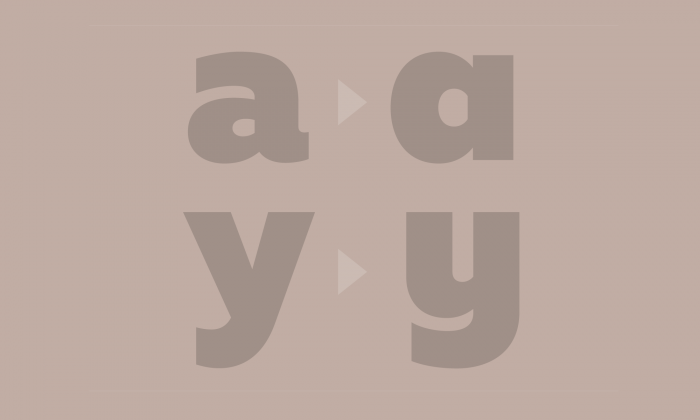
“If you want to add style and functionality to your Web typography, look for fonts that have alternate characters. And if working economically, with just one font, the added characters you get with alternates can stretch your design further.”
Web Typography Essentials: Working with Alternate Characters
User Feedback
Don’t miss the latest typography news!
Typography Weekly via email: Subscribe here
Typography Weekly via RSS feed: Subscribe here
Recommended Comments
Create an account or sign in to comment