Typography Weekly #58
8 typography news links in this category
-
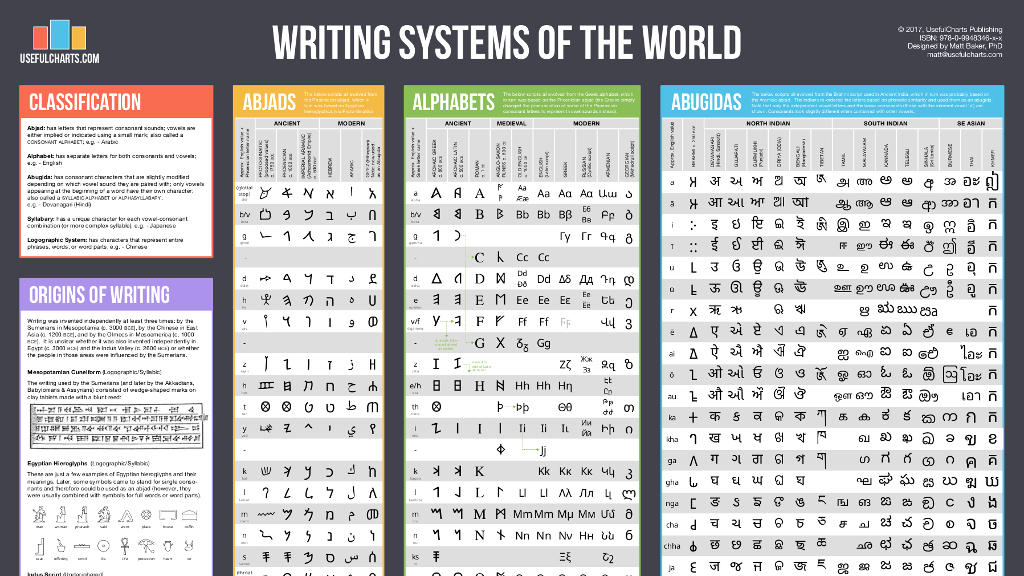
“The goal of the chart (which includes over 1,750 symbols total) is to demonstrate the beauty and variety of the world’s writing systems.”
-
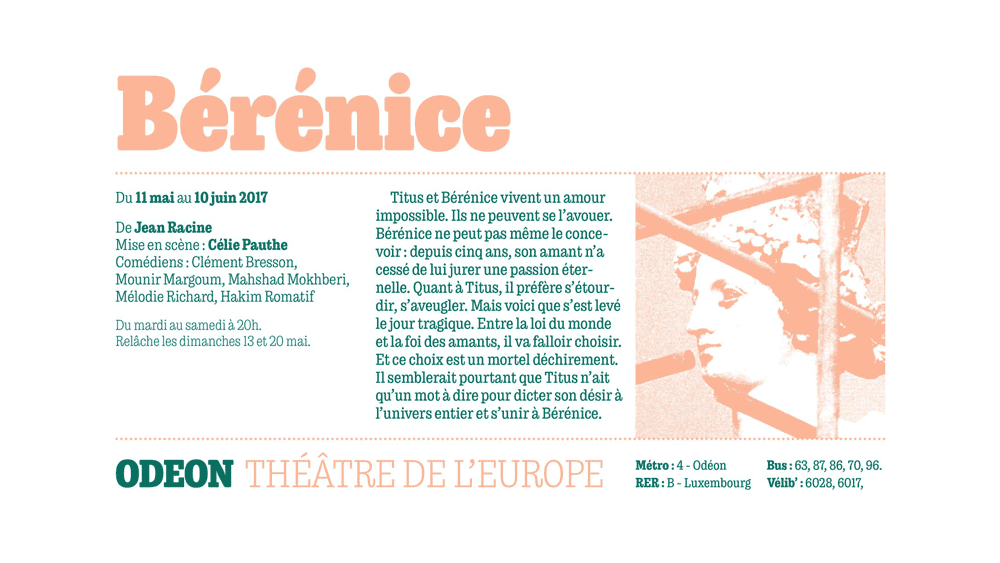
“Originally designed for newspaper text, Exchange strives for clarity and efficient copyfit across multiple platforms. Its strategy relies on an unorthodox collection of historical references, from nineteenth-century Britain to Depression-era America.”
-
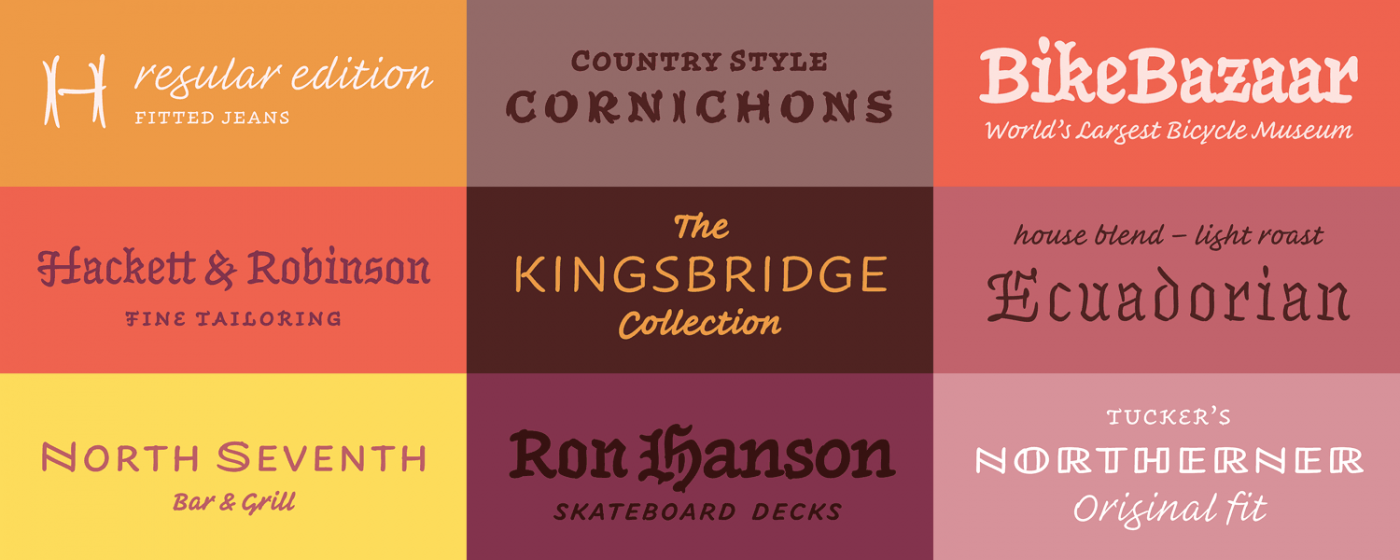
“A tiny universe of fonts that combines the informality of handwriting, the expressiveness of lettering, and the versatility of type.”
-
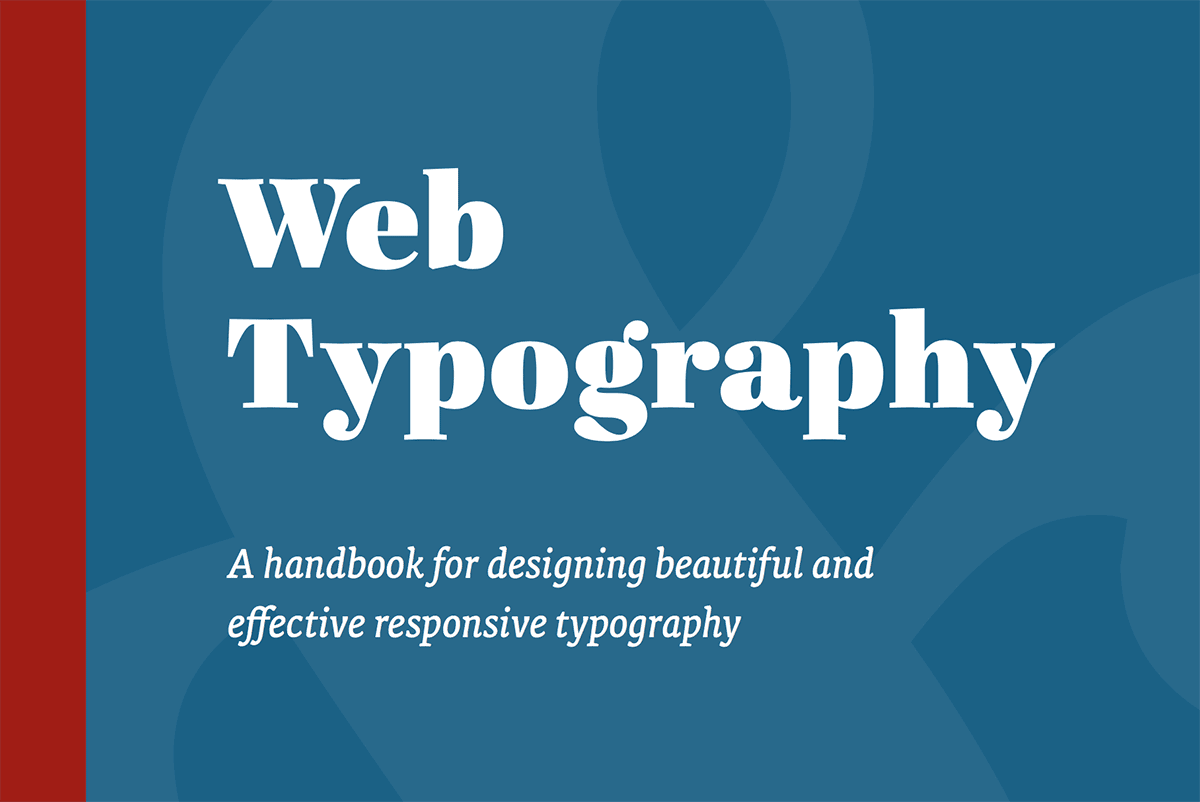
A handbook for designing beautiful and effective responsive typography by Richard Rutter.
-
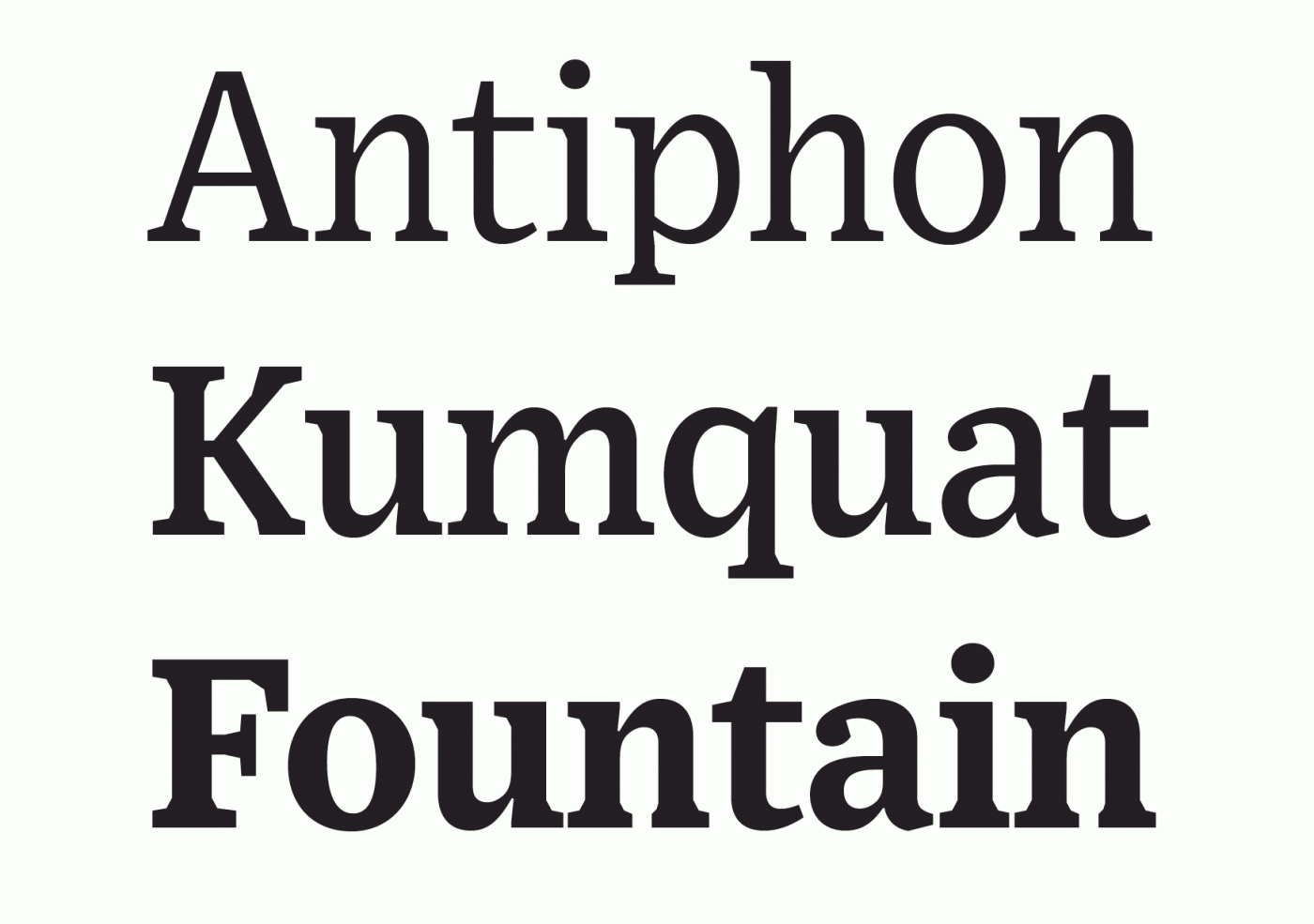
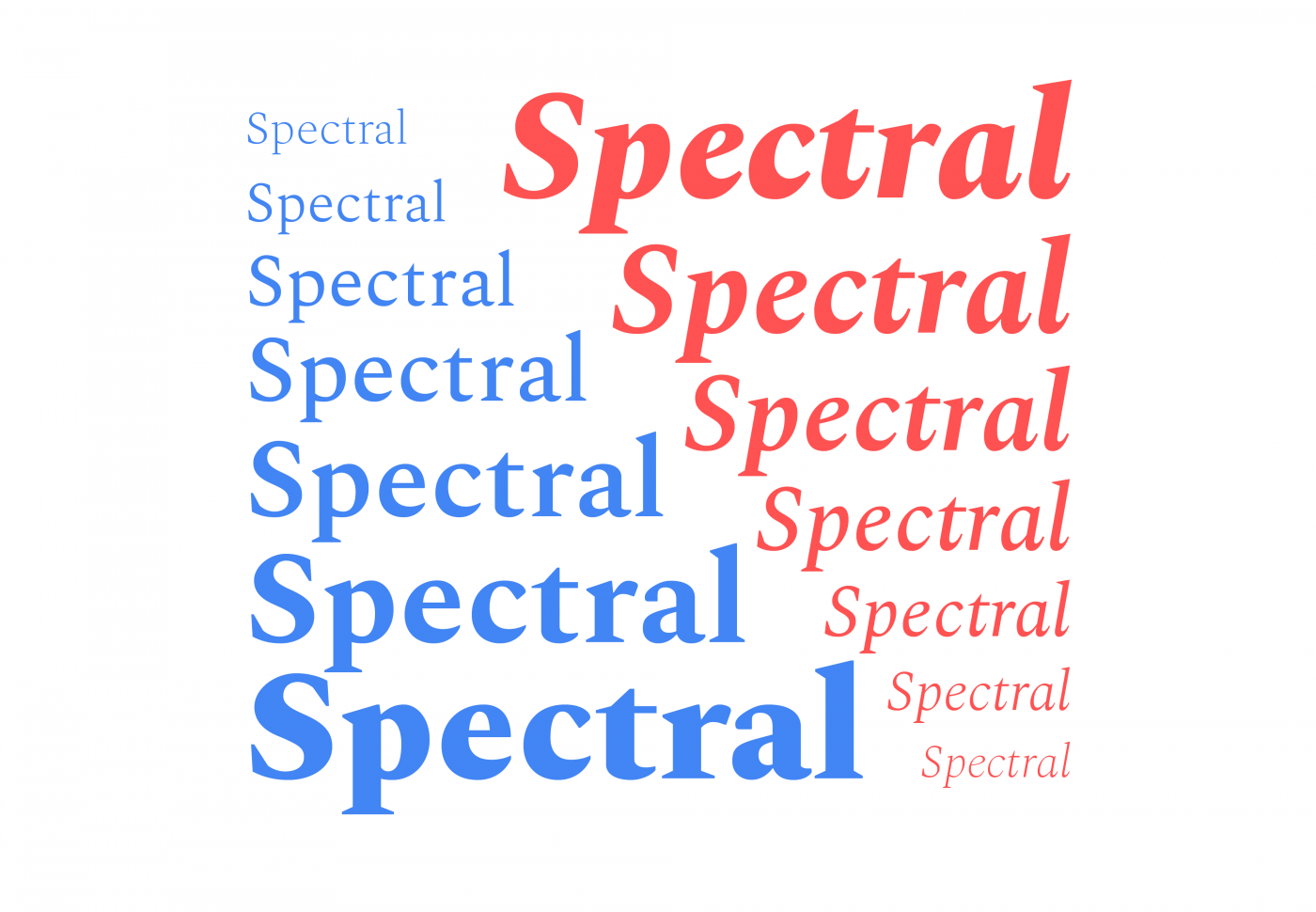
“Production Type was commissioned by Google Fonts to create a new typeface primarily intended for immersive reading, that is now available from GSuite, Google’s collaborative office-suite for documents, slides and spreadsheets.”
-
“Both kindly and commanding, a neighbourly slab serif that sees the best in others.”
-
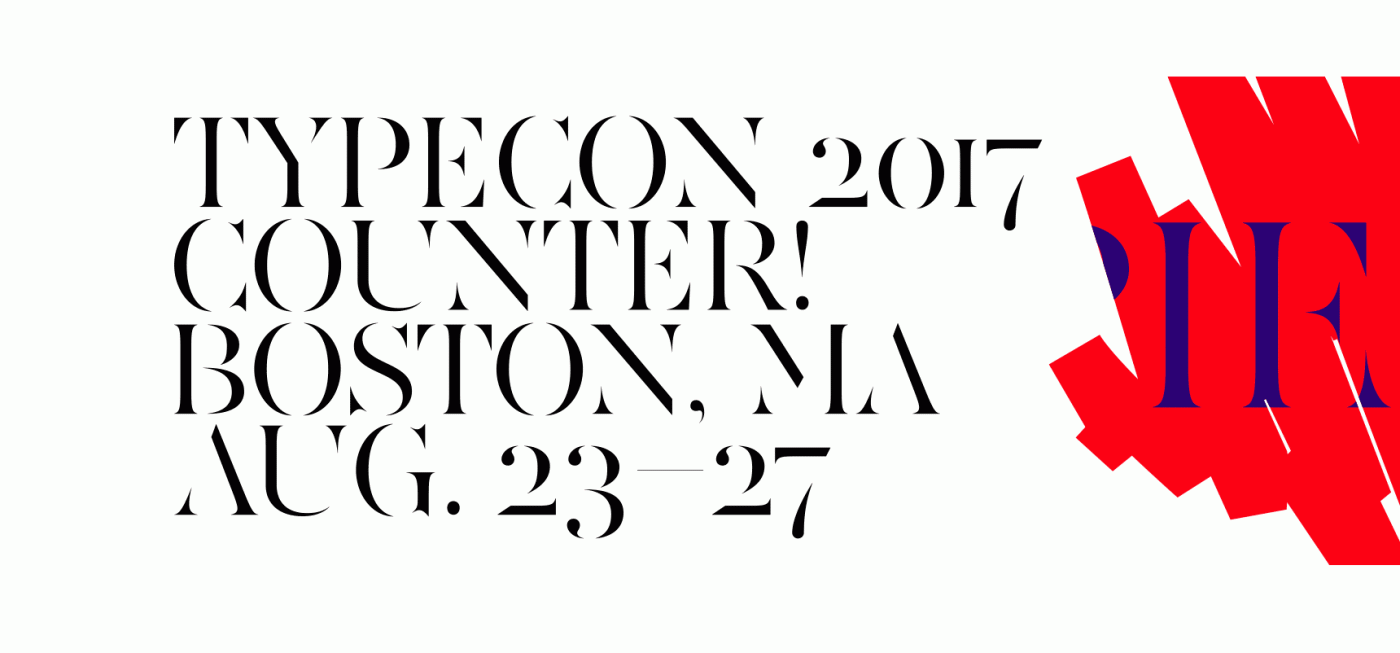
“We’ve been putting the finishing touches on this year’s conference program and are very excited to share a preview of what to expect this summer in Boston.”
-
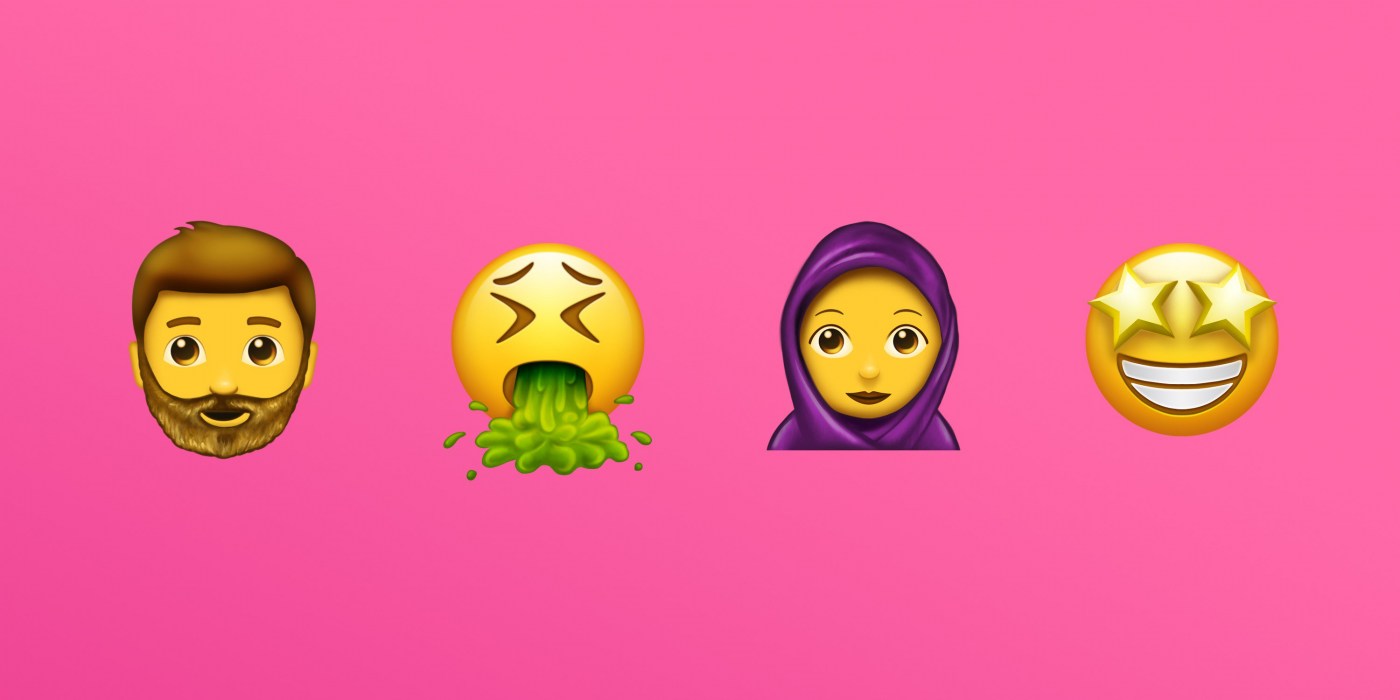
Version 10.0 adds 8,518 characters, for a total of 136,690 characters. These additions include four new scripts, for a total of 139 scripts, as well as 56 new emoji characters. (Image: Emojipedia.org)


Don’t miss the latest typography news!
Typography Weekly via email: Subscribe here
Typography Weekly via RSS feed: Subscribe here