Skip to content

Ergonis released PopChar 10 for MacOS
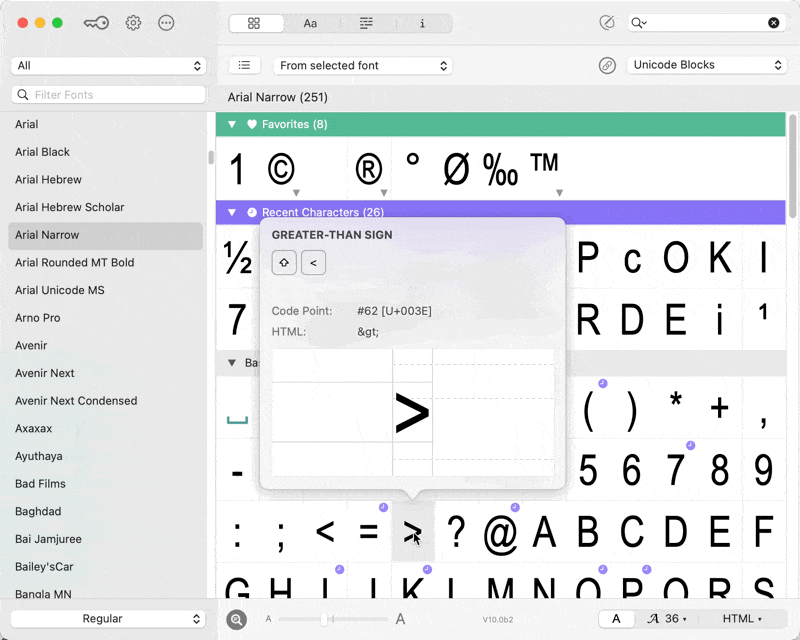
Instantly access thousands of characters beyond your keyboard. PopChar enables you to effortlessly find and insert special characters with just a single click directly into your document.

User Feedback

Recommended Comments

Create an account or sign in to comment

Don’t miss the latest typography news!

Typography Weekly via email: Subscribe here

Typography Weekly via RSS feed: Subscribe here

Account

Navigation

Search

Search

Configure browser push notifications

Chrome (Android)
  1. Tap the lock icon next to the address bar.
  2. Tap Permissions → Notifications.
  3. Adjust your preference.
Chrome (Desktop)
  1. Click the padlock icon in the address bar.
  2. Select Site settings.
  3. Find Notifications and adjust your preference.