



- By: Apple
- Platform: Mac OS
- free
- Purpose: Character Tool
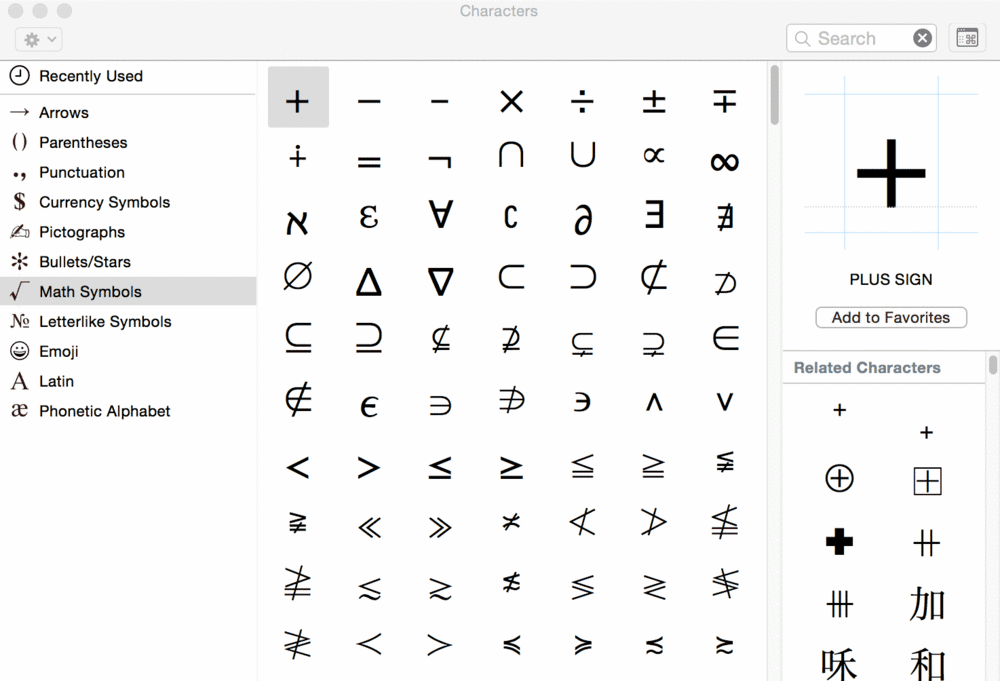
The Character Viewer is the character map tool that is bundled with Mac OS X. It allows to access Unicode-encoded characters and it shows which installed fonts include the chosen character. The recent versions don’t support a font-specific glyph overview anymore, so PUA glyphs and unencoded glyphs are not supported.
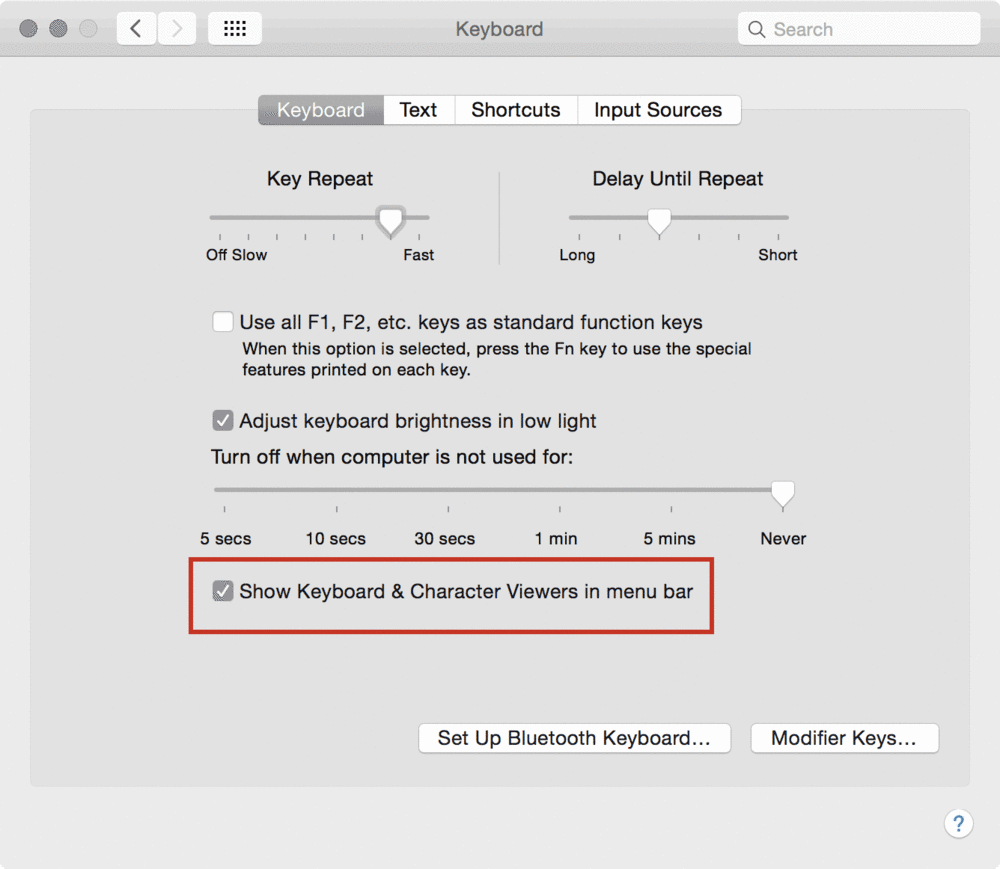
The Character Viewer can be accessed through “Edit > Special Characters” in supported apps, through the shortcut “Control Command Space”, or by adding it globally to the menu bar (see screenshot below).


Create an account or sign in to leave a review
There are no reviews to display.