



- By: CR8 Software Solutions Ltd
- Platform: Windows, Mac OS
- commercial
- Purpose: Type Design
The Type font editor has been continuously developed since 2006 by CR8 Software Solutions—an independent software vendor located in Auckland, New Zealand.
Features:
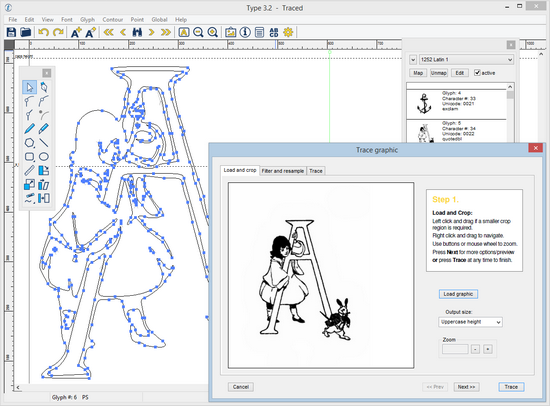
- Interactive autotrace: Type 3.2’s unique autotracer takes the guesswork out of vectorising handwriting and drawings. Showing you a real-time preview as you adjust filter and trace settings.
- Composite glyph wizard: Take the hard work out of diacritics. Type 3.2’s composite glyph wizard will add accented characters to your typeface within seconds.
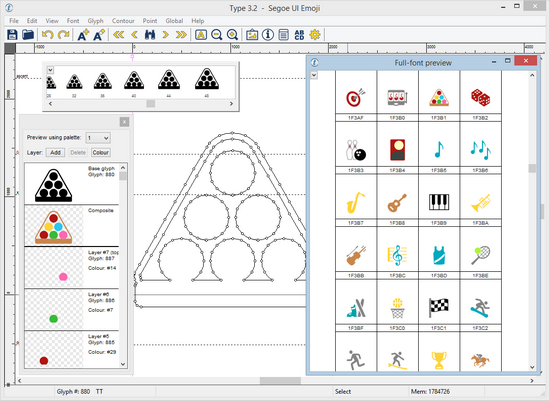
- Glyph and full-font preview: Get a real-time preview of characters as you edit and create. Then view your typeface at various type sizes and line spacings with Type 3.2's full-font preview.
- OpenType features: Add pre-scripted OpenType features, such as standard ligatures, to your font by simply clicking a check-box.


Create an account or sign in to leave a review
There are no reviews to display.