


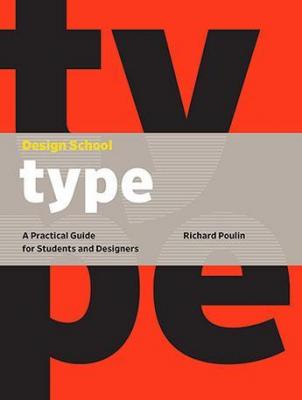

- ❝A Practical Guide for Students and Designers❞
- Released/Published: 2017
- By: Richard Poulin
- Publisher : Rockport Publishers
- ISBN: 9781631593208
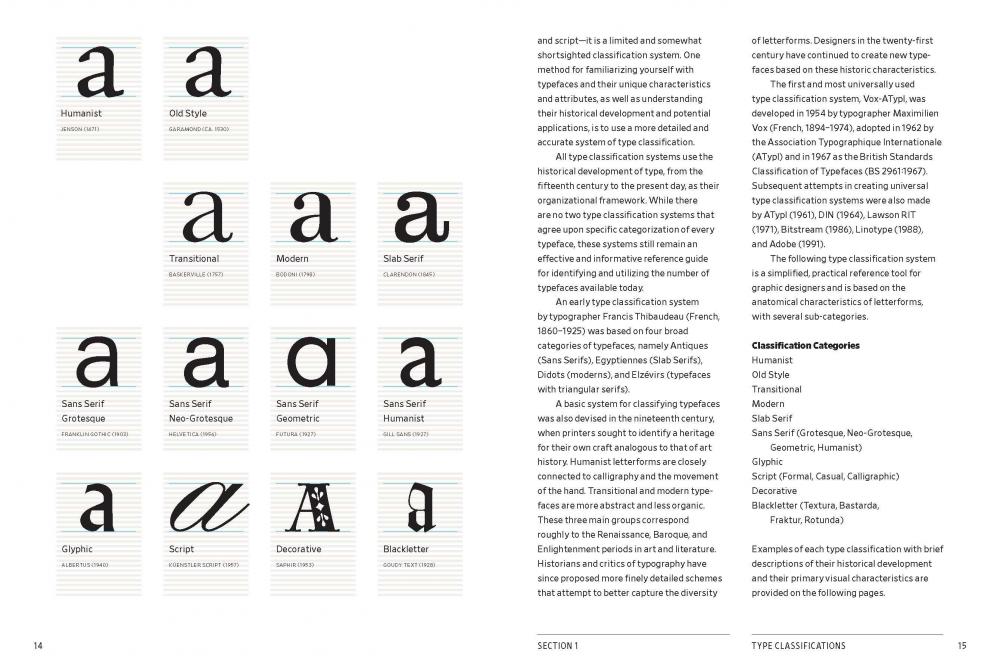
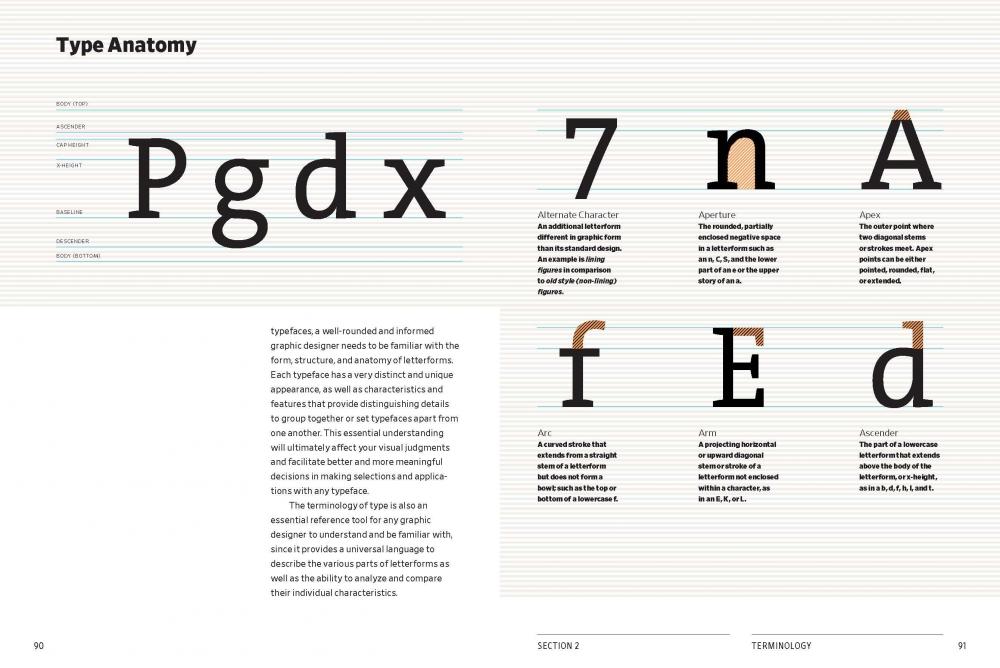
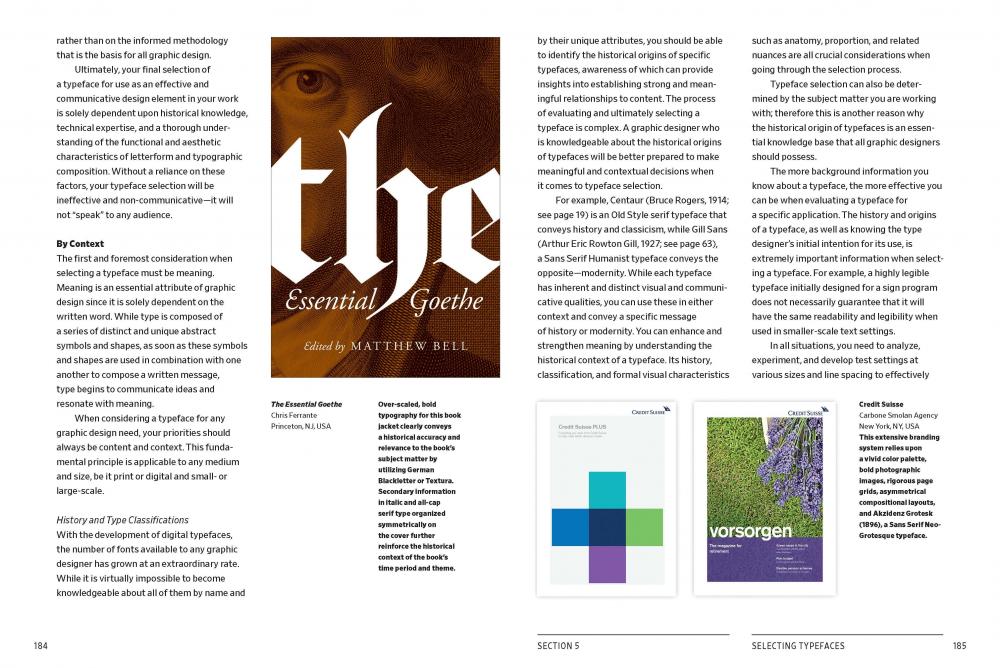
Design School: Type is an instructive guide for students, recent graduates, and self-taught designers. You'll get a comprehensive introduction to typography, a crucially important skill that underpins practically every aspect of graphic design. These guided lessons offer in-depth analysis of all the major areas of theory and practice used by experienced professional designers. Each section is interspersed with tests designed to help you retain the information they've covered, and a selection of relevant support files in popular design software formats so you can test yourself with provided demos. This guide to the rules and practices of typography avoids the temptation to stray into other areas of design technique, preferring to cover the essential skills of the professional typographer in the detail required to arm students and graduates with the knowledge needed for a successful start to their chosen career.
The author Richard Poulin is cofounder, design director, and a principal of Poulin + Morris Inc., an internationally recognised, multidisciplinary design consultancy located in New York City. His work has been recognized by major design organisations, competitions, and publications including the American Institute of Graphic Arts (AIGA), Communication Arts, Graphis, Library of Congress, Type Director Club, and the New York Art Directors Club.

Create an account or sign in to leave a review
There are no reviews to display.