


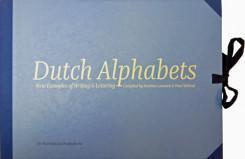

- ❝compiled by Mathieu Lommen and Peter Verheul❞
- Released/Published: 2016
- By: Mathieu Lommen, Peter Verheul
- Publisher : De Buitenkant
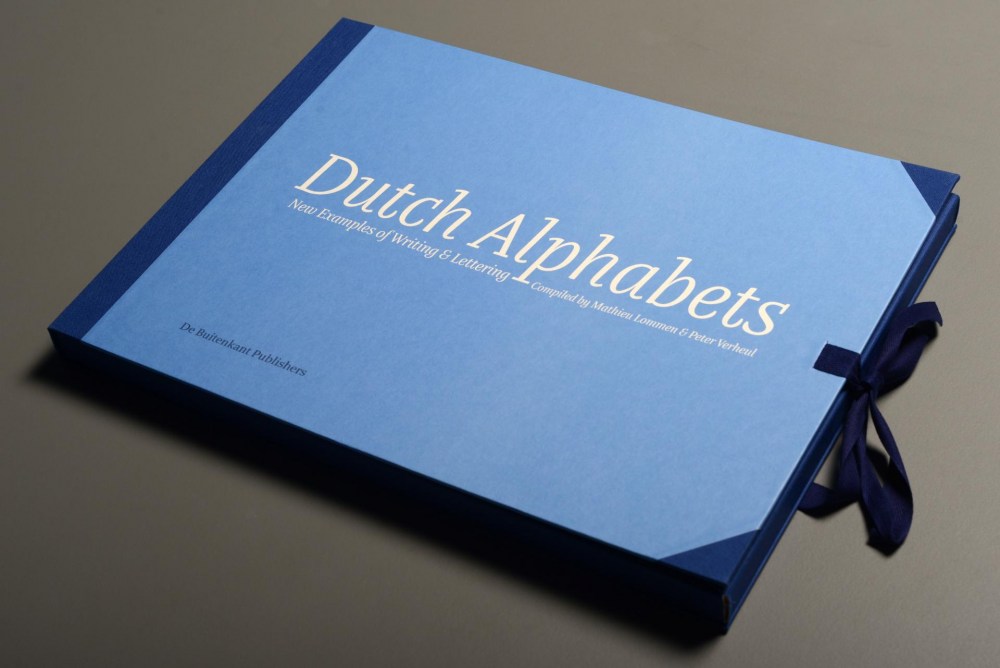
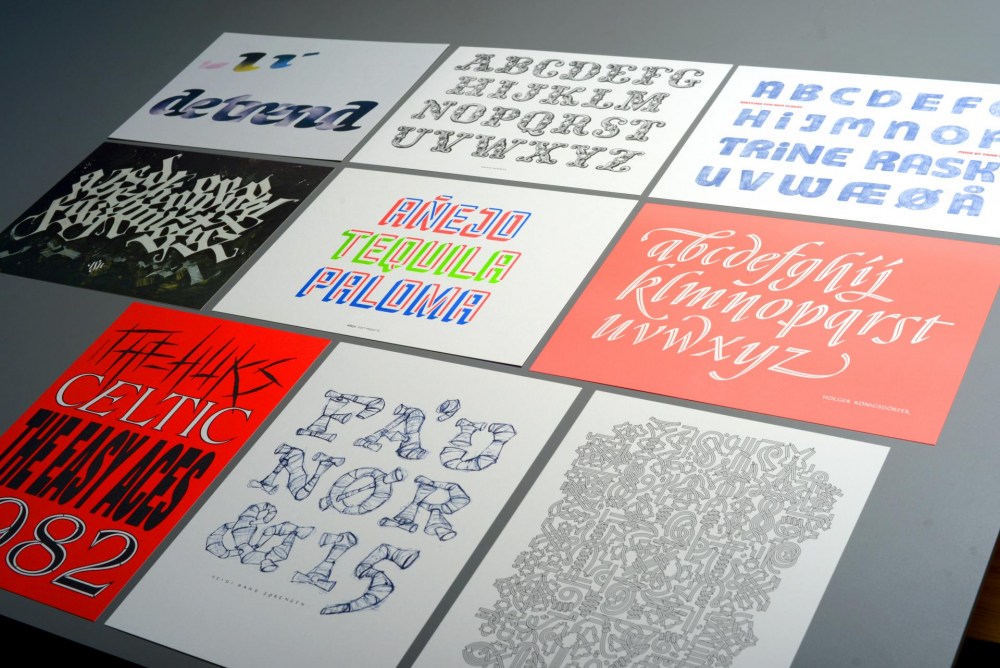
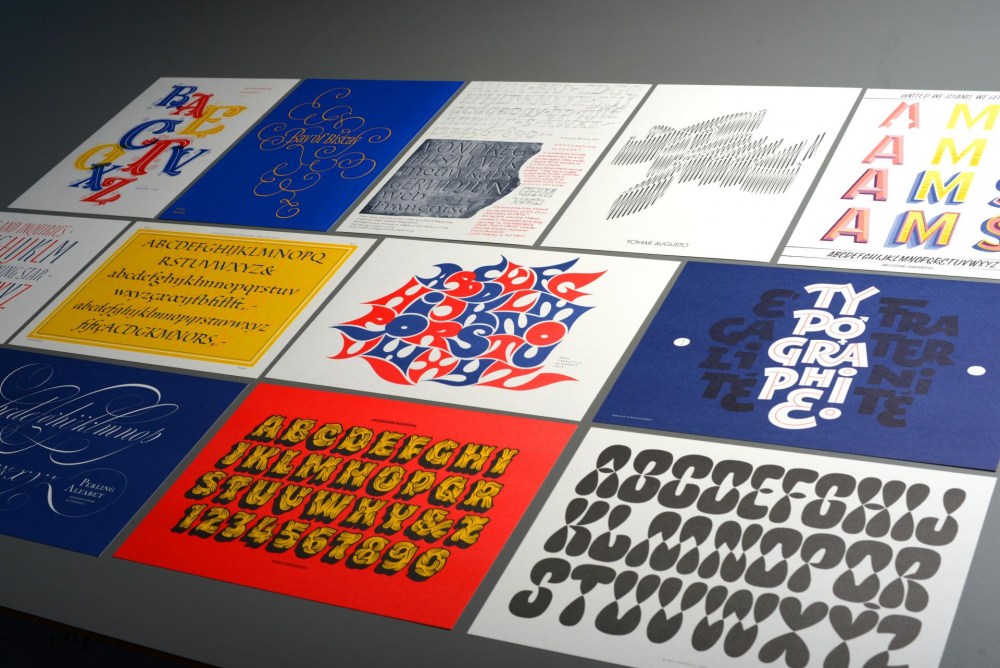
Dutch Alphabets is a portfolio containing 47 broadsides featuring new samples of lettering and writing by today’s most significant ‘Dutch’ lettering artists, type designers, calligraphers and sign painters. All the contributors are working and/or educated in the Netherlands.
This collection of lettering has been compiled by Mathieu Lommen (University of Amsterdam) & Peter Verheul (Royal Academy of Art, The Hague), and was published in a limited edition. It showcases a wide variety of lettering and calligraphy, made especially for this project by:
Amsterdam Signpainters / Yomar Augusto / Jacques le Bailly / Donald Beekman / Françoise Berserik / Barbara Bigosińska / Frank E. Blokland / Erik van Blokland / Maria Doreuli / James Edmondson / Ramiro Espinoza / Martina Flor / Dave Foster / Fritz Grögel / Janno Hahn / Hansje van Halem / Berton Hasebe / Henry van der Horst / Ondrej Jób / Max Kisman / René Knip / Holger Königsdörfer / Paul van der Laan / Lida Lopes Cardozo / Niels Shoe Meulman / Ross Milne / Gerrit Noordzij / Diana Ovezea / Krista Radoeva / Trine Rask / Arthur Reinders Folmer / Donald Roos / Pieter van Rosmalen / Just van Rossum / Kristyan Sarkis / Florian Schick / Elmo van Slingerland / Heidi Sørensen / Nina Stössinger / Joost Swarte / Teo Tuominen / Underware / Gerard Unger / Peter Verheul / Bernd Volmer / Job Wouters
Offered in a collectors’ limited edition of only 175, with contributors’ copies separately reserved and numbered, Dutch Alphabets is printed offset on heavy acid-free paper in seven PMS colours and black. The broadsides and the introduction are housed in an attractive handmade cloth-covered portfolio with ties.
The portfolio costs € 160,– and is available from the Publisher or Typotheque.


Create an account or sign in to leave a review
There are no reviews to display.