
My physical copy took a while, so I ended up listening to the audio book version first. This worked surprisingly well, even though the book is full of emoji which are just read out using their Unicode name, sometimes even with long lists of emoji. But the book is really just a story and that works well as an audio book.
The book tells the story of emoji from the origins in Asia to the adoption by Western software companies and the extension of the emoji character set over the years and the controversies around those extensions. Given how ubiquitous emoji are, it’s very useful to have a comprehensive summary in book form.
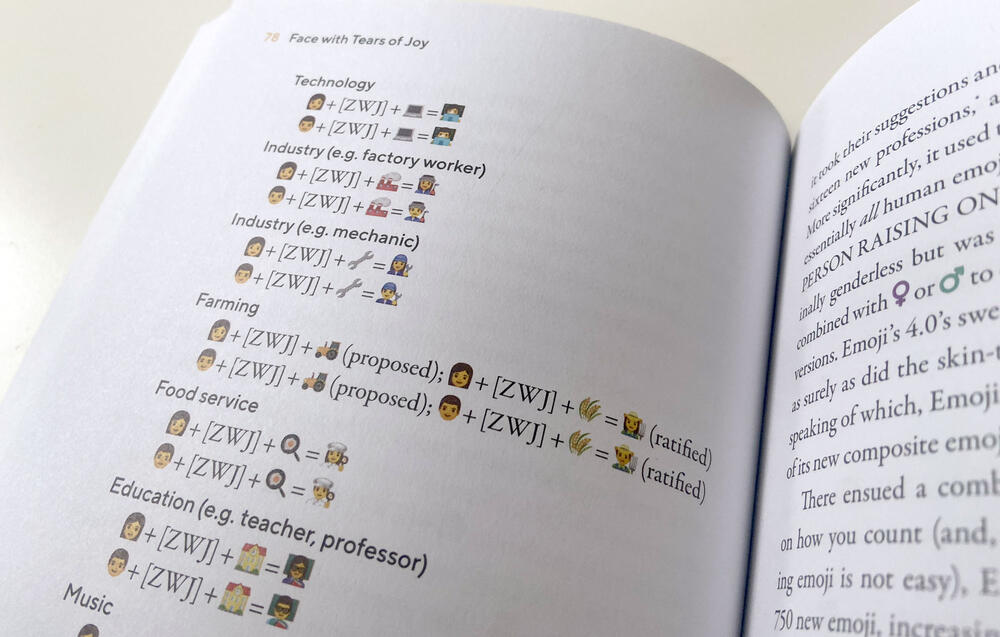
Unlike most newspaper articles about emoji, the author didn’t shy away from explaining the technical details (like Unicode encoding, Zero-Width-Joiners and so on), which are crucial to understand both the success and the limitations of emoji. I really liked that! What I didn’t like was how one-sided the political issues around emoji (regarding skin color, gender expression, family emoji and so on) were laid out. After all, those issues are controversial because there are different points of view, but it felt like it was just assumed that one side was obviously right and counter points weren’t even explained, which would have been easily possible in a book.
Create an account or sign in to leave a review