


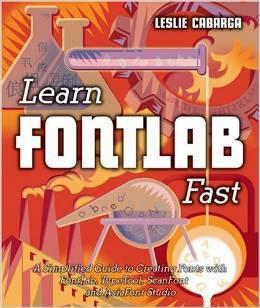

- Released/Published: 2004
- By: Leslie Cabarga
- Publisher : Iconoclassics
- ISBN: 9780965762854
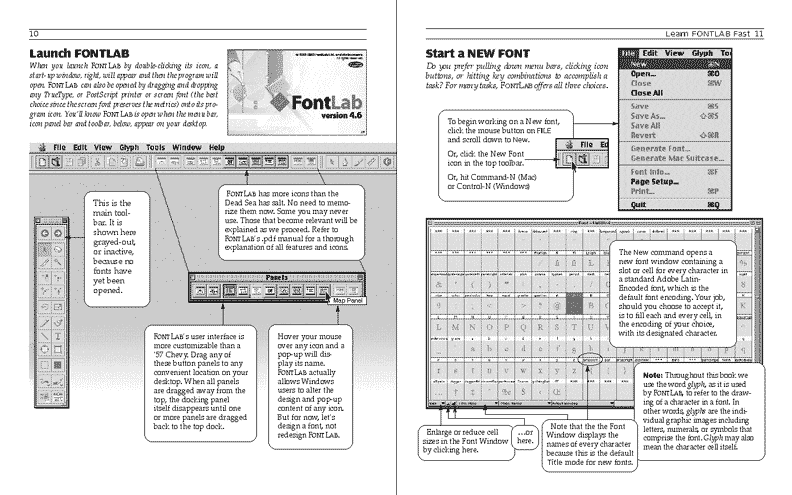
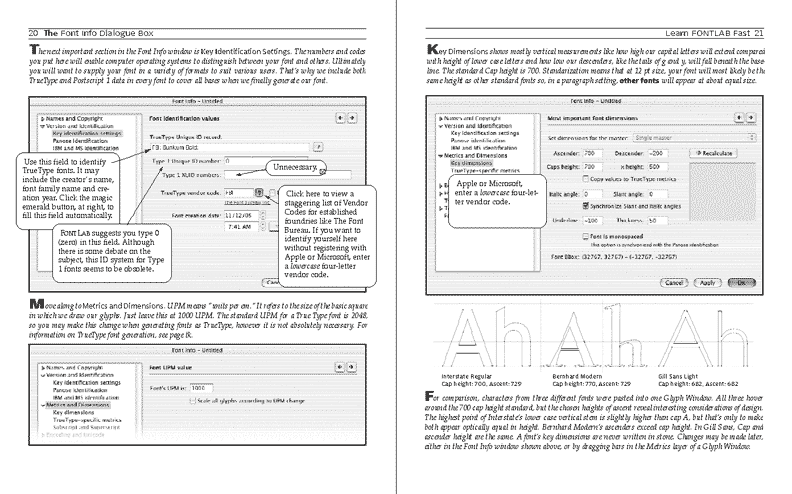
Learn FontLab Fast; A Simplified Guide to Creating Fonts with FontLab, TypeTool, ScanFont and AsiaFont Studio covers versions 4.6 and 5.0 of FontLab. It has been written to enable users to dramatically cut down the learning curve required to master FontLab and its sister programs, TypeTool and AsiaFont Studio. Author and designer Leslie Cabarga (who also wrote The Logo Font & Lettering Bible) packed Learn FontLab Fast with illustrations, diagrams and screenshots, and cut the text to a minimum so learning to create fonts that you can load onto your own computer and/or distribute commercially becomes easy and enjoyable.
Learn FontLab Fast explains the techniques used by five established font designers to create their own fonts. The book'll tell you everything you need to know to: begin using the program; to open existing fonts and create new ones; to scan your sketches and add them as backgrounds; to paste drawings into FontLab from Adobe Illustrator; to understanding and using the brush and pen tools to draw glyph characters; to correctly setting up parameters in the Font Info window so your fonts will perform correctly on any computer; to making Type 1, TrueType and OpenType fonts; to spacing, kerning and hinting fonts; to adding accented characters; to using components and anchors; to setting up font families; to making OpenType fonts with special features and organizing those features into classes.
Create an account or sign in to leave a review
There are no reviews to display.