


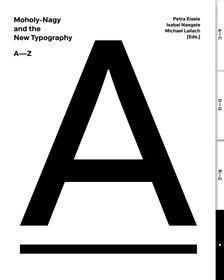

- ❝An A-Z❞
- Released/Published: 2019
- By: Petra Eisele, Isabel Naegele, Michael Lailach
- Publisher : Verlag Kettler
- ISBN: 9783862067541
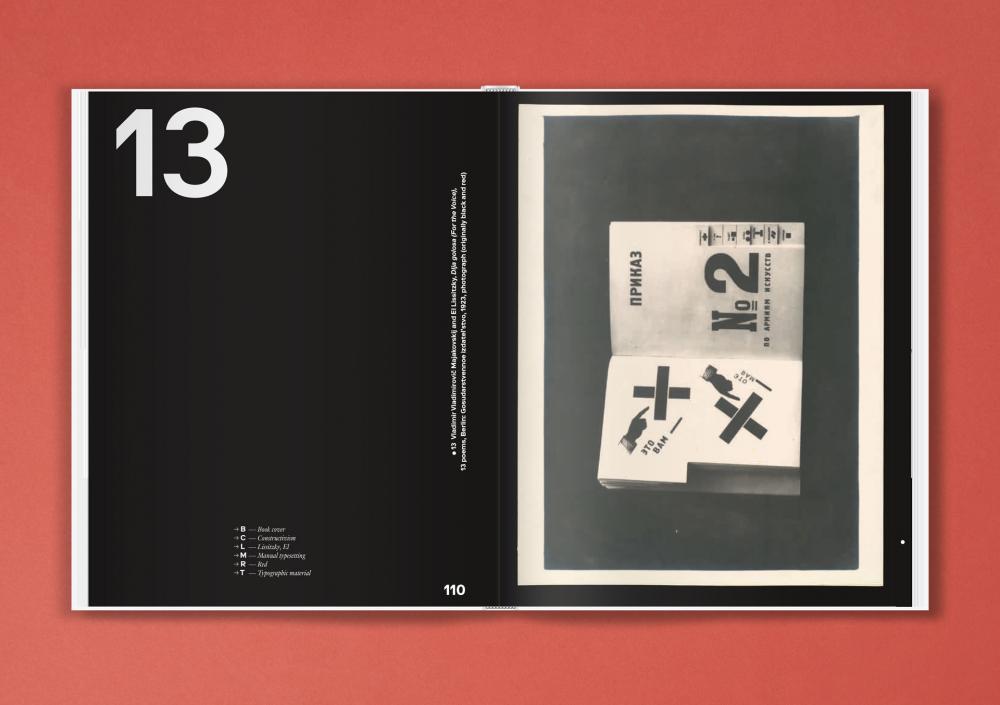
In 1929, ten years after the Bauhaus was founded, Berlin’s Martin-Gropius-Bau launched the exhibition “New Typography.” László Moholy-Nagy, who had left Dessau the previous year and had earned a reputation as a designer in Berlin, was invited to exhibit his work together with other artists. He designed a room—entitled “Wohin geht die typografische Entwicklung?” (“Where is typography headed?”)—where he presented 78 wall charts illustrating the development of the “New Typography” since the turn of the century and extrapolating its possible future. To create these charts, he not only used his own designs, but also included advertising prints by colleagues associated with the Bauhaus.
The functional graphic design, initiated by the “New Typography” movement in the 1920s, broke with tradition and established a new advertising design based on artistic criteria. It aimed to achieve a modern look with standardized typefaces, industrial DIN norms, and adherence to such ideals as legibility, lucidity, and straightforwardness, in line with the key principles of constructivist art.
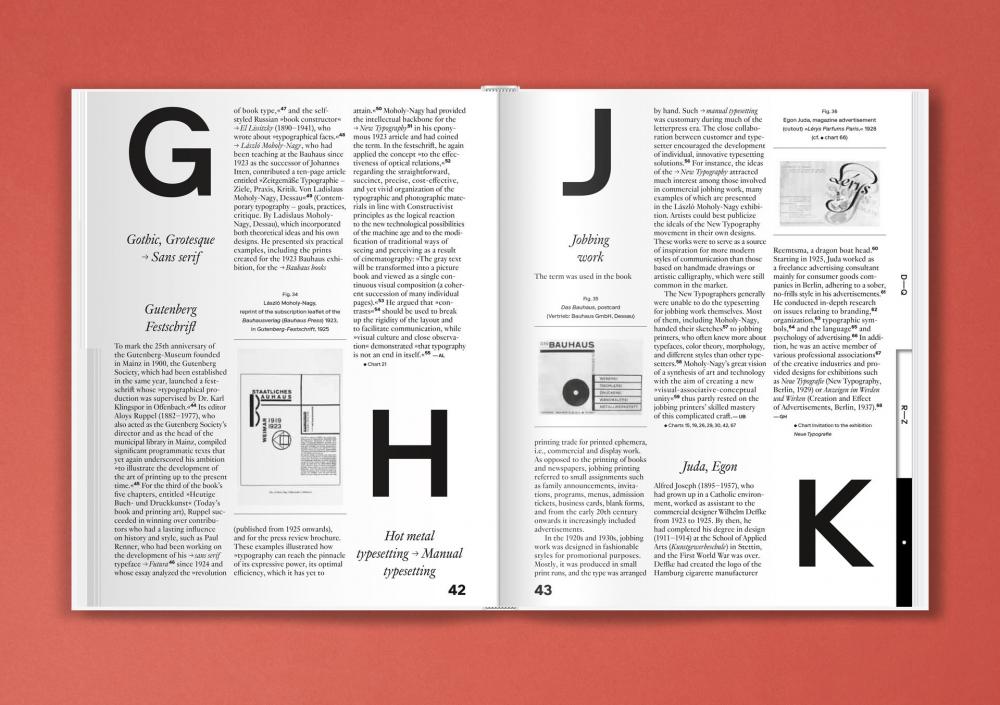
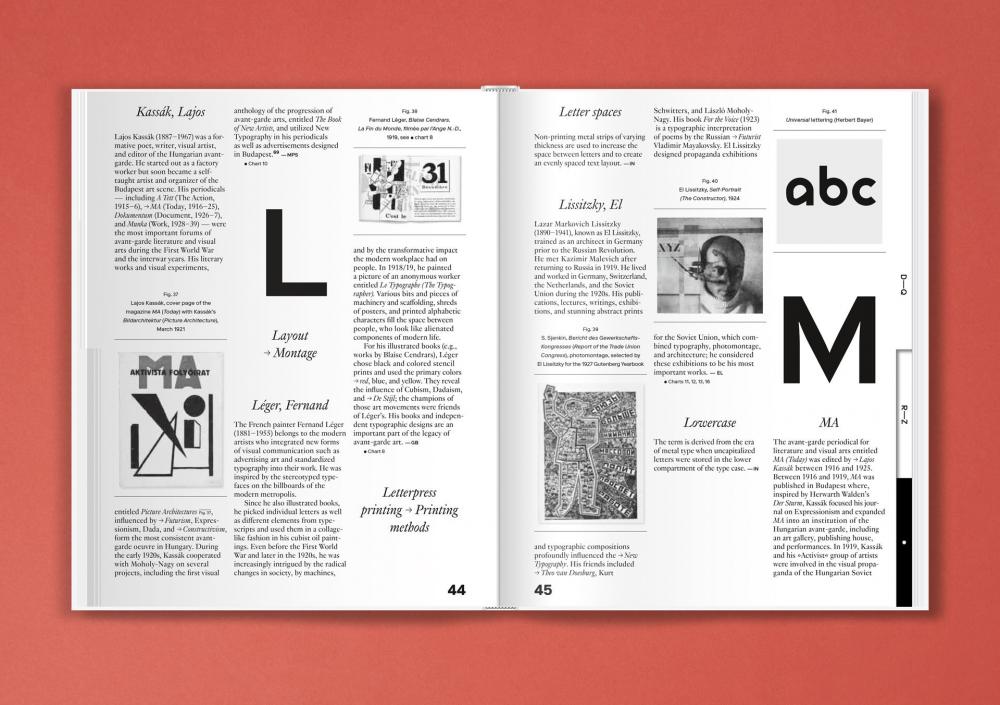
This book showcases Moholy-Nagy’s wall charts which have recently been rediscovered in Berlin’s Kunstbibliothek. Renowned authors provide insights into this treasure trove by each contributing to this alphabetized compilation starting with “A” for “Asymmetry” and ending with “Z” for “Zukunftsvision” (“vision of the future”). By perusing through the pages and allowing a free flow of association, the typographical world of ideas of the 1920s avant-garde is once again brought back to life.
-
 1
1


Create an account or sign in to leave a review
There are no reviews to display.