“The board has been working to reverse the course of the club, from financial insolvency caused by the pandemic, to becoming a viable non-profit institution for all. […] The Board is committed to seeing the TDC survive and thrive. This moment is one in which we are working—with your help!—to rethink and restructure the TDC into a better, more equitable and more responsive organization, and continue to celebrate typographic excellence the world over.”
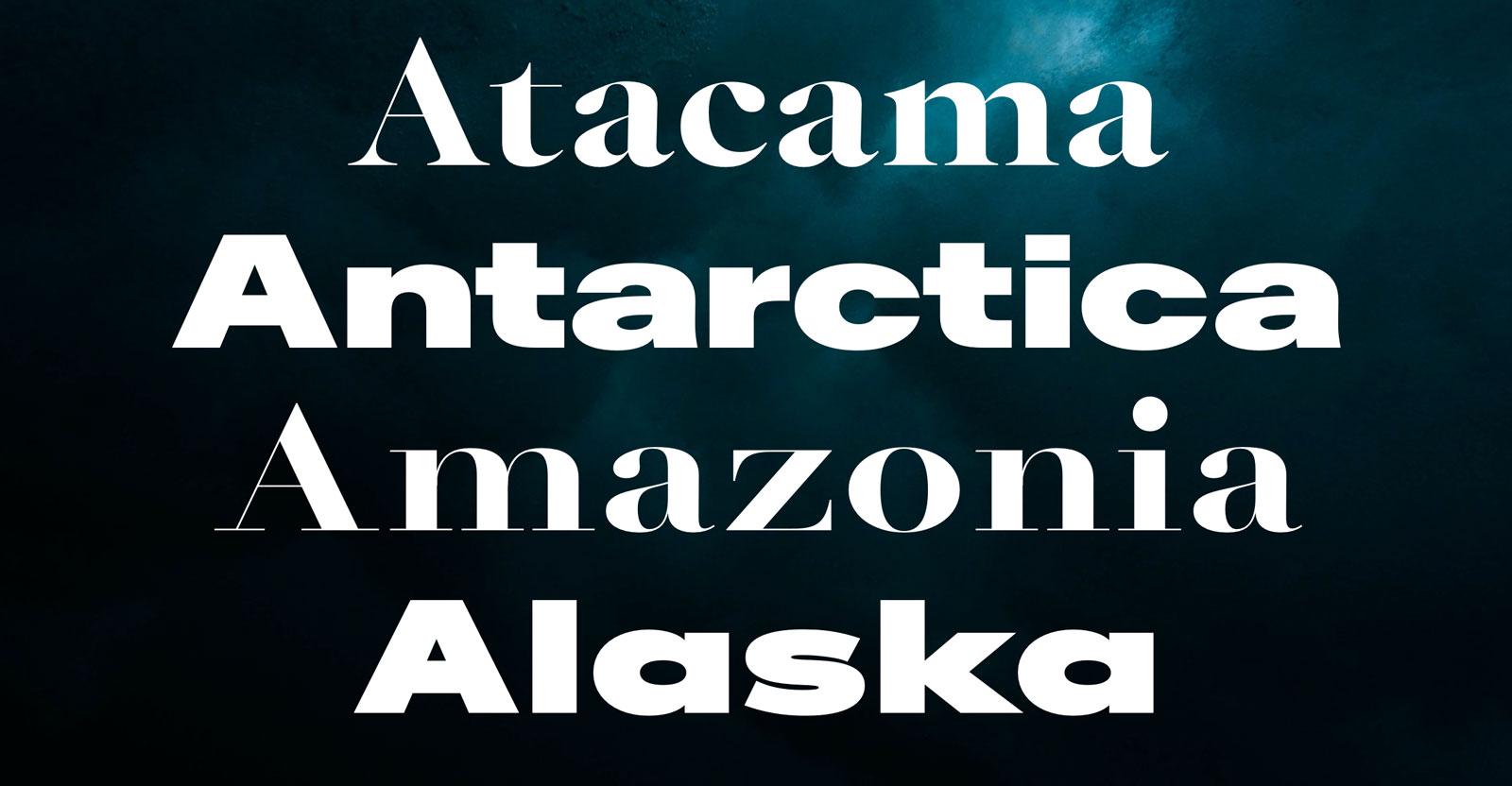
“From the typographic epicentre in Berlin, we operate as a permanent team and international network of designers, font engineers and marketing experts. Many of us are from the original FontShop universe; the place where typographic trends were set, simple license models devised, experimental limits explored and the largest library of contemporary typefaces emerged. We carry this DNA within us and develop it further – 100% independently.”
“With a storied career spanning over 60 years and hundreds of original fonts that speak to the aesthetics of an era, type designer Georg Salden is one of the most significant and diverse type designers of our time. Despite much of his work having a lasting influence on type culture, Salden remains relatively unknown internationally – a fact which may be due to his independence as a designer, never having worked for large font foundries.”
Now available on LudwigType.
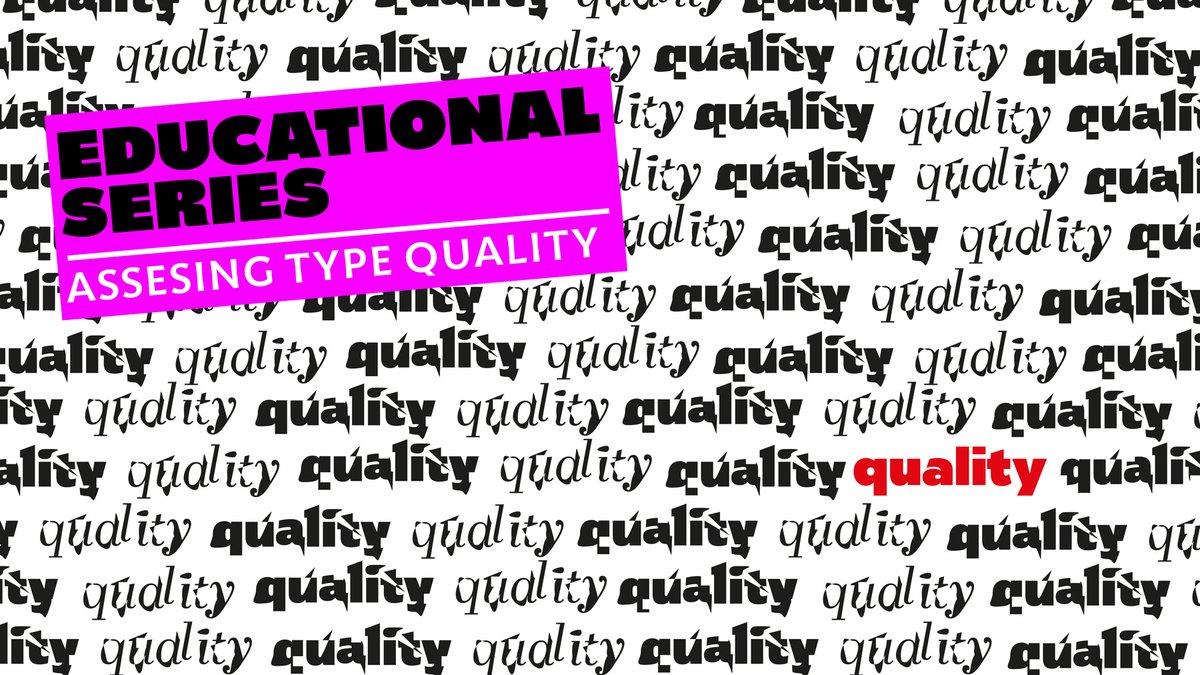
“Graphic designers play a fundamental role in visual communication, whether in print or digital format. They sit between content and reader and, for better or worse, they shape the way the public interacts with information. So when graphic designers choose typefaces they have a responsibility to the reader that should be taken seriously.”
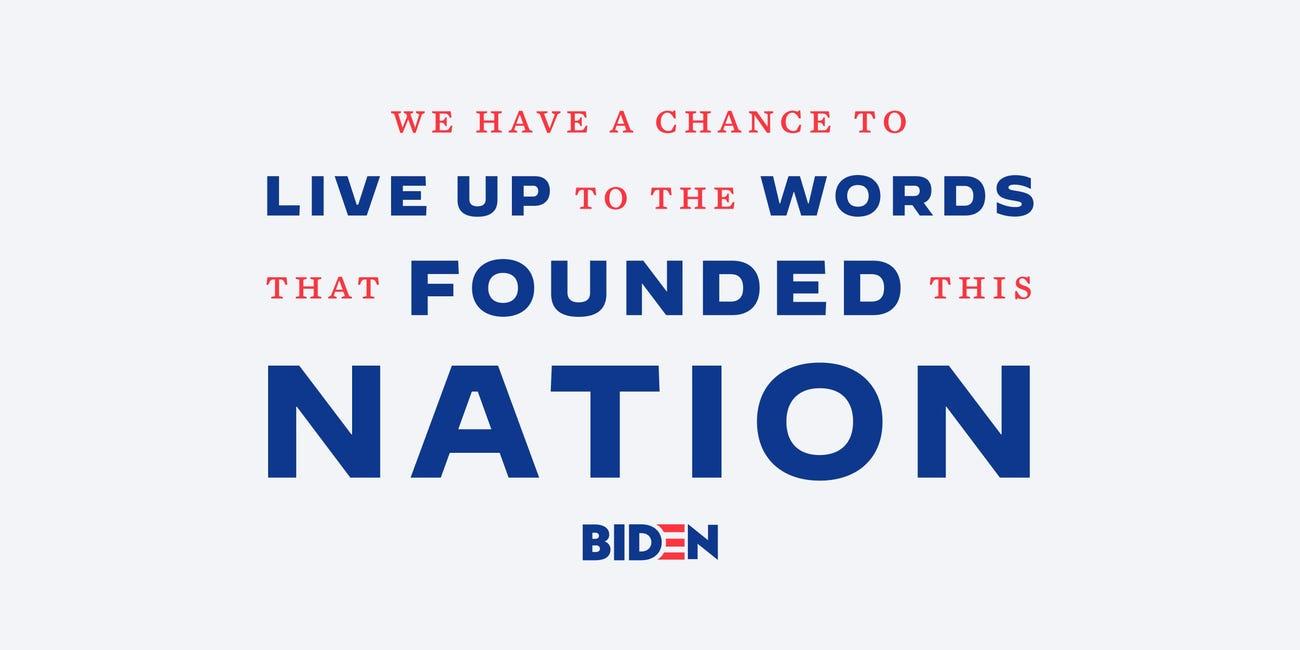
“Former Vice President Joe Biden's campaign is introducing a new set of fonts, Decimal and Mercury, to be used "across campaign content like graphics, video, and more.”
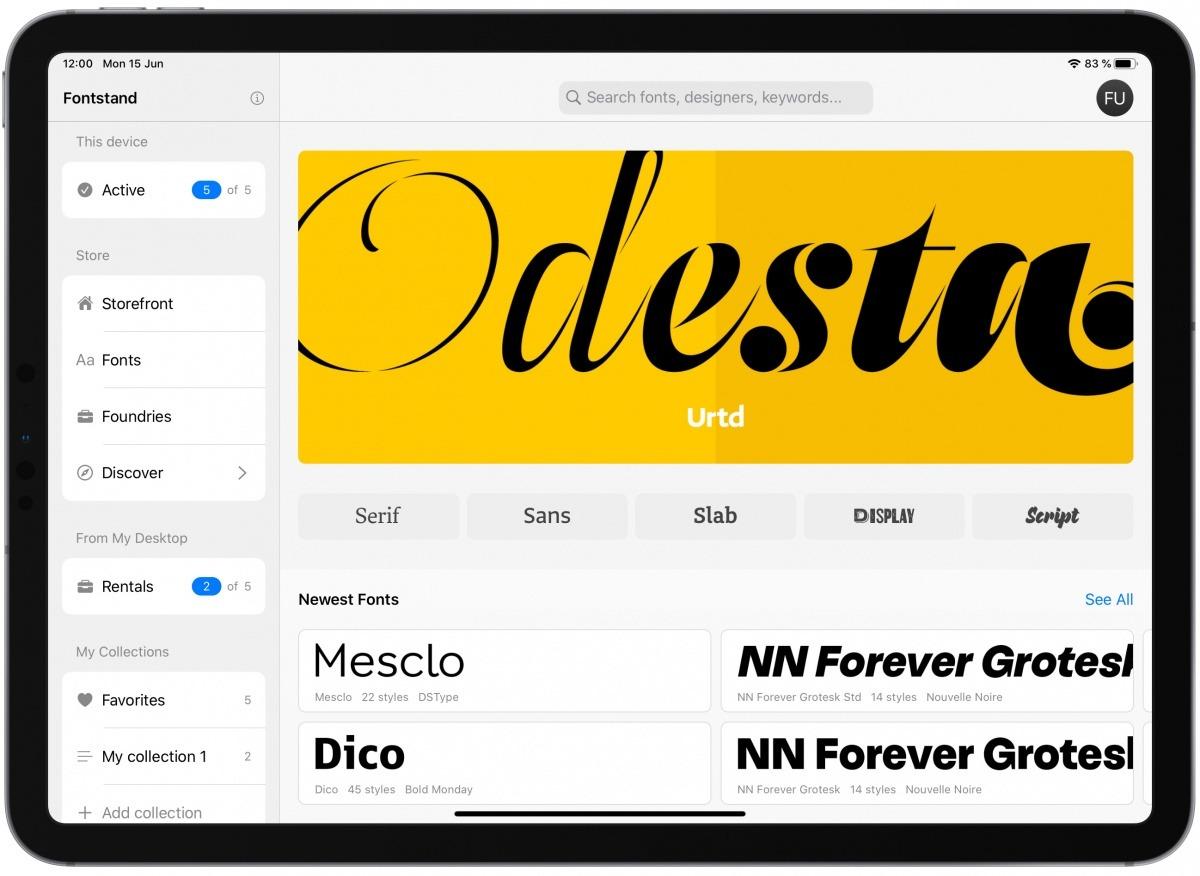
“Fontstand has introduced an innovative iPad app that lets users explore, filter, manage and use its extensive library of professional-quality fonts. Since iPadOS now supports custom fonts, Fontstand is expanding its MacOS and Windows font rental system, allowing a growing number of compatible iPad applications (including Apple’s own Keynote, Pages and Numbers, as well as Adobe’s Photoshop) to access 15,000+ fonts from 50 renowned independent foundries.”
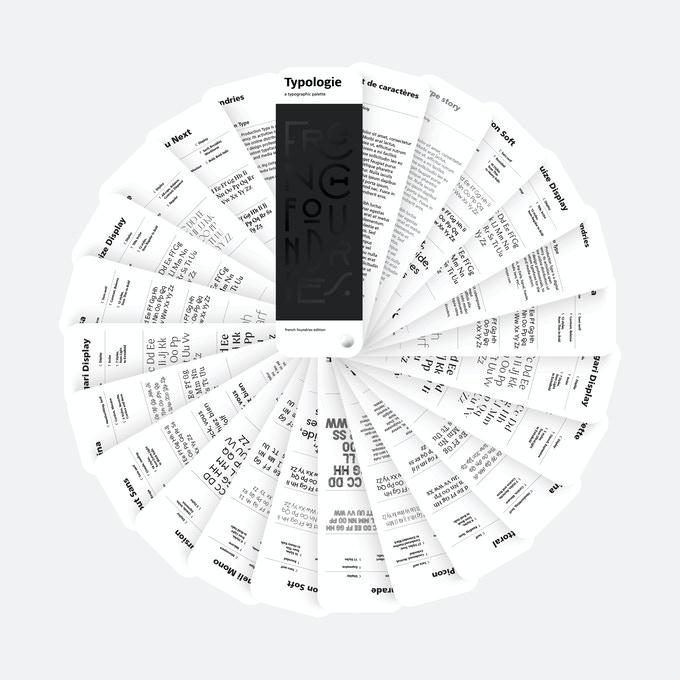
“Typologie is an immersion in contemporary French type design, in its broadest, most eloquent and heterogeneous expression. The book takes the form of a color chart in order to illustrate the plurality of type design in France, and the multiple inspirations and compositions of the type foundries behind it, with their similarities and their singularities. In this way, this typographic palette is a gateway to a better understanding and knowledge of the world of French-style type creation.”
“We are specialized in variable fonts design systems and corporate typefaces. Our mission is to help protect our planet. Our essential fonts will support and spread change. All the typefaces are designed internally by Ian Party and the design team.”
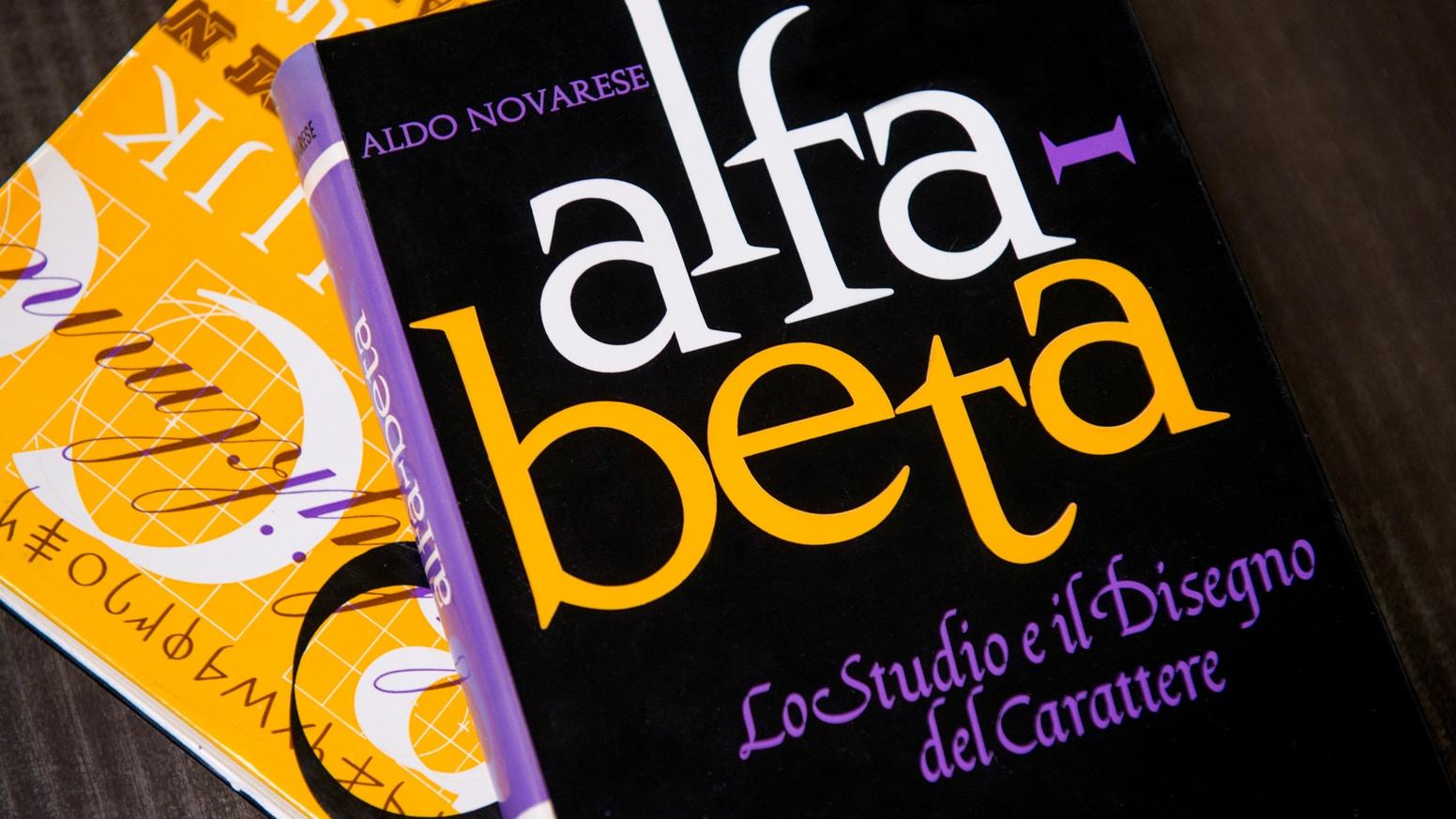
“The centenary of his birth—June 29, 2020—is the ideal occasion to celebrate his inestimable contribution to the discipline by reprinting Alfa-Beta, his landmark 1964 book on the history of writing systems and the evolution of type.”
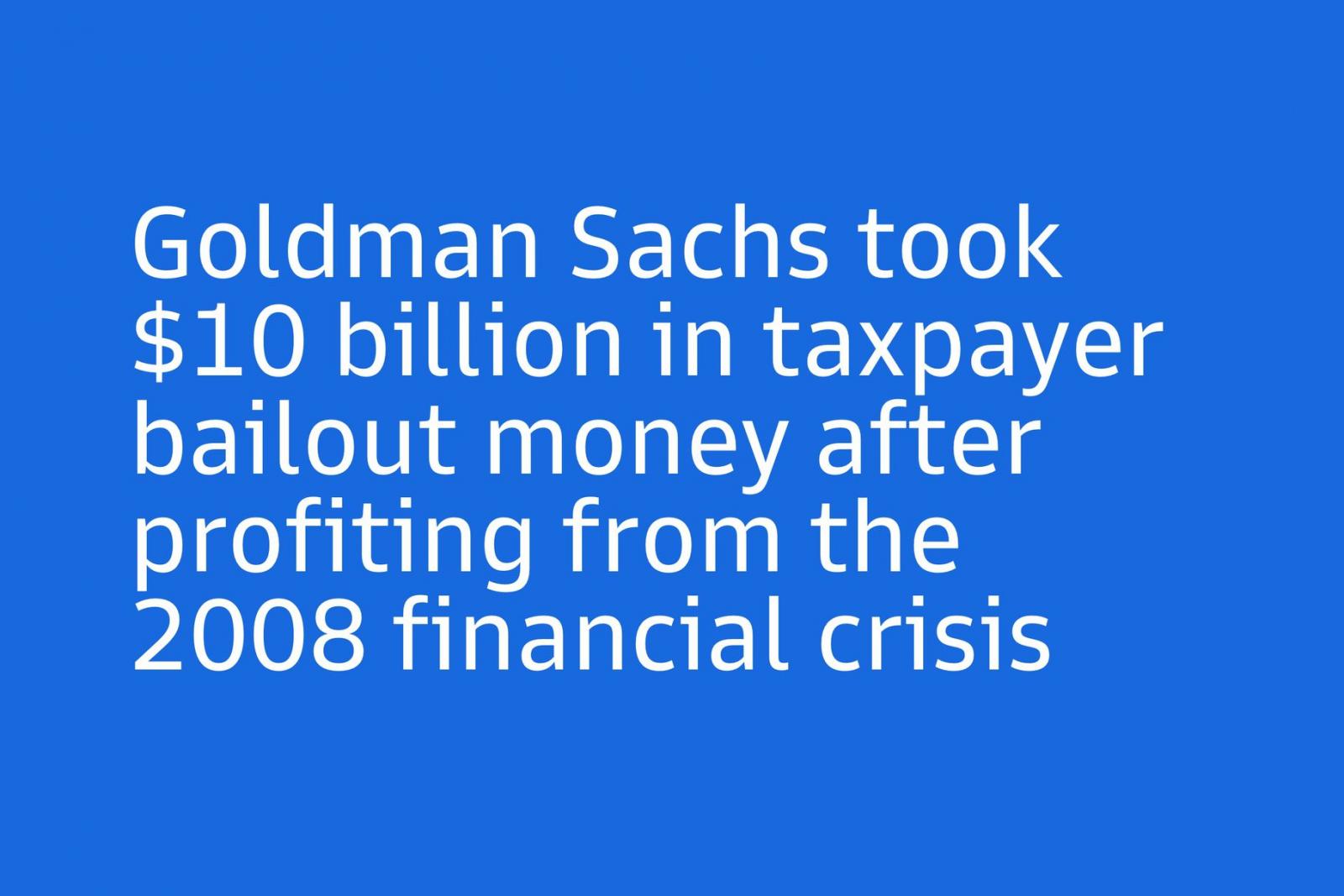
“Investment bank Goldman Sachs has released its very own typeface: an inoffensive set of sans-serif fonts dubbed Goldman Sans. But in the spirit of bankers everywhere, these fonts come with a catch in the contract.”
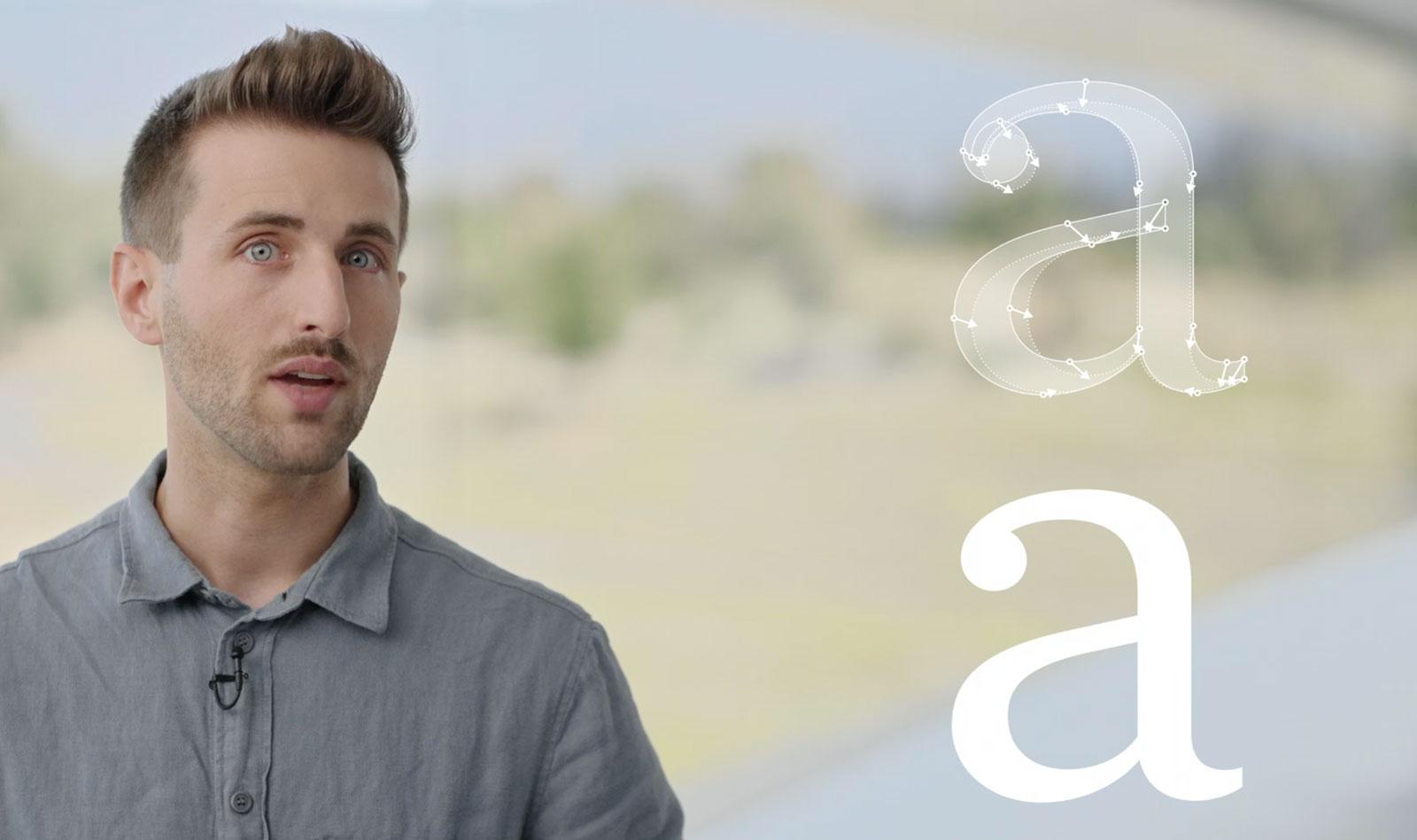
Loïc Sander and Jiang Jiang explain details around the type use on Apple’s software platforms and announce changes like the move to variable fonts and new CSS font family names for system fonts.
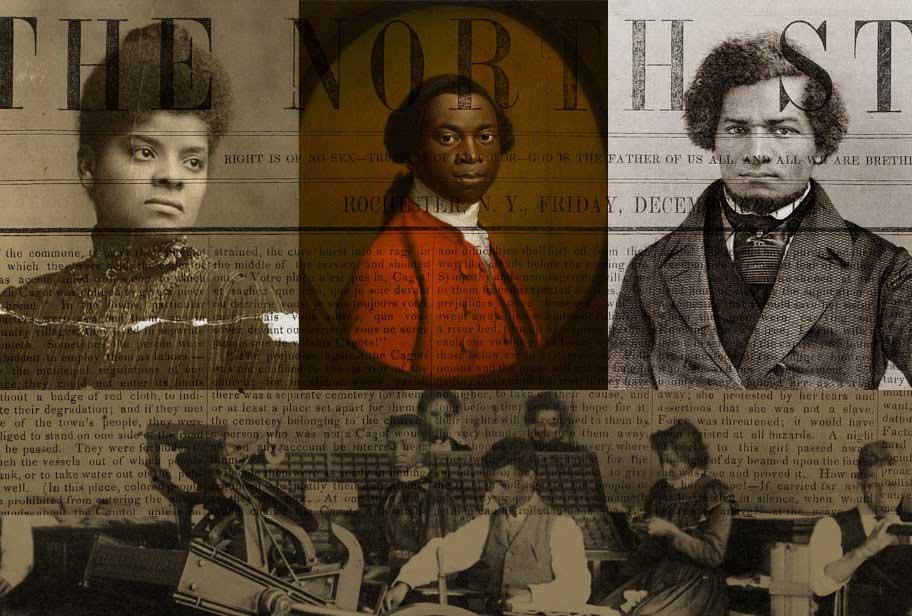
“… the board has decided to dismantle the organization in its current state and end the lease on the Club’s physical space. The board believes the club should be reconstituted in a new, more inclusive form, under different leadership in the future.”
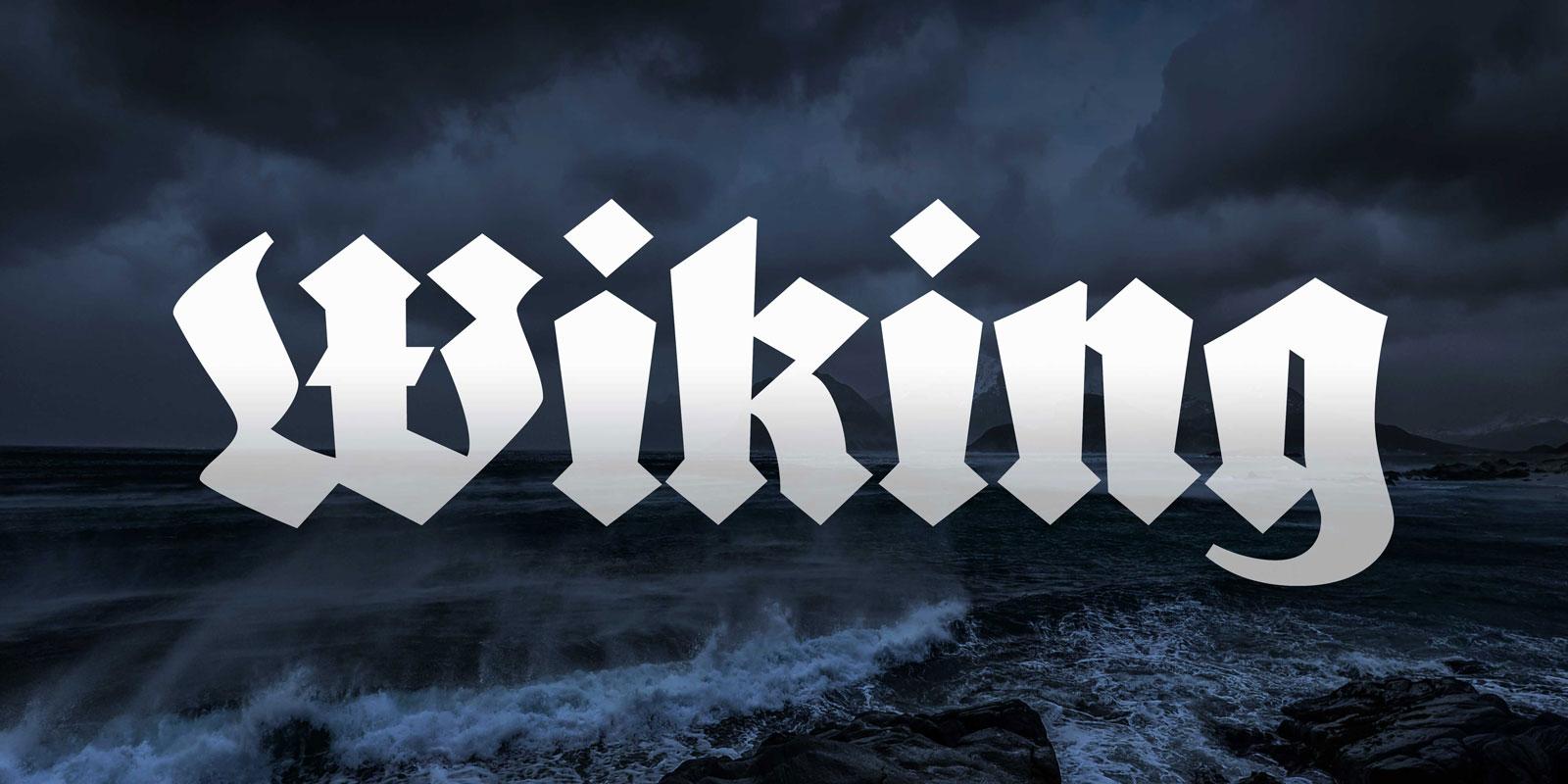
After the successful Kickstarter campaign, the revival of the blackletter font Wiking was now finished and is available for free to anyone under the Open Font License.
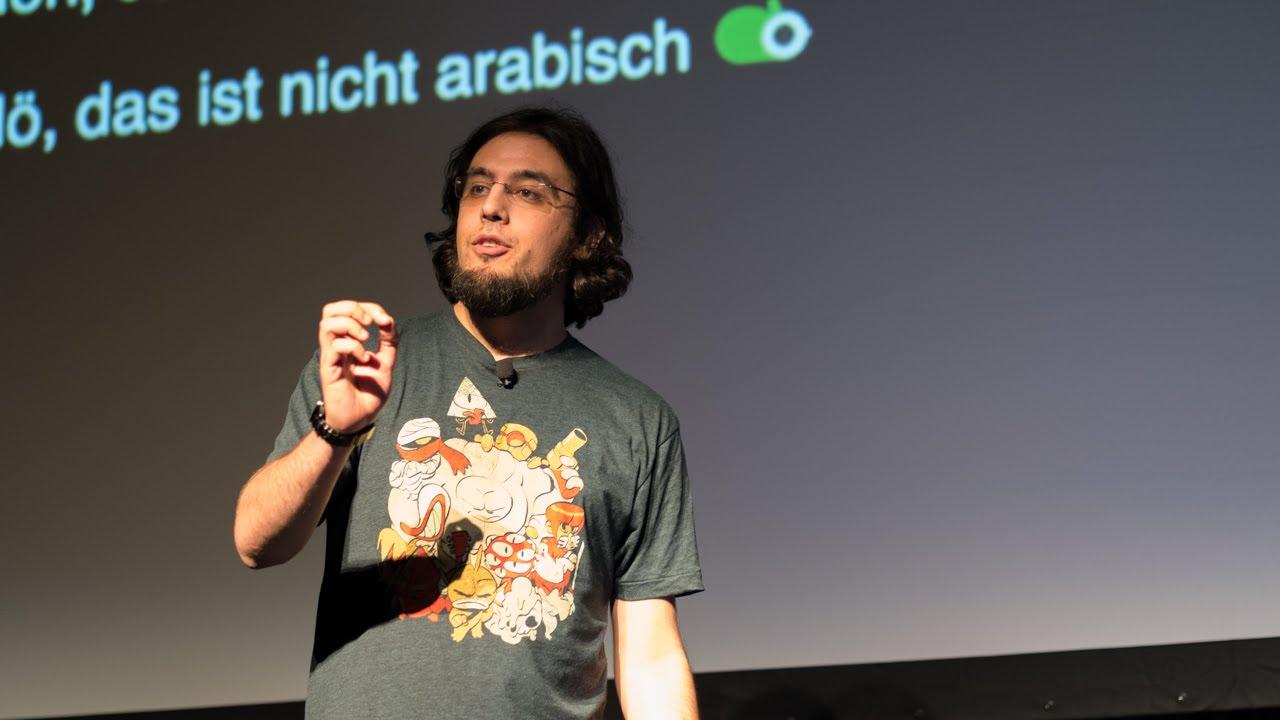
“Since I am tired of seeing my script misrepresented in media and you or your employer refuse to just hire someone for this, I will give you a number of easy pointers to avoid embarrassing yourself & your project to almost 2 billion people.”