“Typeland is an independent type design studio based in London. We offer retail fonts exclusively through our own website. We also develop custom fonts, and specialise in multi-script design and production.”
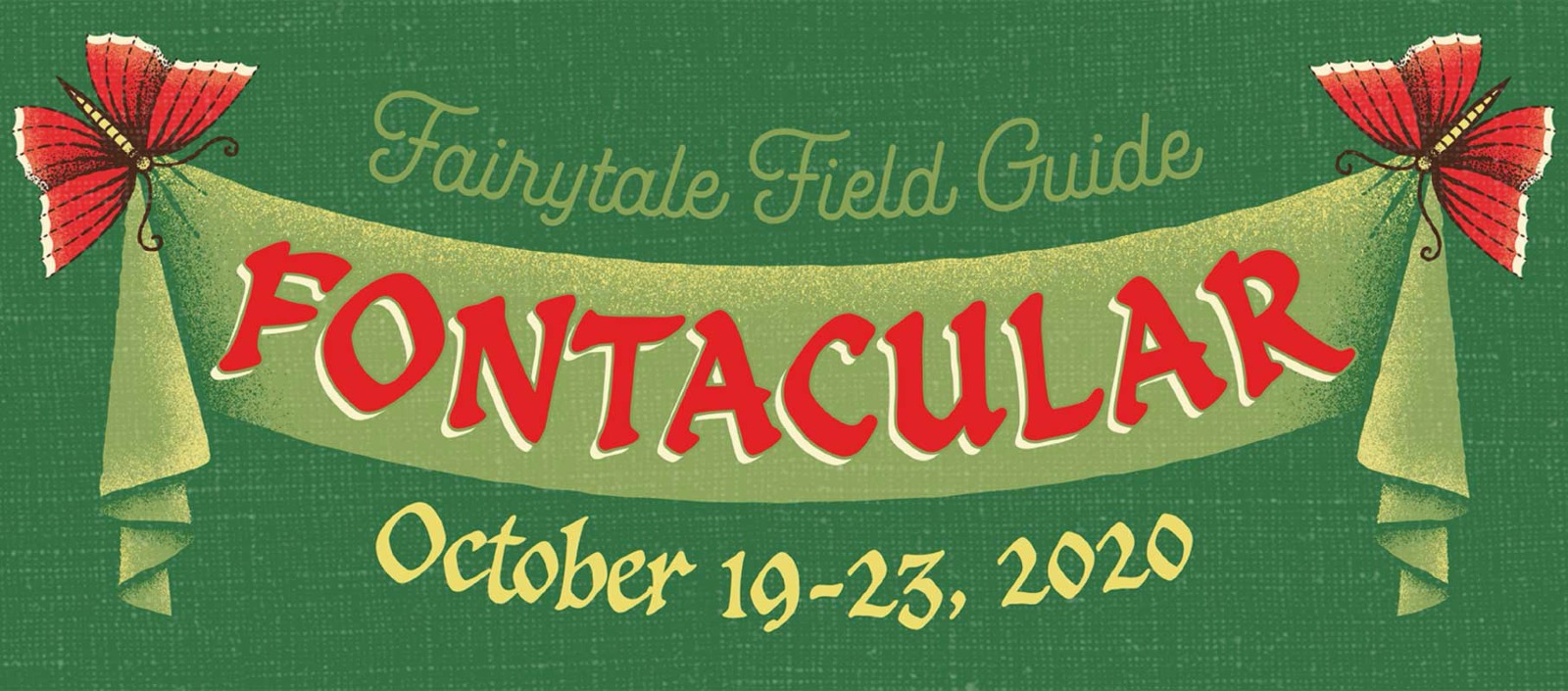
“Enter the whimsical and enchanted world of this year’s #FONTACULAR ephemera! With these dreamy deals UP TO 80% OFF, you won’t want to miss out on the world of fairytales, fonts and savings!”
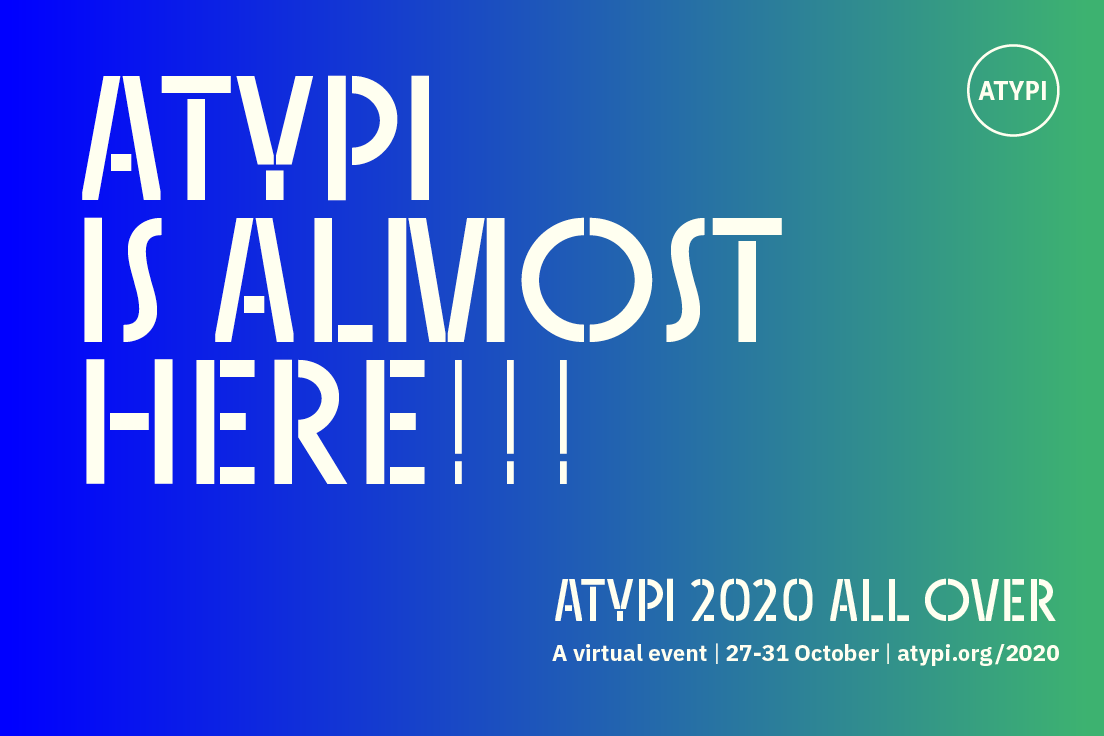
“ATypI board nominations are open NOW, until November 1, 2020! Fill out the simple form, and stand for election to ATypI’s democratically elected board. The election will be held November 4–December 4, 2020, online.”
“This article is a recap of a talk I made at Fontstand conference in Porto in May 2019. I find the subject still relevant and I hope my thoughts on the matter will be of some value to you.”
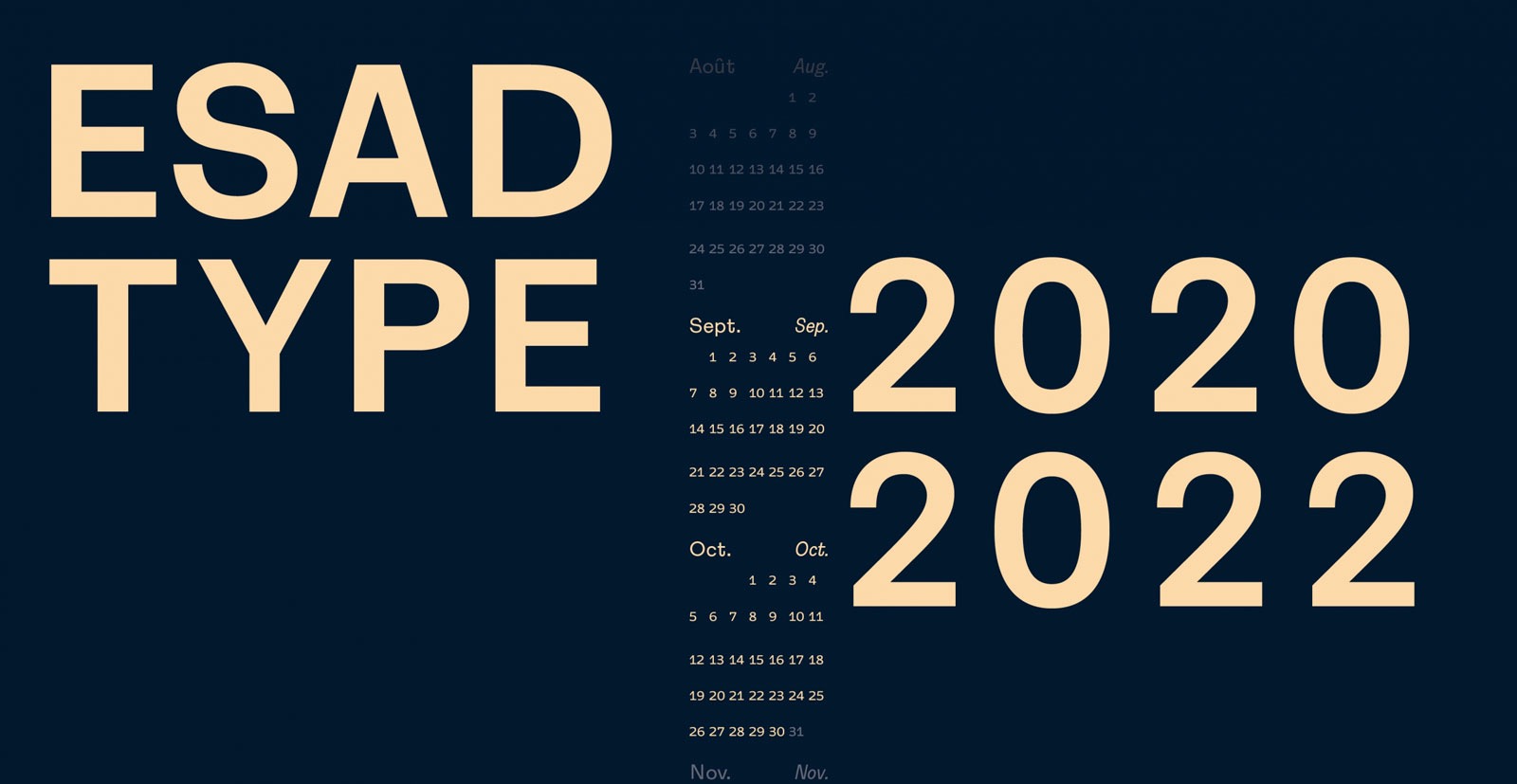
EsadType is a post-graduate diploma in type design for screen and print. Each student works on a personal research project and receives professional advice and instruction that explores a variety of methods related to both typography and graphic design. Candidate selection is international. Teaching is carried out primarily in English as well as some French. Enrolment takes place in September-October this year because of the pandemics. Each new student intake will begin in January 2021, with stu
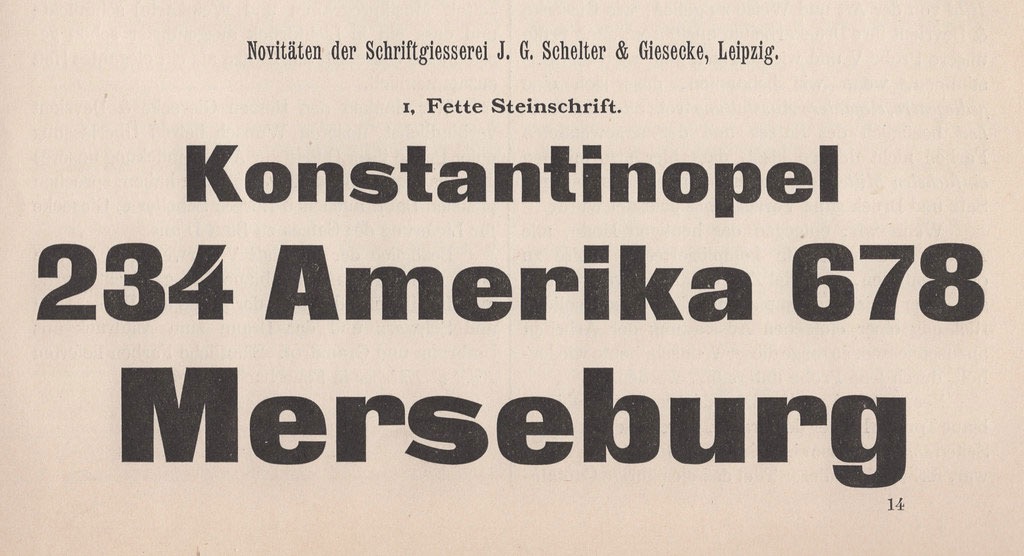
“The Danzig-based Francke typefoundry first advertised a heavy sans-serif typeface called Zeitungs-Grotesque in 1874. Their specimens for the typeface announced that other foundries could purchase duplicate matrices of its design. Many founders took Francke up on that offer: the Zeitungs-Grotesque design quickly became the most widely-distributed heavy sans serif in German-speaking Europe.”
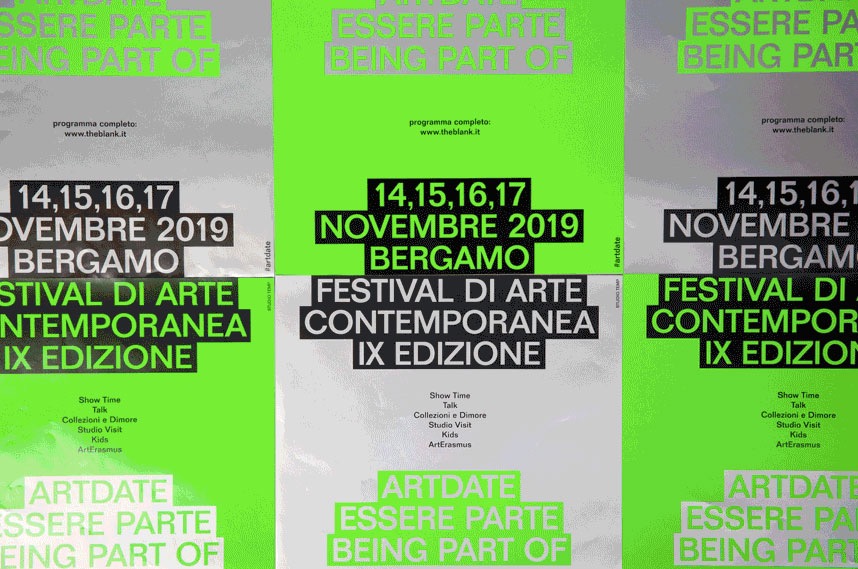
“Be it an international design exhibition, a show for the Venice Biennale, a new artist-run space or the output of a design school, in recent years our western ‘art-design’ bubble is flooded with similar solutions.”
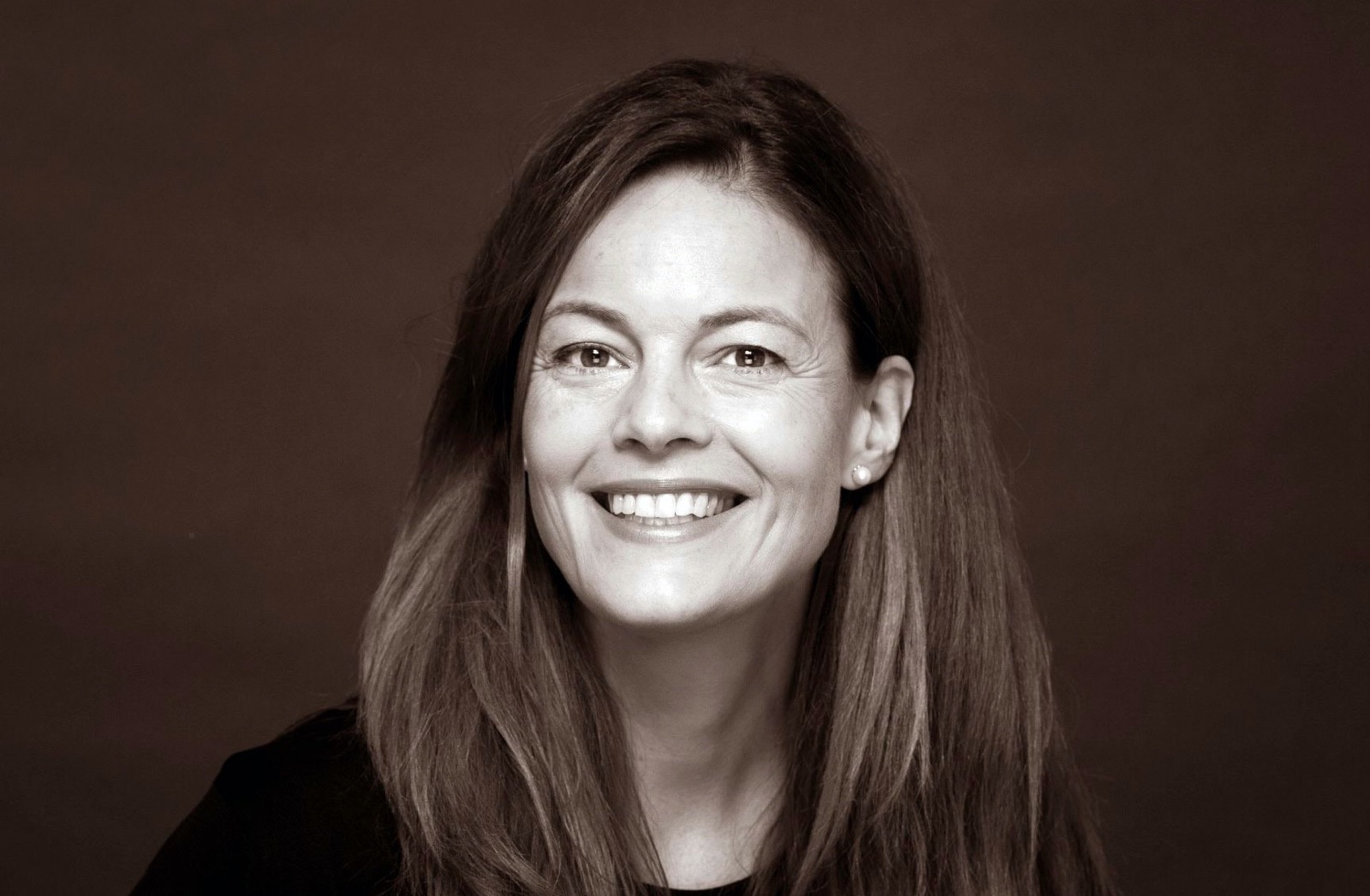
“It gives us great pleasure to announce that ATypI has its first woman president! Carolina Laudon, country delegate from Sweden, dedicated volunteer, board member since 2018, and most recently board VP, was elected yesterday, August 18, 2020, as the president of the ATypI board of directors.”
“To show support and solidarity for the people of Beirut, the international type design community has come together to create a typeface that would raise funds to support the victims of the blast and the reconstruction efforts. All profit raised will go towards charities supporting the victims and the reconstruction efforts.”
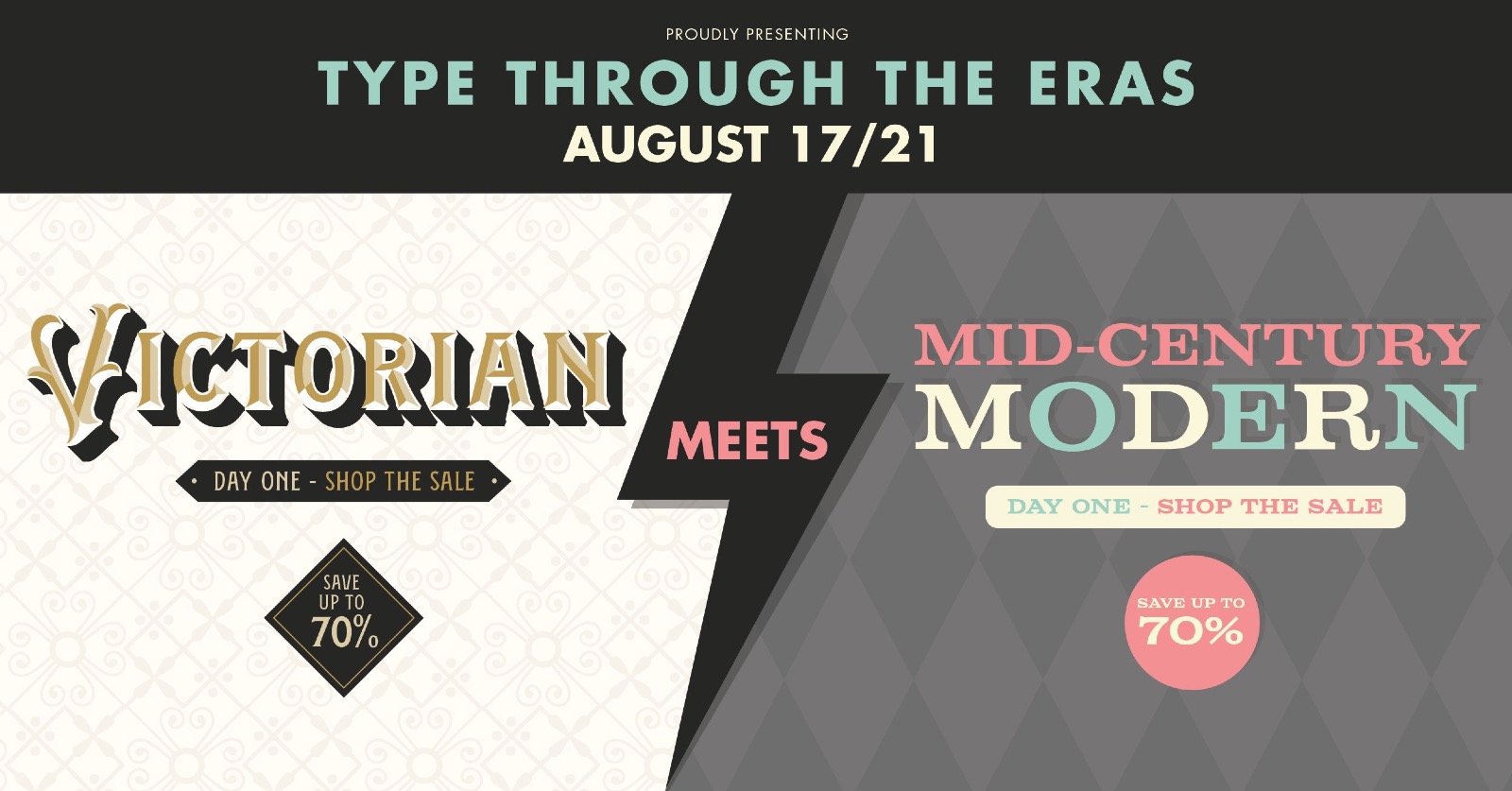
2020 Type Through the Eras sale will run through Friday – with 50 to 70% discounts on 80+ modern and classic faces of the Mid Century Modern & Victorian eras.


.png.24463718a9d2f40923ed3d261686481e.png)