Skip to content

Font List entries

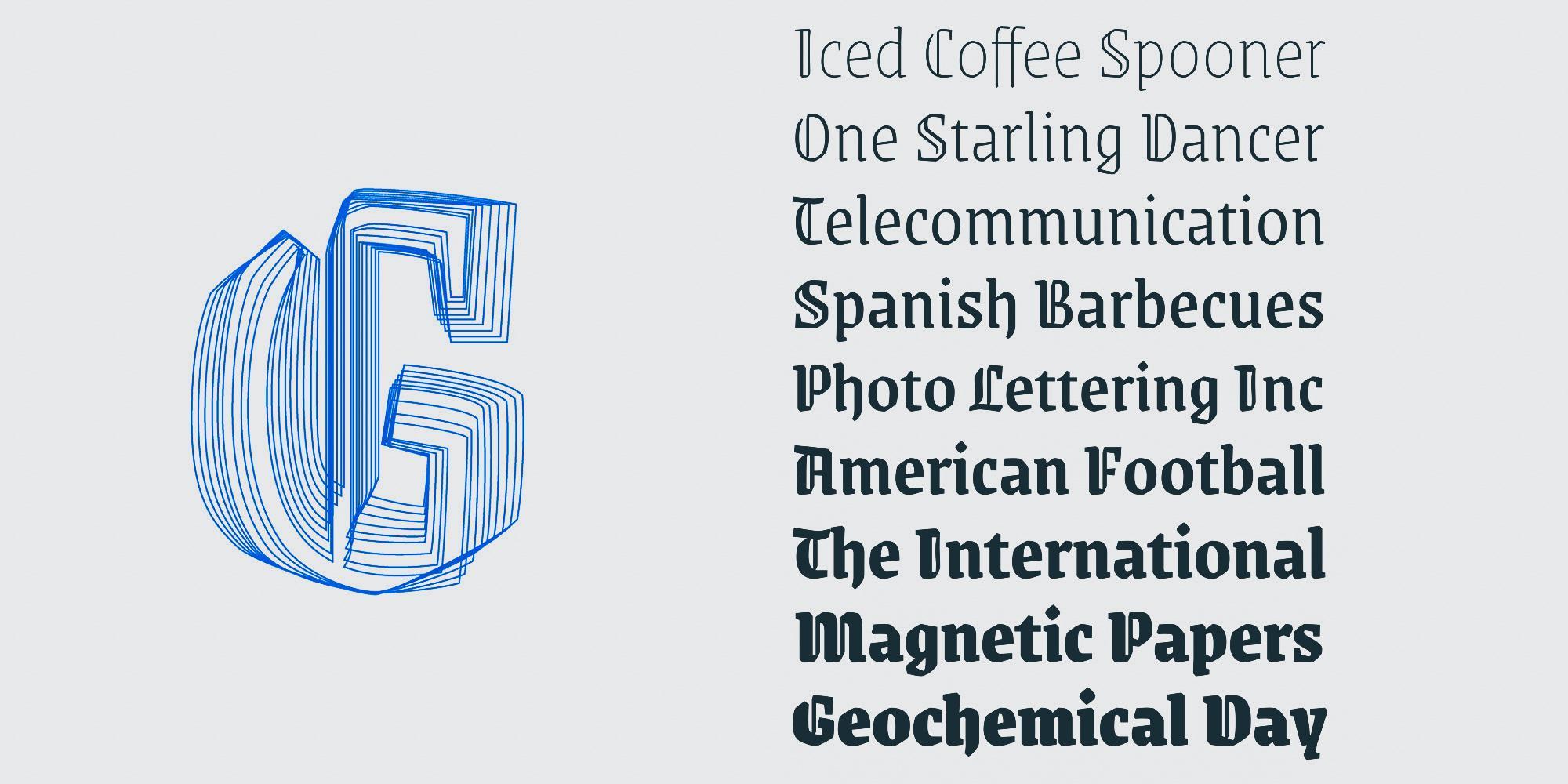
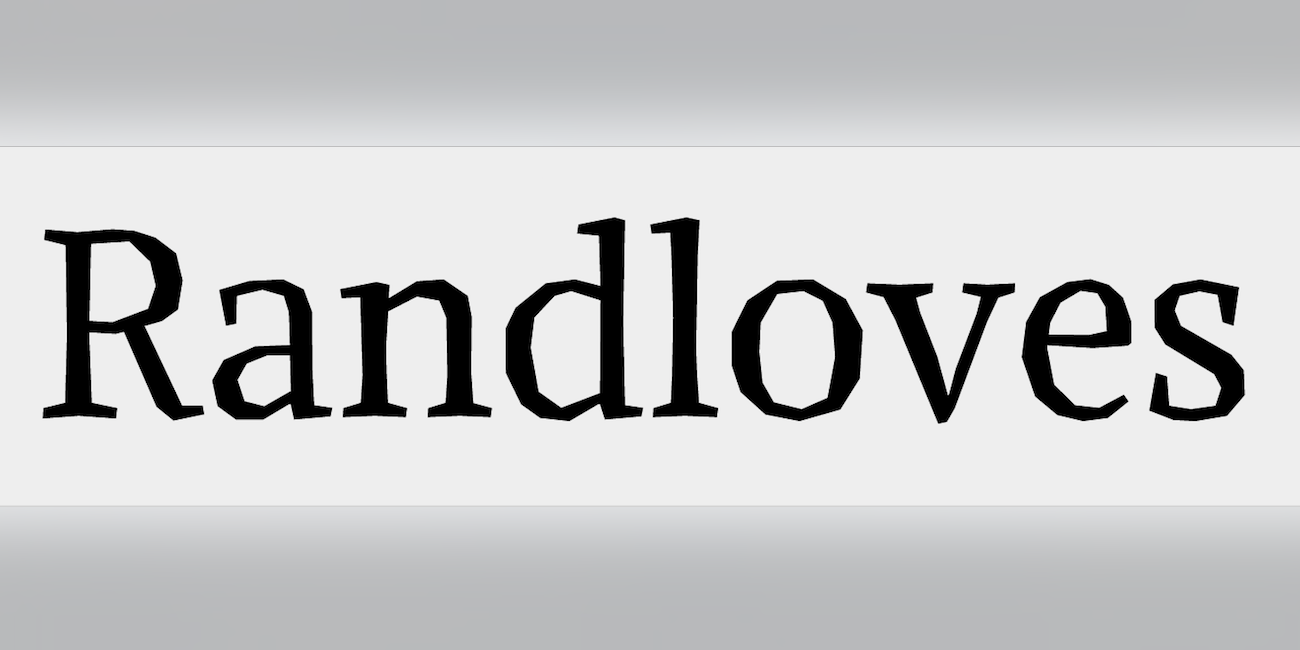
“FF Beowolf came about at the end of the dark and murky 1980s when Just van Rossum and Erik van Blokland found a way to hack PostScript fonts. When printed, each point in each letter on the page would move randomly, giving the letters a shaken, distraught appearance.” In 2011, FF Beowolf was added to the MoMA Architecture and Design Collection in New York.
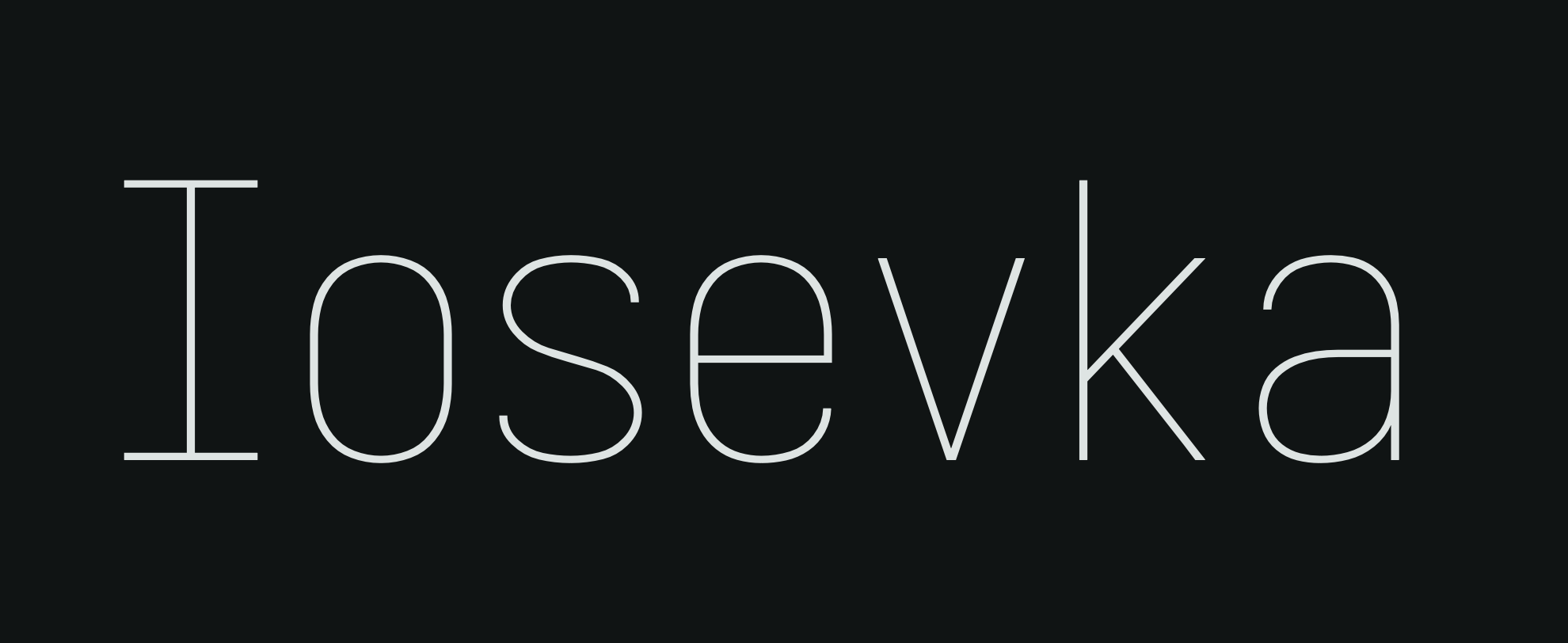
Iosevka is an open-source, sans-serif + slab-serif, monospace + quasi‑proportional typeface family, designed for writing code, using in terminals, and preparing technical documents.
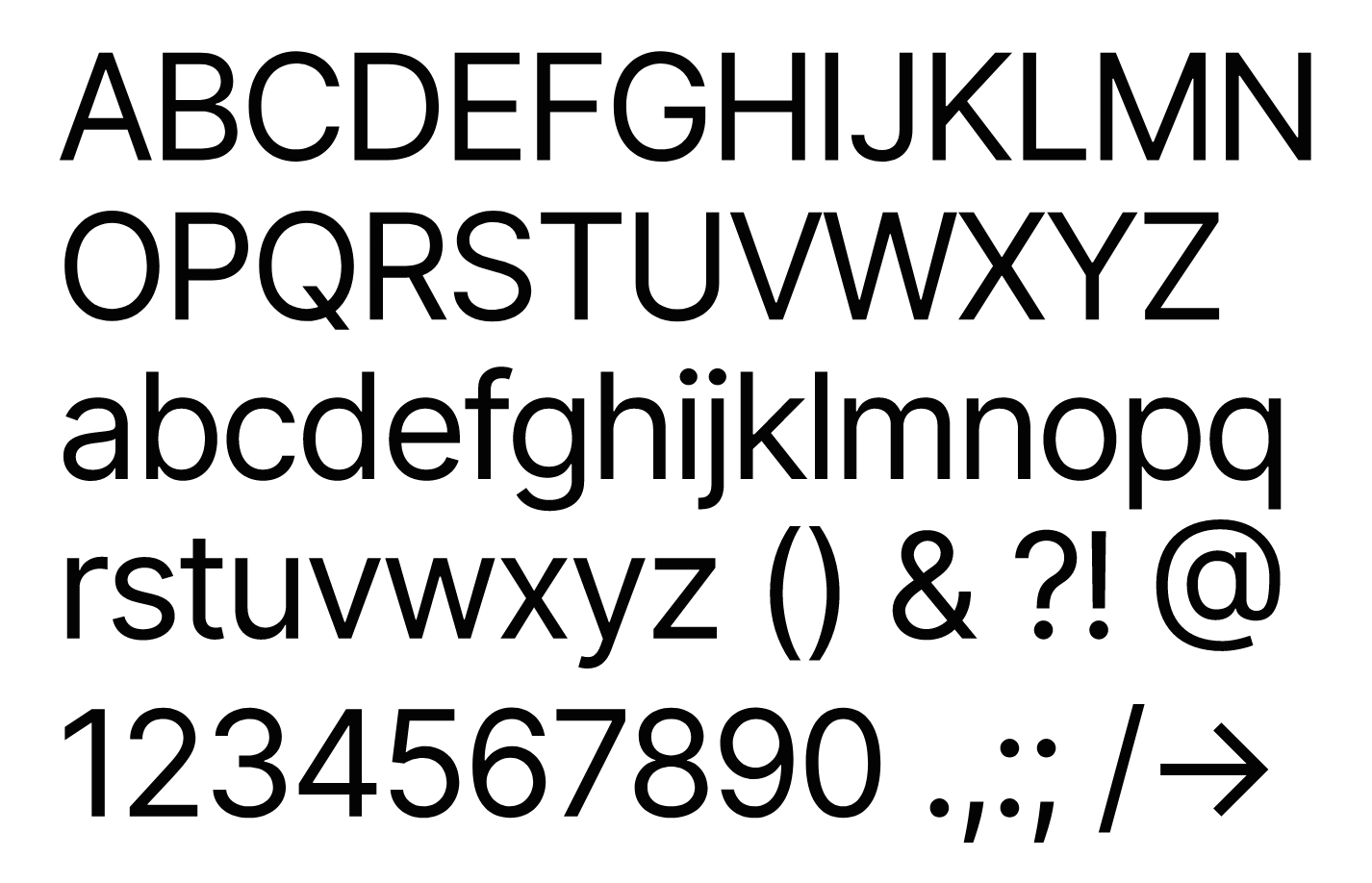
Inter is a variable typeface carefully crafted & designed for computer screens. Inter features a tall x-height to aid in readability of mixed-case and lower-case text. Several OpenType features are provided as well, like contextual alternates that adjusts punctuation depending on the shape of surrounding glyphs, slashed zero for when you need to disambiguate "0" from "o", tabular numbers, etc.
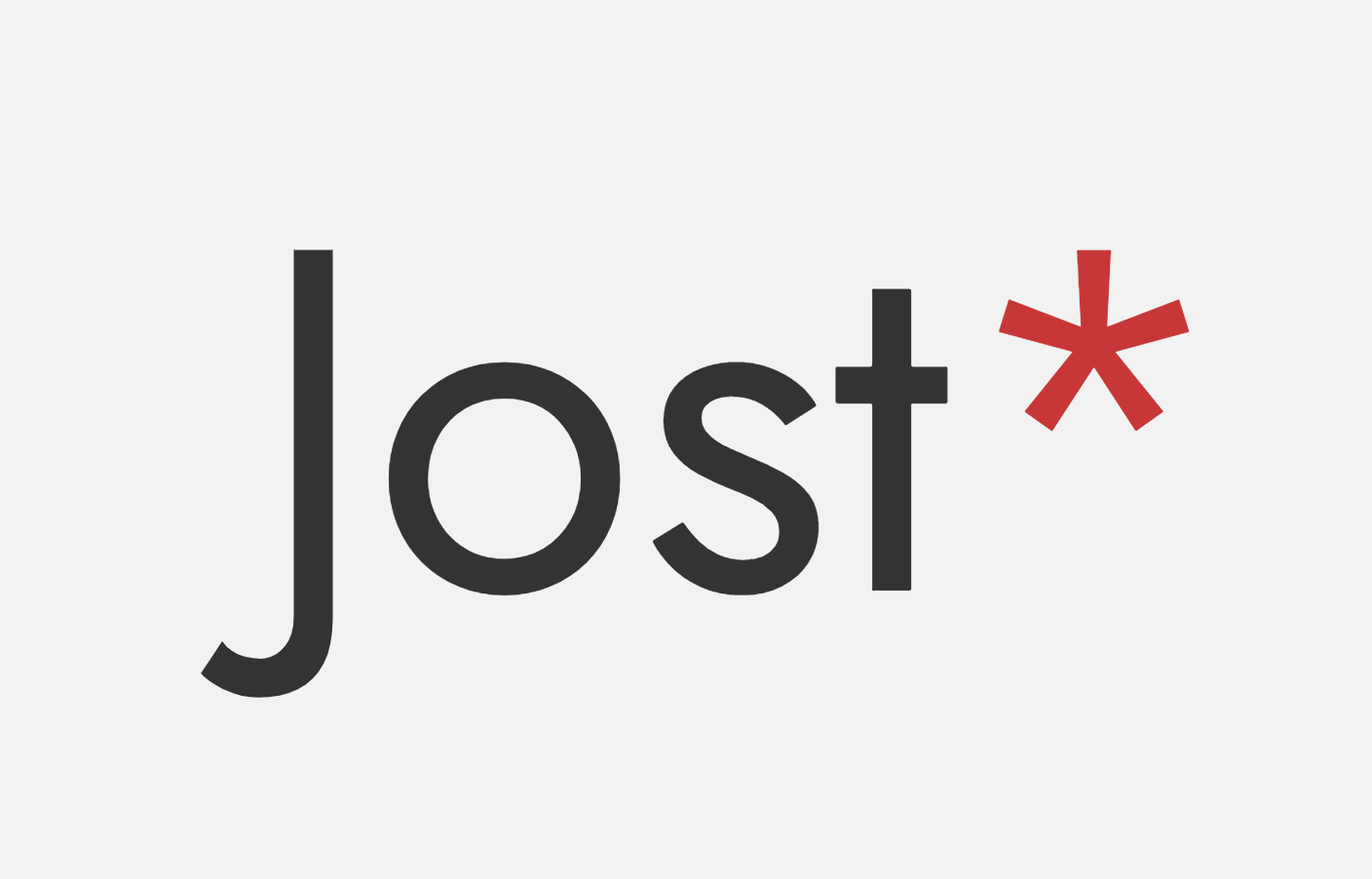
Jost* aims to keep the attitude of Futura rather than the exact design. Futura was designed to be functional in its day, and in that spirit, Jost* aims to be as functional as possible in the digital era. For that reason it deviates from the exact designs of Paul Renner, favoring, for example, a larger x-height or more balanced capital forms. It also includes some features which would not have been possible in the era of Futura.
“Alike Angular is a complementary titling style to Alike Regular. It shares the same proportions as its counterpart for compatibility, and is designed for larger display sizes.
As opposed to the soft Regular its letterforms consist of only straight splines and additional expressive features are introduced in characters like T, Z, M, E.”

Important Information

We are placing functional cookies on your device to help make this website better.
Account

Navigation

Search

Search

Configure browser push notifications

Chrome (Android)
  1. Tap the lock icon next to the address bar.
  2. Tap Permissions → Notifications.
  3. Adjust your preference.
Chrome (Desktop)
  1. Click the padlock icon in the address bar.
  2. Select Site settings.
  3. Find Notifications and adjust your preference.