Typography Weekly #23
6 typography news links in this category
-
“With App.typography you can publish apps, digital publications, or eBooks using any of the H&Co fonts you’ve purchased for your computer. App.typography is a simple, fixed-cost, annual subscription that’s priced per title, not per font …”
-
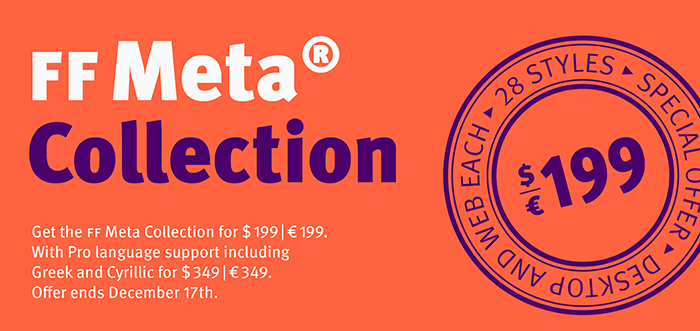
“Now at FontFont’s 25th Anniversary, we celebrate Erik Spiekermann’s formative work and reexamine FF Meta—his most prodigious family and a truly founding member of the FontFont library.”
-
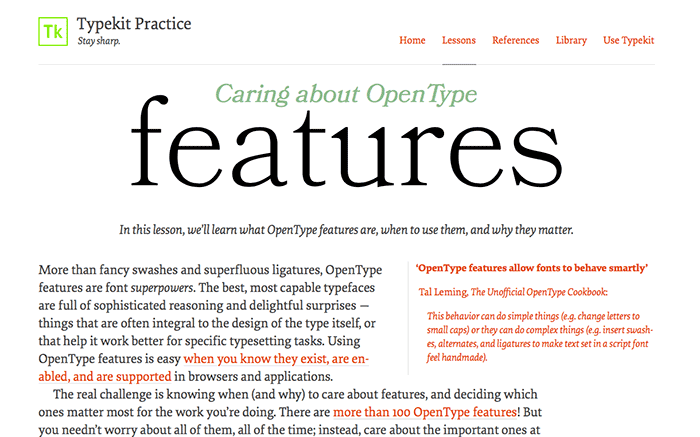
“In this lesson, we’ll learn what OpenType features are, when to use them, and why they matter.”
-
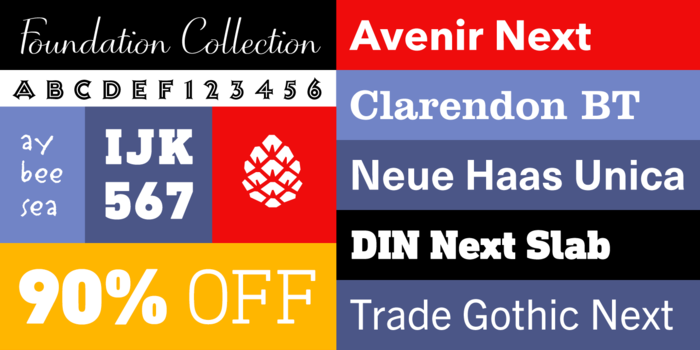
“The Foundation Collection provides 75 versatile fonts spanning the most essential serif and sans serif categories—along with a functional set of script and display styles.”
-
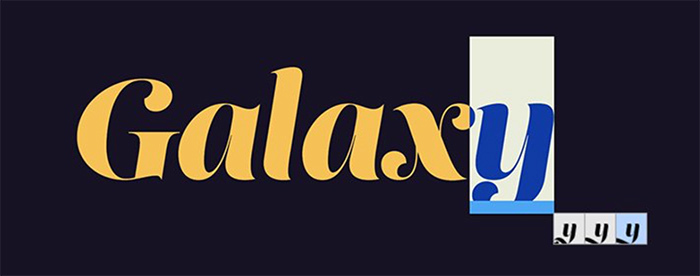
“The InDesign CC 2015 update introduces intuitive OpenType enhancements when working with glyphs.”
-
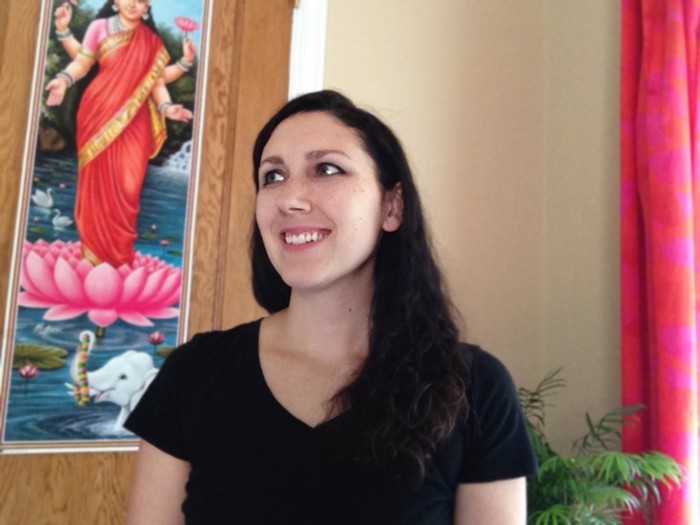
TypeThursday sat down with Erin Mclaughlin and we talked about her work as a non-latin typeface designer. As the markets in South Asia continue to mature, the need for non-latin typography grows only larger. Erin shared both the challenges and rewards in working in the sub-specialty.


Don’t miss the latest typography news!
Typography Weekly via email: Subscribe here
Typography Weekly via RSS feed: Subscribe here