Typography Weekly #28
8 typography news links in this category
-
Cera Brush is the handmade display companion to clean multi-script Cera and Cera Stencil.
-
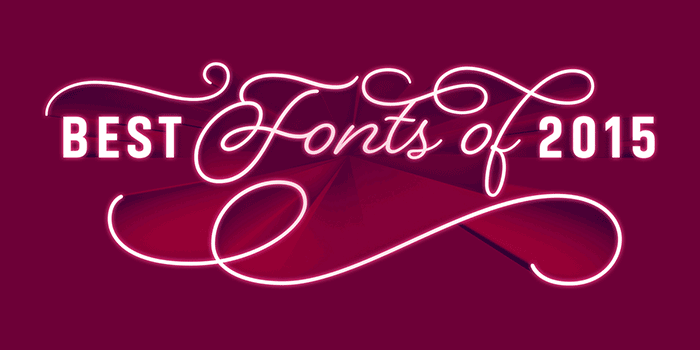
“Now with 2015 at a close we’re pleased to show our selections for the best of the past year, just the greats.”
-
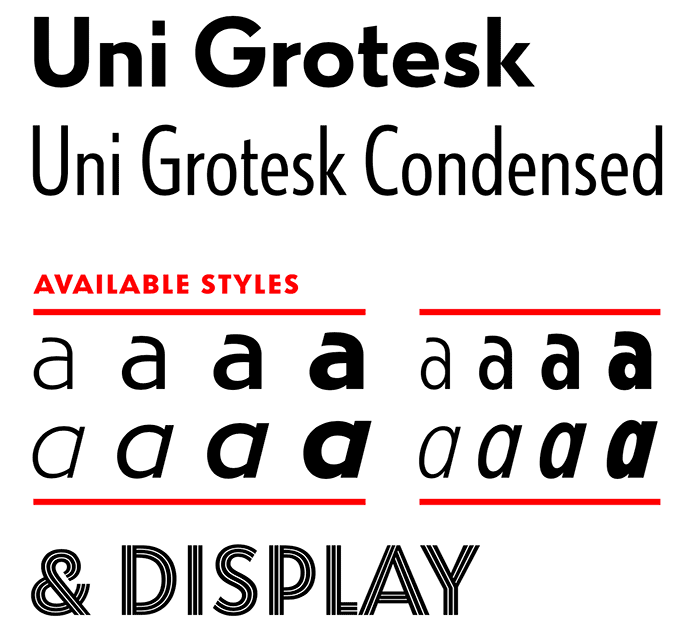
“Uni Grotesk is a modern adaptation of the ubiquitous early 20th century Universal Grotesk, a typeface that dominated communist Czechoslovakia.”
-
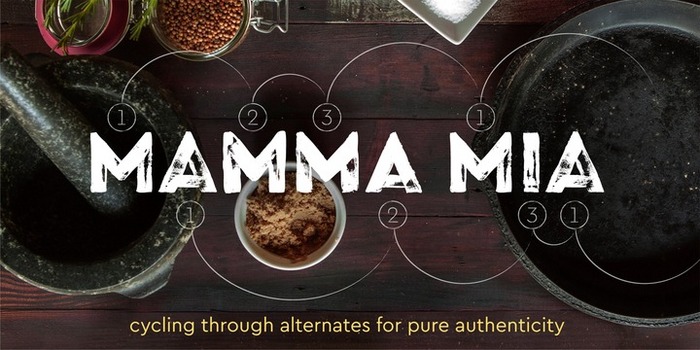
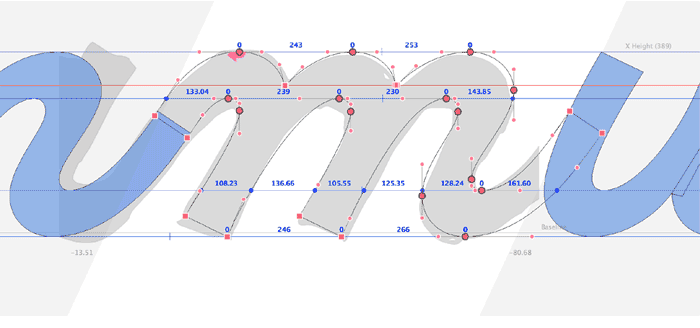
“The idea of this typeface came to my mind when I was in Rome. It was an amazing journey. I visited museums, walked around the city squinting in the sun, ate delicious italian food, admired ancient architecture. I was especially happy because those were the days when I decided to change my life.”
-
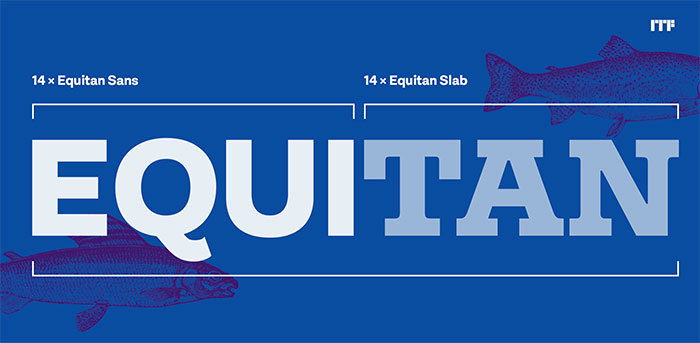
“Together, Equitan Sans and Equitan Slab make up an astounding 28-font super family. The two typefaces serve up industrial-era letterforms, refreshed for a new century.”
-
The tenth edition since 1984, for Latin and Kanji typeface designs.
-
“Because every designer’s perfect vision of a typeface varies, all revivals of the same typeface end up different. That’s what makes it personal and interesting.”
-
“Such disputes are not unusual, but seldom made it into the public eye.”

Don’t miss the latest typography news!
Typography Weekly via email: Subscribe here
Typography Weekly via RSS feed: Subscribe here