Typography Weekly #34
7 typography news links in this category
-
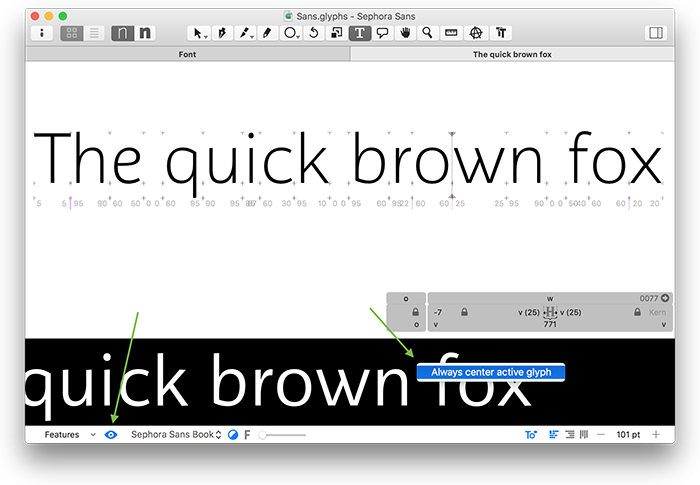
“Welcome to Version 2.3 of Glyphs! Take a moment and read through what’s new, and we’re sure you will agree that this is the best app version ever. As always, update by choosing Glyphs > Check for Updates…”
-
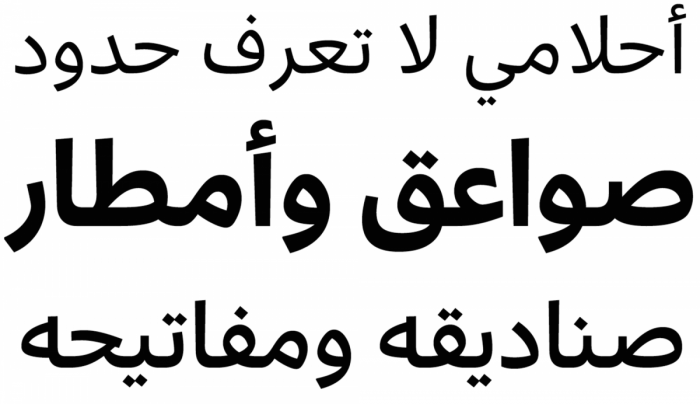
“Multiscript typeface design is thriving with manifold approaches and promising possibilities.”
-
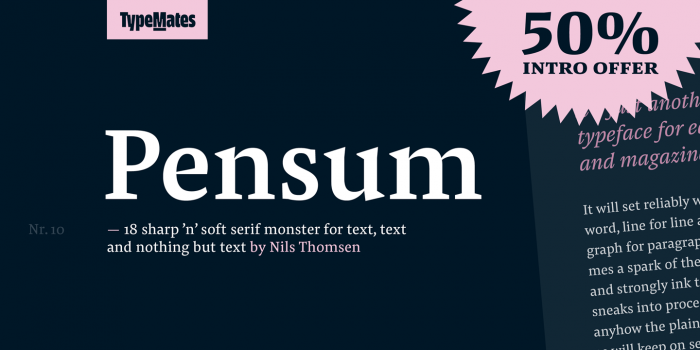
“Pensum is a typeface for text, text and nothing but text. A pure monster, straight and plain.”
-
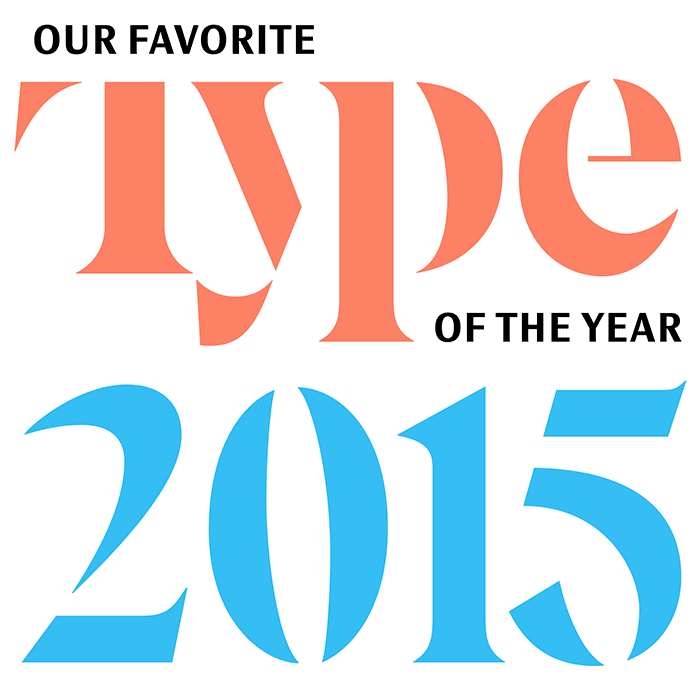
“Welcome to our tenth annual celebration of what is fresh and interesting in type design.”
-
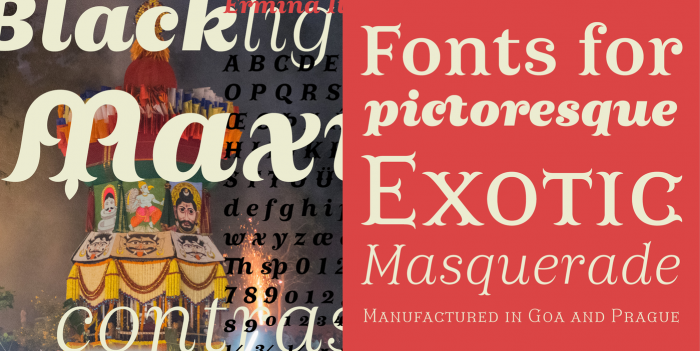
“In the realm of decorative typefaces, only a few are usable for longer texts, but Ermina’s swallow-tail serifs disappear in small sizes and her open drawing is perfectly legible.”
-
“To be a type designer requires an acute attention to detail, an innovative creative eye, and the ability to apply a concept with meticulous diligence through all possible micro-permutations, which can require years.”
-
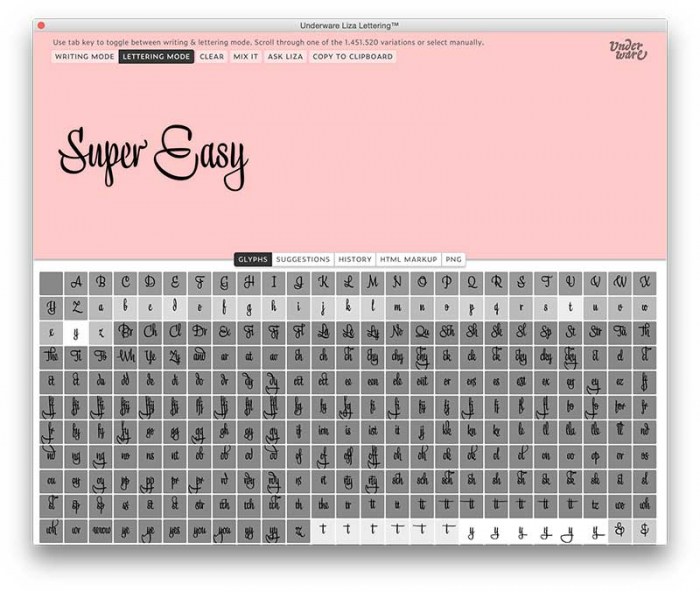
With Liza Lettering there is no excuse not to become a lettering artist yourself. With the combined app & font, it’s as simple to make a skillful hand lettering as doodling with the pen.

Don’t miss the latest typography news!
Typography Weekly via email: Subscribe here
Typography Weekly via RSS feed: Subscribe here