


Typography Weekly #74
9 typography news links in this category
-
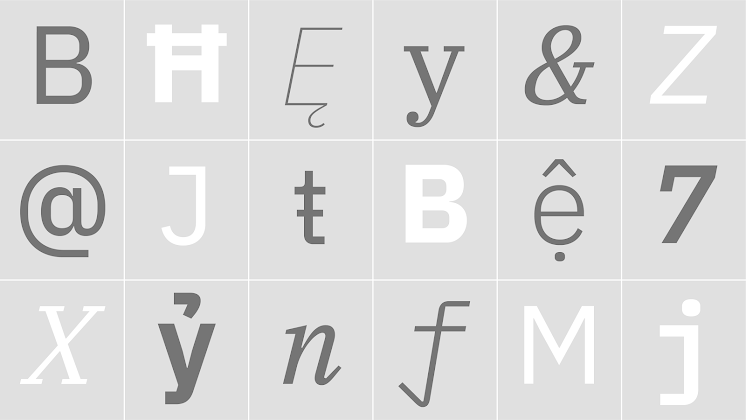
IBM Plex™ is an international typeface family designed by Mike Abbink, IBM BX&D, in collaboration with Bold Monday, an independent Dutch type foundry.
-
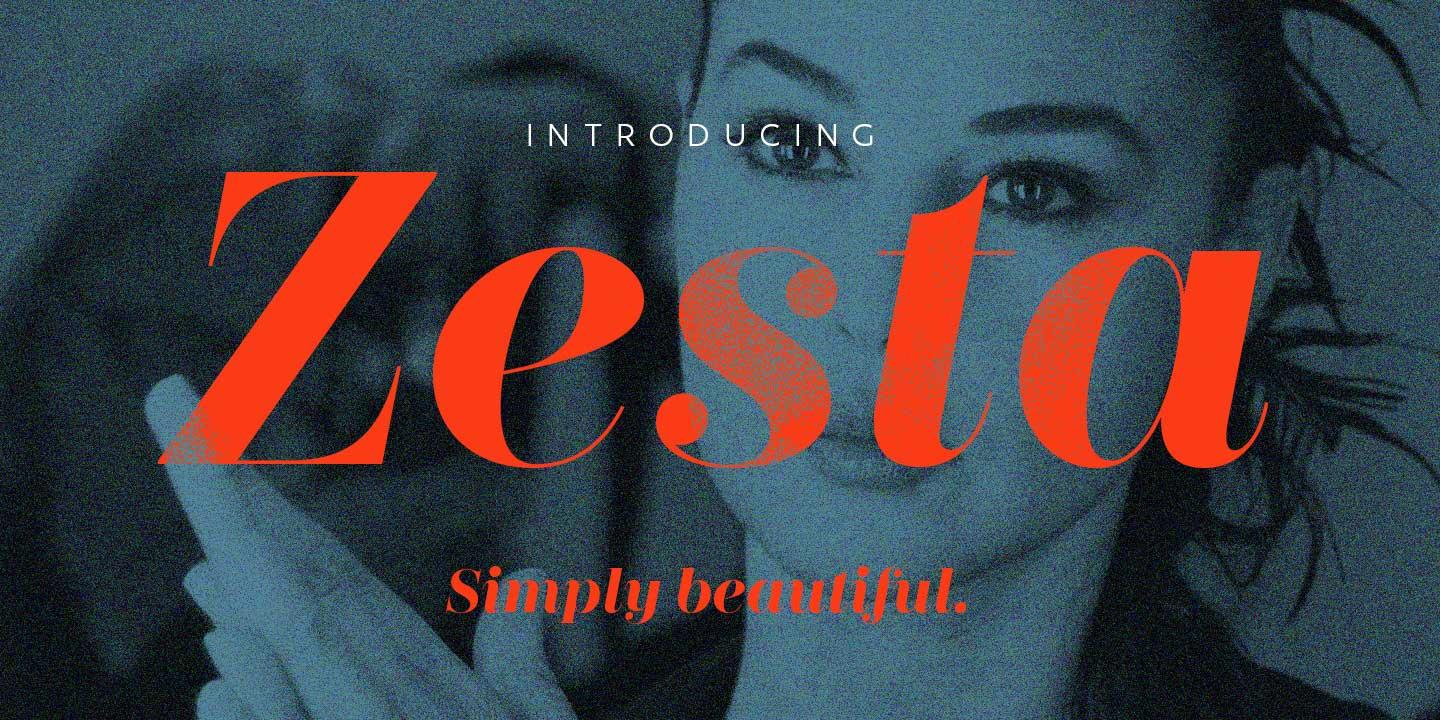
“Zesta is a family of high-contrast serif fonts, intended for use in display typography. Their design is modern, or ‘Didone’ in style, meaning that its letterforms look like those used in France during the revolutionary, imperial, and restoration eras (late-1700s/early-1800s).”
-
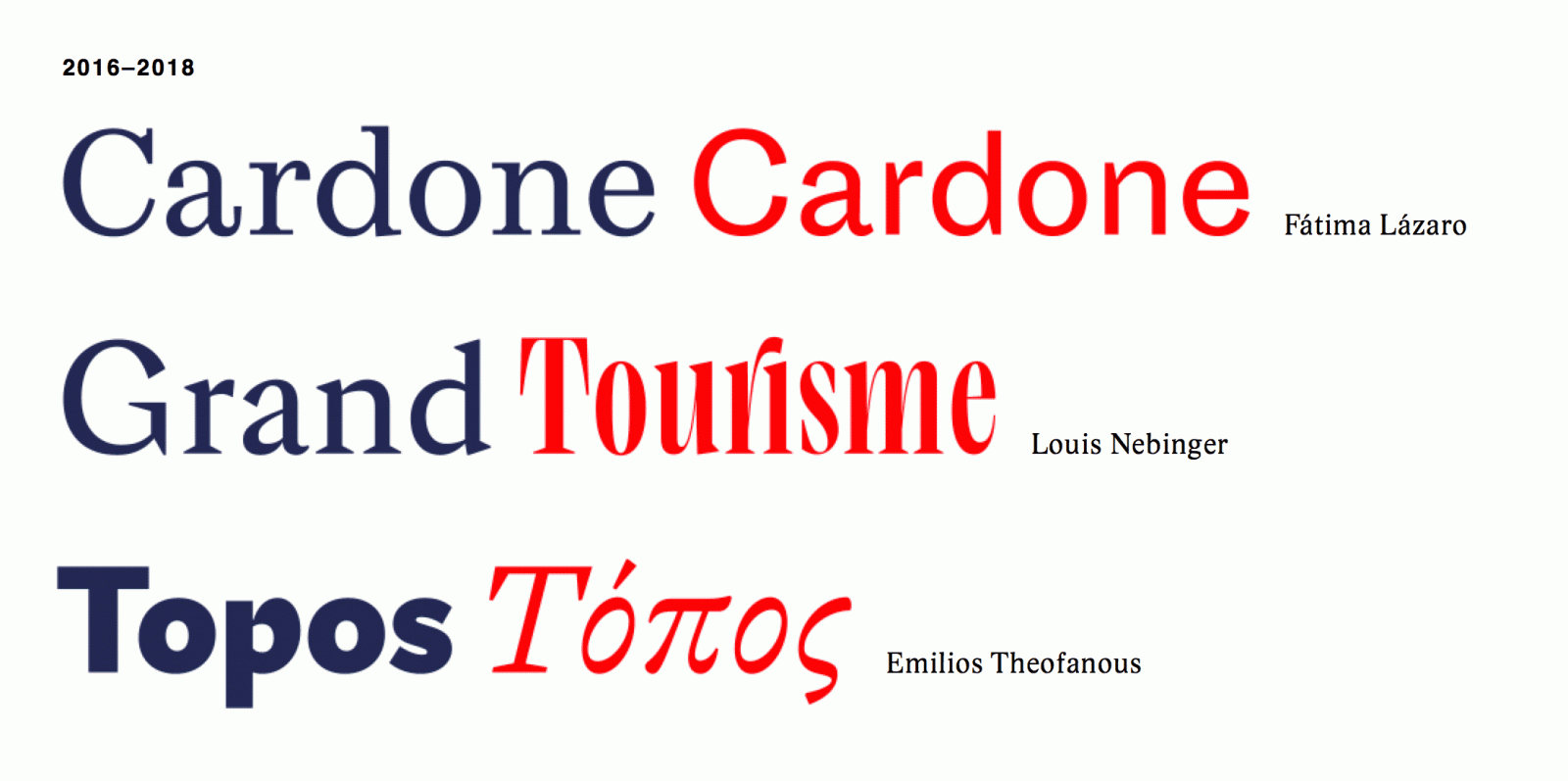
Fonts from the postgraduate course in type design at the École supérieure d'art et de design d'Amiens.
-
The site is designed and built by Nick Sherman with support from Adobe Typekit and assistance from Chris Lewis and David Jonathan Ross.
-
Lussu file #2: Wines and goblets
-
“We worked with Jonathan Hoefler at Hoefler & Co. to bring you some modern coinages as historic catchwords.”
-
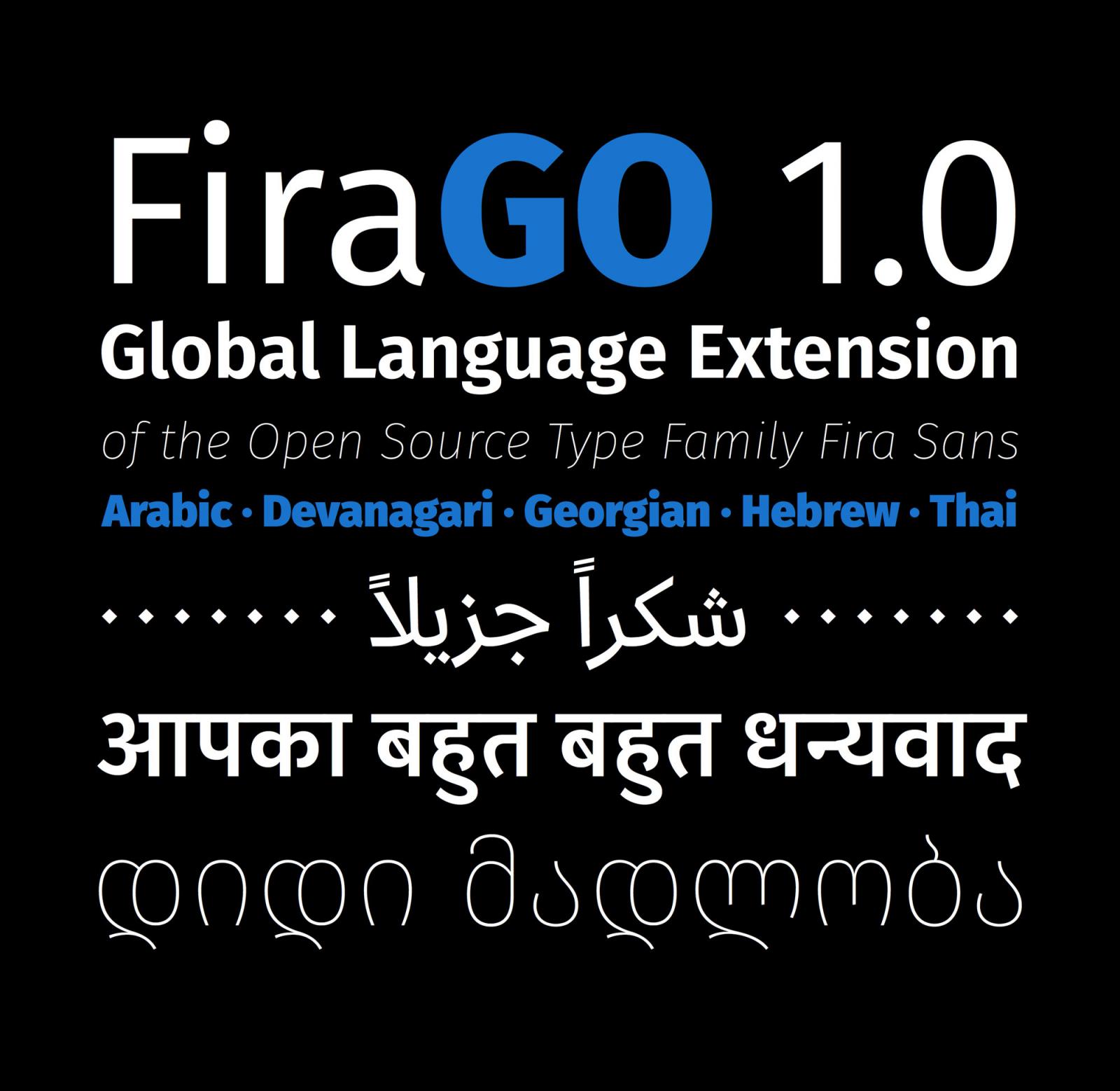
FiraGO is a new fork of Fira Sans supporting Arabic, Devanagari, Georgian, Hebrew and Thai. With this script support, FiraGO catches up with other global Open Source typefaces such as Noto.
-
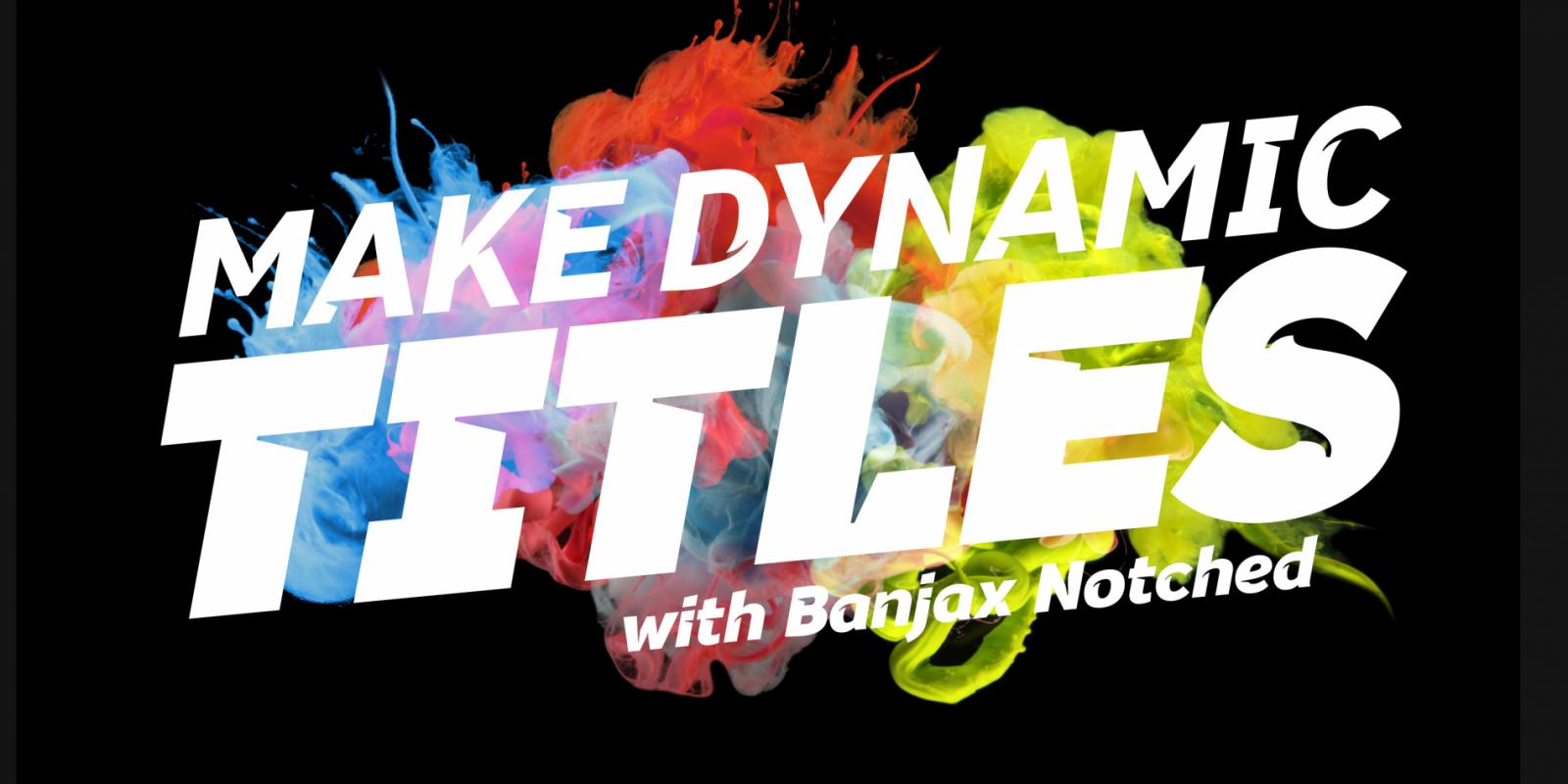
“Banjax Notched is a dynamically restyled version of the original Banjax humanist sans serif typeface. Banjax Notched is intended for use in titles, headlines, branding and logo designs.”
-
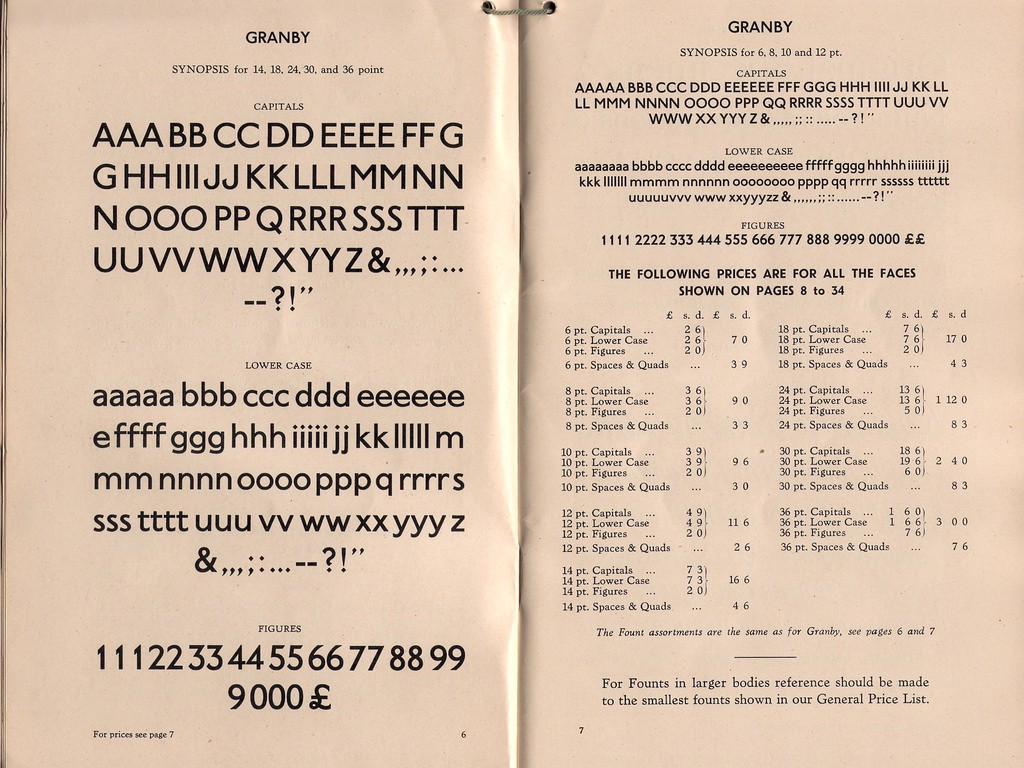
“It’s a point of embarrassment to me that I only learned a few days ago one of the oddities to do with Johnston, the typeface used by Transport for London (TfL) since it was designed in 1916.”

Don’t miss the latest typography news!
Typography Weekly via email: Subscribe here
Typography Weekly via RSS feed: Subscribe here

