Typography Weekly #117
8 typography news links in this category
-
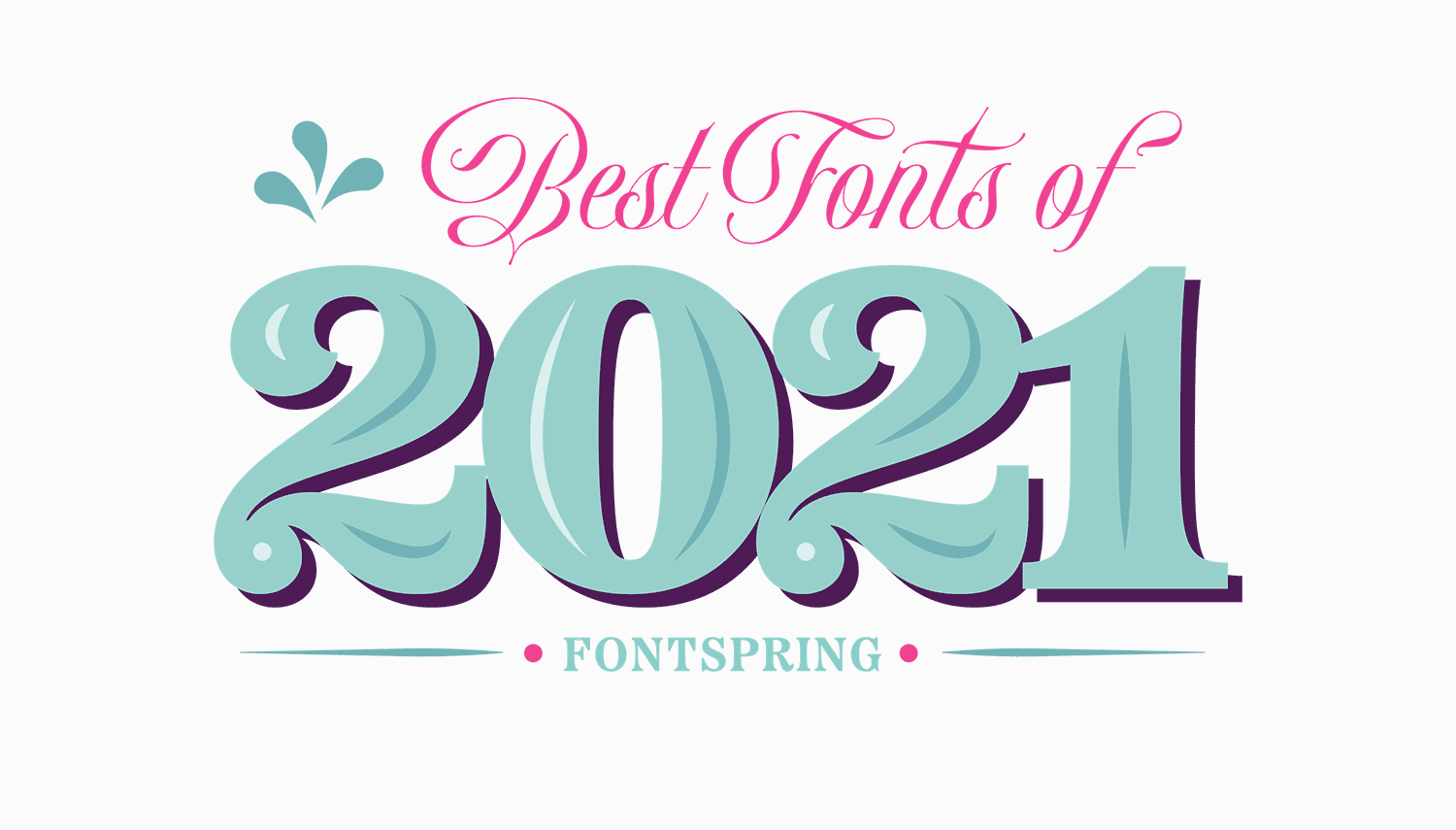
“We’ve searched through the font families that debuted on Fontspring in 2021 and we’ve chosen 50 of our favorites.”
-
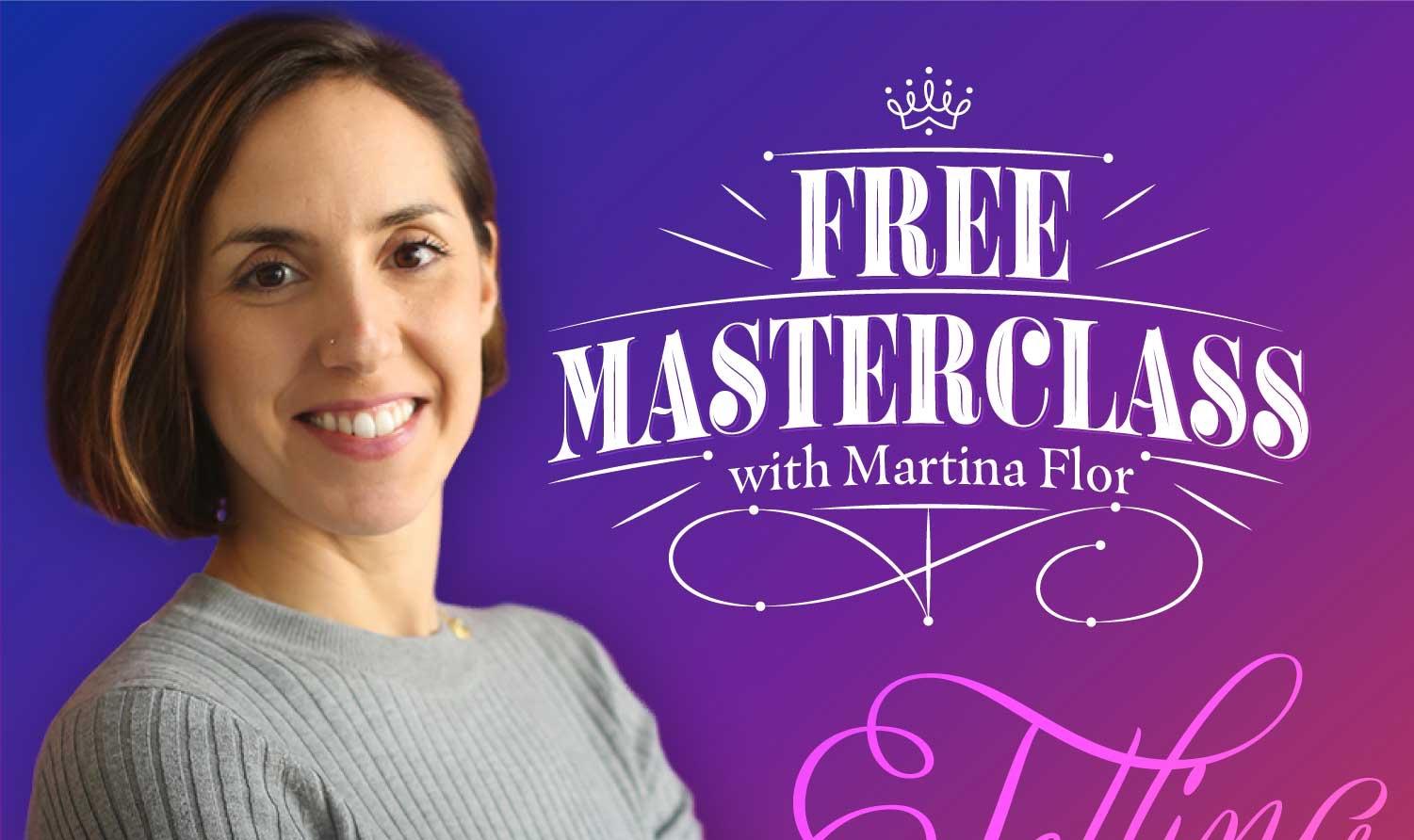
This free masterclass cuts right to the chase and reveals exactly how Martina was able to learn and master the art of hand-lettering, showing you how you can do the same right now.
-
Unicode 14.0 adds 838 characters, for a total of 144,697 characters. These additions include 5 new scripts, for a total of 159 scripts, as well as 37 new emoji characters.
-
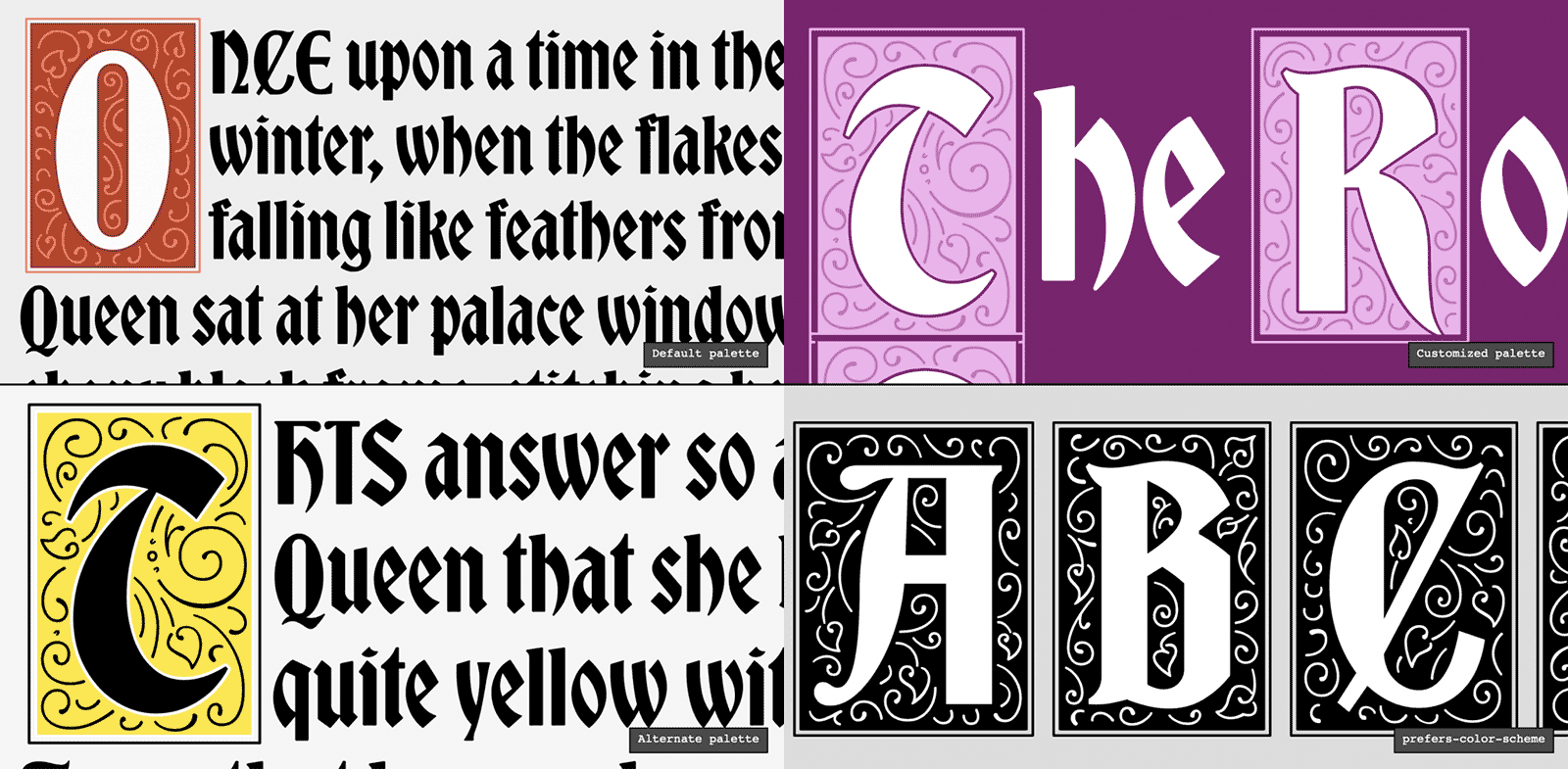
WebKit added support for the font-palette CSS property and @font-palette-values rule. The font-palette property provides a way for web developers to select one of several different pre-defined color palettes contained inside a color font.
-
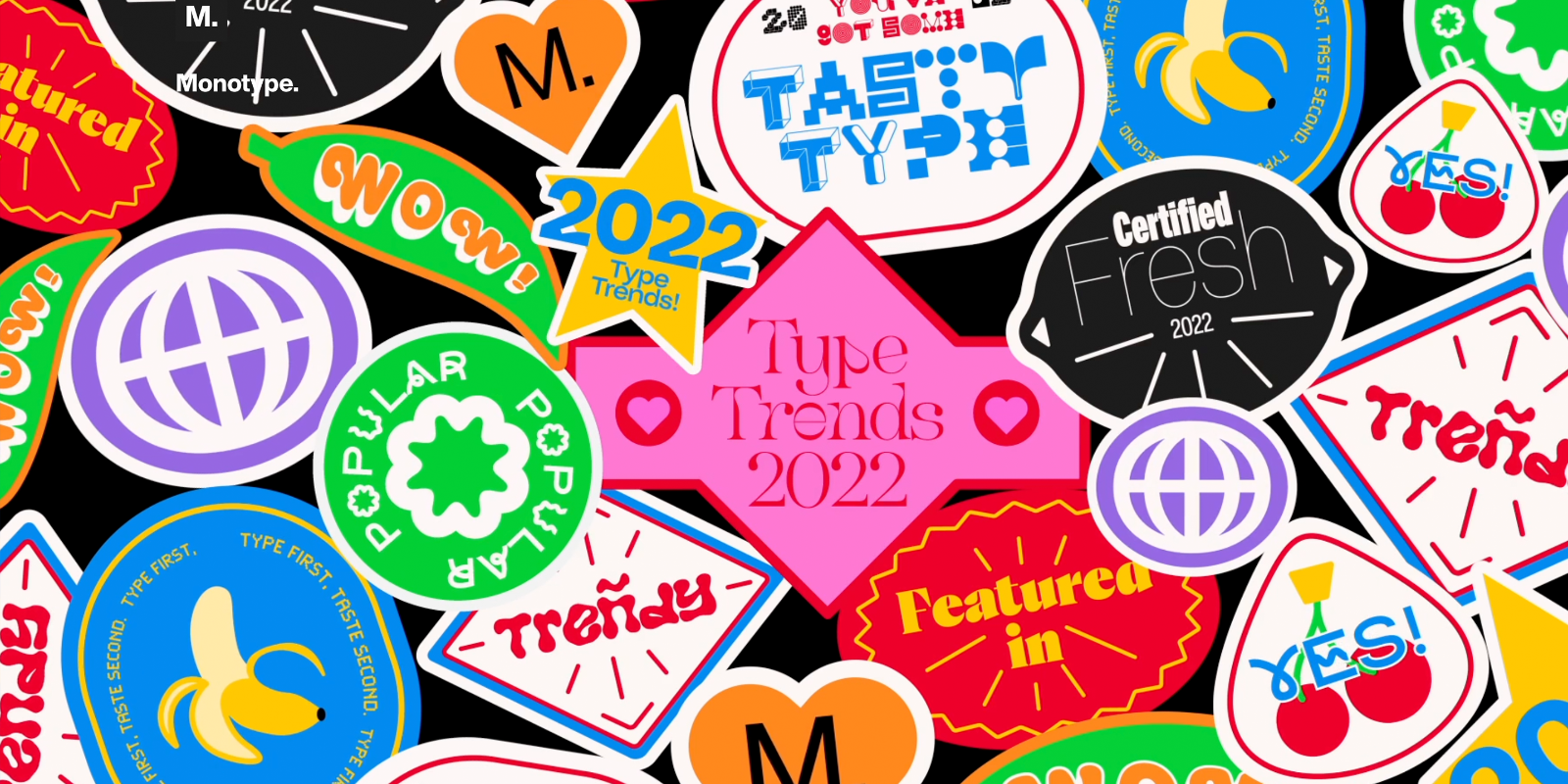
The type trends for 2022 according to Monotype. Also available as a webinar and downloadable report.
-
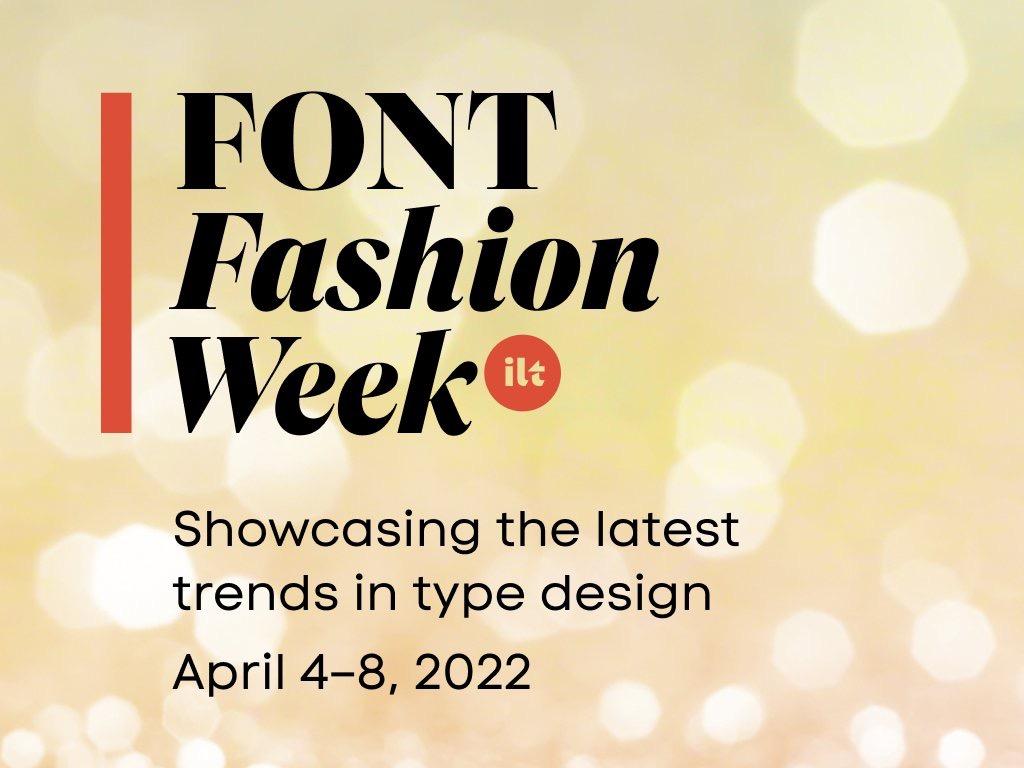
Font Fashion Week is a series of free online events organized by I Love Typography to celebrate the latest trends in international type design.
-
Creative Market Labs, Inc., running Creative Market, purchased the Fontspring assets on 2022-01-28. Creative Market itself was bought by Dribbble (Dribbble Holdings Ltd.), which itself belongs to Tiny Capital.
-
For the next few months, Type Network is going to take some in-depth looks at the still-developing world of variable fonts from a number of different perspectives, from the technical to the creative.



Don’t miss the latest typography news!
Typography Weekly via email: Subscribe here
Typography Weekly via RSS feed: Subscribe here