



- Country: Italy
Archivio Tipografico is an active and collaborative space for the preservation, the study and the practice of typographic arts. The aims are to preserve, to keep alive and to reinvent in a contemporary way the craftsmanship knowledge for movable types composition and high quality letterpress printing.
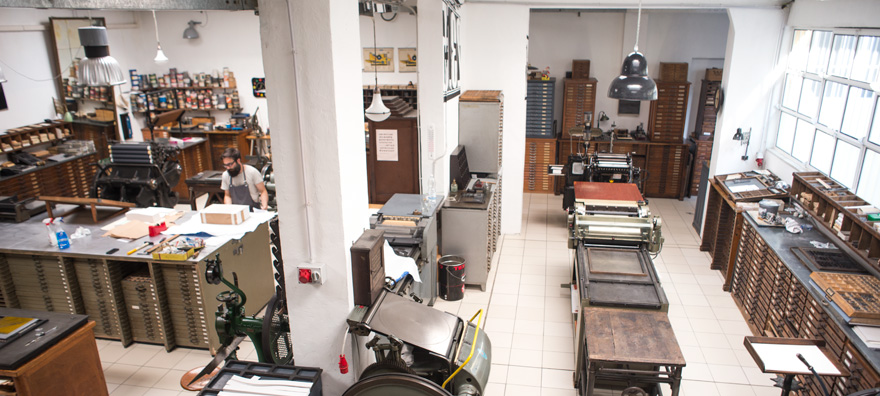
Archivio Tipografico was born in 2003 as a private collection of materials from several closing northern Italy print-shops. Today it counts 2.000 fonts of lead, wood and plastic movable types, a variety of functioning printing presses including platens and flatbeds, and several typographic tools of every kind. It’s a collaborative working space, where new and old generation of printers, typographers and designers meet to develop artistic and commercial printing projects.
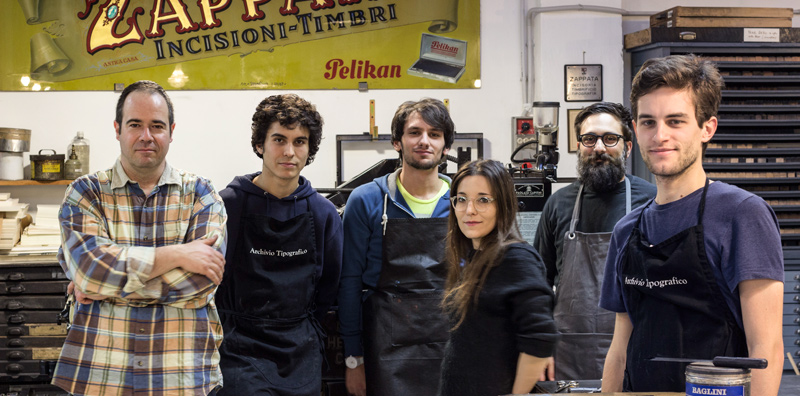
Archivio Tipografico offers integrated and personalized graphic design, letterpress and movable types printing, hot-foil printing, edge coloring, scoring and die-cutting over different kind of printing goods: books, greetings card, business cards, posters, wedding and stationary sets, art editions.

Create an account or sign in to leave a review