



- Country: Belgium
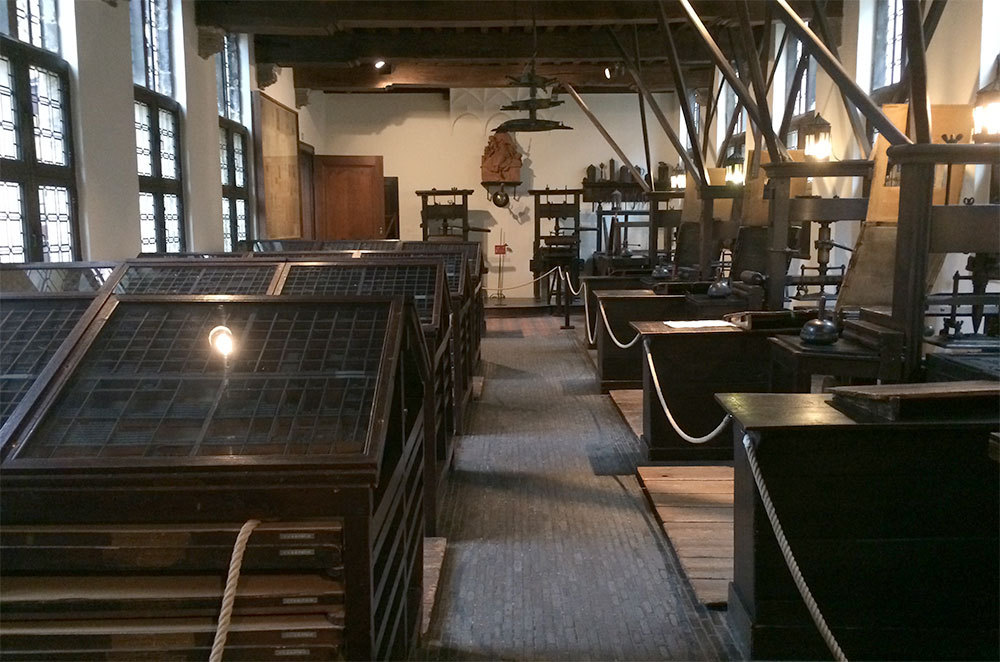
The Museum Plantin-Moretus is unique. It is just as if after 440 years the working day is about to begin for the type founders, compositors, printers and proofreaders in the world-famous printing works. The oldest printing presses in the world are there, intact and ready to roll. The offices and shop echo with conversations between Christoffel Plantijn and aristocratic and scholarly clients from all over the world.
Feast your eyes on the home of the Plantin and Moretus families! Stroll through the drawing rooms, soaking up the atmosphere of life in Antwerp in the sixteenth and seventeenth centuries and admiring the impressive art collection which includes portraits by Peter Paul Rubens.
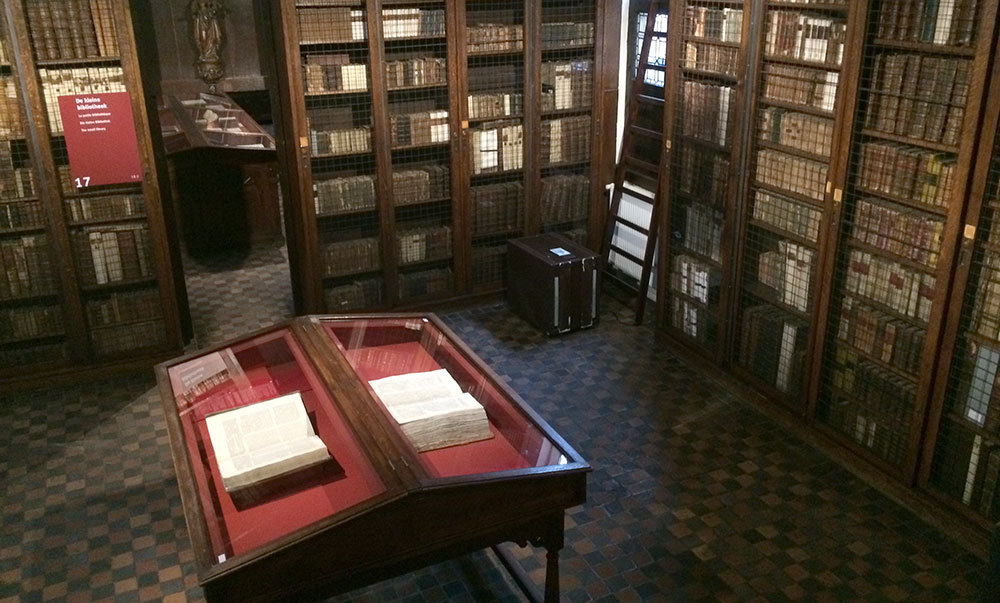
Continue on your way through the rarefied libraries lined with the breathtaking 30,000 old editions that make up the Moretusses’ collection. Marvel at the magnificent manuscripts and some of the finest examples of European typography.
Heritage comes alive
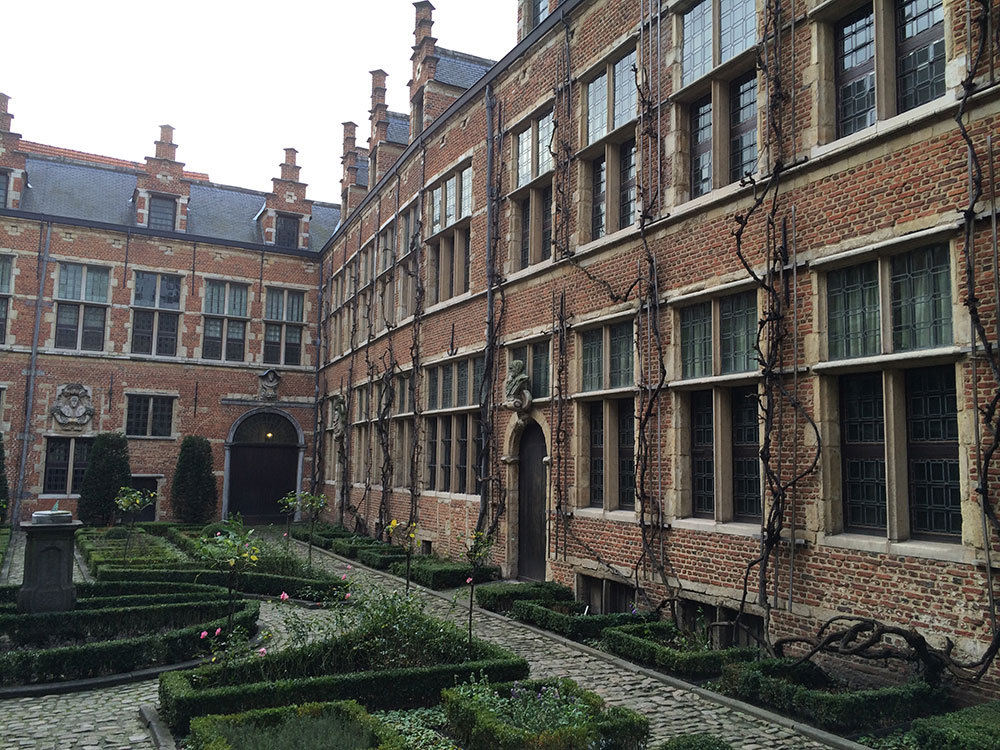
The Museum Plantin-Moretus/Print Room is a dynamic museum. Highlights from the collection are shown in special exhibitions and other displays. The workshops are a chance for everyone to try their hand at printing, etching or bookbinding. Visitors who have been granted access to the reading room for research purposes can study the books, prints and drawings. There are fun trails through the house for children and opportunities for them to discover their creative side. Finally, the walled garden is an oasis of peace, conducive to a moment of quiet reflection.
Create an account or sign in to leave a review
There are no reviews to display.