Skip to content

Typography Journal

Articles from the field of typography.
“Legiblity … a word that can lead into an ocean of misunderstanding and argument” R. Hague, 1936 (via Dear Reader) 
Definitions of Legibility & Readability
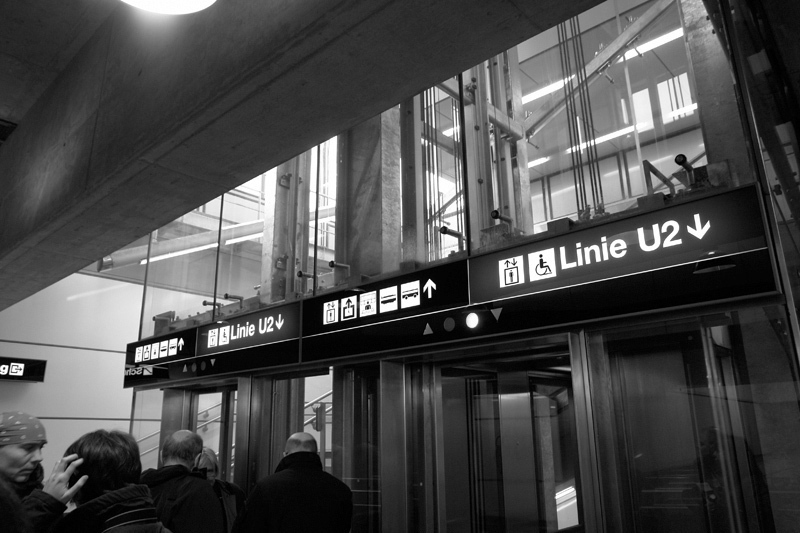
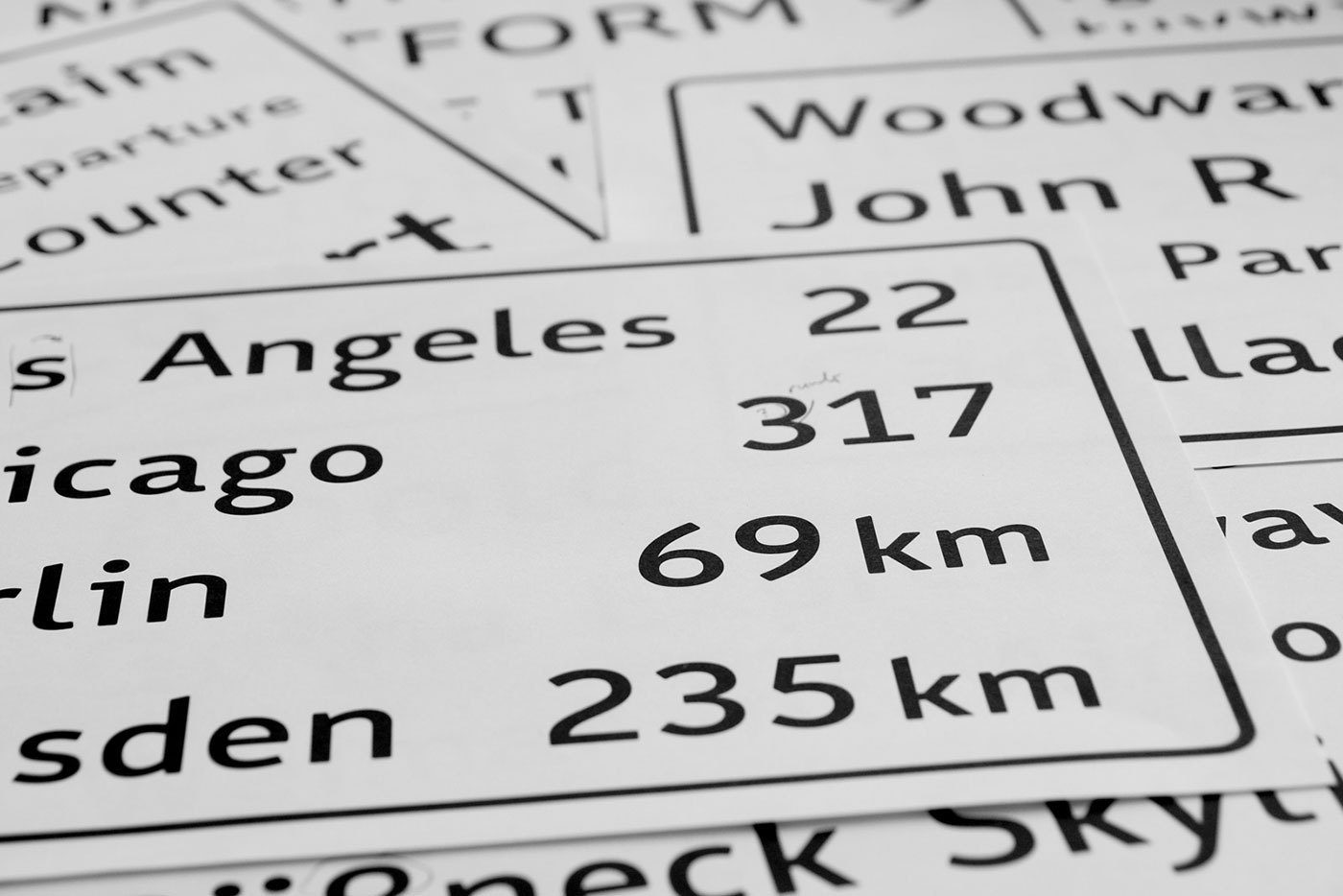
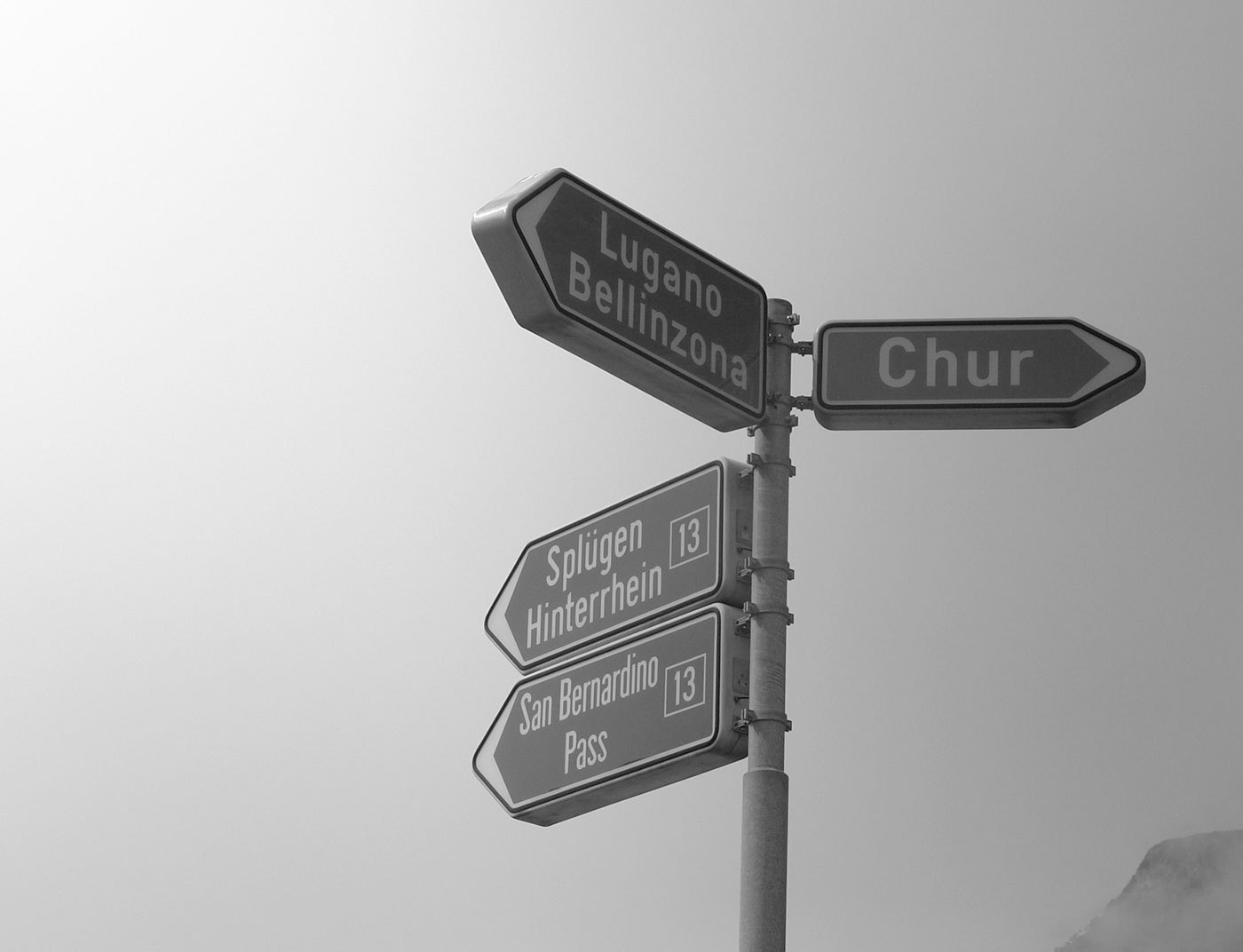
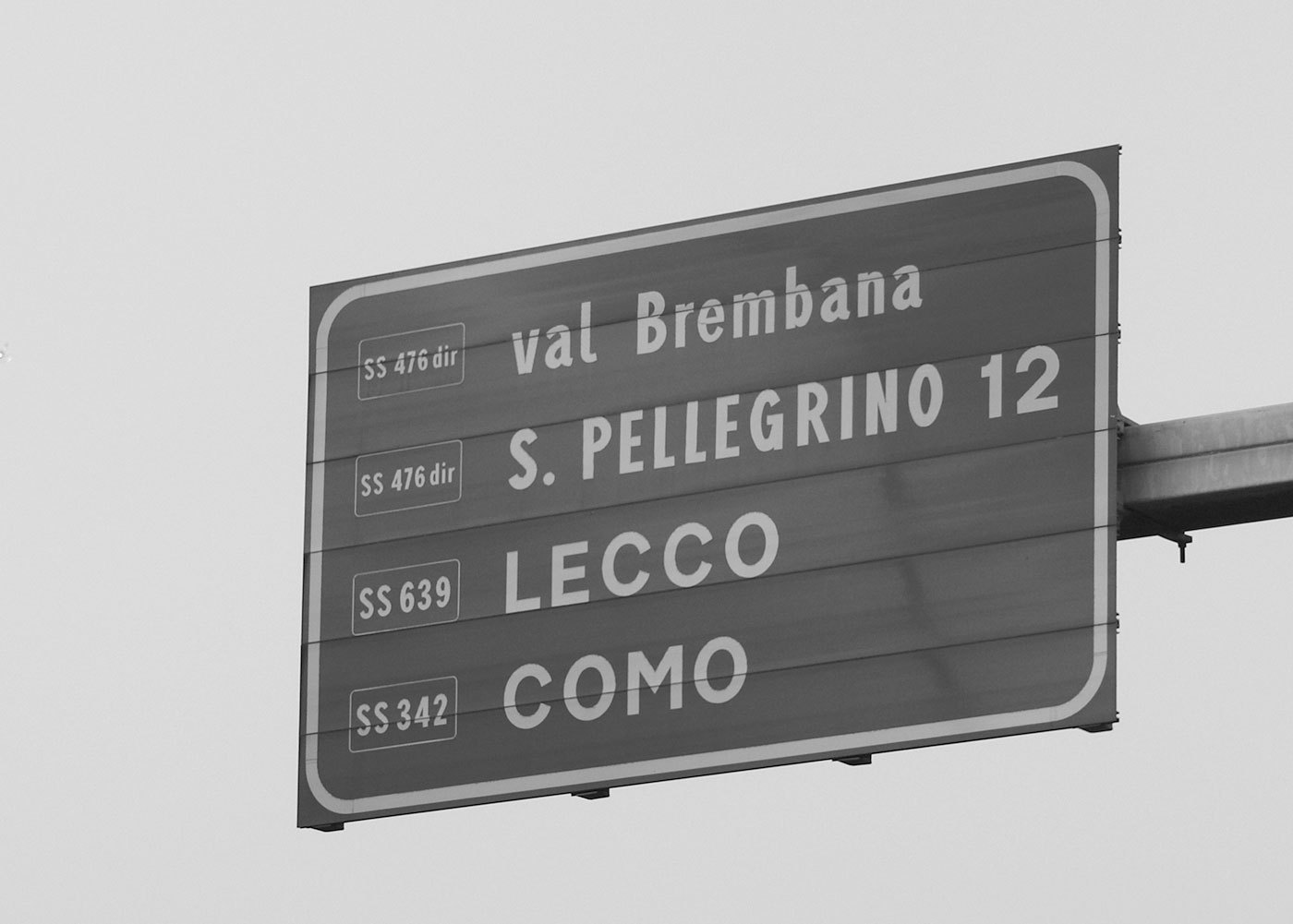
Legibility and readability are common terms within different areas. Surprisingly, convincing definitions are hard to find and in different areas very different things are meant. In psychology scientist who study reading usually just talk about the time we need to read a certain text. In linguistics it is all about the content and the structure of the information. And in typography we usually mainly care about the visual presentation of the text. In typography we often judge typefaces to be more or less legible than other typefaces. Certain typefaces from the era of Renaissance and Baroque (Garamond, Jenson, Bembo, …) are said to be some of the most legible typefaces. But if that is true, why is it, that road signs are never ever set in one of these typefaces? Isn’t legibility a key issue for road signs? Shouldn’t we then use the most legible typeface for road signs?

This problem puzzled me ever since I started to think about the legibility of signs or type in general. In order to solve it, at first, a clear definition of all relevant terms is indispensable. In the most broad sense, legibility deals with the perception or decoding of information and readability deals with the understanding of these information. Imagine taking a mountain hike. You can clearly perceive your surrounding. You recognize the mountain range at the horizon, you remember the path you walked and everything salient along it. You can perceive your surrounding and understand it. But suddenly mist comes up. Your surrounding instantly becomes illegible. You can’t make out the paths, trees and mountains that surround you. Even if you would proceed, without a clear perception of your environment, you would eventually loose your understanding of where you are and where you are headed. So a clear decoding of the information in your environment is essential for understanding it. But understanding is not always the logical outcome of decoding information. The mist might clear up and you have no trouble perceiving your surrounding again. But you went too far and now everything looks unfamiliar and you have lost your understanding of where you are what you see. Still, in that same environment, an experienced guide is literally able to read the information in the environment, which means he can not only perceive them, but understand them and easily find the way back to the starting point of the trip. So in a literal sense, to read means to interpret or to understand certain information. Legible on the other hand comes from the Latin legere, meaning just to gather, collect or to pick out.
This example of decoding and understanding information is also true for reading text. To decode letters and words, they need to be legible—thus perceivable. They need to stand out from the background, they need to have a proper size and letter spacing to be decodable and so on. So legibility describes the ease or speed with which letters or other pieces of information are decoded. Readability is the aim. At best, the reader should not only perceive the information, he or she should also understand it. This is based on a legible typesetting and the content and writing style of the author. But understanding is also a rather subjective issue. People with proper eye sight will all perceive the silhouette of a mountain range in more or less the same way. But to make use of it, we also need to understand its meaning within a bigger context. And letters are not different in this regard. A big chinese letter might be perfectly legible by itself, but I will not be able read it. It is a visual piece of information I can easily perceive, but not understand. In the same way, a specialized scientific text might make perfect sense to one individual, but might be incomprehensible to another. So, in a textual or typographic sense, legibility deals with the perception or decoding of letters and words and readability deals with their understanding. With this clear distinction between legibility and readability it is much easier to talk about all kinds of phenomena of reading. But to fully understand what makes certain texts and typefaces more legible that others, we need an extended model, which I will present here. I dubbed it …
The Onion Layer Model of Legibility
Before I even started thinking about the design of a new wayfinding typeface, I needed a clear theoretic framework to talk about all aspects of legibility. The literature in graphic design and typography frequently mentions the importance of legibility, but definitions and the explanation of relevant factors are rather seldom and sometimes even contradictorily. So in the end, I had no choice but to build my own model. And I will present the basics of it in this article. 

Context
One of the most important factors of legibility, which is sadly often neglected is simply the context. Is is rather pointless to talk about legibility without specifying what is supposed to be read, by whom and under which circumstances. Reading one word on a direction sign while driving is very different from reading a 300-page novel in an armchair. These different uses have very different requirements concerning the typeface and the typesetting. So in my model the context is the basis of the model itself.

Now we get to the typesetting itself. It is grounded on basic principles of perception and Gestalt laws. In our model this is represented by the outer layer of our onion. We need to lay out the information in a way in which they can be perceived and decoded. This is influenced by parameters of the used materials, the surrounding (e.g. lighting) and many typographic factors (like letter spacing, line height—just to name a few). Like I said before, these parameters are basically objective. They can easily be measured. For example, we can define type sizes, minimum viewing distances, background/foreground contrasts and so on, which are necessary to pick up the information for people with a certain level of eye-sight. In Germany some colleagues and I are currently updating the norm “DIN 1450 legibility” which does exactly that.
Recognizability
The inner (blue) layers of the model describe the main features of the used typeface which influence the legibility of a typeface. The first and most obvious one is recognizability.

It s a feature that mainly relates to individual letters. We recognize a letter if we have learned an abstract model of its shape—usually by being exposed to thousands of variations of it and by having learned to write it. Humans are exceptionally good at this kind of tasks. Even if the actual outline or image of the letters might be completely different in every font or written text, we are still able to easily decode the underlying design principle, thus we are able to decode the letter.

It is therefore noteworthy, that the actual design of the character outline (in terms of stroke width, serifs and so on) plays a minor role in this basic sense of recognition. What matters most is the actual design principle or the skeleton of the letter. And therefore, it must be considered a myth that serif typefaces are more legible than sans-serif typefaces when they share a similar letter skeleton. A legible typeface is therefore one, that aids recognition by using a rather generic letter skeleton the readers are familiar with, no matter if that typeface has serifs or not.

Distinguishability
An additional legibility feature of typefaces is distinguishability. It’s the characteristic of a letter to be easily told apart from other letters. The one-storey “a” of Avant Garde or Futura might be perfectly fine in terms of recognition. These letters have a very simple and generic skeleton and can easily be recognized in contexts like magazine headlines. But when viewing conditions get worse or when we quickly read longer text and therefore skip many letters, distinguishability becomes crucial.

Take these letters from the Swedish road sign font Tratex. Apart from their descenders they are completely identical and this slows down letter decoding under poor viewing conditions. For example drivers reading road signs might easily confuse an “a” for an “o” or vice versa when viewing the sign at a large viewing distance or when the letters are lit by the headlights of a car.

Now let’s look at the same letters in a different typeface. In this case, letter differentiation is stressed thru a more individual, yet well known letter skeleton. So such kind of typefaces have a much better distinguishability, which might or might not be necessary in different kinds of typesetting tasks.

Reading comfort
So far, I have mostly talked about the skeleton of letters and not about stylistic differences. So what about them? Do serif typefaces like Garamond and Bembo do have any advantages over Helvetica and Frutiger if it all depends on just letter skeletons? The typographic literature usually just mentions the supposed fact, that serif typefaces are somehow better or “more legible” because the serifs guide the reader along the line of text. There is probably some truth in that, but I always found it hard to believe, that this should be the only and most important reason why after 500 years we still set most of our books in serif typefaces. To explain this phenomena, my model introduces the term reading comfort. It describes subtle features of a typeface, that are not directly related to recognizability and distinguishability. But these features make it possible to read even long texts with as little distraction and fatigue as possible. And that’s where the type design styles of the Renaissance and Baroque are so good at, because they were developed specifically for this kind of typesetting. For an experienced reader, the task of reading is mostly automatic. It is basically impossible not to read a word we see in front of us. But still, reading long texts is a cognitively strenuous exercise. Reading is not an evolutionary ability that developed over tens of thousands of years. We simply use (or misuse) our highly developed ability to schematize the world around us—in this case: to use abstract images to represent sounds. While some typefaces might perform well in terms of recognizability and distinguishability, they might not necessarily be suited for setting a novel in it. The clean sans-serif typefaces of today often sacrifice reading comfort for even typographic color and the possibility to set large amounts of text within as little space as possible. The stems of these typefaces then become endless rows of “picket fences”, which can easily cause fatigue. But variance in stroke and letter width can make the process of reading more pleasant and comfortable. We all know, how tiring a sheet of paper in a monospaced typeface can be. This is caused by the missing variance of the character widths. A typeface suitable for longer text will stress variance in letter design and character width. This influences how the letters and word shapes are perceived outside of the fovea—the small part of a line of text that we can actually see sharp and detailed. This helps to perform effective saccades, to understand the structure of the sentence and to anticipate the following words.

So now our model is complete and it allows us to easily talk about different aspects of reading and legibilty. Now it also easy to answer the question, why road signs are set in sans-serif typefaces and novels in serif typefaces. If we talk about signage, we just need to consider the upper half of the model. The textual information need to be presented in a legible way and set in a typeface which letters are both recognizable and distinguishable. That’s it! The features of a typeface that aim at reading comfort are not necessary when just short pieces of information are presented. On the other hand, if we want to set a novel, all layers must be considered.

This image shows some typical uses applied to the model. For a headline, we need a legible layout set with recognizable letters. Distinguishability and reading comfort are certainly dispensable. Signage requires a much more careful layout using typefaces that are optimized for recognition and letter differentiation. Copy texts require all layers to be considered carefully. We need a legible type setting and the letters of the typeface should not only be recognizable and distinguishable, but also comfortable to read over many paragraphs or pages.
Languages which use letters based on the latin alphabet are set in two separate alphabets: uppercase and lowercase. We set text usually either in mixed-case or in uppercase/small cap letters. At any time we can switch between the two without touching the content of the text. This however, is not possible in Germany and Austria where the lowercase alphabet consists of 30 letters (Basic latin + ä, ö, ü, ß), but the uppercase alphabet has just 29 letters (Basic latin + Ä, Ö, Ü). How did this happen? Well, Until the 1940s German was usually set in blackletter and such texts were never set in uppercase, because of the wide and decorated design of these uppercase letters. And since there is also not a single word that starts with an ß (Eszett), there was simply no need to have an uppercase version. But this has turned around. Today, we hardly set German text or names in blackletter and the use of uppercase/small caps is still popular for various reasons. So there is an obvious gap in the German alphabet.

A design for a capital Eszett by the font foundry “Schelter & Giesecke” (Hauptprobe 1912)
The existence of this gap was acknowledged a long time ago. In 1903 a commission of German, Austrian and Swiss printers and font foundries announced that the letter ß should also be included in any non-blackletter typefaces. A capital version was also discussed but the commission could not agree on one design at this time. So it became common practice to replace the letter ß with SS or SZ in uppercase text. This however was never meant as a real solution to this problem. In 1919 the Duden (a German orthography book) explained:
“The use of two letters for one phoneme is just an interims solution, that must be stopped, once a proper letter for the capital ß has been designed.”
(Original quote: „Die Verwendung zweier Buchstaben für einen Laut ist nur ein Notbehelf, der aufhören muß, sobald ein geeigneter Druckbuchstabe für das große ß geschaffen ist.“)
During the 20. century a capital Eszett appeared occasionally as you can see in these examples here, but the topic couldn’t reach a broader audience.

Capital Eszett on a German orthography book from 1965

A novel using a Capital Eszett, printed in 1971 
So the interim solution of replacing ß with SS is still in use today. Germans are used to this practise but it constantly causes trouble. Here are the two main problems:
Proper names
Depending on where you live in Germany or Austria the letter ß is quite frequent in the names of cities or families (see illustration).

In Germany there are 444 cities that use an Eszett. According to a rough estimation around 2 million people have to use an Eszett when they should write down their address. But how do you do that, when the form of the postal service asks you to write in uppercase only? Sure, one can replace the Eszett with SS, but unfortunately this is a one-way street. Once the name has been converted to uppercase it cannot be converted back to mixed-case letters, because it is then unknown if the name WEISS actually stands for Weiß or Weiss. Both names exist and this is true for almost all names with an Eszett. This is a real problem in today’s electronic data processing. When people enter their address in web forms they might do it in mixed-case, uppercase and lowercase letters. This can be fixed with methods of case folding, but when SS is used as a replacement for an Eszett this will not work properly. And beside these technical problems, the spelling of proper names is something that you shouln’t toy with. My first name for example, exists as Ralf and Ralph in German. Of course, I accept only one spelling. Imagine, my name would be Ralf Herrmann in mixed-case texts and RALPH HERRMANN in uppercase! Sounds absurd? Well, this is exactly what we do to people who have an Eszett in their name. Both Mr. Meißner and Mr. Meissner will be set as MEISSNER in uppercase. And so far, almost everyone I have talked to, who has an Eszett in the family name, hates such a replacement.

Lowercase ß in uppercase text
The same is true for city names. I come from a small town called Pößneck. The Eszett is part of the identity of the inhabitants and the spelling PÖSSNECK always causes heated debates. They rather use the lowercase letter between the uppercase letters: PÖßNECK. But this is of course a typographic nightmare.
Pronunciation
In 1996 the German orthography was changed and this also affected the use of the Eszett. Now the use of Eszett vs. double-s clearly points out if the vowel in front of the s-like sound should be spoken short or long.
The ß in Fuß (foot) means long vowel – The ss in Kuss (kiss) means short vowel.
As nice and simple as this rules is, it will certainly cause problems when uppercase text is used and the Eszett will be replaced with SS. Now Fuß becomes FUSS and this would require a different pronunciation, just because it is set in uppercase text! And it gets worse: there are common words like Masse (weight) and Maße (measures) which both become MASSE in uppercase texts.

Conclusion
As one can clearly see: replacing one character with two other characters just because the case of the text changes, doesn’t make much sense and causes serious problems. The simple and logical solution is to complete the alphabet, so there is a counterpart for every letter in uppercase and lowercase text. Anyone who cares about type and language should agree to this simple solution. And yet, there are some typical counter-arguments I always hear, when I talk to professional designers or typographers. Which is rather suprising! Those people, above all, should understand how the two alphabets in Western languages should work properly together. But anyway, here are the counter-arguments:
There can’t be an uppercase form of the Eszett because it is actually a ligature!
A really pointless argument. The term ligature just means that there is something connected in this letter. It doesn’t say anything about the purpose of the letter. Sure, we don’t need an uppercase fi-ligature, because the connection of “f” and “i” only serves a purpose in lowercase text, but as I have shown above, the Eszett is distinct letter of the alphabet in German and Austria with a specific function concerning the pronunciation of words. Just like the ligature W—which was formed from two V—has a distinct phonetic function.
There can’t be an uppercase Eszett because the Eszett contains a long-s, which doesn’t exist as uppercase letter!
Again, pointless! Letters are abstract symbols for anything we assign to it. This in everything that matters and we cannot divide letters into “right” or “wrong”, because of their history or the origin of certain letter parts. Or is the letter S wrong because it doesn’t look like a Phoenician tooth anymore? Letters, just like words, are tools of communication. They can change their structure and meaning and they can be invented whenever there is need for new tool at a certain time. Concerning the uppercase Eszett, this need was created when Germans stopped using blackletter and it is about time to fulfill this need.
In a globalized society, the letter Eszett only causes trouble. We should stop using it.
Before the uppercase Eszett became part of Unicode (where it is called Capital Sharp S), I was also sceptical about its use. Putting an non-standard character in digital documents will certainly cause problems. But since 2008 it is part of Unicode and this is the Lingua Franca of the modern world. It can be used on any device anywhere on the planet. There is now no need to omit any character of any language anymore. It also doesn’t prove anything that Switzerland is doing fine without an Eszett in their Alphabet. This character has a distinct function that millions have learned and it is written in millions of books. And while this is the case, there is no real point to remove it from the alphabet.

A capital Eszett for the Bauhaus University Weimar
The capital Eszett today
While all attempts to introduce an uppercase Eszett during the 20. century failed, now all signals are go for it. The topic appeared in 2003 on my typographic website Typografie.info and quickly spread all over the German-speaking internet. And it hasn’t stopped since. The introduction of the uppercase Eszett in the Unicode specification allowed the instant use of this character. This is something that could hardly be done in the time of metal type.

Nicely integrated into the Corporate Design
The capital Eszett is now used more every day. It is included in several Windows 7 fonts and more and more type designers are designing a capital Eszett for newly released typefaces. I would like to finish with a quote about the capital Eszett from 1879, which I consider as true today as it was then:
“Indeed—it is a new character; but maybe this newness is the only thing you can hold against it.”
(Original quote: „Allerdings – es ist ein neues Zeichen; vielleicht ist aber die Neuheit das Einzige, was sich dagegen vorbringen lässt.“)
First of all, it’s important to know that OpenType is not as new as some marketing claims try to suggest. It is directly based on the TrueType specifications, or to be even more precise: it is based on Apple’s SFNT (“Spline Font”) format originally developed for QuickDraw. You can think of OpenType as “TrueType 1.5”.
 

It uses the same basic structure as a TrueType font, but with some optional features stored in additional tables within the font. Which brings us to our first myth:
OpenType brought cross-platform compatibility
Wrong! Until MacOS 9 both TrueType and PostScript Type1 fonts had to be delivered as separated versions for PC and Mac. This was in large parts due to the way Apple stored font information in the resource fork of a file. Since MacOS 10 the new Mac operating system also supports data fork fonts, such as Windows TrueType fonts. So platform compatibility was made possible by this change from Apple, not by the introduction of a new font format. But since OpenType is directly based on the file structure of a (Windows) TrueType font, OpenType is also cross-platform compatible.
OpenType fonts have a larger character set
Just partly true. The old PostScript Type1 fonts usually had just an 8 bit encoding like Mac Roman, which only allowed to address 256 characters. This made setting different languages or writing systems a pain. Different font files of the same typeface (like Helvetica CE/Greek/CYR) had to be used in one document and without these fonts installed the text could not be displayed properly. OpenType with its Unicode support clearly solved this dilemma, but then again: this was not something that was developed specifically for OpenType. The older TrueType fonts also supported Unicode and larger character sets. What OpenType really introduced was a new way to access these larger character sets. Instead of just accessing them via their Unicode, they can now be accessed using OpenType features, like the LIGA feature, which (for example) automatically replaces every instance of f and i with an fi-ligature. Or the AALT feature which allows you to access all alternative versions of a glyph in the Glyph Palette of InDesign. But then again: Having an OpenType font doesn’t mean that all those features and extended character sets are really there. You can turn a TrueType font into an OpenType font by just adding one fi-ligature as an OpenType feature. So as you can see: Drawing a strict line between TrueType and OpenType as two separate formats often doesn’t make any sense at all. Often people ask, how they can convert old TrueType fonts to OpenType. But this would be completely pointless since there is nothing to gain from such a conversion, unless the font foundry itself decides to really add additional glyphs and features.
OpenType is more reliable, compatible and better supported than TrueType
Wrong! Users often think they should generally prefer OpenType over TrueType, mainly because of the bad reputation the TrueType format still has. But this is a myth of its own. It comes from the early 1990s when “professional” fonts were usually PostScript Type1 only and thousands of TrueType fonts of poor quality were used by semi-professionals and such fonts caused problems with the Raster Image Processors when used in print. But these days are long gone. Today there is no reason to avoid TrueType fonts anymore and as I have explained before, a TrueType font and an OpenType font can be almost identical. OpenType is not even more compatible, as some users like to think. Since OpenType is a superset of TrueType, whenever there is OpenType support, there is also TrueType support.
OpenType fonts render badly in Windows
Depends! I heard this myth a lot recently in all this talk about webfonts. What is really meant here is that PostScript outlines may look bad in Windows, because they might be shown without subpixel rendering (ClearType). It is very important to know that an OpenType font might be either TrueType-flavoured or PostScript-flavoured. TrueType outlines use quadratic Bézier splines and PostScript outlines use cubic Bézier splines. So if we want talk about the outlines of a font, using the term OpenType alone makes no sense at all! We already established that a TrueType-flavoured OpenType font is like a TrueType font with some optional OpenType features. A PostScript-flavoured OpenType font is the same thing, but the part that defines the TrueType outlines (the “glyf table”) is here replaced by a “CFF table” (Compact File Format). That’s why PostScript-flavoured OpenType fonts are also sometimes called CFF-based OpenType fonts.
 

So if the outline format matters it is really recommended to speak of TrueType- or PostScript-flavoured OpenType fonts. Common abbreviations are OpenType TT and OpenType PS.
So, TrueType fonts use .ttf and OpenType fonts use .otf, right?
Wrong! Unfortunately, the suffix doesn’t tell you for sure what you have. OTF is mostly used for PostScript-flavoured OpenType fonts, but according to the OpenType specifications TrueType-flavoured OpenType fonts can also use .otf. TTF on the other hand is both used for regular TrueType fonts and for TrueType-flavoured OpenType fonts. This makes sense, since as we have learned before, these types of fonts are pretty similar. By keeping the old TTF file extension TrueType-flavoured OpenType fonts can work in older apps and operating systems that have no specific OpenType support. The fonts are then treated as regular TrueType fonts and the OpenType features are simply ignored.
But I can tell the font format from the icon, right?
Wrong! If you look into the font folder of a Windows XP or Vista installation you see some fonts with an OpenType icon and some fonts with a TrueType icon. Again, these will not tell you for sure, what type of font you have. PostScript-flavoured OpenType fonts will have the OpenType icon, but it gets complicated for TrueType fonts. Microsoft decided to base the icon on the existence of a digital signature which was also introduced in the OpenType specifications. This means, TrueType-flavoured OpenType fonts might have an OpenType icon (if they have a signature) or they just might look like a regular TrueType font (if they don’t have a signature).
 

Windows users might install the Font Properties Extensions which will give more detailed information about the installed fonts, including the OpenType features of OpenType fonts.
But OTF means “OpenType Font”, right?
Well, … While it is true that OTF means OpenType Font, I generally advise people not to use the abbreviation OTF when one wants to talk about OpenType fonts in general. OTF is usually (but not necessarily) the file extension of a PostScript-flavoured OpenType font, so if one talks about “OTF fonts” it’s not really clear if this should exclude TrueType-flavoured OpenType fonts or not. I recommend to speak of “OT Fonts” for OpenType fonts in general and “OpenType TT” and “OpenType PS” if the outline format matters.
As a designer, I am interested in how certain solutions connect to the user. It is amazing to see how different solutions can change feelings, resulting in different ways of interaction. In consequence, in the type]media master I knew I wanted to design a typeface that would bring a new experience to the user in a specific area.
As I am coming from Portugal, the creation of Guia was very much influenced by my personal visual memory: It is very common to find diverse guidance systems in different Portuguese cities. They differ in material, technique and lettering. Those differences are connected with the individual cities. For example, if a city has a granite tradition, it is most probable to find street name signs made out of granite, with the letters carved into the stone. There are also signs in marble or metal, but most commonly, painted tiles can be seen, as all of Portugal has a great tile tradition. Even though, different executions can be found yet again within the technique of painted tiles. Those street plaques appear to be there since forever, and they have become part of the history of the city.
I know the portuguese sign tradition from my own experience, and I was visually supported by many images on Flickr. As I did not have the possibility to make a deeper research in person, online archives of photos were of great help.

Street sign made of stone in Aveiro, Portugal. Photo by Filipa Cruz, http://www.flickr.com/photos/sufragista/3230191056/

Enamel street sign in Tondela, Portugal. Photo by Filipa Cruz http://www.flickr.com/photos/sufragista/4570775315

Street sign of painted tiles in Évora, Portugal
Inspiration sources for getting the feeling right were also found studying books on signage and lettering, such as Nicolete Gray’s “Lettering on Buildings” and Jock Kinner’s “Words and buildings: The art and practice of public lettering”. Their research images showed many manually-produced signs, which all had a strong appeal to me. The signs’ purpose was mostly illustrating and matching a place, rather than providing a coherent appearance, or offering greatest readability.
All those impressions helped me to get into an overall mood to create a typeface which would be personal, but at the same time useful and usable.
In Portugal, almost no standardizations for signage systems exist, except for the use of the typeface “Transport” for transit guidance. Today, when new pedestrian sign systems are being created, they are mostly designed using rational sans serifs, being totally out of context within the sign lettering tradition. There are no ties with the surrounding architecture or connections to the city history.
I felt there was a gap between the charming lettering of old street name plaques and current signage systems for pedestrian guidance. This area I decided to work on.
I do understand that the complexity of the cities nowadays is not the same as it was 100 years ago; not even 20 years ago. Hence, new solutions are required in order to guide persons around a city. What I wanted to experiment with, was to bring back some of the lettering-feel to an up-to-date wayfinding typeface. Ideally, new pedestrian signage systems could consequently transmit more of a humane feeling than they are doing right now.

The different styles of Guia and their features.
Guia shall provide multiple possibilities for the sign creator of today, yet retain a strong human touch, in order to make the user comfortable and welcome with the new place that he is about to discover.
For this reason, Guia is based on the movement of the broad-nib pen. In my research I found out that this particular way of creating letters results in pleasant shapes and it has advantages in readability in comparison to other contrast models. Contrast-less typefaces mostly have the characteristic of being uniform; so they do not evoke a feeling of their own.

Calligraphy sheet produced during the design process of Guia
Many decisions were taken bearing a foreign reader in mind. If a foreigner arrives at a new place, he or she does not have the word-images of street names etc. in mind. In consequence, reading succeeds letter by letter. Therefore, the spacing of Guia is relatively wide. For the same reason, it does not have any ligatures. Persons which are not into type design or typography might just decipher a ligature as a strange character they do not know.

Guia does not have ligatures.
To make the typeface really fit for signage purposes, various OpenType features and additions were implemented. For instance, any word can be converted into a pointing sign, just by selecting a stylistic set. Also, different kinds of arrows exist; to work in a mixed or all-cap setting. Circled arrows provide the possibility of stand-alone usage.
In many languages such as Portuguese, Spanish and French, long words are abbreviated using superscript letters. For the purpose, Guia provides the whole alphabet in a superscript feature.

The arrows of Guia correspond to the cap-height, x-height and ascender/descender height.

With the help of OpenType, any word can be transformed into a sign

Guia contains the whole alphabet also in superior letters.
In all those details, I was also focusing on the broad-nib contrast. Even the arrows are based on the construction model, just as the circles around them. Those details might be negligible for an outsider, but I think they make the whole typeface more coherent in itself.
Another area I focused on concerns the recognition of the individual letters. Therefore, cap- and ascender-heights are significantly different, in order to make their distinction easier. Stem joints have been adjusted, to make the whole letter shape sharper, avoiding visual clogging. All those corrections lead to a better legibility, which I find to be essential for a signage typeface.

Different height of caps and ascenders. Adjusted stem joints avoid visual clogging.
Guia is composed by a Regular, Bold, Condensed, Bold Condensed and Extra Condensed style — yet this selection might not be absolute. It is still an ongoing project. I have learned a lot during its creation, and I am sure that many things will change before the typeface is ready to be released. A next step will be designing a set of pictograms and symbols; and I am curious how to get the broad nib feeling into them.
I am very glad I had the space and time to do this experiment, and I thank all the type]media teachers for being open to my ideas and for all their advice and support.
Tânia Raposo http://www.taniaraposo.com
When we come to a new city we build a cognitve map to represent this city in our minds. Unless you have photographic memory such cognitve maps work differently from topographic maps. They don’t consist of exact representations and distances, but are driven by landmarks and the paths that connect them. A landmark can be anything that clearly stands out from its environment, like a tower or a church. But one of the most important landmarks are rivers that divide a city. London is divided by the Thames, Paris by the Seine and Vienna by the Danube. Last week I visited Vienna for the first time and experienced a typical wayfinding problem that always annoys me. From my hotel I wanted to make a sightseeing trip to the city center. I went to the closest subway station, paid my ticket and looked for a map to find out where I have to go. As you can see on the map, Vienna is divided by the river Danube. Since my hotel was close to the river I had no problem finding my position on the map, even though there was no You are Here mark.

Source: openstreetmap, Creative Commons, by-sa 
The city center was also easy to find and I can easily place it on my cognive map. It’s across the river and Southwest of my hotel.

A subway line is directly connecting my position with the city center, so the only question left is which platform I need to take on this line. I know I want to go across the river, Southwest and to the city center—but none of these information is given to me. Instead I get:

Do I want to go Reumannplatz or Leopoldau? Well, neither! I want to go across the river, Southwest and to the city center… So I need to check this huge and very detailed map again to find those terminal stops. From a cognitive perspective this is really a problem. Especially tourist will never visit those terminal stops, so to them they are meaningless, hard to remember and hard to place on a cognitve map. But cardinal directions and landmarks are basic tools of navigating thru the environment and would make it much easier to travel around an unknown city. What about an additional information which of those platforms leads to the Northeast and which to the Southwest? Even a simple circled SW and NW would probably suffice. But getting on the right platform is not the only problem—it continues when we want to exit the subway. I got off at my stop in the city center. It’s a large subway station and after walking thru the subway catacombs I will usually have lost my sense for the cardinal directions again. From the topographic map I looked at in the other subway station I know I want to go Northeast from the station and stroll thru the city there, but what I get is:

Do you want to exit to Kärntner Straße or Graben? Well, I don’t know! I want to go to the Northeast! How should I know all these street names as a tourist? And even if I would know the right street name, without cardinal directions I wouln’t even know which direction I should take on that street. So I need to consult a topographic map again to check random street junctions which might help me determine in which direction I am currently standing. A simple compass rose on the ground would have made it much easier… It’s not a secret how cognitve maps work and how tourist move thru a city. But it seems that the signage of most public transport systems don’t really reflect that. They seem to be more driven by a strict and logic engineer’s approach, rather than how people actually use these systems. What are your experiences? Am I the only one who wants to rely on landmarks and cardinal directions when navigating thru a city? Do you know cities with a signage system that accommodates our cognitve maps in a better way? In which cities do you got lost and why?
Over the last couple of years I have researched the design and use of typefaces used for signage, especially road signage. While road signs in general are scientifically researched for many decades in western countries, little is known about the parameters that lead to a maximum legibility of typefaces used in signage. And therefore the range of typefaces used on road signs is pretty wide. We see geometric typefaces…

…slanted serif typefaces…

 …and many old and modern sans-serif typefaces …

But which ones are most legible? Early road sign typefaces in the beginning of the 20st century were often designed by engineers with a strict geometric or grid-based approach. Newer designs, such as the new typeface in the Netherlands (see image above), are more based on the tradition of print typefaces. But in my opinion, both approaches have their drawbacks, because typefaces used for road signs have very unique requirements. Many people I have talked to seem to believe that speed might be the most important factor for the design of such typefaces, but that is actually not the case. The speed of motorists only influences the duration in which you can read the text on the signs. But that can simply be compensated by the size of the signs. What makes road signs so different from books and magazines is the variable reading distance. So if you want to improve the legibility of a typeface used for signage, the most important task would be to increase the viewing distance. If you are about to pass a huge motorway sign that is 50 meters away, legibility is no problem at all—the letters are so large, they could be set in Comic Sans and could still be read without any trouble. Where you can make a different thru type design is the moment when the motorist is at a distance where the text is just about to become readable.

A new approach
After traveling all over Europe for three years to experience and document as much road signage systems as possible, I started to design my own wayfinding typeface. This was part of my diploma at the Bauhaus University in Weimar, Germany. After all my practical and theoretical research it became clear to me that the regular way of designing a typeface on paper or on screen was not really appropriate. Because designing a typeface for a large viewing distance is not only a question of type design, it is also question of the feasibility of testing. To increase the viewing distance of my design I needed to experience my typeface in this blurry state where it is just about to become readable and I needed to test it when the visibility is decreased, for example by an overglow effect thru the headlights of a car.

That’s where I came up with the idea of my Legibility Tool Tool. It’s an OSX application that allows real-time simulation of different viewing conditions during the design stage. While I was working on the design of individual letters in FontLab, the tool showed me a simulated view of test words with the letters I was just working on. With this tool I could remove the guesswork and was able to optimize my design even for the worst reading conditions.
Often the simulations were quite surprising. Sometimes I was tempted to design my typeface in a way I was used to from the print world, but the tool clearly showed me that the reading conditions of road signs require a unique design for maximum legibility within this context.

About the design 
So how does the ultimate signage typeface has to look like? When I evaluated existing signage typefaces with my Legibility Test Tool it became pretty obvious that all those stylistic details that define the overall look of these typeface disappear under difficult reading conditions. What matters most is the skeleton of the letters. On one hand these letter skeletons should be very generic, so they easily match the visual patterns we have learned and seen so many times in our life. But on the other hand, they also need to be somewhat unique. The most generic letter forms do not necessarily create the most legible letters, because too generic letter shapes are harder to differentiate. So in my design I used average proportions as a starting point but I also tried to stress the individual character of each letter.

The “a” is a good example of this approach. The prominent stroke ending on the right may not be necessary to recognize it, but if it is there it helps to distinguish the “a” from other characters. Below is another example: Under difficult reading conditions, details such as the usually rather small crossbars of “f” and “t” get easily lost. Making these parts more prominent can significantly improve the legibility under difficult viewing conditions.
 
Top: German road sign font DIN 1451, Bottom: My wayfinding typeface
Certain letters can easily be mixed up under difficult viewing conditions. Designing those letters in a way where they are easily distinguishable makes the typeface more legible and increases the maximum viewing distance. Here are some examples…

The missing horizontal crossbar of the Dutch road signage font (orange) makes C and G harder to distinguish. In blue are C and G in my typeface. The difference between the letters is easily recognizeable.
 
Poor differentiation of O and Q in the French road signage typeface (orange). On the right are O and Q in my typeface.
 
Helvetica (orange) has many letters that are designed very similar, which is not really helpful when used for signage. A more unique design helps to differentiate the letters.

Another typical example: capital I, lowercase l and the figure 1 should better be designed in a rather unique way.
The stroke width is another important factor of a typeface used for signage. “The bigger the better” does’t work in this context—quite the opposite is true. Modern retroreflective sheeting of road signs create an overglow effect which affects the legibility. But this problem is not limited to road signs. Backlit signs in airports, hospitals and office buildings also suffer from this problem. The typeface design should compensate for this overglow effect. This can be achieved by using a thinner stroke width and by opening up the counters of the letters.

Top: Road signage typeface in Spain and Italy; Middle: Transport Bold (United Kingdom); Bottom: My wayfinding typeface
Figures are also crucial when a typeface is used for signage. In print typefaces the figures are mostly designed rather inconspicuously so they don’t stick out from the text. But figures in a signage typeface need to be very clear and easily distinguishable. The standard figures in my wayfinding typeface are tabular lining figures to accommodate the typical tabular use. But old-style figures (both proportional and tabular) are also available.

My wayfinding typeface also comes with a large set of arrows. They perfectly match the metrics and stroke withs of the typeface and can therefore be placed along with the text without any further corrections.

Moreover, the arrows can be used with some “OpenType magic“ built into the font. You can just type in certain letter combinations to automatically generate the arrows on the fly.
Positive and negative contrasts are often combined on one sign. Since light text on dark background always appears bolder, this can create an unwanted differentiation. A good signage typeface should compensate for this effect by offering different stroke weights to be used for positive and negative contrast.

Different stroke widths to be used for positive/negative contrast (only visible when the background is removed)
When I designed this typeface I usually had road sign in mind, but the typeface is not limited to this context. I can be used for all kinds of signage projects.

The typeface is not finished yet. I may extend the character set and add more styles. But designers working on wayfinding projects may contact me about a trial version of the typeface.
Update March, 2012: Wayfinding Sans Pro is now available at FDI Type and MyFonts.
The old Swiss traffic sign font is called SNV (“Schweizerische Normen-Vereinigung”). It is a very geometric typeface with obvious legibility problems.


The SNV fonts can still be found on older Swiss traffic signs and also in Belgium where it is still the main font on road signs. Since 2003 a new font called ASTRA Frutiger is used. It is based on Frutiger 57 Condensed with slight changes.


ASTRA Frutiger is used in two styles: “Standard” for normal roads and “Autobahn” for motorways. The latter uses a slightly wider spacing.
 
Frutiger is of course a perfect choice for traffic signs. It was derived from a design by Adrian Frutiger for the signage of the Roissy Airport in France. The clean and open design of the letters make the typeface very legible and it became one of the most popular sans-serif designs in the 20th century.

Nevertheless there is some room for critique. The Frutiger typeface is already available in many different widths and weights, so it would have been no problem to obtain different versions for positive and negative contrast as well as styles with different widths. Choosing a condensed style as the main font could be problematic since a condensed style will always be slightly less legible than the corresponding style in the normal width. The official norm even allows the already condensed font to be further reduced in width. This is done without any typographic correction and decreases the legibility.


The main typeface used in Italy is called Alfabeto Normale and is a bolder version of the British Transport alphabet. From its use in Spain it is also known as Carreta Conventional or CCRIGE and it is available as Traffic Type Spain from URW++.

A slightly thinner version is available for white letters on dark backgrounds. But nonetheless both version are way too bold for today’s retroreflective road signs. It's easy to imagine how the details will get lost when those letters are viewed from a greater distance or when the sign is lit by headlights. This is also true for the condensed style called Alfabeto Stretto, which is also available for positive and negative contrast.

City names are always set in uppercase letters, but I usually didn't had trouble reading them, since Italian city names are usually short and set in large sizes.


But the overall sign design has many problems. A typical mistake is not to limit the amount of information on the sign. One sign in Italy may present dozens of targets and additional information which are impossible to read even if you would slow down.


Road numbers are usually very hard to read, since they are scaled down to fit in a rectangle the size of the capital letters.
 
Another typical Italian problem I encountered was the missing continuity. You might follow a road (let’s say to Venice), but then hit a roundabout where this major target just isn’t listed for any of the available directions. And when it comes to Italian motorways you don’t get a chance to easily correct your direction, since they are all toll routes with very few exits. In the northern part of Italy the signs are usually set in German and Italian, but a typeface borrowed from the U.K. obviously doen’t have German letters …

The Netherlands are a special case when it comes to traffic signs… Until recently the organization being in charge of the traffic signs was the ANWB. It was founded as a Dutch bikers(!) society (“Algemeene Nederlandsche Wielrijders Bond”) in 1883 and later became the royal tourist society. In my opinion these roots are still visible in the design of the traffic signs. On local roads you will see a lot of these sign posts, which are certainly based on the old finger-post signs, used long before the invention of the automobile.

The typeface used since the 1960s is called ANWB-Ee (also RWS-Ee) and it is based on FHWA series E (Modified) from the United States. A condensed version (ANWB-Cc) is also available and it is based on the FHWA series C design.
 

In the late 1990s Gerard Unger was commissioned to design a new typeface called ANWB-Uu. (source: designworkplan.com)


Mr. Unger's task was to create a font which needs less space to fit the text on the smaller fixed-size direction signs. He achieved this goal. But in my opinion the the briefing itself was wrong. The size of a direction sign must be based on the content, not the other way around! What do you do, if you need to set Gasselterboerveenschemond on such a sign? On top of that, I found these sign posts often mounted at the most unfortunate places, for example behind traffic lights or far away and too high above the ground in the middle of a large roundabout, impossible to read. By contrast on a local direction sign in Germany the type size is based on the maximum speed of the traffic at this point and the width of the sign will grow according to the content.

Recently the ANWB-Uu typeface is also appearing on the larger motorway (“autosnelwegen”) signs in the Netherlands, but using only a rather condensed typeface on large signs is usually not appropriate. It would at least need a corresponding version that is not condensed and can be used whenever there is enough space.

The layout of the signs could also be improved. The signs sometimes appear way too crammed …

… or simple but pretty ineffective:

Important Information

We are placing functional cookies on your device to help make this website better.

Account

Navigation

Search

Search

Configure browser push notifications

Chrome (Android)
  1. Tap the lock icon next to the address bar.
  2. Tap Permissions → Notifications.
  3. Adjust your preference.
Chrome (Desktop)
  1. Click the padlock icon in the address bar.
  2. Select Site settings.
  3. Find Notifications and adjust your preference.